
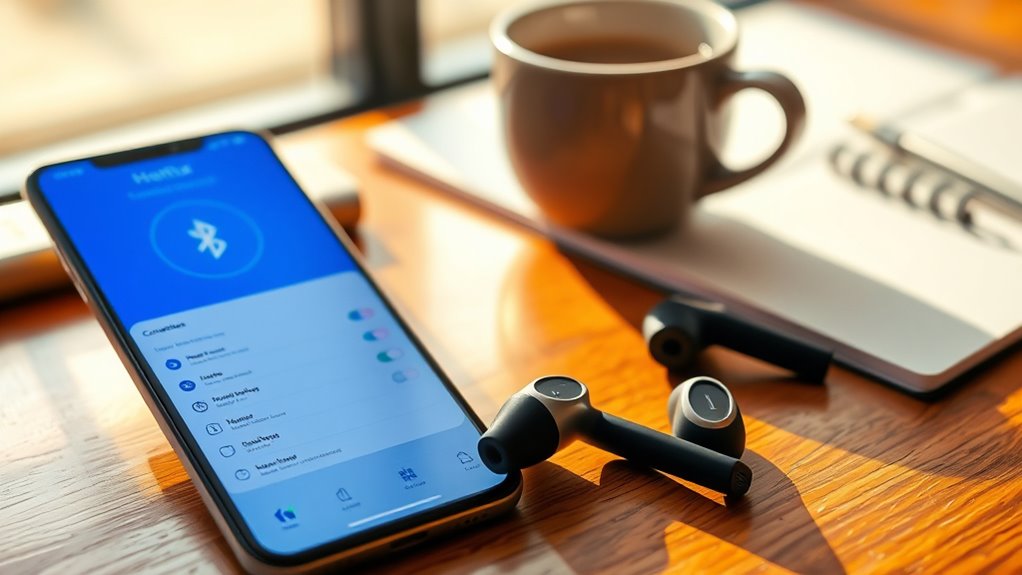

To pair your Helix earbuds, first make sure they’re charged and powered on. Press and hold the multifunction button until you see a flashing LED light, indicating they’re in pairing mode. On your device, go to Bluetooth settings and enable it. Look for the Helix earbuds in the list of available devices and select them. Confirm any on-screen prompts, and you’re all set! For more detailed instructions on possible connection issues, keep exploring.
Unboxing Your Helix Earbuds
Unboxing your Helix earbuds is the first step toward enjoying high-quality audio. As you lift the lid, you’ll immediately notice the sleek design features, such as the ergonomic shape and lightweight materials, crafted for comfort during extended use. Each component is meticulously arranged, reflecting the brand’s commitment to quality and style.
You’ll find multiple ear tips to guarantee a snug fit, enhancing both comfort and sound isolation. This thoughtful design greatly contributes to the impressive sound quality you can expect. The earbuds are engineered to deliver crystal-clear highs and deep, resonant lows, providing an immersive listening experience. By taking a moment to appreciate these elements, you’re already on your way to maximizing your audio freedom.
Charging Your Earbuds
Before you can enjoy your Helix earbuds, it’s essential to guarantee they’re fully charged. Proper charging not only maximizes your listening experience but also extends battery life. Here are some charging tips to keep in mind:
Ensure your Helix earbuds are fully charged for optimal performance and longevity. Proper charging enhances your listening experience.
- Use the original charging cable for best performance.
- Avoid overcharging; unplug once fully charged.
- Store in a cool, dry place while charging to prevent overheating.
- Charge your earbuds regularly, even if you don’t use them often.
- Monitor battery levels; recharge when they drop below 20%.
Entering Pairing Mode
Once your Helix earbuds are charged and ready to go, the next step is entering pairing mode. To do this, start by ensuring your earbuds are powered on. Most Helix models require you to press and hold the multifunction button until you see a flashing LED light. This indicates that your earbuds are in pairing mode. Next, navigate to the Bluetooth settings on your device. Here, you’ll find a list of available devices. The pairing techniques may vary slightly depending on your device, but generally, selecting your Helix earbuds from the list will initiate the connection process. Once paired, you’re free to enjoy your music and calls without any hassle, embracing the convenience of wireless sound.
Connecting to Your Device
To connect your Helix earbuds to your device, start by ensuring that Bluetooth is enabled on your smartphone, tablet, or computer. Once that’s confirmed, follow these steps to complete the pairing process:
- Open your device’s Bluetooth settings.
- Look for available devices; your Helix earbuds should appear in the list.
- Select your Helix earbuds to initiate the pairing process.
- If prompted, confirm the pairing by accepting any on-screen requests.
- Once connected, you’ll hear a notification sound in your earbuds.
Troubleshooting Connection Issues
If you’re experiencing difficulty connecting your Helix earbuds, it’s essential to identify the potential issues that could be causing the problem. Common problems include Bluetooth interference, low battery, or earbuds not being in pairing mode. To resolve these, first verify your device’s Bluetooth is turned on and that it’s within range. Also, check if the earbuds are charged; a simple recharge might solve the issue. If they’re still not connecting, try resetting them by following the manufacturer’s instructions. Additionally, make certain there are no other devices connected that might create interference. Following these troubleshooting tips can help you regain that seamless connection, allowing you the freedom to enjoy your music without disruption.
Frequently Asked Questions
Are Helix Earbuds Compatible With All Smartphones and Tablets?
Helix earbuds are generally compatible with most smartphone models and tablets, though some compatibility issues may arise with specific brands or older devices. Always check your device specifications for best performance and connection reliability.
Can I Use Helix Earbuds While Exercising or Running?
Yes, you can use Helix earbuds while exercising or running. Their sound quality and comfort level symbolize freedom, allowing you to immerse in your workout without distractions, enhancing your performance and enjoyment during physical activity.
How Do I Reset My Helix Earbuds to Factory Settings?
To reset your Helix earbuds to factory settings, press and hold the power button for about 10 seconds until the LED flashes. This initiates the reset process, restoring them to their original configuration.
What Is the Battery Life of Helix Earbuds During Playback?
The Helix earbuds offer impressive battery performance, providing around 8 to 10 hours of playback duration on a single charge. This guarantees you can enjoy your music or calls without frequent interruptions for charging.
Do Helix Earbuds Come With a Warranty or Guarantee?
Yes, Helix earbuds typically come with a one-year warranty. You’ll find warranty details in the user manual, and guarantee options often cover manufacturer defects, giving you peace of mind for your audio experience.
