
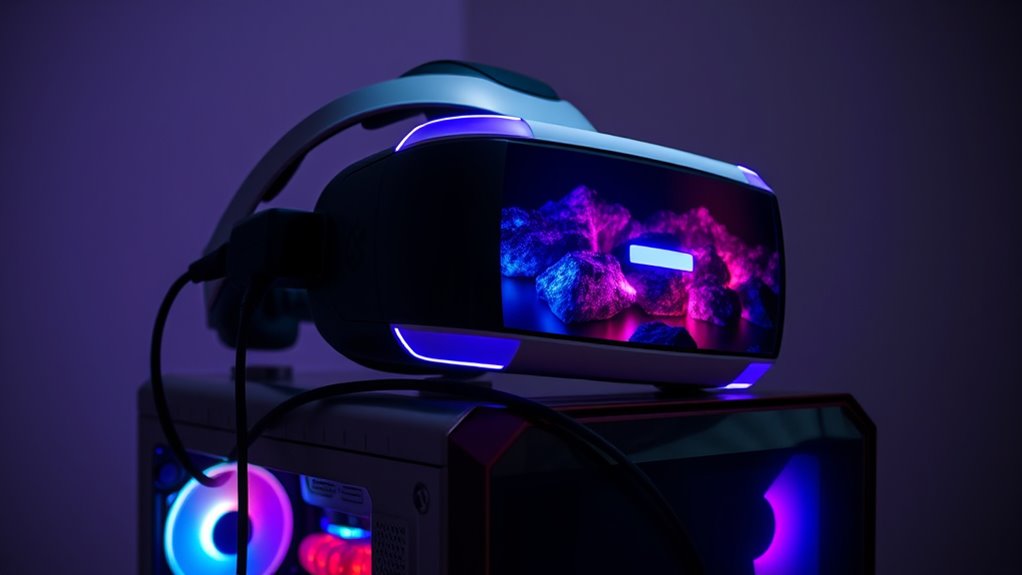

To fully enjoy VR headsets, your PC must meet certain requirements. You’ll need a capable graphics card, ideally with at least 4GB of VRAM, and a fast CPU with a minimum clock speed of 3.0 GHz. At least 16GB of RAM and sufficient SSD storage are essential for seamless gameplay. Don’t forget about USB ports for connectivity and peripherals. Making sure your setup meets these criteria will elevate your virtual experience. Discover more essential details ahead!
Minimum Hardware Requirements
When diving into the world of virtual reality, understanding the minimum hardware requirements for your PC is vital. You’ll want to start with VR headset compatibility; not all headsets work with every PC. Check the specifications to guarantee your system can support your chosen headset. Graphics card performance is another significant factor. A capable graphics card guarantees smooth, immersive experiences, allowing you to fully enjoy the virtual worlds. Aim for a card that meets or exceeds the minimum specifications set by your headset manufacturer. Finally, don’t overlook the importance of a powerful CPU and sufficient RAM, as they work in tandem with your graphics card to deliver stunning visuals and responsive gameplay. Investing wisely in your hardware will set you free to explore endless virtual adventures.
Recommended Graphics Card
When it comes to VR, the graphics card you choose can make all the difference in your experience. You’ll want to understand the minimum requirements to get started, but exploring recommended models can elevate your performance considerably. Let’s compare some top options to see which ones stand out for the best VR experience.
Minimum Requirements Overview
Although it might be tempting to plunge into virtual reality without considering your hardware, understanding the minimum requirements for a recommended graphics card is vital for a smooth experience. To guarantee peak VR performance metrics and enhance your user experience factors, keep these key elements in mind:
- Graphics Processing Unit (GPU): A solid GPU is critical for rendering immersive environments.
- Memory (VRAM): Aim for at least 4GB of VRAM to handle complex textures.
- Compatibility: Confirm your GPU supports the VR headset you’re using for seamless integration.
Recommended Models Comparison
As you explore the world of virtual reality, choosing the right graphics card can greatly impact your experience. For ideal performance, consider the NVIDIA GeForce RTX 3060 or the AMD Radeon RX 6700 XT. These cards deliver smooth frame rates and stunning visuals, enhancing your immersion with headsets like the Oculus Quest and HTC Vive.
If you’re aiming for the best, the NVIDIA GeForce RTX 3080 shines with superior rendering capabilities, making it perfect for high-demand VR applications. On the other hand, the AMD Radeon RX 6800 offers excellent performance at a competitive price. Balancing power and budget is key, so analyze your needs and pick a graphics card that’ll elevate your virtual adventures without breaking the bank.
Processor Specifications
When it comes to VR gaming, your processor is just as essential as your graphics card. You’ll want to understand the minimum specifications needed, as well as which brands offer the best performance. Additionally, we’ll share tips on how to optimize your processor for an immersive experience.
Minimum Processor Requirements
To fully enjoy the immersive experience of virtual reality, your PC needs a processor that meets specific minimum requirements. Understanding these can keep your VR journey smooth and enjoyable. Here are three key aspects to take into account:
- Processor Speed: Look for a minimum clock speed of 3.0 GHz to handle the demands of VR applications.
- Cores: A quad-core processor is essential, as it helps manage multiple tasks without lag.
- Processor Benchmarks: Review benchmarks to verify your choice performs well in VR scenarios, especially when comparing processor brands.
Recommended Processor Brands
Choosing the right processor brand can considerably enhance your VR experience. When you’re diving into immersive worlds, the processor you select plays a vital role. Intel and AMD are the leading processor brands, each boasting impressive processor benchmarks. Intel’s Core i7 and i9 series are renowned for their strong single-thread performance, which can be beneficial for VR applications. On the other hand, AMD’s Ryzen 7 and 9 series offer excellent multi-core capabilities, ideal for multitasking and handling demanding VR environments. Both brands have their strengths, so it’s important to evaluate what fits your needs best. By choosing a top-performing processor, you’ll guarantee a smoother, more responsive VR journey that truly releases your creativity and freedom in virtual experiences.
Performance Optimization Tips
Although selecting the right processor is essential, maximizing its performance can make a significant difference in your VR experience. Here are some key performance tweaks you should consider:
- Overclocking: If you’re comfortable with it, pushing your CPU’s clock speed can yield better performance, enhancing frame rates in demanding VR titles.
- Background Processes: Close unnecessary applications while gaming to free up resources. This helps guarantee your processor’s power is focused on delivering smooth graphics optimization.
- Cooling Solutions: Invest in adequate cooling to maintain peak processor performance. Overheating can throttle performance and impact your immersive experience.
RAM and Storage Needs
When diving into the domain of VR gaming, understanding the RAM and storage needs of your PC is essential for an ideal experience. To fully embrace immersive environments, you’ll generally want at least 16GB of RAM for effective ram allocation. This guarantees your system can handle multiple processes without lag, keeping your gameplay smooth and enjoyable. Additionally, consider your storage capacity; VR games can take up significant space, often exceeding 100GB each. An SSD is recommended for faster load times and performance. Balancing these factors not only enhances your gaming experience but also allows your creativity to flow freely, letting you explore virtual territories without technical hiccups. Make certain your setup meets these requirements for the ultimate VR adventure!
USB Ports and Connectivity
As you gear up for an enthralling VR experience, the importance of USB ports and connectivity can’t be overlooked. The right USB cable types and robust connectivity standards are essential for seamless performance. Here are three key considerations to keep in mind:
Preparing for a captivating VR journey requires careful attention to USB ports and connectivity for optimal performance.
- USB Type-A and Type-C: Make certain your PC has both types for flexibility and compatibility with various headsets.
- USB 3.0 and Above: Opt for USB 3.0 or higher to guarantee faster data transfer rates, reducing latency and enhancing immersion.
- Power Delivery: Some headsets require more power; verify your ports can support power delivery for peak functionality.
Operating System Compatibility
USB connectivity is just one piece of the puzzle when it comes to enjoying a smooth VR experience. Operating system compatibility is another essential element. You need to verify your PC’s OS is up-to-date and can handle the latest operating system updates. This isn’t just about having the newest features; it’s about optimizing performance and guaranteeing software compatibility with your VR headset. If your OS isn’t aligned with VR requirements, you might face lag, crashes, or limited functionality, hindering your immersion. So, stay proactive—check for updates regularly and make certain the software you’re using is compatible with your headset. By prioritizing these elements, you’ll access the full potential of your VR experience, allowing for that sense of freedom you crave.
Importance of Refresh Rate
A smooth and immersive VR experience hinges considerably on the refresh rate of your headset. The refresh rate impact can make or break your enjoyment. Here’s why you should aim for ideal refresh rates:
- Reduced Motion Sickness: Higher refresh rates minimize blurriness and lag, making your experience more comfortable.
- Enhanced Visual Clarity: With ideal refresh rates, images appear sharper and shifts are seamless, allowing you to engage fully in virtual environments.
- Improved Responsiveness: A higher refresh rate means quicker reactions to your movements, providing a more realistic and engaging experience.
Choosing a headset with a refresh rate of at least 90Hz is crucial for an enjoyable VR journey. Don’t underestimate how essential this aspect is for your overall immersion!
VR-Ready Accessories and Peripherals
To fully immerse yourself in the VR experience, having the right accessories and peripherals is essential. Start with high-quality VR controllers; they’re vital for intuitive interaction and precise motion tracking. Look for options that offer haptic feedback, enhancing your sense of presence. Next, consider audio solutions that deliver immersive soundscapes—spatial audio can elevate your experience dramatically. Don’t forget about ergonomic designs; comfort is key for longer sessions. Headsets can get heavy, so a well-fitted strap or cushioning can make all the difference. Investing in these VR-ready accessories not only boosts performance but also enhances your freedom to explore virtual worlds without distraction. The right setup can turn an ordinary VR session into an extraordinary adventure.
Frequently Asked Questions
Can I Use a Laptop Instead of a Desktop for VR?
You can use a laptop for VR, but verify it meets high gaming specifications. Laptop performance can vary, so check the graphics card and processor to confirm a smooth experience without sacrificing freedom in gameplay.
How Do I Check if My PC Is Vr-Ready?
To check if your PC’s VR-ready, consult a VR specifications checklist. Confirm your system meets performance benchmarks for graphics, CPU, and RAM. Use software tools to analyze compatibility, confirming you’re set for an immersive experience.
What Happens if My PC Doesn’t Meet VR Requirements?
If your PC doesn’t meet VR requirements, you’ll experience performance issues and gameplay limitations. This can lead to lag, poor graphics, or even crashes, ultimately hindering your immersive experience and enjoyment in virtual reality worlds.
Is Wi-Fi Sufficient for VR Gaming, or Do I Need Ethernet?
Wi-Fi can work for VR gaming, but Ethernet speed offers lower latency, which improves performance. If you’re serious about an immersive experience, a wired connection’s stability is often the better choice over Wi-Fi latency.
Can I Upgrade My Current PC for VR Compatibility?
Absolutely, you can upgrade your current PC for VR compatibility! Think of it like tuning a race car; VR hardware upgrades and performance optimization can transform your setup into a high-speed machine ready for immersive adventures.
