


Choosing the right TV mount is crucial for the safety and stability of your television. Most TV mounts can hold between 50 to 150 pounds, depending on the mount type and the size of the TV. Understanding the weight capacity of a TV mount is vital to prevent accidents or damage to your electronics. In this article, we will explore the factors that determine a TV mount’s weight capacity, the different types of mounts available, and how to ensure you select the right one for your needs.
Understanding TV Mount Weight Ratings
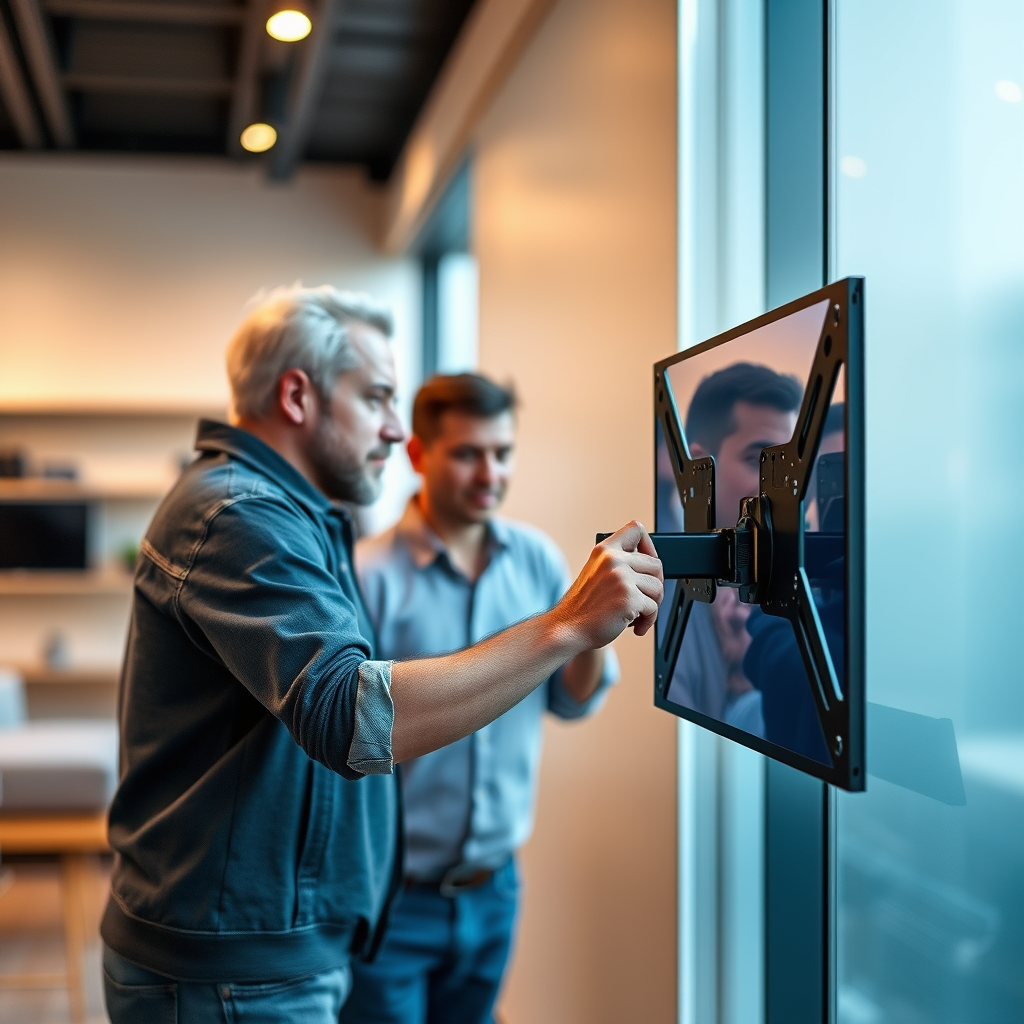
Weight ratings for TV mounts vary significantly based on the manufacturer and model. Most reputable brands will indicate the maximum weight limits on the packaging, which serves as a guideline for consumers. These ratings are generally derived from extensive testing and are designed to ensure safety and reliability. It is essential to note that exceeding these specified limits can lead to catastrophic failures, jeopardizing both your TV and the safety of individuals in the vicinity.
Furthermore, it’s advisable to consider not just the weight of the television itself but also any additional components that may be attached, such as soundbars or gaming consoles. Assessing the total weight will provide a clearer perspective on the required mount strength.
Types of TV Mounts and Their Capacities
TV mounts come in several varieties, each designed for different applications and weight capacities.
1. Fixed Mounts: These mounts typically support heavier loads as they are designed to hold the TV in a static position against the wall. They are ideal for larger televisions and are often rated to hold between 100 to 150 pounds.
2. Tilting Mounts: These mounts allow for some angle adjustment, primarily for reducing glare from windows. Their weight capacity usually ranges from 50 to 100 pounds, making them suitable for mid-sized TVs.
3. Full-Motion (Articulating) Mounts: These versatile mounts enable users to pull the TV out from the wall and tilt or swivel it. Although they can hold significant weight, their specifications can vary widely, often rated between 50 to 125 pounds. The complexity of their design can also lead to variations in support across different models.
It’s important to thoroughly check the specifications for each mount type to ensure it aligns with your television’s weight and size.
Factors Influencing Weight Capacity
Several factors influence the weight capacity of a TV mount, which can affect performance and safety.
– Wall Material: The type of wall on which the mount is installed plays a critical role. For instance, mounts installed on solid concrete or brick walls can typically support more weight than those installed on drywall, which may require additional support.
– Installation Method: The method used to install the mount greatly impacts its ability to support weight. Mounts anchored into wall studs provide greater stability than those secured with drywall anchors, which can easily fail under excessive weight.
– Mount Design: The design and engineering of the mount itself determine how weight is distributed and supported. A well-engineered mount will have features that enhance its capacity to hold weight safely.
Weight Capacity of Common TV Mount Types (2024)
| # | Mount Type | Weight Capacity | Ideal TV Size | Adjustable |
|---|---|---|---|---|
| 1 | Fixed Mount | 100-150 lbs | 50″ – 80″ | No |
| 2 | Tilting Mount | 50-100 lbs | 40″ – 70″ | Yes |
| 3 | Full-Motion Mount | 50-125 lbs | 40″ – 75″ | Yes |
| 4 | Corner Mount | 50-90 lbs | 32″ – 65″ | No |
| 5 | Low-Profile Mount | 40-80 lbs | 32″ – 55″ | No |
| 6 | Universal Mount | 50-110 lbs | 40″ – 70″ | Yes |
| 7 | Heavy-Duty Mount | 150-200 lbs | 55″ – 85″ | Yes |
Choosing the Right Mount for Your Television
When selecting a TV mount, it’s crucial to match the mount style with your television size and weight for optimal support. Most mount manufacturers provide a compatibility chart that outlines which models can accommodate specific TV sizes and weights. Before making a purchase, always check your TV’s weight and dimensions to confirm they align with the mount’s specifications.
For example, if you have a 65-inch OLED TV weighing 55 pounds, a fixed mount rated for 100-150 pounds would be an ideal choice. Conversely, if you have a lighter 40-inch LED TV, a tilting or full-motion mount suited for 50-100 pounds would suffice.
Additionally, consider your viewing habits and room layout. A full-motion mount may be more suitable for a corner setup where you want to adjust the TV’s angle frequently, while a fixed mount might be perfect for a dedicated entertainment wall.
Installation Tips for Maximum Support
Proper installation is critical for ensuring the safety and longevity of your TV mount. Here are some essential tips:
– Use a Stud Finder: Always use a stud finder to locate the best mounting points. Attaching the mount into wall studs provides a more secure hold compared to using drywall alone, which can cause the mount to fail under weight.
– Follow Manufacturer’s Instructions: Adhering to the installation guide provided by the manufacturer is vital. Each mount may have specific requirements for installation, including spacing, tools needed, and torque specifications.
– Level the Mount: Ensuring that the mount is level during installation will prevent unnecessary strain and provide a more aesthetically pleasing setup.
– Secure Additional Anchors: If you’re mounting on drywall, consider using toggle bolts or other heavy-duty anchors as additional support to enhance the weight capacity.
Signs of Overloading Your TV Mount
Monitoring your TV mount for signs of overloading is essential to prevent accidents. Here are a few indicators to watch for:
– Sagging or Bending: If the mount appears to sag or bend under the weight of the television, it may be overloaded. This can lead to severe structural failure.
– Unusual Noises: Listen for creaking or popping sounds, which can indicate stress or strain on the mount. If you hear these noises, it’s advisable to check the installation and weight capacity immediately.
– Instability When Adjusting: If the TV feels unstable or wobbly when adjusting its position, this could suggest that the mount is not adequately secured or that it is over its weight limit.
Maintenance and Safety Checks
Regular maintenance and safety checks are crucial to ensuring the longevity and safety of your TV mount. Here are some best practices:
– Inspect Regularly: Make it a habit to inspect the mount periodically for any signs of wear and tear. Check for loose screws, rust, or any physical damage.
– Tighten Screws and Bolts: Over time, screws and bolts can loosen due to vibrations or environmental factors. Ensure they are properly tightened to maintain stability.
– Monitor Weight: If you add any new equipment or accessories near your TV, reassess the total weight and ensure that you are still within the mount’s rated capacity.
Summarizing the importance of selecting the right TV mount can save you from potential damage and hazards. Always verify the weight capacity and installation instructions to ensure your TV is securely mounted. For further assistance or to explore various mounting options, consider consulting a professional or visiting your local electronics store.
Frequently Asked Questions
How much weight can a typical TV mount hold?
A typical TV mount can hold between 50 to 150 pounds, depending on the mount’s design and specifications. It’s essential to check the manufacturer’s weight limit for your specific mount model to ensure safe installation and optimal performance.
What factors determine the weight capacity of a TV mount?
The weight capacity of a TV mount is determined by several factors including the mount’s construction materials, design type (fixed, tilting, or full-motion), and the mounting hardware. Additionally, the wall type and installation method can also influence how much weight the mount can safely support.
Why is it important to know the weight limit of my TV mount?
Knowing the weight limit of your TV mount is crucial to prevent accidents and damage to your TV and wall. Exceeding the weight capacity can lead to the mount failing, potentially causing your TV to fall, resulting in costly repairs and safety hazards.
What is the best TV mount for heavier televisions?
The best TV mount for heavier televisions is a heavy-duty full-motion mount, which typically supports weights over 150 pounds. Look for mounts made from high-quality steel and check the specifications to ensure they are designed for your TV’s size and weight.
Which TV mount is suitable for my wall type and weight requirements?
To choose the right TV mount for your wall type and weight requirements, first determine the weight of your TV and the type of wall you have (drywall, concrete, etc.). Then, select a mount specifically rated for that weight and wall type, ensuring you follow the manufacturer’s installation guidelines for a secure fit.
References
- https://en.wikipedia.org/wiki/TV_mount
https://en.wikipedia.org/wiki/TV_mount - https://www.sciencedirect.com/topics/engineering/tv-mount
https://www.sciencedirect.com/topics/engineering/tv-mount - Google Scholar Google Scholar
https://scholar.google.com/scholar?q=how+much+weight+can+a+tv+mount+hold - https://www.britannica.com/technology/television
https://www.britannica.com/technology/television - https://www.nist.gov/news-events/news/2016/11/keeping-your-tv-secure-how-mounts-affect-television-safety
https://www.nist.gov/news-events/news/2016/11/keeping-your-tv-secure-how-mounts-affect-television-safety - https://www.ncbi.nlm.nih.gov/pmc/articles/PMC5579636/
https://www.ncbi.nlm.nih.gov/pmc/articles/PMC5579636/ - Google Scholar Google Scholar
https://scholar.google.com/scholar?q=tv+mount+weight+capacity - https://www.pubmed.ncbi.nlm.nih.gov/28767517/
https://www.pubmed.ncbi.nlm.nih.gov/28767517/ - https://www.cdc.gov/homeandrecreationalsafety/falls/adultfalls.html
https://www.cdc.gov/homeandrecreationalsafety/falls/adultfalls.html - https://www.nytimes.com/2020/09/30/technology/personaltech/setting-up-your-tv.html
https://www.nytimes.com/2020/09/30/technology/personaltech/setting-up-your-tv.html

[…] Load rating and installation method (drill bit size and embedment depth are not […]