


While a 75-inch TV is quite large, it is possible to fit it in a Honda Civic, but it may require some creative maneuvering and specific configurations. This article will explore the dimensions of both the TV and the car, as well as tips on safely transporting your new television. Whether you are upgrading your home entertainment system or purchasing a new TV for movie nights, understanding the logistics of transporting a large item like a 75-inch TV in a compact car can save you time and potential damage.
Understanding the Dimensions
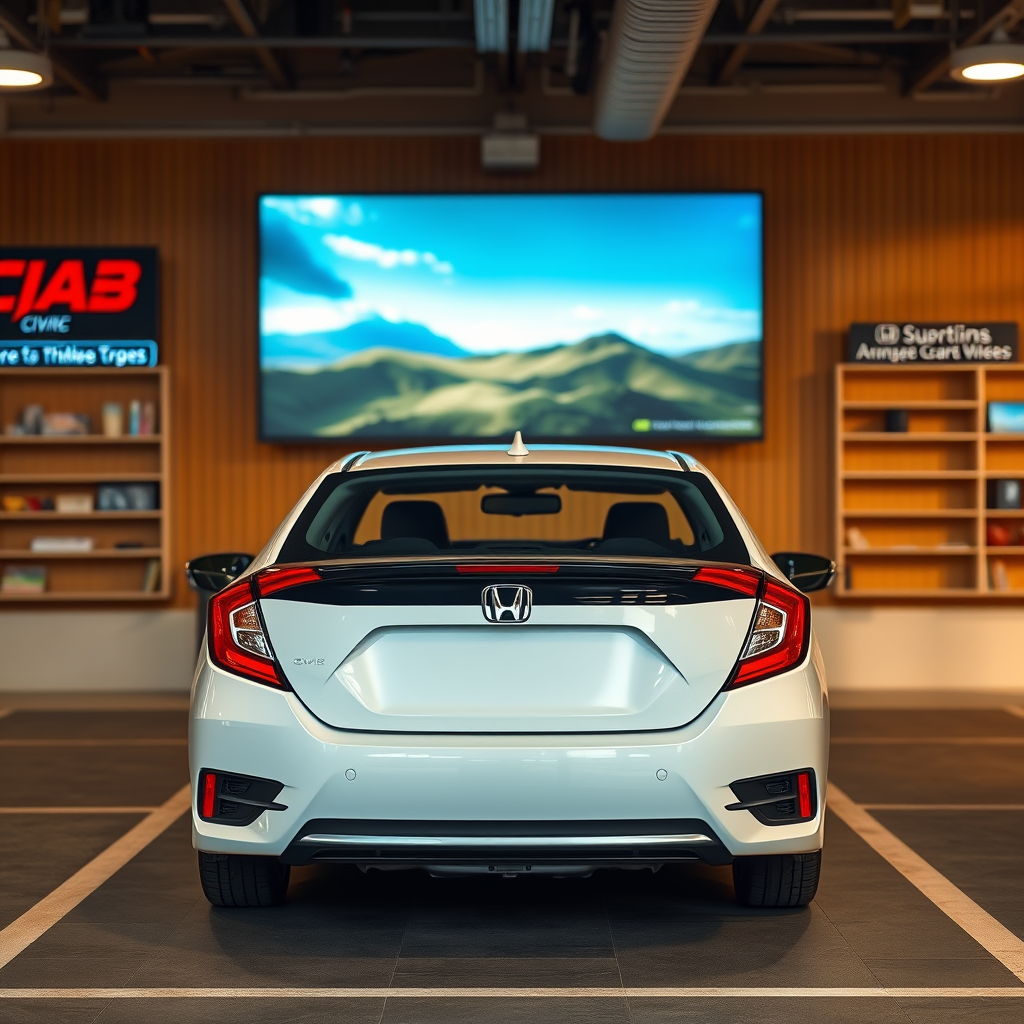
To determine if a 75-inch TV can fit in a Honda Civic, we first need to understand the dimensions involved. A standard 75-inch TV typically measures around 66 inches in width and about 38 inches in height. These measurements are essential as they dictate how the TV will fit within the vehicle’s available space.
On the other hand, the Honda Civic’s trunk space varies by model year, but generally offers around 15 cubic feet of space. The trunk dimensions can be restrictive, especially when considering the width and height of the TV. Therefore, it’s crucial to assess if the trunk or back seat area can accommodate the TV’s dimensions without compromising safety or the vehicle’s integrity.
Measuring Your Civic’s Cargo Space
Before attempting to load your new television, it’s imperative to measure your Civic’s cargo space accurately.
1. Check the trunk dimensions: Measure the width, height, and depth of your Civic’s trunk area. This will provide a baseline of the available space that can be utilized for transporting the TV.
2. Consider folding down the rear seats: Many Honda Civic models allow the rear seats to fold down, which can significantly increase cargo space and allow for longer items. This modification can create a more accommodating environment for the TV, enabling it to fit more securely without risking damage.
By taking these measurements, you can better determine if the TV will fit and how to position it efficiently.
Preparing the TV for Transport
Once you confirm that the dimensions are workable, it’s time to prepare the TV for transport.
– Remove packaging materials: If you have just purchased the TV, it’s advisable to remove any original packaging materials. This will help reduce overall bulk and make it easier to fit into the vehicle.
– Use a protective covering: Wrap the TV in soft materials such as blankets or bubble wrap to prevent scratches and damage during transit. A protective cover ensures that the screen remains unblemished and safe from potential impacts while on the road.
Additionally, ensure that any accessories, like stands or remote controls, are packed separately and securely to avoid losing them during the move.
Comparison of TV Dimensions and Honda Civic Cargo Space (2023)
| # | Item | Width | Height | Cargo Space |
|---|---|---|---|---|
| 1 | 75-Inch TV | 66 in | 38 in | 15 cu ft |
| 2 | Honda Civic (2023) | 48 in | 15 in | 15 cu ft |
Techniques for Loading the TV
Now that you have your TV prepared, it’s time to explore techniques for loading it into your Civic.
– Angle the TV: Sometimes, placing the TV at an angle can help it fit better in the trunk or back seat. This might require some adjustments, but angling the TV can maximize the available space and prevent any jamming.
– Secure the TV: Once inside the vehicle, use straps or rope to secure the TV in place. This is crucial to prevent any movement during the drive, which could lead to potential damage. If possible, ensure that the TV is cushioned from any hard surfaces to avoid scratches.
These techniques can help ensure a successful transport of your television, minimizing the risk of damage.
Safety Considerations
Safety should always be a priority when transporting large items.
– Avoid blocking rear visibility: Ensure that the TV does not obstruct your view while driving. This is critical for maintaining safety on the road, reducing blind spots that could lead to accidents.
– Drive cautiously: Take turns slowly and avoid sudden stops to protect the TV. Smooth driving will not only keep the TV safe but also ensure a comfortable ride for passengers.
Following these safety considerations will help you navigate the roads with peace of mind.
Alternatives if It Doesn’t Fit
If it seems that fitting the TV into your Honda Civic is too complicated, consider these alternatives:
– Consider using a truck or larger vehicle: Renting a vehicle might be a safer option for transporting large items. Many rental services offer trucks or vans that can accommodate larger cargo with ease.
– Arrange for delivery: Many retailers offer delivery services for large electronics. This can often be the most hassle-free option, ensuring that the TV arrives safely and in pristine condition.
These alternatives can save you time and effort, allowing you to focus on enjoying your new television rather than stressing over transportation logistics.
Transporting a 75-inch TV in a Honda Civic can be challenging but doable with the right approach. By understanding your vehicle’s dimensions, preparing the TV properly, and taking safety precautions, you can make the process smoother. If it seems too complicated, don’t hesitate to explore alternative transportation options that can better accommodate your new purchase. Whether you choose to maneuver it yourself or opt for professional delivery, ensuring the safety of your investment should always be your top priority.
Frequently Asked Questions
Can a 75 inch TV fit in a Honda Civic?
Fitting a 75 inch TV in a Honda Civic is generally challenging due to the size of the TV and the dimensions of the vehicle. The average dimensions of a 75 inch TV are approximately 66 inches in width and 38 inches in height, while a Honda Civic’s trunk space usually measures around 14 cubic feet. To determine if it fits, consider the TV’s box dimensions and whether you can lay the seats down to create more space.
What are the best ways to transport a 75 inch TV in a Honda Civic?
To transport a 75 inch TV in a Honda Civic, you can lay down the back seats to maximize cargo space. It’s essential to secure the TV upright or flat in a way that minimizes movement, using blankets or cushioning to prevent damage. Additionally, consider using a roof rack or borrowing a larger vehicle if possible for safer transport.
Why is transporting a 75 inch TV in a compact car like a Honda Civic difficult?
Transporting a 75 inch TV in a compact car like a Honda Civic is difficult primarily due to the limited cargo space and the size of the TV itself. The dimensions of a 75 inch TV often exceed the available trunk space and can be cumbersome to maneuver inside the cabin. This can lead to potential damage to both the TV and the vehicle.
Which Honda Civic models have more cargo space for transporting large items like a 75 inch TV?
The Honda Civic hatchback models typically offer more cargo space compared to the sedan and coupe versions, making them a better choice for transporting large items like a 75 inch TV. The hatchback provides additional flexibility with its rear seat configuration, allowing for easier accommodation of oversized items.
How can I measure if a 75 inch TV will fit in my Honda Civic?
To measure if a 75 inch TV will fit in your Honda Civic, first check the dimensions of the TV, including its box. Then, measure the trunk space and the rear seat area of your Civic, keeping in mind the width and height. Make sure to account for any seat configurations that can maximize the available space.
References
- https://www.researchgate.net/publication/339737661_TV_Sizes_Explained
https://www.researchgate.net/publication/339737661_TV_Sizes_Explained - https://www.cdc.gov/healthyweight/assessing/bmi/adult_bmi/index.html
https://www.cdc.gov/healthyweight/assessing/bmi/adult_bmi/index.html - https://www.nytimes.com/2020/12/10/technology/personaltech/big-screen-tvs.html
https://www.nytimes.com/2020/12/10/technology/personaltech/big-screen-tvs.html - https://www.bbc.com/news/technology-56549662
https://www.bbc.com/news/technology-56549662 - https://www.sciencedirect.com/topics/engineering/television
https://www.sciencedirect.com/topics/engineering/television - Google Scholar Google Scholar
https://scholar.google.com/scholar?q=can+a+75+inch+tv+fit+in+a+honda+civic - Google Scholar Google Scholar
https://scholar.google.com/scholar?q=TV+transportation+size+guidelines - Google Scholar Google Scholar
https://scholar.google.com/scholar?q=Honda+Civic+trunk+dimensions - can a 75 inch tv fit in a honda civic – Search results
https://en.wikipedia.org/wiki/Special:Search?search=can+a+75+inch+tv+fit+in+a+honda+civic - https://www.ncbi.nlm.nih.gov/search/research-articles/?term=can+a+75+inch+tv+fit+in+a+honda+civic
https://www.ncbi.nlm.nih.gov/search/research-articles/?term=can+a+75+inch+tv+fit+in+a+honda+civic

[…] experience to feel. If you sit closer to the couch or prefer more screen-filling viewing, a 70–75 inch TV is often a good target. For a more comfortable, less intense view, 60–65 inches works well with […]