
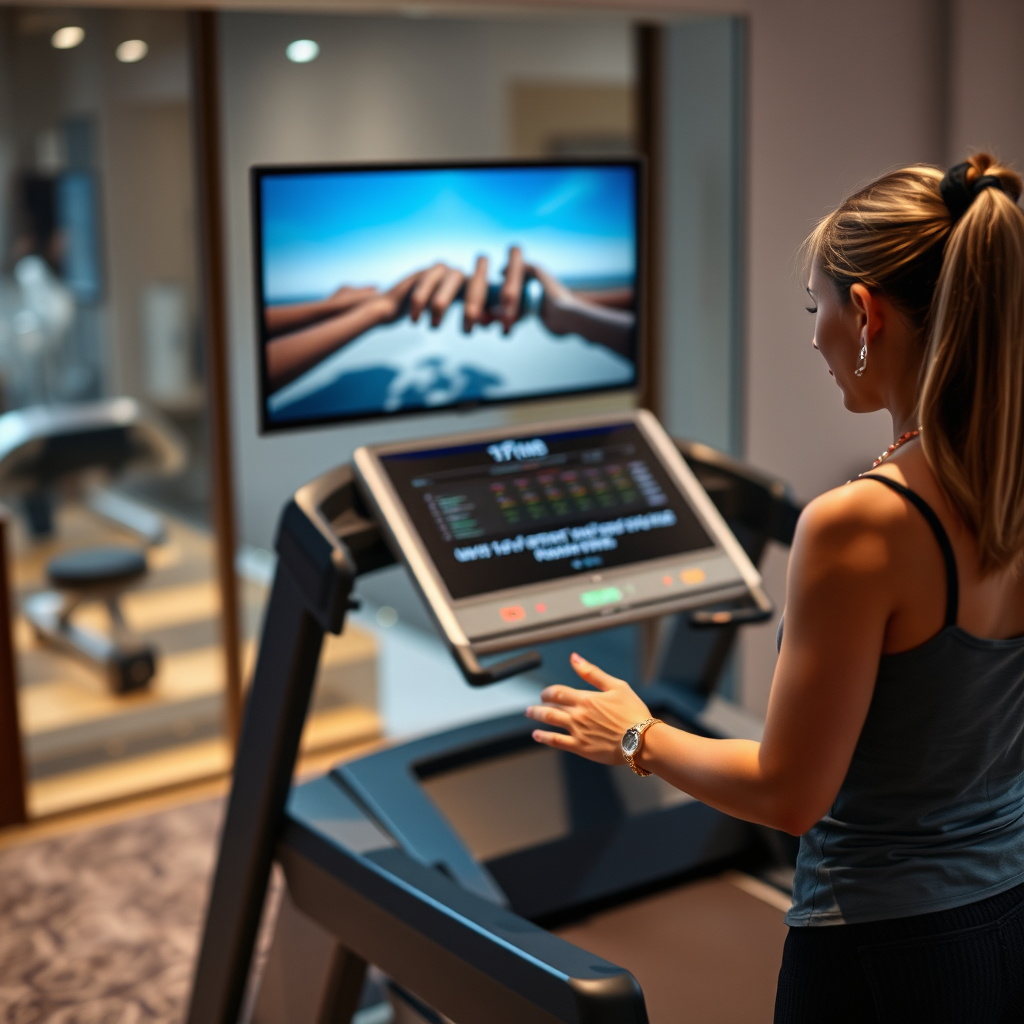

The NordicTrack 1750 treadmill indeed allows you to watch TV while exercising. With its built-in screen and connectivity options, users can stream their favorite shows or workout programs easily. This feature not only makes workouts more enjoyable but also helps to keep your motivation high, transforming mundane exercise sessions into engaging entertainment experiences. In this article, we’ll explore how to set up and enjoy TV viewing on your NordicTrack 1750, along with some helpful tips and considerations.
Features of the NordicTrack 1750
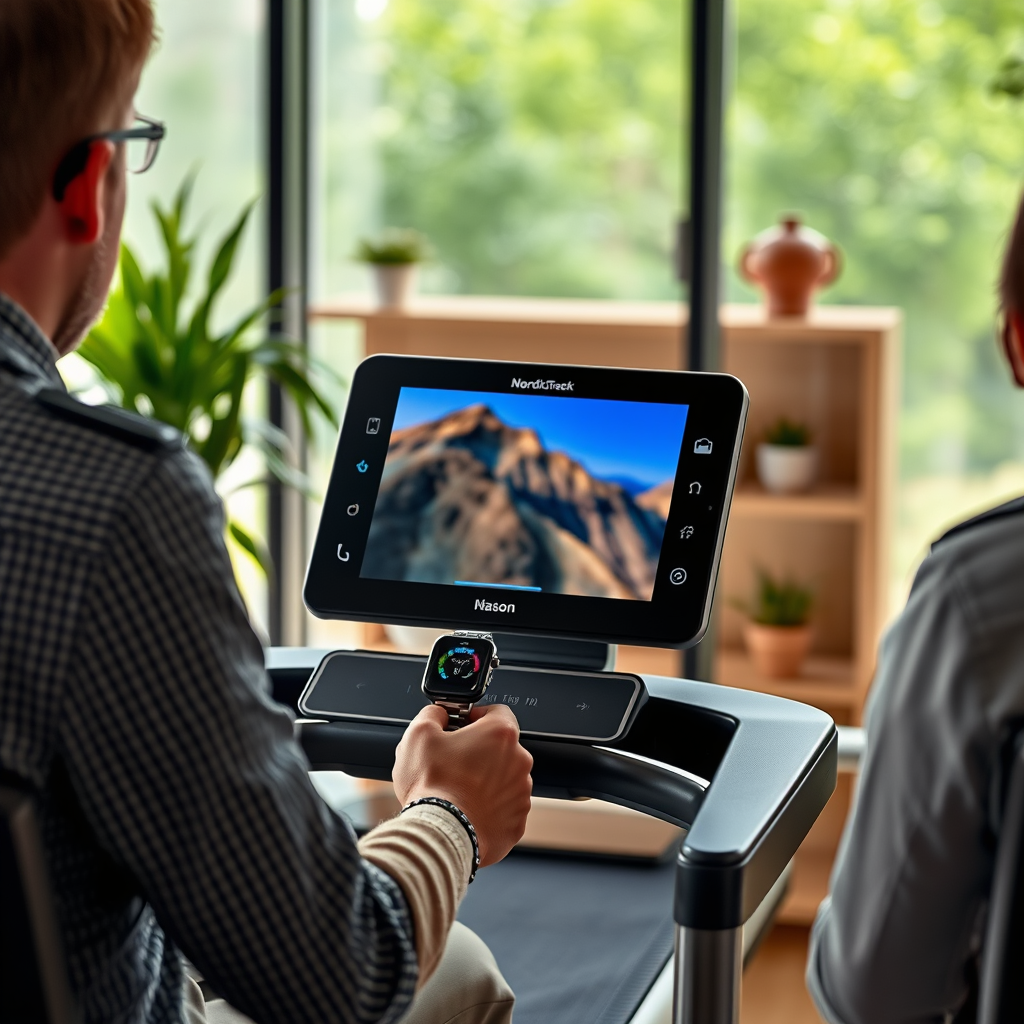
The NordicTrack 1750 treadmill boasts an impressive array of features designed to enhance user experience and engagement. One of the standout features is the 14-inch HD touchscreen display, which provides an immersive viewing experience. This screen is not only vibrant and easy to navigate but also large enough to enjoy your favorite shows without straining your eyes.
Additionally, the treadmill comes equipped with built-in speakers, eliminating the need for external audio devices. This feature allows you to enjoy clear sound quality while you run or walk, making it easier to follow along with workout videos or listen to your favorite shows. The combination of these features makes the NordicTrack 1750 a versatile piece of equipment for fitness enthusiasts and entertainment seekers alike.
Streaming Options Available
When it comes to streaming options, the NordicTrack 1750 excels with its integration of the iFit platform. Users can access popular streaming apps such as Netflix and Hulu directly from the treadmill’s interface. This feature allows you to enjoy a wide variety of content without needing to set up additional devices, creating a seamless experience.
Moreover, the NordicTrack 1750 allows for connectivity with your own devices via Bluetooth or screen mirroring capabilities. This means that if you prefer a different app or want to watch content from your smartphone or tablet, you can easily connect and enjoy it on the treadmill’s display. The flexibility of these streaming options ensures that you will always have something entertaining to watch, regardless of your preferences.
Setting Up Your Viewing Experience
Setting up your viewing experience on the NordicTrack 1750 is straightforward and user-friendly. To begin, you’ll need to connect the treadmill to your Wi-Fi network. Here’s how:
1. Access the Settings Menu: Tap on the settings icon from the main screen of the treadmill.
2. Select Wi-Fi Settings: Choose the Wi-Fi option and scan for available networks.
3. Connect to Your Network: Enter your password when prompted and connect.
Once connected, navigating the touchscreen is simple. Just swipe to find the app you wish to use, such as Netflix or Hulu, and log in to your account. The interface is intuitive, allowing you to browse shows and select your desired content with ease.
Data Table: NordicTrack 1750 Features Comparison
NordicTrack 1750 Features Overview (2023)
| # | Feature | Specification | Rating |
|---|---|---|---|
| 1 | Display | 14-inch HD touchscreen | ★★★★☆ |
| 2 | Speakers | Built-in speakers | ★★★★★ |
| 3 | iFit Integration | Yes | ★★★★★★ |
| 4 | Bluetooth Connectivity | Yes | ★★★★★ |
| 5 | Screen Mirroring | Yes | ★★★★★ |
| 6 | Heart Rate Monitor | Yes | ★★★★☆ |
| 7 | Adjustable Incline | 0-15% | ★★★★☆ |
Recommended Show Types for Treadmill Workouts
While watching TV on the NordicTrack 1750, the type of content you choose can significantly impact your workout experience. Engaging dramas or comedies are often recommended, as they can keep your mind occupied and make the time spent exercising feel shorter. Shows with captivating storylines or humor can alleviate the monotony that sometimes accompanies workouts.
Additionally, consider watching workout videos or fitness classes available through the iFit platform. These programs are specifically designed to integrate with your treadmill’s features, providing targeted workouts that motivate you while you exercise. Following along with professional trainers can enhance your routine and ensure you are using proper form, maximizing the effectiveness of your workout.
Tips for an Effective Viewing Experience
To maximize your enjoyment while watching TV on the NordicTrack 1750, consider the following tips:
– Adjust Treadmill Settings: Customize the incline and speed settings to maintain comfort while watching. Finding a pace that allows you to focus on the screen without compromising your workout intensity is crucial.
– Use Headphones: For a more immersive sound experience, consider using Bluetooth headphones. This will help you block out ambient noise and allow you to sink into your favorite shows or music without distractions.
– Take Breaks: If you’re watching a longer episode or movie, remember to take short breaks to stretch or adjust your posture. This will not only enhance your comfort but also help you maintain your focus on the workout.
Safety Considerations While Watching TV
While watching TV can make your workout more enjoyable, it’s essential to maintain safety during your exercise sessions. Here are some important considerations:
– Focus on Your Surroundings: While it may be tempting to get engrossed in your show, be mindful of your surroundings and maintain an awareness of your treadmill settings. This will help you avoid accidents and ensure you remain on track with your workout goals.
– Pacing Yourself: It’s easy to get caught up in a thrilling episode and push yourself harder than intended. Be sure to pace yourself, especially if you’re watching an exciting show that makes you want to run faster or longer.
By adhering to these safety tips, you can enjoy a safe and effective workout while catching up on your favorite shows.
The NordicTrack 1750 treadmill enhances your workout by allowing you to watch TV, making exercise more enjoyable and less monotonous. With the right setup, you can seamlessly integrate entertainment into your fitness routine. Be sure to explore the various streaming options available, choose suitable content, and ensure a safe workout environment. Happy exercising!
Frequently Asked Questions
Can you watch TV on the NordicTrack 1750 treadmill?
Yes, you can watch TV on the NordicTrack 1750 treadmill! The treadmill comes equipped with a 10-inch touchscreen display that allows you to access various apps, including Netflix and Hulu, provided you have a subscription. This feature makes it easier to stay entertained during your workout sessions.
How do you connect the NordicTrack 1750 to Wi-Fi for streaming?
To connect your NordicTrack 1750 treadmill to Wi-Fi, go to the settings menu on the touchscreen display and select ‘Wi-Fi’. From there, you can choose your home network and enter the password. Once connected, you can easily stream your favorite shows while exercising.
Why is it beneficial to watch TV while using the NordicTrack 1750?
Watching TV while using the NordicTrack 1750 can enhance your workout experience by making it more enjoyable and less monotonous. It helps to distract you from the physical exertion, allowing you to exercise longer and more consistently. This can lead to better fitness results over time.
What types of content can you stream on the NordicTrack 1750 treadmill?
You can stream a variety of content on the NordicTrack 1750, including popular streaming platforms like Netflix, Hulu, and YouTube. This wide range of options allows you to choose from movies, TV shows, and fitness classes, catering to different interests and fitness goals.
Which NordicTrack 1750 features enhance the TV watching experience during workouts?
The NordicTrack 1750 features like a high-definition touchscreen, built-in speakers, and adjustable incline enhance the TV watching experience. The large screen allows for clear viewing, while the speakers provide good sound quality, making it easier to follow along with your favorite shows or workouts.
References
- https://www.bbc.com/news/technology-59887628
https://www.bbc.com/news/technology-59887628 - https://www.sciencedirect.com/topics/medicine/nordictrack
https://www.sciencedirect.com/topics/medicine/nordictrack - https://www.nytimes.com/2020/05/11/technology/personaltech/nordictrack-treadmill-review.html
https://www.nytimes.com/2020/05/11/technology/personaltech/nordictrack-treadmill-review.html - https://www.mayoclinic.org/healthy-lifestyle/fitness/in-depth/exercise-technology/art-20045659
https://www.mayoclinic.org/healthy-lifestyle/fitness/in-depth/exercise-technology/art-20045659 - https://www.healthline.com/health/nordictrack-commercial-1750-review
https://www.healthline.com/health/nordictrack-commercial-1750-review - https://www.pubmed.ncbi.nlm.nih.gov/28693178/
https://www.pubmed.ncbi.nlm.nih.gov/28693178/ - https://www.cdc.gov/physicalactivity/basics/pa-health/index.htm
https://www.cdc.gov/physicalactivity/basics/pa-health/index.htm - Google Scholar Google Scholar
https://scholar.google.com/scholar?q=nordictrack+1750+watch+tv - Google Scholar Google Scholar
https://scholar.google.com/scholar?q=can+you+watch+tv+on+nordictrack+1750 - can you watch tv on nordictrack 1750 – Search results
https://en.wikipedia.org/wiki/Special:Search?search=can+you+watch+tv+on+nordictrack+1750

[…] your TV and manage setup and device selection through the Google Home app (Google Home, 2024). Many popular streaming apps provide a Cast icon for sending audio/video to a Chromecast-enabled display (Google, […]
[…] I evaluate live streaming options for Canadian households, I focus […]
[…] best way to watch Me TV without cable is through online streaming options that offer Me TV live or on-demand content. Check whether Me TV is available via popular streaming […]