


Chromecast does not require a smart TV to function. Instead, it can turn any regular TV with an HDMI port into a smart TV by allowing you to stream content from your mobile device or computer. This device is designed to enhance your viewing experience by making a wide array of online content accessible, regardless of your TV’s capabilities. In this article, we will explore how Chromecast works, its compatibility with various TVs, and the benefits of using it, enabling you to make an informed decision about enhancing your entertainment setup.
How Chromecast Works
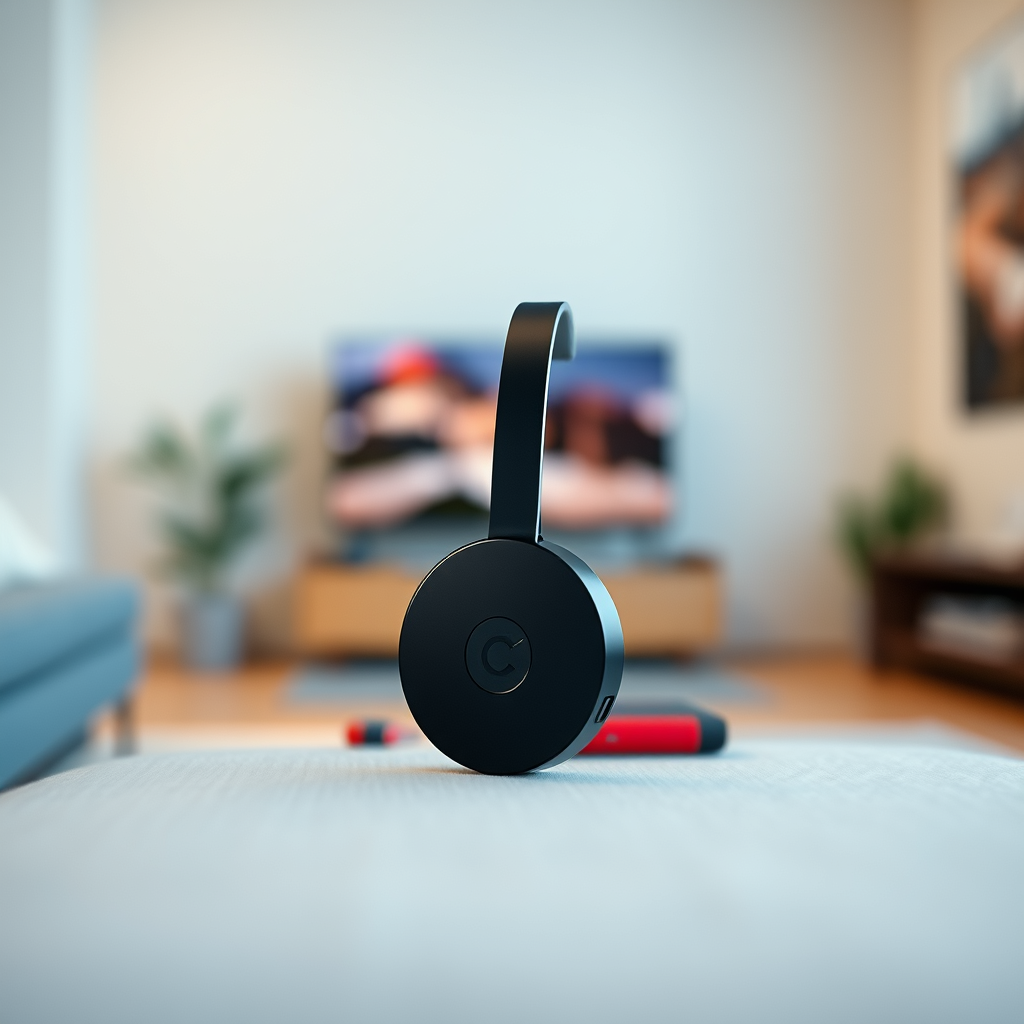
Chromecast connects to your TV’s HDMI port and uses Wi-Fi to stream content. This means that once it is plugged into the HDMI port, users can easily cast their favorite shows, movies, music, and other media from smartphones, tablets, or computers directly to the TV screen. The process is simple: after setting up your Chromecast with the Google Home app, you can cast content from supported applications by tapping the Cast icon and selecting your Chromecast device.
This feature allows for seamless streaming, as the content does not have to be downloaded to the Chromecast itself; instead, it streams directly from the internet. This also means that your mobile device can continue to be used for other tasks while streaming without interruption, making Chromecast an incredibly versatile tool.
Compatibility with Non-Smart TVs
One of the significant advantages of Chromecast is its compatibility with any TV equipped with an HDMI port, making it accessible to most households. This feature is particularly beneficial for those who own older televisions that lack smart capabilities. By connecting a Chromecast, users can access popular streaming services like Netflix, Hulu, and YouTube without the need for a new smart TV.
Moreover, even TVs that do not have built-in streaming capabilities can benefit from Chromecast. Users can enjoy basic features, such as streaming services and even mirror their screens from devices, which expands the functionality of their televisions significantly. This level of compatibility ensures that almost anyone can enhance their viewing experience without incurring the cost of upgrading their television.
Benefits of Using Chromecast
Chromecast presents a cost-effective alternative to purchasing a new smart TV. This is particularly advantageous for families or individuals who may find the price of a smart TV prohibitive. With Chromecast, you can access a wide range of streaming options from popular apps and services, thus maximizing your entertainment choices.
In addition, Chromecast supports various formats, including 4K and HDR, depending on the model, allowing users to enjoy high-quality content. The ability to control playback through a smartphone or tablet also enhances user experience, making it easy to navigate between different shows and services without needing a remote control.
Furthermore, Chromecast supports voice commands when paired with Google Assistant or smart speakers, allowing for a hands-free experience. Users can simply ask their devices to play content, pause, or adjust the volume, adding another layer of convenience.
Top 7 Streaming Services Compatible with Chromecast (2024)
| # | Service | Monthly Cost | Content Type | Rating |
|---|---|---|---|---|
| 1 | Netflix | $15.49 | Movies/Series | ★★★★☆ |
| 2 | Hulu | $7.99 | Movies/Series | ★★★★☆ |
| 3 | Amazon Prime Video | $14.99 | Movies/Series | ★★★★☆ |
| 4 | Disney+ | $7.99 | Movies/Series | ★★★★☆ |
| 5 | YouTube Premium | $11.99 | Videos | ★★★★☆ |
| 6 | HBO Max | $14.99 | Movies/Series | ★★★★☆ |
| 7 | Apple TV+ | $9.99 | Movies/Series | ★★★★☆ |
Requirements for Using Chromecast
To use Chromecast effectively, a stable Wi-Fi connection is essential for seamless streaming. This requirement is crucial because the device relies on the internet to cast content. A strong Wi-Fi signal ensures that you can enjoy high-quality video and audio without interruptions or buffering.
In addition to a reliable internet connection, users will need a smartphone, tablet, or computer to control the casting. The Google Home app is the primary interface for setting up and managing the Chromecast device. Users can easily browse their favorite content, control playback, and switch between streaming services directly from their device.
Setting Up Chromecast
Setting up Chromecast is a straightforward process that involves connecting the device to the TV and the Wi-Fi network. First, plug the Chromecast into an available HDMI port on your TV and connect it to a power source. Once the device is powered on, download the Google Home app on your mobile device.
From the app, follow the prompts to connect your Chromecast to your Wi-Fi network. This setup process typically takes just a few minutes. After installation, your Chromecast will be ready to use, allowing you to cast content from compatible apps with ease. Detailed step-by-step instructions are available within the app, ensuring that even users who are not tech-savvy can set it up without any issues.
Limitations of Chromecast
While Chromecast provides numerous benefits, it does have some limitations. Notably, it does not offer standalone functionality; users must have a device to cast from, such as a smartphone, tablet, or computer. This requirement may not be suitable for every user, especially those who prefer a more traditional remote control experience.
Additionally, the performance of Chromecast is contingent on the strength of your Wi-Fi connection. If your internet is slow or unstable, you may experience buffering, lower video quality, or even interruptions during playback. Therefore, ensuring a robust network setup is essential for a satisfying viewing experience.
In summary, Chromecast is a practical solution for those who want to enhance their viewing experience without investing in a smart TV. By understanding its capabilities and requirements, you can effectively utilize this device to access a world of content. If you’re ready to upgrade your TV viewing experience, consider getting a Chromecast today!
Frequently Asked Questions
Does Chromecast work with any TV model?
Yes, Chromecast can work with most TVs as long as they have an HDMI port. This means that even if your TV isn’t a smart model, you can still use Chromecast to stream content from your mobile device or computer directly to your TV.
What features does Chromecast offer that a smart TV might not?
Chromecast allows you to stream content from your smartphone, tablet, or computer to your TV, enabling access to a wide range of apps and services. Additionally, it supports voice commands through Google Assistant, which some older smart TVs may not offer, providing a more integrated streaming experience.
How do I set up Chromecast on a non-smart TV?
To set up Chromecast on a non-smart TV, simply connect the Chromecast device to an available HDMI port and plug it into a power source. Once connected, use the Google Home app on your smartphone to configure the Chromecast, allowing you to start streaming your favorite content without the need for a smart TV.
Why should I choose Chromecast over a smart TV?
Choosing Chromecast offers flexibility and cost-effectiveness, as it allows you to upgrade your existing TV instead of investing in a new smart TV. With Chromecast, you can access a multitude of streaming services, and it keeps your setup clutter-free, as you can control everything from your mobile device.
Which Chromecast model is best for non-smart TVs?
The standard Chromecast is typically sufficient for non-smart TVs, as it provides essential streaming capabilities at an affordable price. However, if you’re looking for enhanced features such as 4K streaming and Dolby Vision support, the Chromecast Ultra might be a better option, assuming your TV supports these formats.
References
- Chromecast
https://en.wikipedia.org/wiki/Chromecast - https://www.bbc.com/news/technology-45148761
https://www.bbc.com/news/technology-45148761 - https://www.theguardian.com/technology/2020/jun/01/chromecast-review-google-streaming-device
https://www.theguardian.com/technology/2020/jun/01/chromecast-review-google-streaming-device - https://www.sciencedirect.com/topics/computer-science/chromecast
https://www.sciencedirect.com/topics/computer-science/chromecast - https://www.nytimes.com/2020/09/30/technology/chromecast-review.html
https://www.nytimes.com/2020/09/30/technology/chromecast-review.html - Google Scholar Google Scholar
https://scholar.google.com/scholar?q=does+chromecast+need+a+smart+tv - Google Scholar Google Scholar
https://scholar.google.com/scholar?q=Chromecast+and+smart+TV+compatibility - https://pubmed.ncbi.nlm.nih.gov/32221378/
https://pubmed.ncbi.nlm.nih.gov/32221378/ - https://www.hgtv.com/lifestyle/technology/chromecast-vs-smart-tv-what-to-know
https://www.hgtv.com/lifestyle/technology/chromecast-vs-smart-tv-what-to-know - does chromecast need a smart tv – Search results
https://en.wikipedia.org/wiki/Special:Search?search=does+chromecast+need+a+smart+tv

[…] the device’s setup menu. Use the TV remote to switch to the correct HDMI input, then sign in to streaming services like Netflix, YouTube, or Hulu. This method makes your TV smart without replacing it, and most devices support […]
[…] available apps on Vizio Smart TVs include major streaming services like Netflix, Hulu, Disney+, YouTube, and more, depending on your region and model. Many apps are free to […]
[…] an Ethernet connection) and the Roku remote to set up your device. You may also need to sign in to streaming services like Netflix, Hulu, or Disney+ through the Roku interface. Once connected, you can use the Roku Home screen to […]
[…] streaming services like Netflix, Hulu, and Disney+ use DRM and anti-recording protections, so smart TVs typically cannot record […]
[…] section, or a home screen app launcher. You can also check whether your Element TV supports streaming services like Netflix, YouTube, or Prime Video directly from the TV. If you don’t see any app options, you may have a […]
[…] options include streaming services like Netflix, YouTube, Hulu, and other Samsung-compatible apps depending on your region. To download safely, […]
[…] software updates to ensure streaming apps and features work smoothly. Finally, complete setup for streaming services like Netflix, YouTube, and Prime Video from Smart […]
[…] “best” apps depend on what you watch, but many people commonly look for streaming services like Netflix, YouTube, Disney+, and Apple TV+, plus music and sports apps. In Apps, use the Categories or Top […]