


The PS5 controller, known as the DualSense, does indeed feature built-in speakers. This innovative addition enhances the gaming experience by delivering audio feedback directly through the controller, allowing for an immersive interaction that traditional controllers lack. In this article, we will explore how this feature works, its benefits, and more.
Understanding the DualSense Controller
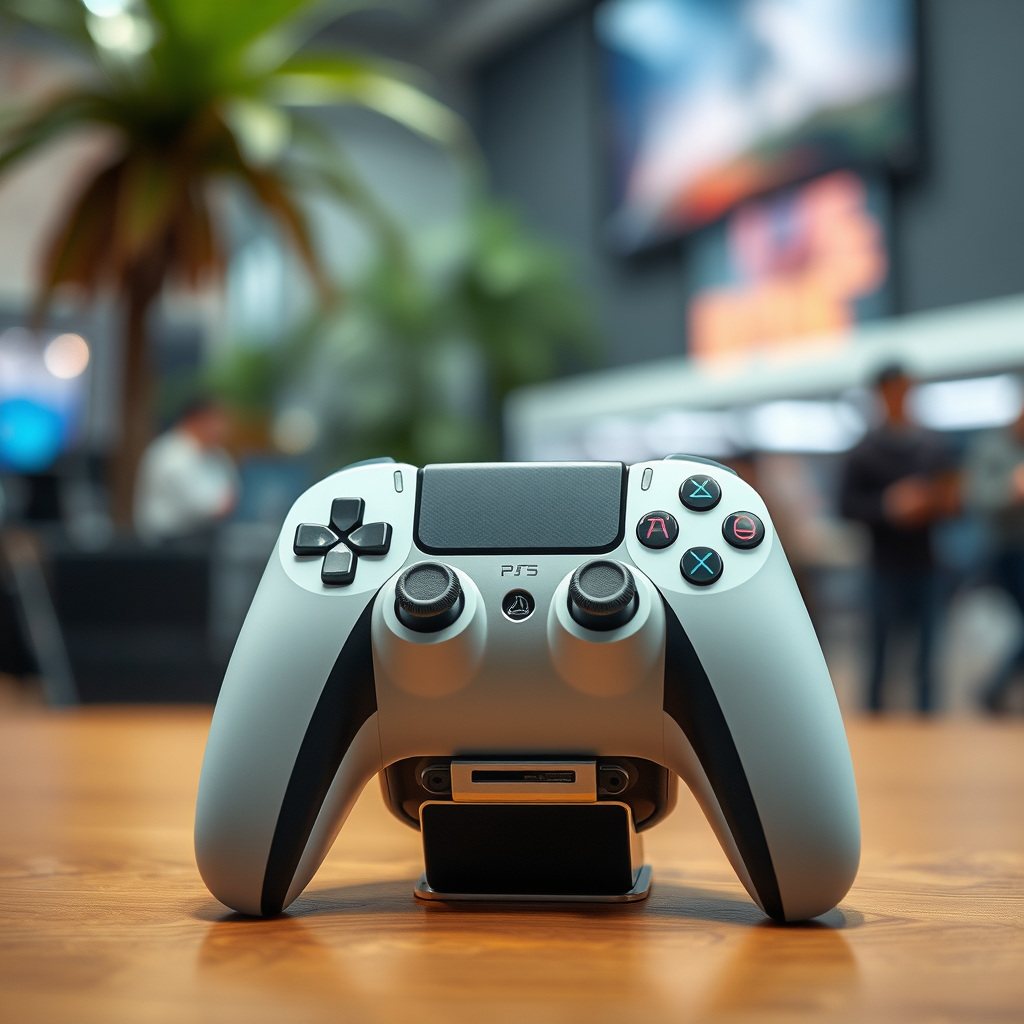
The DualSense controller is a significant leap forward in gaming technology, designed to provide users with an enhanced tactile experience through its haptic feedback and adaptive triggers. These features allow players to feel the weight and tension of in-game actions more realistically than ever before. The integrated speakers further augment this experience, creating a multi-sensory environment where sound plays a crucial role in gameplay immersion. Each auditory cue becomes more pronounced, adding a new layer of realism that engages players on a deeper level.
The speakers are strategically placed to optimize sound delivery, ensuring that players can hear important in-game audio cues without distracting from the overall experience. By incorporating these speakers, the DualSense controller sets itself apart from previous iterations, creating a more integrated and enjoyable gaming environment.
How the Speakers Enhance Gaming Experience
The built-in speakers of the DualSense controller provide a unique opportunity for audio cues to be heard directly from the controller itself. This feature enhances gameplay by allowing players to experience audio feedback in a more immediate and intimate way. For instance, players can hear the subtle sounds of footsteps or the rustle of leaves without having to rely solely on their television or headset. This capability allows for a heightened awareness of the game environment, making it easier to detect enemies or navigate complex landscapes.
Additionally, the speakers can deliver context-specific sounds that align with in-game actions. For example, the sound of a character reloading their weapon or interacting with objects can be transmitted through the controller, reinforcing the action visually and audibly. This multi-sensory feedback not only intensifies the gameplay experience but also aids in user engagement, drawing players deeper into the digital world.
Comparing DualSense Speakers to Previous Controllers
Historically, PlayStation controllers have not included integrated speakers, which limited the audio interaction to external devices like TVs or headsets. The absence of this feature meant that audio cues were often less immersive and relied heavily on the capabilities of the connected audio system. In contrast, the DualSense controller’s built-in speakers allow for a more dynamic soundscape, enhancing the overall gaming experience.
The inclusion of speakers in the DualSense allows developers to create richer audio environments, which can lead to more engaging gameplay. For example, while older controllers might have simply provided sound feedback through the TV, the DualSense can offer nuanced audio feedback that corresponds to specific controller actions, creating a more seamless and immersive experience.
Comparison of Audio Features in PlayStation Controllers
| # | Controller | Built-in Speakers | Haptic Feedback | Adaptive Triggers |
|---|---|---|---|---|
| 1 | DualSense | Yes | Yes | Yes |
| 2 | DualShock 4 | No | Yes | No |
| 3 | Xbox One | No | Yes | No |
| 4 | Xbox Series X | No | Yes | No |
| 5 | Switch Pro Controller | No | No | No |
| 6 | Steam Controller | No | Yes | No |
| 7 | Razer Raiju | No | Yes | No |
Games That Utilize the DualSense Speakers
Many PS5 titles have integrated the speaker functionality to enhance storytelling and immersion. Games like “Astro’s Playroom” specifically leverage the DualSense controller’s audio capabilities to create an engaging experience. In this game, players can hear the sound of their character’s footsteps through the controller, giving them a sense of connection to the action on-screen.
Another significant title that utilizes the built-in speakers is “Demon’s Souls.” The game incorporates various audio effects that come through the controller, enriching the atmosphere and heightening the tension during gameplay. By effectively using audio feedback, these games not only tell compelling stories but also create a more immersive environment that keeps players engaged.
Tips for Maximizing the Use of Controller Speakers
To maximize the benefits of the DualSense controller’s built-in speakers, players should first ensure that their audio settings on the PS5 are configured to utilize the controller speakers. This can be done through the console’s settings menu, where players can adjust the audio output options.
Additionally, exploring different games that effectively implement the speaker functionality can lead to a richer gaming experience. Titles that emphasize audio feedback can provide unique experiences and showcase the capabilities of the DualSense controller. Players should take the time to explore these features, as they can enhance immersion and enjoyment during gameplay.
Potential Limitations of the Built-in Speakers
While the sound quality of the DualSense controller’s built-in speakers is impressive for a controller, it may not match that of high-end gaming headsets or external speakers. For players seeking the ultimate audio experience, investing in quality external audio equipment remains a worthwhile consideration.
Additionally, the built-in speakers can have an impact on battery life, as they draw power from the controller. Players should be mindful of this when engaging in long gaming sessions, as using the speakers frequently may require more frequent charging of the controller.
The DualSense controller’s built-in speakers are a remarkable feature that greatly enhances the gaming experience. By understanding their functionality and exploring games that utilize them, players can fully appreciate the innovation behind the PS5 controller. For those looking to elevate their gaming, consider experimenting with these features in your next session!
Frequently Asked Questions
Does the PS5 controller have built-in speakers?
Yes, the PS5 DualSense controller features built-in speakers. This addition enhances the gaming experience by allowing players to hear in-game sounds directly from the controller, providing a more immersive audio experience without needing external speakers or headsets.
How do I use the speaker function on my PS5 controller?
To use the speaker function on your PS5 controller, simply connect the controller to your PS5 console and start a game that supports this feature. The audio output will automatically adjust to utilize the controller’s speakers for specific sounds, like character dialogues or environmental effects, enhancing your overall gameplay.
Why is the speaker feature on the PS5 controller important for gamers?
The speaker feature on the PS5 controller is important because it adds a layer of immersion to gaming. By providing audio feedback directly from the controller, it allows players to experience sounds in a more dynamic way, contributing to a more engaging and interactive gaming environment.
Which PS5 games utilize the DualSense controller’s speaker?
Many PS5 games utilize the DualSense controller’s speaker, including titles like “Demon’s Souls,” “Astro’s Playroom,” and “Spider-Man: Miles Morales.” These games take advantage of the controller’s audio capabilities to create unique sound effects that enhance gameplay and draw players deeper into the story.
Can I turn off the speaker feature on my PS5 controller?
Yes, you can turn off the speaker feature on your PS5 controller if you prefer not to use it. To do this, go to the PS5 settings menu, navigate to “Sound,” and then select “Controller Speaker” to disable it. This allows you to play games without sound coming from the controller while still using your TV or headset for audio.
References
- https://www.bbc.com/news/technology-55313280
https://www.bbc.com/news/technology-55313280 - PS5 DualSense Controller Review – IGN
https://www.ign.com/articles/ps5-dualsense-controller-review - https://www.gamespot.com/articles/ps5-dualsense-controller-has-built-in-microphone-and-speaker/1100-6483278/
https://www.gamespot.com/articles/ps5-dualsense-controller-has-built-in-microphone-and-speaker/1100-6483278/ - Google Scholar Google Scholar
https://scholar.google.com/scholar?q=ps5+controller+features+speakers - Google Scholar Google Scholar
https://scholar.google.com/scholar?q=DualSense+controller+sounds+features - Google Scholar Google Scholar
https://scholar.google.com/scholar?q=PlayStation+5+controller+speakers+review - Google Scholar Google Scholar
https://scholar.google.com/scholar?q=does+a+ps5+controler+have+speakers - does a ps5 controler have speakers – Search results
https://en.wikipedia.org/wiki/Special:Search?search=does+a+ps5+controler+have+speakers - https://www.ncbi.nlm.nih.gov/search/research-articles/?term=does+a+ps5+controler+have+speakers
https://www.ncbi.nlm.nih.gov/search/research-articles/?term=does+a+ps5+controler+have+speakers
