


If your speakers sound quieter than expected, several factors could be at play. From audio settings to hardware issues, this article will help you identify the common causes of low speaker volume and provide practical solutions to enhance your audio experience.
Many users encounter situations where their speakers do not deliver the crisp, loud sound they expect. This can be frustrating, especially if you are trying to enjoy music, movies, or gaming. Understanding the complexities behind speaker volume can empower you to troubleshoot effectively and restore your audio to its intended quality.
Understanding Speaker Volume Levels
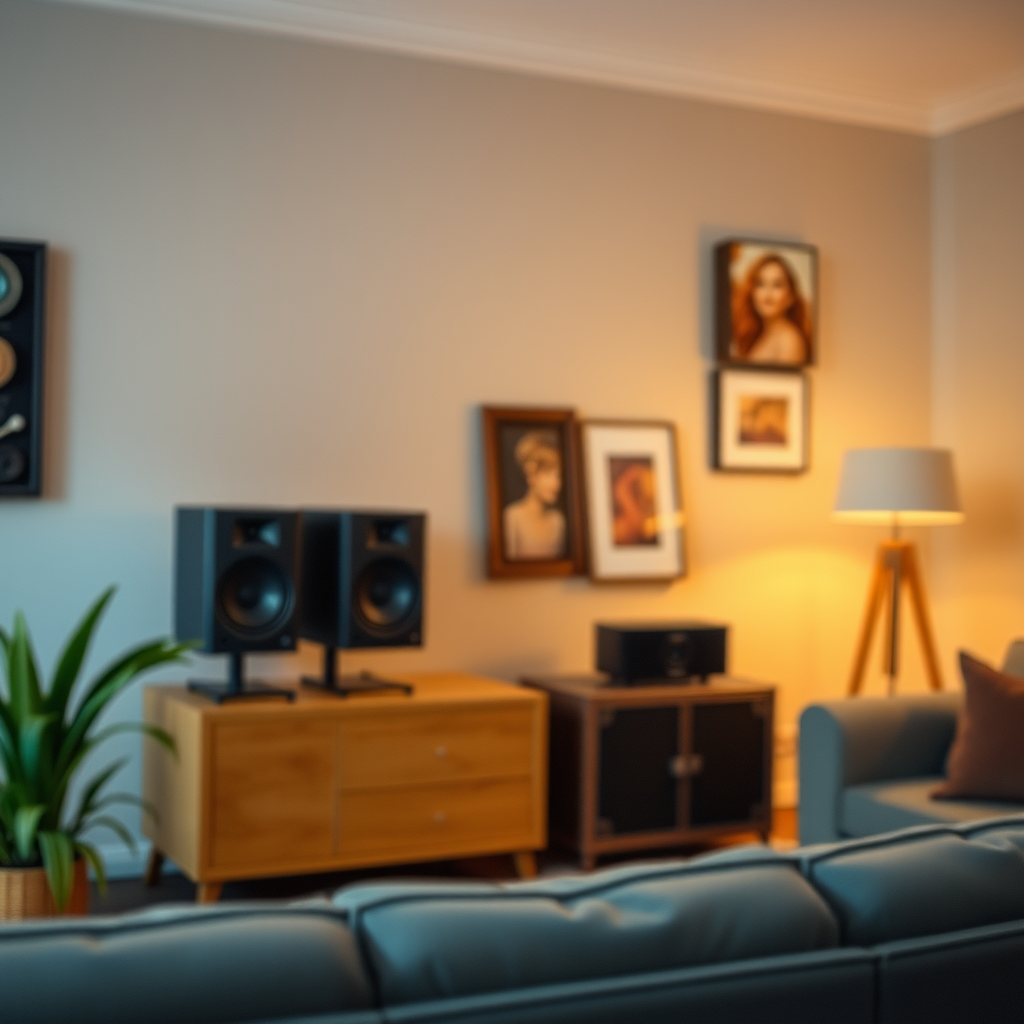
Normal speaker volume levels vary significantly depending on the type of speakers being used. For instance, home theater systems typically have a higher output than standard computer speakers. Low volume can be perceived differently based on individual preferences and the acoustics of the room. Factors such as speaker type, their wattage, and the environment where they are placed can heavily influence perceived loudness. For example, in a large room with hard surfaces, sound may dissipate quickly, making it appear quieter than in a smaller, more carpeted space.
Room acoustics play a crucial role in sound perception; sound waves interact with walls, furniture, and other surfaces, affecting how we hear audio. A room with lots of soft furnishings may absorb sound and create a warmer, quieter ambiance, while a bare room may cause sound to bounce and echo, altering the listening experience.
Check Your Audio Settings
Before diving into hardware checks, it’s essential to verify your audio settings. System volume levels can often be inadvertently adjusted, leading to underwhelming audio performance. Check the master volume on your computer or device and ensure that it is set to an appropriate level.
Additionally, take a close look at the balance and equalizer settings. Many audio devices come equipped with equalizers that can enhance or diminish specific frequencies. If bass is boosted too high, it may overshadow mids and highs, resulting in an overall quieter experience. Adjusting these settings can help achieve a well-rounded sound profile, providing a more satisfying listening experience.
Inspect Your Connections
Another common culprit for low speaker volume is improper connections. Make sure all cables are securely connected and free from damage. Loose connections can result in intermittent signals or reduced volume, which can be frustrating when trying to enjoy your favorite audio.
Using the correct input ports on your devices is also critical. For example, connecting your speakers to a headphone jack instead of a dedicated output port may limit the audio quality and volume. Always refer to the user manual for your speakers and audio source to ensure that you’re utilizing the proper connections.
Top 7 Common Causes of Low Speaker Volume (2023)
| # | Cause | Impact Level | Solution |
|---|---|---|---|
| 1 | Audio Settings | High | Adjust volume and EQ settings |
| 2 | Loose Connections | Medium | Secure all cables |
| 3 | Speaker Placement | High | Optimize positioning in the room |
| 4 | Device Compatibility | Medium | Check for compatibility |
| 5 | Software Issues | High | Update drivers and software |
| 6 | Hardware Problems | High | Seek professional help |
| 7 | Input Source | Medium | Use the correct input port |
Evaluate Speaker Placement
The positioning of your speakers can significantly impact sound projection and clarity. Placing speakers too close to walls or in corners can result in muffled sound, whereas proper positioning can enhance audio quality. Ideally, speakers should be placed at ear level and away from obstructions that might interfere with sound waves.
In larger rooms, consider the distance between speakers and the audience. Experimenting with angles and distances can yield a more immersive audio experience. In contrast, smaller rooms may benefit from placing speakers closer together to create a balanced sound stage.
Assess Device Compatibility
Compatibility is another critical factor that can affect speaker performance. If your speakers are not designed to work with your audio source—be it a computer, television, or smartphone—you may experience lower volume levels. Checking the specifications of both the speakers and the audio source is essential for optimal performance.
Moreover, using adapters or extensions can sometimes introduce compatibility issues. For instance, a low-quality adapter may limit the signal strength, leading to diminished audio output. Always opt for high-quality accessories that are compatible with your devices to ensure the best possible sound.
Look for Software Issues
Software settings and updates can play a significant role in speaker performance. Outdated drivers can lead to various audio issues, including low output. Regularly checking for updates from the manufacturer’s website can help maintain optimal performance and compatibility.
Additionally, check your device’s audio settings for any anomalies. Some devices have built-in sound enhancements or features that may inadvertently lower audio levels. Resetting these features can often resolve volume issues.
Consider Hardware Problems
If you have exhausted all troubleshooting options and your speakers still sound quiet, it might be time to assess potential hardware problems. Signs of malfunction can include distorted sound, buzzing, or complete silence. If you notice any of these symptoms, your speakers may be damaged and require repair or replacement.
When considering a replacement, look for speakers that meet your audio needs and are known for their reliability. Researching user reviews and expert opinions can help you select a suitable option.
By identifying the root causes behind your quiet speakers, you can take actionable steps to restore their performance. Whether it’s adjusting settings, checking connections, or considering hardware issues, addressing these factors will greatly improve your audio experience. If the problem persists, don’t hesitate to reach out for professional assistance or explore new speaker options.
Frequently Asked Questions
Why are my speakers so quiet even at maximum volume?
If your speakers are quiet even when set to maximum volume, it could be due to several reasons including incorrect audio settings on your device, low-quality audio files, or speaker damage. Check your device’s sound settings, ensure that the balance is centered, and confirm that any audio enhancements are properly configured. Additionally, test your speakers with different devices to rule out compatibility issues.
How can I troubleshoot quiet speakers on my computer?
To troubleshoot quiet speakers on your computer, start by checking the volume levels in both the operating system and any audio applications you are using. Ensure that the speakers are properly connected to the audio output and that the correct playback device is selected. You might also want to update your audio drivers or run the built-in troubleshooting tool to identify any software conflicts.
What causes my Bluetooth speakers to be quiet?
Bluetooth speakers can be quiet due to various factors such as a weak Bluetooth connection, low battery levels, or audio limitations from the device they are paired with. Ensure that your Bluetooth speaker is fully charged and that it is within an optimal range of your device. Additionally, check the sound settings on both the speaker and the connected device to ensure they are appropriately configured.
Which settings can affect speaker volume on my smartphone?
Several settings can affect speaker volume on your smartphone, including media volume, notification volume, and any sound effects or equalizer settings. Make sure to adjust the media volume specifically, as it often controls the sound output for music and videos. Another factor to consider is whether any accessibility features, like “Mono Audio,” are impacting your sound experience.
What should I do if my speakers are quiet when connected to a TV?
If your speakers are quiet when connected to a TV, check the audio output settings on the TV to ensure they are set to the correct output device. Additionally, verify that any sound modes or enhancements are not inadvertently lowering the volume. If using external speakers, confirm that they are properly connected and powered, and consider adjusting the TV’s volume and sound settings to enhance the audio output.
References
- https://en.wikipedia.org/wiki/Speaker_(audio
https://en.wikipedia.org/wiki/Speaker_(audio - https://www.sciencedirect.com/topics/engineering/speaker
https://www.sciencedirect.com/topics/engineering/speaker - https://www.bbc.com/future/article/20220309-how-to-make-your-speakers-sound-better
https://www.bbc.com/future/article/20220309-how-to-make-your-speakers-sound-better - https://www.nature.com/articles/s41598-021-03588-7
https://www.nature.com/articles/s41598-021-03588-7 - https://www.audioholics.com/tweaks/why-are-my-speakers-so-quiet
https://www.audioholics.com/tweaks/why-are-my-speakers-so-quiet - https://www.hifiengine.com/manuals/philips/philips-4-speaker-systems.html
https://www.hifiengine.com/manuals/philips/philips-4-speaker-systems.html - Google Scholar Google Scholar
https://scholar.google.com/scholar?q=why+are+my+speakers+so+quiet - Google Scholar Google Scholar
https://scholar.google.com/scholar?q=speaker+volume+issues - Google Scholar Google Scholar
https://scholar.google.com/scholar?q=speaker+performance+and+quietness - https://www.mayoclinic.org/diseases-conditions/hearing-loss/symptoms-causes/syc-20359142
https://www.mayoclinic.org/diseases-conditions/hearing-loss/symptoms-causes/syc-20359142
