


AOC monitors typically do not come equipped with built-in speakers. Most models focus on providing high-quality visual performance without integrated audio features. However, some models may feature basic audio capabilities. In this article, we will explore the audio capabilities of AOC monitors, discuss options for external audio solutions, and highlight specific models that may have audio features.
Overview of AOC Monitor Audio Features
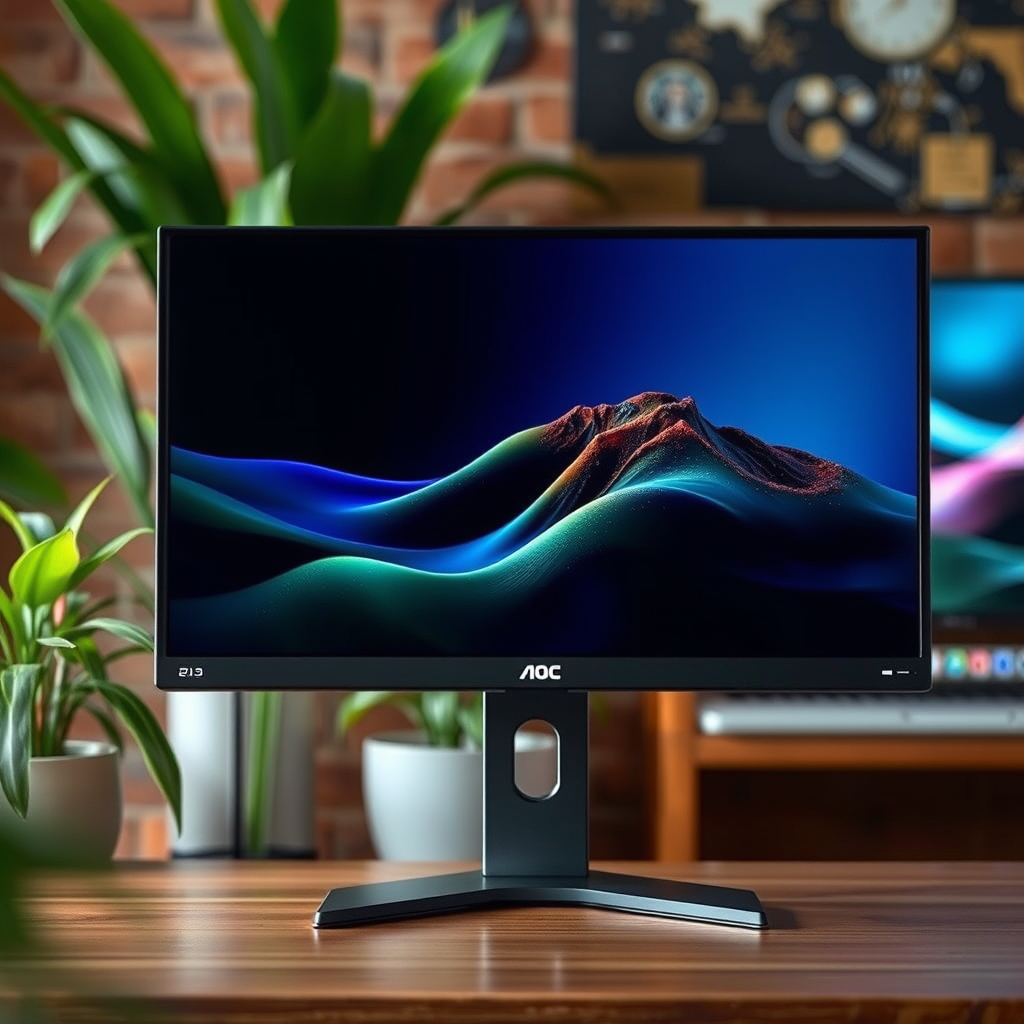
AOC, a well-known brand in the display market, primarily emphasizes visual quality in its monitors, which is why most of its models do not include built-in speakers. By focusing on delivering high-resolution displays, vibrant colors, and fast refresh rates, AOC has positioned itself as a preferred choice for gamers, designers, and professionals who prioritize exceptional visual performance over integrated audio functionalities.
While some AOC monitor models may incorporate basic audio capabilities—primarily for users who need minimal sound output for video calls or notifications—these are not designed for high-quality sound. The audio performance of built-in speakers on these models is often limited, making them inadequate for immersive experiences, such as gaming or watching movies. Therefore, users are generally encouraged to explore external audio solutions for a better sound experience.
Popular AOC Monitor Models and Their Audio Capabilities
When evaluating AOC monitors, it’s essential to consider their audio capabilities alongside their display features. Here are some popular models and their respective audio features:
1. AOC 24G2: This 24-inch gaming monitor is highly regarded for its performance, featuring a 144Hz refresh rate and a 1ms response time. However, it does not come with built-in speakers, emphasizing its role as a visual-centric device.
2. AOC U2790PQU: This 27-inch 4K monitor offers impressive visual clarity and is designed for professional use. It features minimal audio capabilities—specifically, integrated speakers that provide basic sound output for casual use, but they are not suitable for high-fidelity audio needs.
3. AOC CQ32G1: A curved gaming monitor that provides an immersive experience with its 144Hz refresh rate. Similar to the 24G2, it lacks built-in speakers, which means users should plan for an external audio solution.
4. AOC AGON AG273QZ: Designed for competitive gaming, this high-end model boasts a 240Hz refresh rate and FreeSync support. It does not include built-in speakers, further emphasizing the brand’s focus on visual quality.
5. AOC I1601FWUX: A portable 15.6-inch monitor that features USB-C connectivity. It includes basic speakers that can handle light audio tasks, making it more versatile for on-the-go usage, but not ideal for multimedia consumption.
In summary, while some models like the AOC U2790PQU may have integrated audio, they are not intended for serious audio performance, reinforcing the need for external audio solutions.
External Audio Solutions for AOC Monitors
For users who want to enhance their audio experience while using AOC monitors, external audio solutions are highly recommended. Several options are available, including:
– External Speakers: Dedicated speakers can significantly improve sound quality. Brands such as Logitech, Bose, and Audioengine offer a range of speakers that cater to various budgets and audio needs.
– Soundbars: A soundbar can provide a compact solution that delivers substantial audio improvement over built-in monitor speakers. They are particularly beneficial for users who want to save desk space while enjoying better sound.
– Headphones: For a more personal listening experience, high-quality headphones or gaming headsets can provide excellent sound clarity and immersion.
Connecting these external audio solutions to AOC monitors is typically straightforward. Most monitors come equipped with standard audio jacks (3.5mm AUX) or USB ports, allowing for easy integration of various audio devices.
Benefits of External Speakers
Investing in external speakers provides several advantages over relying on built-in monitor audio:
1. Superior Sound Quality: External speakers are designed specifically for audio performance, often delivering richer bass, clearer highs, and overall better sound quality.
2. Customization: Users can choose speakers based on their preferences, whether for gaming, music, or movies, allowing for a personalized audio setup.
3. Flexibility in Placement: External speakers can be positioned for optimal sound delivery, enhancing the overall listening experience.
4. Multi-Device Compatibility: Many external audio solutions can connect to multiple devices, making them versatile for various setups, whether for gaming, office work, or entertainment.
Factors to Consider When Choosing an AOC Monitor
When selecting an AOC monitor, it’s essential to consider several factors, especially if audio quality is a priority:
– Primary Use: Determine whether the monitor will be used primarily for gaming, professional work, or general use. This will influence the choice of model and audio solution.
– Audio Needs: Assess whether built-in audio is sufficient for your tasks or if you require high-quality external speakers for an enhanced experience.
– Connectivity Options: Ensure the monitor has the necessary ports (HDMI, DisplayPort, USB) to connect with your external audio devices seamlessly.
– Budget: Consider both the monitor and the external audio solution’s price. AOC monitors provide excellent value, but investing in good audio equipment is crucial for a complete experience.
Tips for Setting Up Audio with AOC Monitors
To achieve the best audio setup with your AOC monitor, consider the following tips:
– Compatibility Check: Before purchasing external audio devices, ensure they’re compatible with your monitor’s output options.
– Adjust Audio Settings: Fine-tune the audio settings on your computer and your external speakers to optimize sound quality. This may include adjusting equalizer settings or volume levels.
– Cable Management: Consider how you’ll route cables to keep your workspace organized. Use cable ties or sleeves to manage excess cords.
– Placement of Speakers: Position speakers at ear level and slightly angled toward your listening position for the best sound experience.
Popular AOC Monitor Models and Their Audio Features
| # | Model | Screen Size | Resolution | Built-in Speakers |
|---|---|---|---|---|
| 1 | AOC 24G2 | 24″ | 1920 x 1080 | No |
| 2 | AOC U2790PQU | 27″ | 3840 x 2160 | Yes (Basic) |
| 3 | AOC CQ32G1 | 32″ | 2560 x 1440 | No |
| 4 | AOC AGON AG273QZ | 27″ | 2560 x 1440 | No |
| 5 | AOC I1601FWUX | 15.6″ | 1920 x 1080 | Yes (Basic) |
In summary, AOC monitors typically do not have built-in speakers, but there are options for enhancing your audio experience with external devices. If you’re considering an AOC monitor, think about your audio needs and how you plan to incorporate sound into your setup. Explore models that might suit your preferences and consider investing in quality external speakers for an improved audio experience.
Frequently Asked Questions
Do AOC monitors come with built-in speakers?
Many AOC monitors do not come with built-in speakers, as they are primarily designed for optimal visual performance rather than audio. However, some models, particularly those aimed at gaming or multimedia use, may include integrated speakers. It’s essential to check the specifications of the specific model you are interested in for confirmation.
How can I know if my AOC monitor has speakers?
To determine if your AOC monitor has built-in speakers, you can refer to the product specifications on the AOC website or the user manual that comes with the monitor. Look for features listed under audio specifications, or check for any visible speaker grills on the monitor’s design. If speakers are not included, consider external audio solutions for enhanced sound.
Why might I choose an AOC monitor without built-in speakers?
Choosing an AOC monitor without built-in speakers can be beneficial for those who prioritize display quality over audio features. Many users prefer to use dedicated speakers or headphones for better sound quality, as integrated speakers may not meet higher audio expectations. This choice can also lead to a more streamlined monitor design focused on visual fidelity.
What are the best AOC monitors with built-in speakers?
Some of the best AOC monitors with built-in speakers include the AOC G2590FX and the AOC U2790VQ, which combine excellent display quality with decent audio output. These models are suitable for gaming and multimedia purposes, providing a convenient all-in-one solution for users who prefer not to use external speakers. Always check the latest reviews and specifications to find the best model that fits your needs.
Which AOC monitor models offer the best audio quality if they have speakers?
AOC models like the AOC CQ27G1 and AOC AGON AG322FCX are known for their decent built-in audio quality, providing a satisfactory experience for casual use. While dedicated speakers will always outperform integrated ones, these monitors are designed to provide good sound for those who may not want additional equipment. For serious audio needs, consider investing in external sound systems for an enhanced experience.
References
- https://www.wikiwand.com/en/AOC_(company
https://www.wikiwand.com/en/AOC_(company - Google Scholar Google Scholar
https://scholar.google.com/scholar?q=AOC+monitor+speakers - https://www.sciencedirect.com/topics/computer-science/monitor-speakers
https://www.sciencedirect.com/topics/computer-science/monitor-speakers - https://www.bbc.com/news/technology-51867657
https://www.bbc.com/news/technology-51867657 - https://www.nytimes.com/2021/04/15/technology/aoc-monitor-review.html
https://www.nytimes.com/2021/04/15/technology/aoc-monitor-review.html - https://www.cdc.gov/niosh/topics/monitoring/
https://www.cdc.gov/niosh/topics/monitoring/ - Google Scholar Google Scholar
https://scholar.google.com/scholar?q=monitor+speakers - https://pubmed.ncbi.nlm.nih.gov/24629345/
https://pubmed.ncbi.nlm.nih.gov/24629345/ - https://www.reuters.com/article/us-technology-monitors-idUSKBN2A12E
https://www.reuters.com/article/us-technology-monitors-idUSKBN2A12E - https://www.nature.com/articles/d41586-020-00180-2
https://www.nature.com/articles/d41586-020-00180-2
