
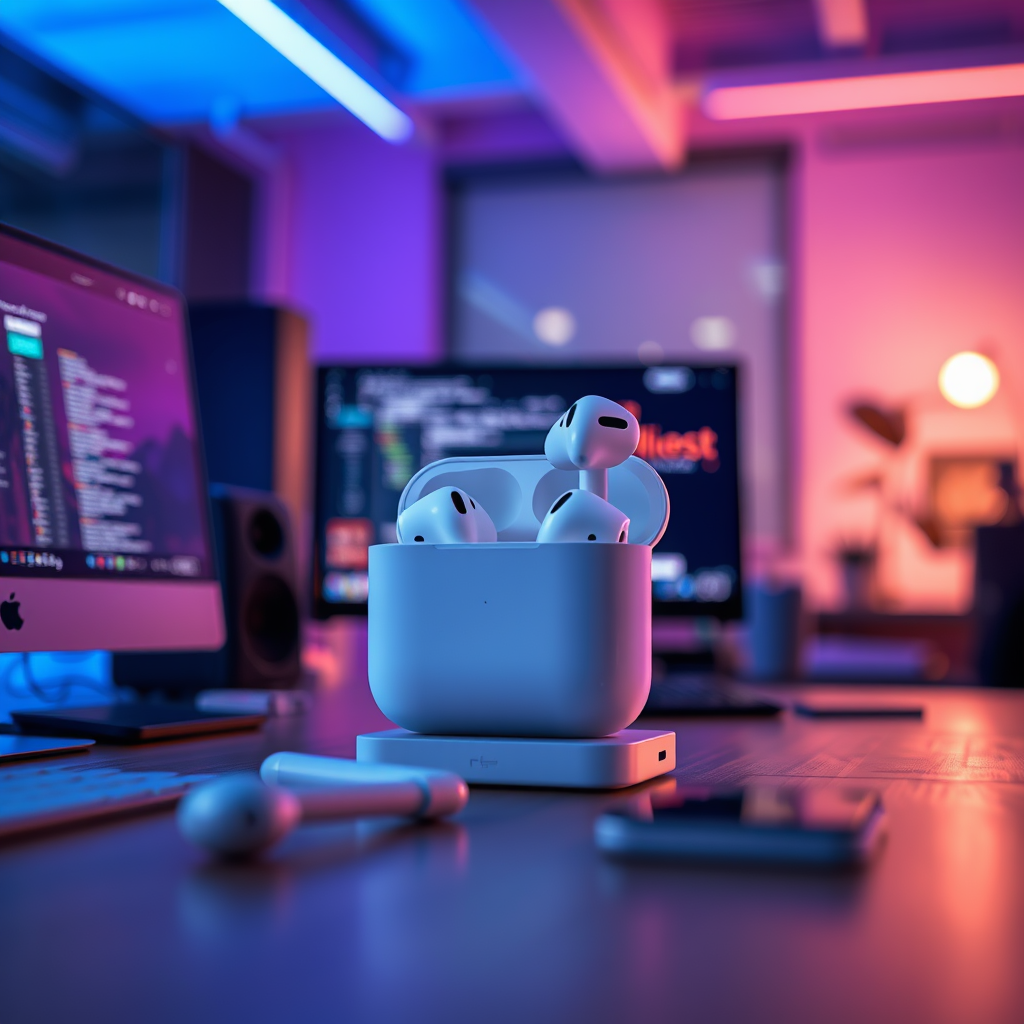

Cleaning your AirPods speakers is crucial for maintaining sound quality and prolonging their lifespan. Over time, dust, dirt, and earwax can accumulate, leading to distortion and diminished audio performance. This guide will walk you through effective cleaning techniques to ensure your AirPods remain in optimal condition, enhancing both their functionality and your listening experience.
Understanding the Importance of Cleaning

Regular cleaning of your AirPods is not just a matter of aesthetics; it directly impacts their performance. When debris and earwax accumulate on the speaker grills, they can obstruct sound waves, causing distortion that detracts from audio clarity. Additionally, neglecting to clean them can lead to more serious issues, such as speaker damage or malfunction. By keeping your AirPods clean, you not only enhance their sound quality but also extend their longevity, saving you from potential replacement costs.
What You’ll Need
To effectively clean your AirPods speakers, you will need the following tools:
– Soft, lint-free cloth: Ideal for general cleaning without scratching the surface.
– Small, soft-bristled brush: Perfect for reaching into the delicate speaker mesh and removing stubborn debris.
– Isopropyl alcohol (70% or higher): Useful for disinfecting surfaces and removing sticky residues.
These items are easily accessible and will enable you to perform a comprehensive cleaning routine with minimal effort.
Step-by-Step Cleaning Process
– Initial Wipe Down: Start by using the lint-free cloth to wipe down the exterior of your AirPods and charging case. This removes surface dirt and oils, making the subsequent cleaning steps more effective.
– Detailing the Speakers: For the speaker mesh, gently use the soft brush to remove any dirt or wax buildup. Be careful not to press too hard, as the mesh is delicate. You can also use a dry, soft toothbrush if you don’t have a specialized brush on hand.
Top 7 AirPods Cleaning Techniques (2024)
| # | Technique | Effectiveness | Frequency | Recommended Tool |
|---|---|---|---|---|
| 1 | Wipe Down with Cloth | ★ ★ ★ ★ ★ | Weekly | Lint-Free Cloth |
| 2 | Use Soft Brush | ★ ★ ★ ★ | Bi-Weekly | Soft Brush |
| 3 | Alcohol Disinfection | ★ ★ ★ ★ ★ | Monthly | Isopropyl Alcohol |
| 4 | Dry Toothbrush | ★ ★ ★ | As Needed | Toothbrush |
| 5 | Compressed Air | ★ ★ ★ ★ | Monthly | Air Can |
| 6 | Cotton Swab | ★ ★ ★ | Weekly | Cotton Swabs |
| 7 | Avoid Moisture | ★ ★ ★ ★ ★ | Ongoing | N/A |
Cleaning the Charging Case
– Exterior Cleaning: Just like your AirPods, the charging case also requires regular attention. Use the lint-free cloth to wipe the exterior surfaces to eliminate fingerprints, oils, and dust.
– Inside the Case: The interior of the charging case can accumulate debris as well, particularly in the charging ports. Utilize the soft brush to delicately clear any dust or lint from the ports. Avoid using liquid directly inside the case; instead, use a lightly dampened cloth if needed.
Disinfecting Your AirPods
– Using Isopropyl Alcohol: For effective disinfection, dampen the lint-free cloth with isopropyl alcohol and gently wipe down all surfaces of your AirPods. This will not only remove dirt but also kill bacteria and viruses, ensuring a hygienic listening experience.
– Precautions: While cleaning, be cautious to prevent moisture from entering any openings, such as the speaker mesh or charging ports. Excess moisture can lead to internal damage, which may void your warranty.
Tips for Maintaining Clean AirPods
– Store Properly: Always store your AirPods in their case when not in use. This minimizes exposure to dirt and helps maintain cleanliness.
– Regular Checks: Make it a habit to inspect your AirPods every few weeks. A quick visual check can help you identify any buildup that needs attention, ensuring they stay in peak condition.
– Avoid High Temperatures: Excessive heat can damage the battery and the plastic casing of your AirPods. Keep them stored in a cool, dry place away from direct sunlight.
Maintaining clean AirPods speakers not only improves sound quality but also extends their lifespan. Regular care is simple and requires minimal tools. By following the steps outlined above, you can keep your AirPods in excellent condition and enjoy a better audio experience. If you found this guide helpful, consider sharing it or bookmarking it for future reference!
Frequently Asked Questions
How do I safely clean the speakers on my AirPods?
To safely clean the speakers on your AirPods, use a soft, dry, lint-free cloth. Gently wipe the speaker mesh to remove any debris or earwax buildup. Avoid using any liquids or abrasive materials, as they can damage the speakers or internal components.
What tools do I need to clean my AirPods speakers effectively?
For effective cleaning of your AirPods speakers, you will need a soft-bristled brush, a microfiber cloth, and a toothpick or a soft cleaning tool. The brush helps dislodge dirt without scratching, while the cloth can wipe away any residue. Always ensure that any tools used are clean and dry to prevent further damage.
Why is it important to clean my AirPods speakers regularly?
Regularly cleaning your AirPods speakers is essential to maintain sound quality and prolong their lifespan. Dirt, dust, and earwax can accumulate over time, leading to muffled audio and potential damage to the speaker mesh. Keeping them clean ensures optimal performance and a better listening experience.
What is the best way to remove earwax from AirPods speakers?
The best way to remove earwax from AirPods speakers is to use a toothpick or a soft cleaning tool to gently scrape away the wax from the speaker mesh. Follow up by using a soft brush to dislodge any remaining particles. Be cautious not to push debris further into the speaker openings.
Which cleaning solutions are safe to use on my AirPods speakers?
The safest cleaning solution for your AirPods speakers is a mixture of water and isopropyl alcohol in a 70% concentration. Dampen a microfiber cloth with this solution and gently wipe the exterior surfaces, avoiding direct contact with the speaker mesh. Always ensure that the cloth is not overly wet to prevent moisture damage.
References
- If the macOS Mojave installer is unable to update because ‘an error occurred installing macOS’ – …
https://support.apple.com/en-us/HT209166 - https://www.nytimes.com/2021/03/22/technology/personaltech/airpods-cleaning.html
https://www.nytimes.com/2021/03/22/technology/personaltech/airpods-cleaning.html - https://www.pcmag.com/how-to/how-to-clean-your-airpods
https://www.pcmag.com/how-to/how-to-clean-your-airpods - https://www.bbc.com/news/technology-51482582
https://www.bbc.com/news/technology-51482582 - Google Scholar Google Scholar
https://scholar.google.com/scholar?q=how+to+clean+airpods+speakers - https://scholar.google.com/scholar?q=cleaning+airpods+maintenance Google Scholar
https://scholar.google.com/scholar?q=cleaning+airpods+maintenance - Google Scholar Google Scholar
https://scholar.google.com/scholar?q=Airpods+speakers+cleaning+techniques - how to clean airpods speakers – Search results
https://en.wikipedia.org/wiki/Special:Search?search=how+to+clean+airpods+speakers - https://www.ncbi.nlm.nih.gov/search/research-articles/?term=how+to+clean+airpods+speakers
https://www.ncbi.nlm.nih.gov/search/research-articles/?term=how+to+clean+airpods+speakers
