
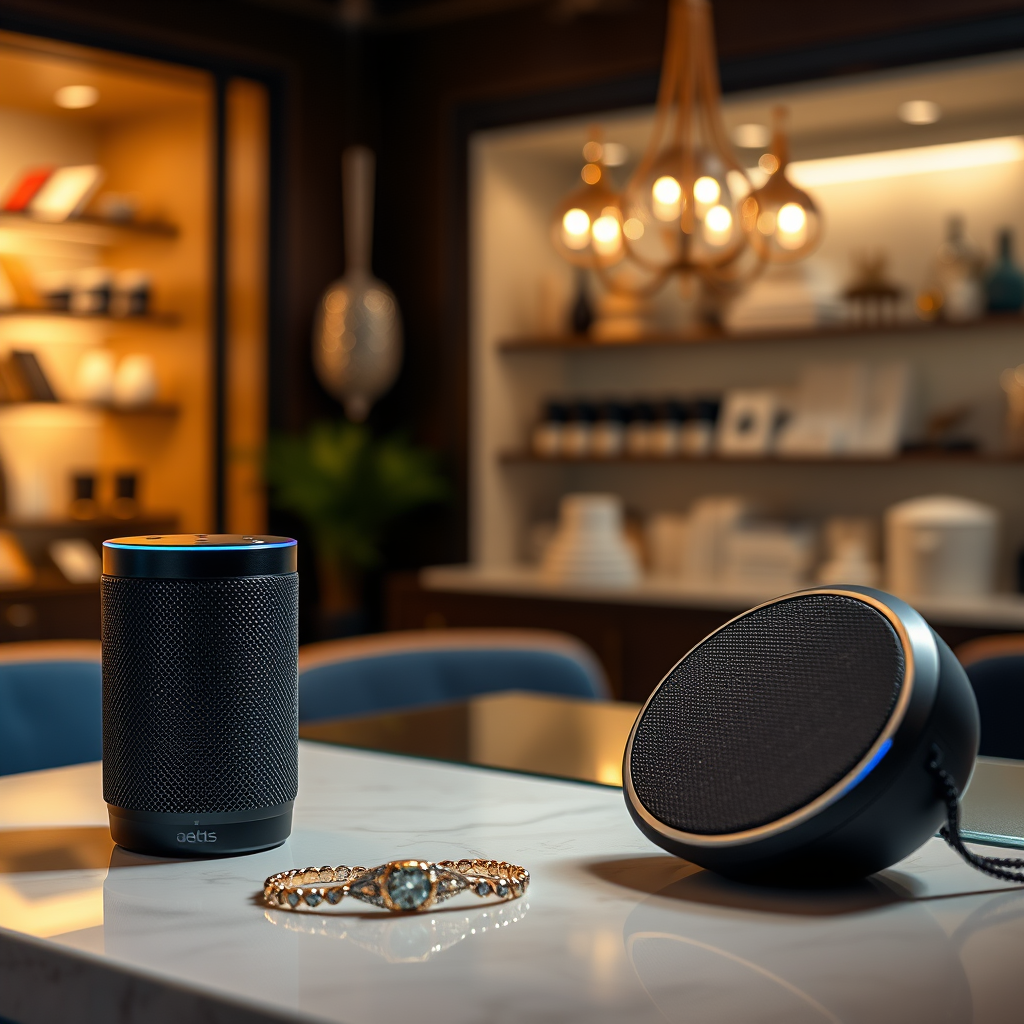

Yes, Alexa can connect to Bluetooth speakers, significantly improving your audio experience. By pairing your Alexa-enabled device with a Bluetooth speaker, you can enjoy richer sound quality for music, podcasts, audiobooks, and voice interactions. This article will guide you through the process of connecting your Alexa to Bluetooth speakers, highlight the benefits of doing so, recommend compatible speakers, and provide troubleshooting tips to resolve any connectivity issues.
How to Connect Alexa to Bluetooth Speakers
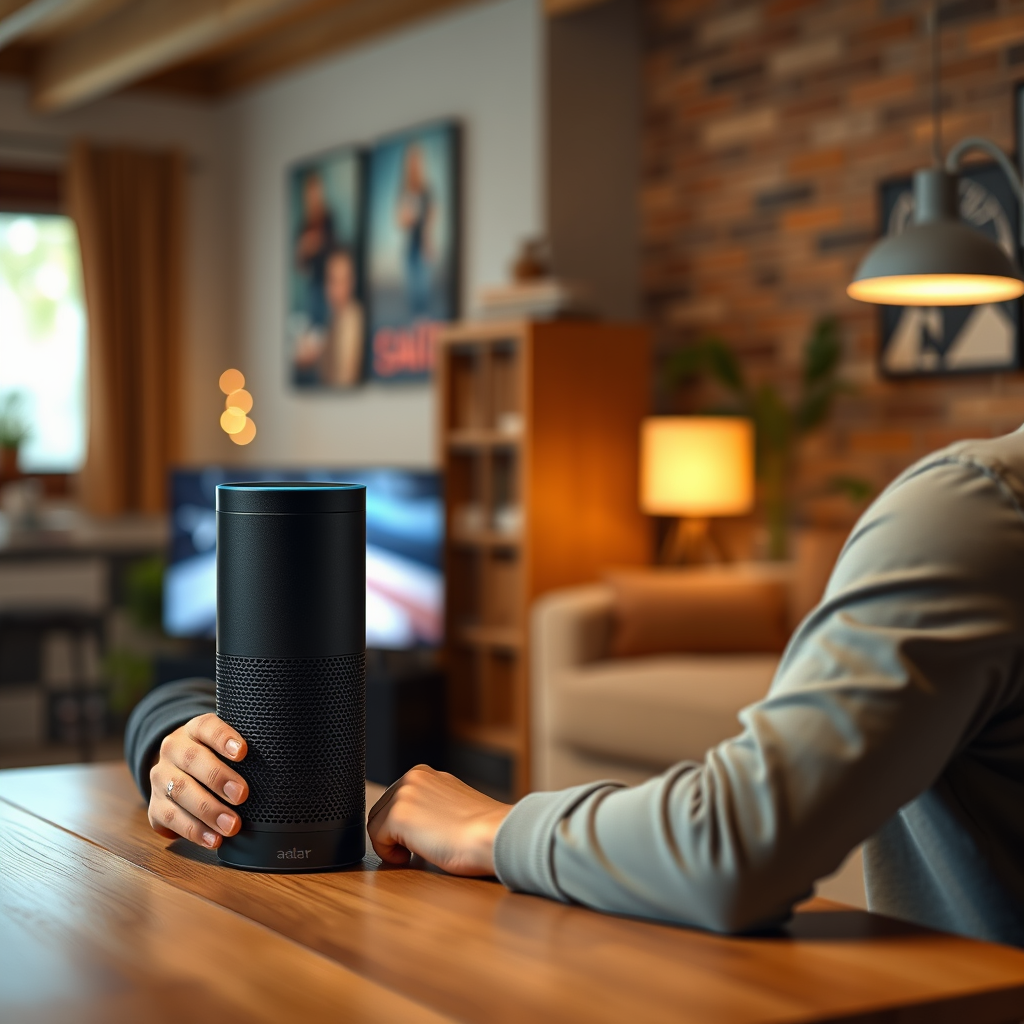
Connecting your Alexa device to a Bluetooth speaker is a straightforward process. Below are step-by-step instructions on how to establish the connection:
1. Put the Bluetooth Speaker in Pairing Mode: Before you start, ensure your Bluetooth speaker is turned on and set to pairing mode. This usually involves pressing a designated button; check your speaker’s manual for specific instructions.
2. Open the Alexa App: On your smartphone or tablet, open the Alexa app. If you haven’t installed it yet, download it from the App Store or Google Play.
3. Access the Devices Tab: Tap on the “Devices” icon located at the bottom right of the app.
4. Select Echo & Alexa: Choose your Alexa-enabled device from the list.
5. Bluetooth Devices: Scroll down and select “Bluetooth Devices.”
6. Pair a New Device: Tap on “Pair a New Device.” Your Alexa device will start searching for available Bluetooth speakers.
7. Select Your Speaker: Once your Bluetooth speaker appears in the list, tap on it to connect. You should hear a confirmation tone from the speaker when pairing is successful.
8. Test the Connection: Try playing music or asking Alexa to play a song to confirm that the audio is coming through the Bluetooth speaker.
Tips for Ensuring Your Bluetooth Speaker is in Pairing Mode:
– Look for a flashing LED indicator on your speaker, which typically signifies that it’s ready to pair.
– If you have trouble connecting, restart both your Alexa device and the Bluetooth speaker.
Benefits of Connecting Alexa to Bluetooth Speakers
Connecting Alexa to Bluetooth speakers offers several advantages that enhance your listening experience:
– Improved Sound Quality: Bluetooth speakers often provide superior audio quality compared to built-in speakers in devices like Echo Dots or Echo Shows. You can enjoy deeper bass and clearer highs, making your music and voice responses more enjoyable.
– Enhanced Listening Experience: For audiobooks and podcasts, the improved sound quality can make a significant difference, allowing for a more immersive experience. The clarity can help you catch every word and nuance, making your listening sessions more engaging.
– Flexibility in Placement: By using a Bluetooth speaker, you can place it in different locations around your home for optimal sound. This flexibility allows you to enjoy your favorite audio content without being confined to the location of your Alexa device.
– Portability: Many Bluetooth speakers are portable, enabling you to take your music outdoors or to different rooms without hassle.
Supported Bluetooth Speakers for Alexa
When selecting a Bluetooth speaker to pair with your Alexa, it’s essential to consider compatibility and features. Here are some popular options:
1. JBL Charge 5
– Battery Life: Up to 20 hours
– Water Resistance: IP67
– Connectivity: Bluetooth 5.1
– Sound Quality: Excellent bass response
2. Bose SoundLink Revolve
– Battery Life: Up to 12 hours
– Water Resistance: IP55
– Connectivity: Bluetooth 4.2
– Sound Quality: 360-degree sound
3. Sonos Roam
– Battery Life: Up to 10 hours
– Water Resistance: IP67
– Connectivity: Bluetooth and Wi-Fi
– Sound Quality: Rich sound profile
– Battery Life: Up to 15 hours
– Water Resistance: IP67
– Connectivity: Bluetooth 4.2
– Sound Quality: Deep bass and clear highs
5. Anker Soundcore Motion+
– Battery Life: Up to 15 hours
– Water Resistance: IPX7
– Connectivity: Bluetooth 5.0
– Sound Quality: Balanced sound profile
– Battery Life: Up to 24 hours
– Water Resistance: IP67
– Connectivity: Bluetooth 5.0
– Sound Quality: Extra bass feature
7. Google Nest Audio
– Battery Life: N/A (plugged in)
– Water Resistance: No
– Connectivity: Wi-Fi and Bluetooth
– Sound Quality: Clear vocals and balanced sound
Top 7 Bluetooth Speakers Compatible with Alexa (2024)
| # | Speaker | Battery Life | Water Resistance | Sound Quality |
|---|---|---|---|---|
| 1 | JBL Charge 5 | 20 hours | IP67 | Excellent bass response |
| 2 | Bose SoundLink Revolve | 12 hours | IP55 | 360-degree sound |
| 3 | Sonos Roam | 10 hours | IP67 | Rich sound profile |
| 4 | Ultimate Ears BOOM 3 | 15 hours | IP67 | Deep bass and clear highs |
| 5 | Anker Soundcore Motion+ | 15 hours | IPX7 | Balanced sound profile |
| 6 | Sony SRS-XB43 | 24 hours | IP67 | Extra bass feature |
| 7 | Google Nest Audio | N/A | No | Clear vocals and balanced sound |
Troubleshooting Common Connection Issues
While connecting Alexa to Bluetooth speakers is generally seamless, you may encounter some common issues. Here’s how to address them:
– Speaker Not Found: Ensure that the Bluetooth speaker is in pairing mode and close to your Alexa device. Restart both devices if necessary.
– Disconnection Issues: If your connection drops frequently, check for potential interference from other Bluetooth devices or Wi-Fi signals. Moving your devices closer can also help.
– Audio Quality Problems: If you experience audio dropouts or poor sound quality, it may be due to distance or obstacles between the Alexa device and the speaker. Reduce the distance and remove any barriers.
– Re-Pairing Required: If you find that the Bluetooth speaker won’t connect again after the initial pairing, remove the speaker from the Alexa app and re-pair it by following the steps outlined above.
Alternative Ways to Use Alexa with Speakers
In addition to Bluetooth speakers, Alexa can be integrated with various audio devices for an enhanced listening experience:
– Smart Speakers: Alexa-enabled smart speakers, such as the Echo series, can be used without additional Bluetooth connections. They offer built-in voice control, music streaming, and smart home integration.
– Soundbars: Many modern soundbars are compatible with Alexa. Using a soundbar can provide a cinematic sound experience for movies and TV shows, in addition to music.
– Multi-Room Audio: Alexa supports multi-room audio, allowing you to sync multiple Echo devices or compatible speakers throughout your home. This feature lets you enjoy music in every room simultaneously or control audio playback from a centralized location.
Voice Commands for Controlling Bluetooth Speakers
Utilizing voice commands with your Bluetooth speaker enhances usability. Here are some useful commands:
– “Alexa, play [song/artist/genre] on [speaker name]”: This command directs Alexa to play audio on your specific Bluetooth speaker.
– “Alexa, pause” or “Alexa, resume”: Easily control playback with simple commands.
– “Alexa, increase/decrease the volume”: Adjust the sound level without needing to physically reach your speaker.
– “Alexa, skip”: Move to the next track effortlessly.
– “Alexa, what’s playing?”: This command will inform you of the current track or audio content.
By mastering these commands, you can maximize your interaction with Alexa and your Bluetooth speaker, making the experience more enjoyable and efficient.
In summary, connecting Alexa to Bluetooth speakers is a straightforward process that brings numerous benefits, including improved sound quality and a more immersive listening experience. With the right speaker and knowledge of troubleshooting tips, you can enjoy your favorite audio content like never before. Consider exploring various compatible speakers to find the one that best fits your needs, and embrace the enhanced audio experience that comes with using Alexa and Bluetooth technology.
Frequently Asked Questions
How do I connect Alexa to a Bluetooth speaker?
To connect Alexa to a Bluetooth speaker, first, ensure your Bluetooth speaker is in pairing mode. Then, open the Alexa app on your smartphone, go to “Devices,” select “Echo & Alexa,” choose your device, and tap “Bluetooth Devices.” Finally, select “Pair a New Device” and choose your Bluetooth speaker from the list to establish the connection.
Why won’t my Alexa connect to my Bluetooth speaker?
There are several reasons why Alexa might not connect to your Bluetooth speaker. Ensure the speaker is powered on and in pairing mode, check that it’s within range, and confirm that no other devices are currently connected to the speaker. Also, try restarting both the Alexa device and the Bluetooth speaker to resolve any connectivity issues.
What Bluetooth speakers are compatible with Alexa?
Most Bluetooth speakers are compatible with Alexa, but some of the best options include brands like Bose, Sonos, and JBL. Look for speakers that explicitly state compatibility with Alexa, as they often feature superior sound quality and additional functionality to enhance your Alexa experience.
How can I use Alexa with a Bluetooth speaker for better sound quality?
To achieve better sound quality with Alexa using a Bluetooth speaker, simply connect your Alexa device to a high-quality Bluetooth speaker following the pairing instructions. Once connected, you can play music, audiobooks, and more through the speaker, allowing for richer sound and enhanced listening experiences.
Can I connect multiple Bluetooth speakers to Alexa at once?
Unfortunately, Alexa does not support connecting multiple Bluetooth speakers simultaneously from a single Echo device. However, you can create a multi-room music setup using compatible Echo devices, allowing you to play music across multiple rooms with synchronized sound, providing a more immersive audio experience.
References
- Amazon Echo
https://en.wikipedia.org/wiki/Amazon_Echo#Bluetooth - https://www.mayoclinic.org/healthy-lifestyle/consumer-health/in-depth/bluetooth-speakers/art-20305831
https://www.mayoclinic.org/healthy-lifestyle/consumer-health/in-depth/bluetooth-speakers/art-20305831 - https://www.bbc.com/news/technology-51424585
https://www.bbc.com/news/technology-51424585 - https://www.theguardian.com/technology/2020/aug/18/amazon-echo-bluetooth-how-to-connect
https://www.theguardian.com/technology/2020/aug/18/amazon-echo-bluetooth-how-to-connect - https://www.sciencedirect.com/topics/computer-science/bluetooth-speakers
https://www.sciencedirect.com/topics/computer-science/bluetooth-speakers - Google Scholar Google Scholar
https://scholar.google.com/scholar?q=does+alexa+connect+to+bluetooth+speakers - Google Scholar Google Scholar
https://scholar.google.com/scholar?q=Amazon+Echo+Bluetooth+connection - Google Scholar Google Scholar
https://scholar.google.com/scholar?q=smart+speakers+bluetooth+connectivity - does alexa connect to bluetooth speakers – Search results
https://en.wikipedia.org/wiki/Special:Search?search=does+alexa+connect+to+bluetooth+speakers - https://www.ncbi.nlm.nih.gov/search/research-articles/?term=does+alexa+connect+to+bluetooth+speakers
https://www.ncbi.nlm.nih.gov/search/research-articles/?term=does+alexa+connect+to+bluetooth+speakers
