
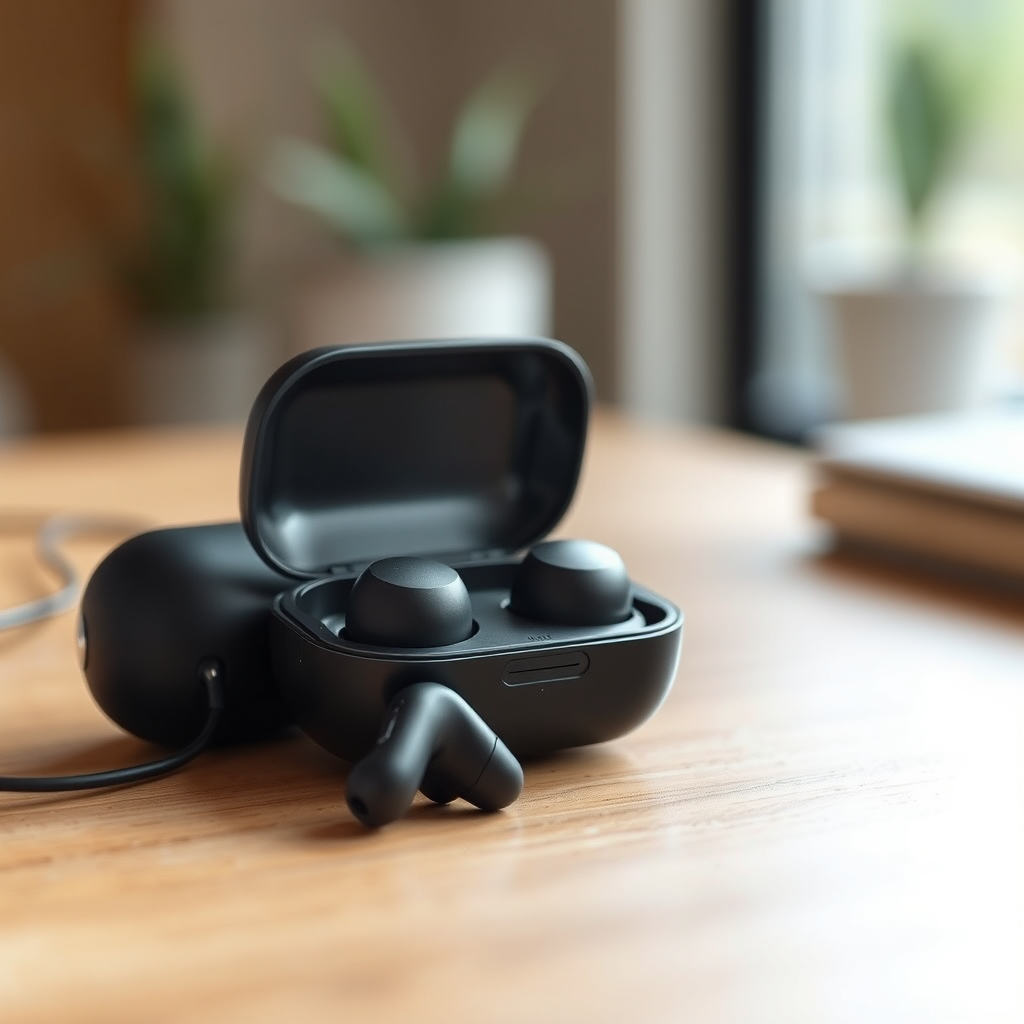

Charging your JLab earbuds is straightforward and typically involves using the provided charging case. Simply place the earbuds in the case, ensuring they connect properly to the charging pins. In this guide, you’ll learn the best practices for charging, troubleshooting tips, and how to maximize your earbuds’ battery life to enhance your listening experience.
Understanding Your JLab Earbuds Charging Case
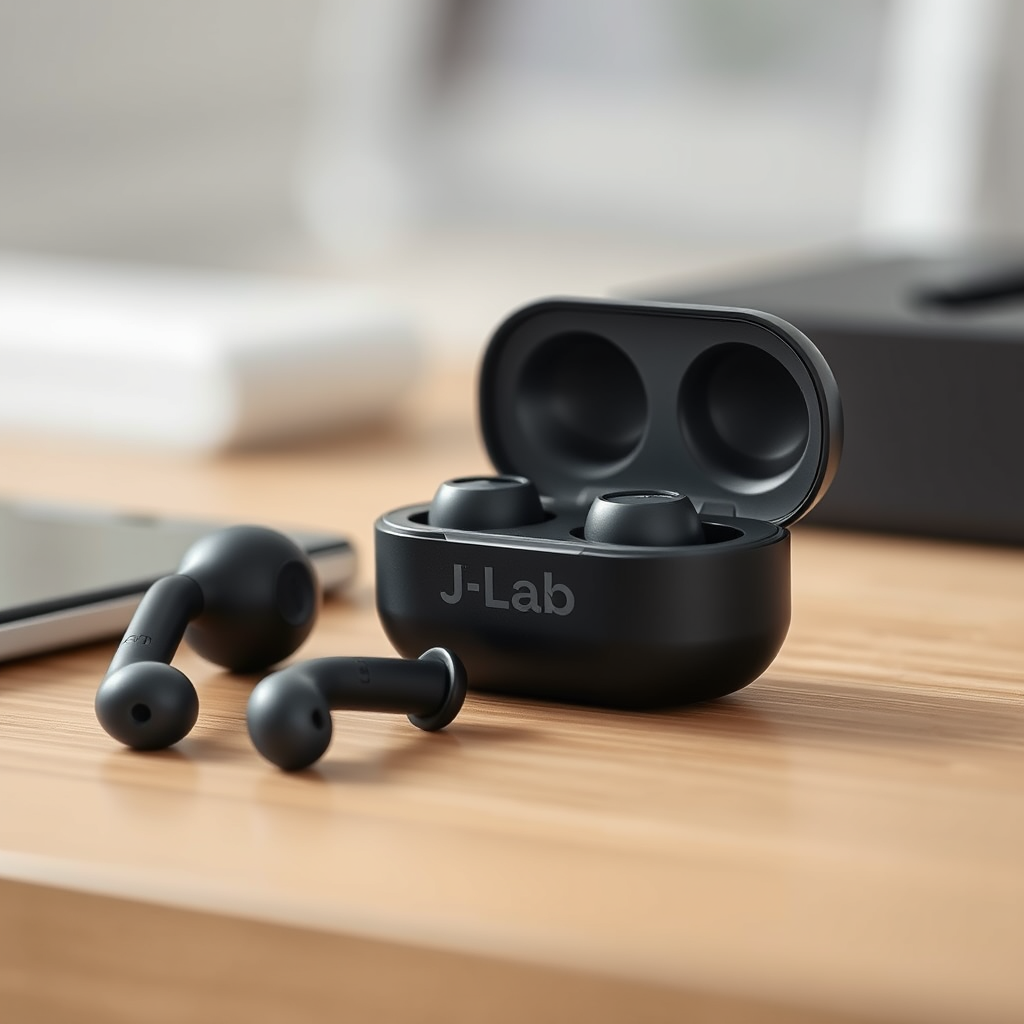
The charging case for your JLab earbuds is an essential accessory designed not only to store your earbuds but also to recharge them efficiently. This compact case serves as a portable power bank, allowing you to keep your earbuds charged while on the go.
To maximize your charging efficiency, it is crucial to ensure that the case itself is fully charged before placing your earbuds inside. This will help to ensure that your earbuds receive the optimal power they need for a full charge. Most JLab charging cases come equipped with an LED indicator that shows the current battery status of the case, allowing you to monitor its charge level easily.
Steps to Charge Your JLab Earbuds
Charging your JLab earbuds is a simple process. Follow these steps for a hassle-free charging experience:
1. Open the Charging Case: Gently lift the lid of the charging case to access the earbuds.
2. Place the Earbuds Inside: Carefully place each earbud inside the case, ensuring they align properly with the charging pins. You should hear a slight click when they are seated correctly.
3. Connect to Power: Use the included USB cable to connect the charging case to a power source. This could be a wall adapter, a power bank, or a computer USB port.
4. Monitor Charging: Keep an eye on the LED indicators on both the case and the earbuds to confirm that charging is in progress.
Indicators of Charging Status
Understanding the charging status of your JLab earbuds is crucial for ensuring they are ready for use when you need them. Here are the key indicators to look for:
– LED Lights on the Earbuds: Most JLab earbuds feature LED lights that indicate their charging status. Typically, a red light means they are currently charging, while a green light indicates that they are fully charged.
– Charging Case Indicators: The charging case also has LED indicators that show its own battery level as well as the status of the earbuds while they are nestled inside. This helps you keep track of both the case’s and earbuds’ power levels at a glance.
Charging Indicators for JLab Earbuds
| # | Indicator | Color | Meaning |
|---|---|---|---|
| 1 | Earbud Charging | Red | Charging |
| 2 | Earbud Fully Charged | Green | Fully Charged |
| 3 | Charging Case Battery | White | Charging Case Battery Level |
| 4 | Charging Case Fully Charged | Green | Charging Case Full |
Tips for Efficient Charging
To ensure your JLab earbuds remain in optimal working condition, consider these tips for efficient charging:
– Remove Earbuds When Fully Charged: Once your earbuds are fully charged, remove them from the case. Overcharging can degrade the battery life over time.
– Keep Charging Contacts Clean: Regularly inspect and clean the charging contacts on both the earbuds and the case. Dust and debris can impede the charging process, leading to inefficient performance. Use a soft, dry cloth to wipe these areas gently.
– Charge Regularly: Even if you do not use your earbuds frequently, charge them every couple of weeks to maintain battery health.
Troubleshooting Charging Issues
Sometimes, you may encounter issues while charging your JLab earbuds. Here are some common troubleshooting tips:
– Check the Charging Case: If your earbuds are not charging, first ensure that the charging case itself is charged. You can do this by checking the LED indicator on the case.
– Correct Placement: Make sure that the earbuds are seated correctly in the charging case. Misalignment can prevent the earbuds from making proper contact with the charging pins.
– Reset Your Earbuds: If all else fails, resetting the earbuds may resolve any charging issues. Refer to your user manual for specific instructions on how to reset your model.
– Change the Charging Cable: If you suspect the cable may be faulty, try using a different USB cable to see if that resolves the issue.
Maximizing Battery Life
To prolong the lifespan of your JLab earbuds’ battery, adhere to the following practices:
– Avoid Complete Discharge: Try not to let the battery drain completely before recharging. Lithium-ion batteries perform best when kept above 20% charge.
– Store Properly: When not in use, keep your earbuds in a cool, dry place. Avoid exposing them to extreme temperatures or humidity, which can negatively affect battery performance.
– Limit Noise Levels: High volume levels can strain the battery. Keep audio at moderate levels to extend playtime.
By following these guidelines, you can ensure that your JLab earbuds remain charged and ready for use at all times.
If you follow these steps, charging your JLab earbuds will be a breeze. For further assistance, consult the user manual or visit the JLab support site for more tips and troubleshooting advice. Enjoy your music!
Frequently Asked Questions
How do I charge my JLab earbuds properly?
To charge your JLab earbuds, first, ensure they are in their charging case. Connect the charging case to a power source using the provided USB cable. The LED indicator on the case will illuminate to show that the earbuds are charging. Always make sure the case is fully charged to maximize your earbuds’ battery life.
What do the LED indicators on my JLab earbuds mean while charging?
The LED indicators on your JLab earbuds serve as a charging status indicator. A solid red light typically means the earbuds are charging, while a solid white light indicates they are fully charged. If the lights blink, it may indicate low battery or a connection issue, so refer to the user manual for troubleshooting tips.
Why are my JLab earbuds not charging in the case?
If your JLab earbuds are not charging in the case, first check if the charging pins are clean and free from debris. Make sure the charging case itself is charged; if the case battery is low, the earbuds won’t charge. Additionally, ensure the earbuds are seated correctly in the case to establish a proper connection.
What is the best way to maintain the battery life of my JLab earbuds while charging?
To maintain the battery life of your JLab earbuds, avoid letting them discharge completely before recharging. Regularly charge them when they drop to around 20% battery. Also, keep the charging case and earbuds clean to ensure optimal connectivity and efficiency during the charging process.
Which charger should I use for my JLab earbuds?
You should use the charger that comes with your JLab earbuds for the best results, as it is designed to provide the correct voltage and amperage. If you need a replacement, any USB charging cable compatible with standard USB charging ports will work, but avoid using chargers that exceed the recommended power output to prevent damage.
References
- Download JLab Manuals – JLab Support
https://www.jlab.com/support/manuals - Google Scholar Google Scholar
https://scholar.google.com/scholar?q=charging+wireless+earbuds - Google Scholar Google Scholar
https://scholar.google.com/scholar?q=how+to+charge+JLab+earbuds - https://www.lifewire.com/how-to-charge-wireless-earbuds-5188773
https://www.lifewire.com/how-to-charge-wireless-earbuds-5188773 - https://www.reddit.com/r/JLab/comments/9qf3c0/how_do_you_charge_your_jlab_earbuds/
https://www.reddit.com/r/JLab/comments/9qf3c0/how_do_you_charge_your_jlab_earbuds/ - https://www.bbc.com/news/technology-50750083
https://www.bbc.com/news/technology-50750083 - https://www.lifewire.com/how-to-fix-earbuds-that-wont-charge-5188773
https://www.lifewire.com/how-to-fix-earbuds-that-wont-charge-5188773 - Google Scholar Google Scholar
https://scholar.google.com/scholar?q=how+do+i+charge+my+jlab+earbuds - how do i charge my jlab earbuds – Search results
https://en.wikipedia.org/wiki/Special:Search?search=how+do+i+charge+my+jlab+earbuds - https://www.ncbi.nlm.nih.gov/search/research-articles/?term=how+do+i+charge+my+jlab+earbuds
https://www.ncbi.nlm.nih.gov/search/research-articles/?term=how+do+i+charge+my+jlab+earbuds
