

Connecting your Bose Sport Earbuds is simple and can be done in just a few steps. This guide will walk you through the process to ensure you can enjoy your favorite music and calls without any hassle. By following these straightforward instructions, you’ll be able to set up your earbuds quickly, allowing you to immerse yourself in high-quality sound without delay.
Understanding Bluetooth Pairing
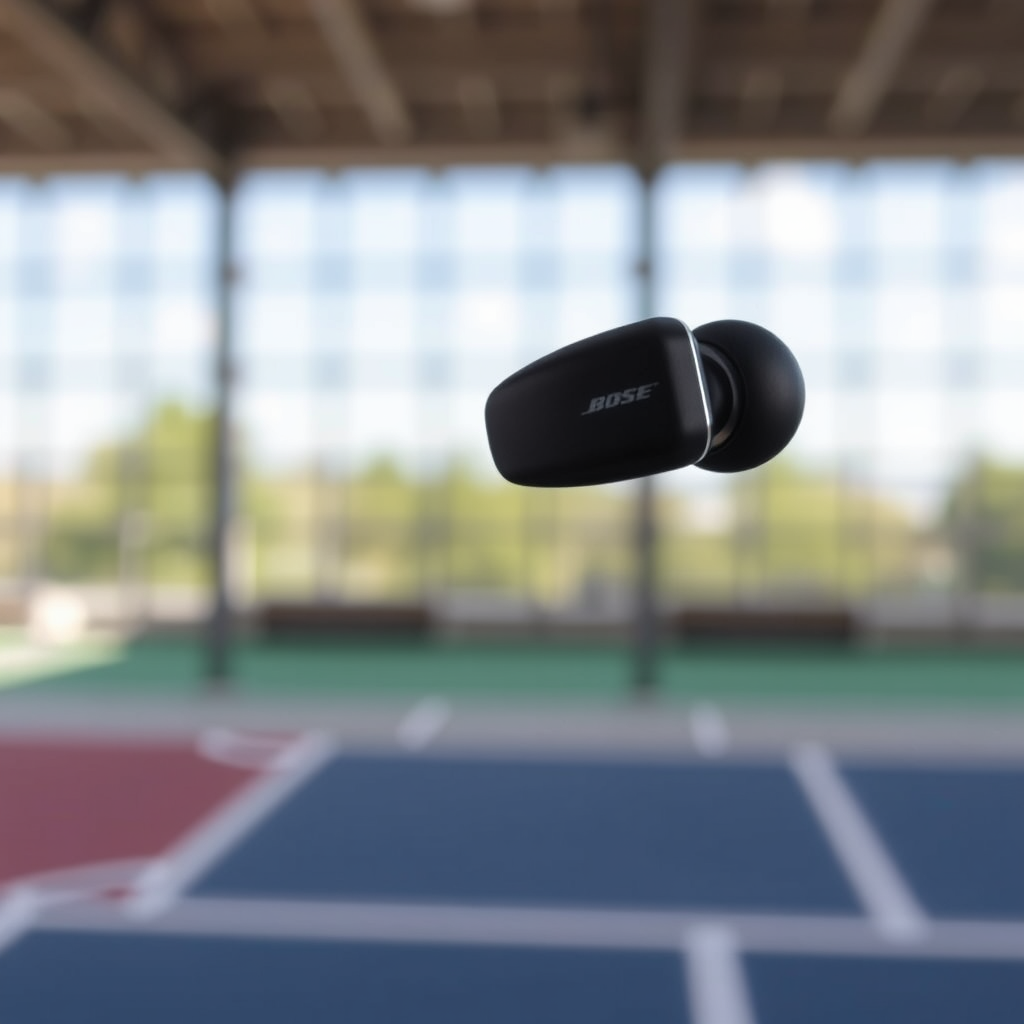
Bluetooth is the primary method for connecting your Bose Sport Earbuds to devices such as smartphones, tablets, and laptops. The convenience of wireless connectivity provided by Bluetooth technology allows you to enjoy your favorite audio content without the restrictions of cables. Before you begin the connection process, ensure that your earbuds are sufficiently charged. A low battery may hinder the pairing process and impact performance, so it’s always advisable to start with a fully charged device.
Preparing Your Device
To connect your Bose Sport Earbuds, you need to access the Bluetooth settings on your smartphone or tablet. This process may vary slightly depending on the operating system you are using. For most devices, you can swipe down from the top of the screen to access quick settings or find Bluetooth under the ‘Settings’ menu. Make sure Bluetooth is enabled; otherwise, your device will not be able to detect the earbuds. If you’re unsure about the status of Bluetooth on your device, simply toggle it off and then back on to refresh the connection.
Activating Pairing Mode on Bose Sport Earbuds
To enable pairing mode on your Bose Sport Earbuds, press and hold the power button until you hear the voice prompt saying, “Ready to pair.” This audio cue indicates that your earbuds are now discoverable to other Bluetooth devices. You will also notice that the Bluetooth indicator light begins to flash blue, confirming that the earbuds are in pairing mode. If you do not hear the voice prompt, try resetting the earbuds by turning them off and repeating the process.
Top Features of Bose Sport Earbuds
| # | Feature | Description | Battery Life | Water Resistance |
|---|---|---|---|---|
| 1 | Noise Cancelling | Active noise cancellation for immersive sound | Up to 5 hours | IPX4 |
| 2 | Voice Assistant | Compatible with Siri and Google Assistant | 15 hours with charging case | IPX4 |
| 3 | Touch Controls | Easy access to controls for music and calls | 2 hours with 15 minutes of charge | IPX4 |
| 4 | Comfort Fit | Ergonomic design for long wear | N/A | IPX4 |
| 5 | Battery Case | Portable charging case included | N/A | IPX4 |
| 6 | Multi-Device Pairing | Connect to two devices simultaneously | N/A | IPX4 |
| 7 | Audio Quality | Premium sound quality with deep bass | N/A | IPX4 |
Connecting to Your Device
Once your earbuds are in pairing mode, the next step is to connect them to your chosen device. On your smartphone or tablet, navigate back to the Bluetooth settings. Here, you will see a list of available devices. Look for “Bose Sport Earbuds” in the list and select it. Upon successful connection, you should hear a confirmation tone or a voice prompt indicating that your earbuds are now connected. This seamless connection process allows you to enjoy your audio without interruption.
Troubleshooting Connection Issues
If your Bose Sport Earbuds do not appear in the list of available devices, there are a few troubleshooting steps you can take. First, make sure that your earbuds are indeed in pairing mode; if not, repeat the activation process. Additionally, check that Bluetooth is enabled on your device. If they still do not connect, try restarting both the earbuds and the device to refresh their connection capabilities. Often, a simple restart can resolve any temporary glitches that may be preventing the connection.
Managing Connections
One of the advantages of the Bose Sport Earbuds is their capability to connect to multiple devices, although they can only play audio from one device at a time. To switch between devices, disconnect the earbuds from the current device in the Bluetooth settings and then reconnect them to another device. This feature is particularly useful for users who frequently switch between devices for work and personal use, ensuring a hassle-free listening experience.
Maintaining Your Bose Sport Earbuds
To ensure optimal performance and longevity of your Bose Sport Earbuds, regular maintenance is essential. Keeping your earbuds updated via the Bose Connect app allows you to access the latest features and improvements. Additionally, regularly check the battery levels to avoid unexpected shutdowns during use. Cleaning the earbuds is also vital; gently wipe them with a soft cloth to remove dirt and earwax, and ensure that the charging ports are clear of debris. Proper care will enhance the lifespan and performance of your earbuds.
Summarizing the steps to connect your Bose Sport Earbuds is straightforward: power on the earbuds, activate pairing mode, and select them from your device’s Bluetooth settings. If you encounter issues, refer to the troubleshooting section for quick fixes. Enjoy your listening experience and don’t hesitate to explore the features of your earbuds!
Frequently Asked Questions
How do I connect my Bose Sport Earbuds to my smartphone?
To connect your Bose Sport Earbuds to your smartphone, first, ensure that your earbuds are charged. Open the charging case and remove the earbuds. On your smartphone, go to the Bluetooth settings, enable Bluetooth, and look for “Bose Sport Earbuds” in the list of available devices. Tap to connect, and once paired, you’ll hear a voice prompt indicating a successful connection.
What should I do if my Bose Sport Earbuds won’t connect?
If your Bose Sport Earbuds won’t connect, try resetting them by placing the earbuds in the charging case, closing the lid, and then reopening it after a few seconds. Ensure Bluetooth is enabled on your device and that it’s within range. If the issue persists, forget the earbuds in your device’s Bluetooth settings and try pairing them again.
Why are my Bose Sport Earbuds not showing up in Bluetooth settings?
If your Bose Sport Earbuds are not showing up in Bluetooth settings, they may not be in pairing mode. To enter pairing mode, take the earbuds out of the charging case and make sure they are powered on. If they still don’t appear, try resetting the earbuds or ensure that they are within range of your device.
Which devices are compatible with Bose Sport Earbuds?
Bose Sport Earbuds are compatible with most Bluetooth-enabled devices, including smartphones, tablets, and laptops. They work seamlessly with both iOS and Android operating systems, making them a versatile choice for music lovers and active users alike.
What is the best way to maintain a stable connection with my Bose Sport Earbuds?
To maintain a stable connection with your Bose Sport Earbuds, ensure they are fully charged and within a reasonable distance from your device. Avoid obstacles such as walls or other electronic devices that may interfere with Bluetooth signals. Regularly updating the firmware through the Bose Connect app can also help improve connectivity and performance.
References
- https://www.bose.com/en_us/support/article/how-to-connect-bose-sport-earbuds.html
https://www.bose.com/en_us/support/article/how-to-connect-bose-sport-earbuds.html - Google Scholar Google Scholar
https://scholar.google.com/scholar?q=how+to+connect+Bose+Sport+Earbuds - Google Scholar Google Scholar
https://scholar.google.com/scholar?q=connecting+Bose+Sport+Earbuds - https://www.bbc.com/news/technology-54726239
https://www.bbc.com/news/technology-54726239 - https://www.lifewire.com/how-to-connect-bose-sport-earbuds-4773378
https://www.lifewire.com/how-to-connect-bose-sport-earbuds-4773378 - Google Scholar Google Scholar
https://scholar.google.com/scholar?q=how+to+connect+bose+sport+earbuds - how to connect bose sport earbuds – Search results
https://en.wikipedia.org/wiki/Special:Search?search=how+to+connect+bose+sport+earbuds - https://www.ncbi.nlm.nih.gov/search/research-articles/?term=how+to+connect+bose+sport+earbuds
https://www.ncbi.nlm.nih.gov/search/research-articles/?term=how+to+connect+bose+sport+earbuds
