

To turn off your Bose earbuds, simply press and hold the power button on the right earbud until you hear a voice prompt or see the indicator light go off. This simple action will ensure your earbuds are powered down and help conserve battery life. In this guide, we’ll explore various methods to turn off your Bose earbuds, along with troubleshooting tips if you encounter any issues.
Understanding the Power Button
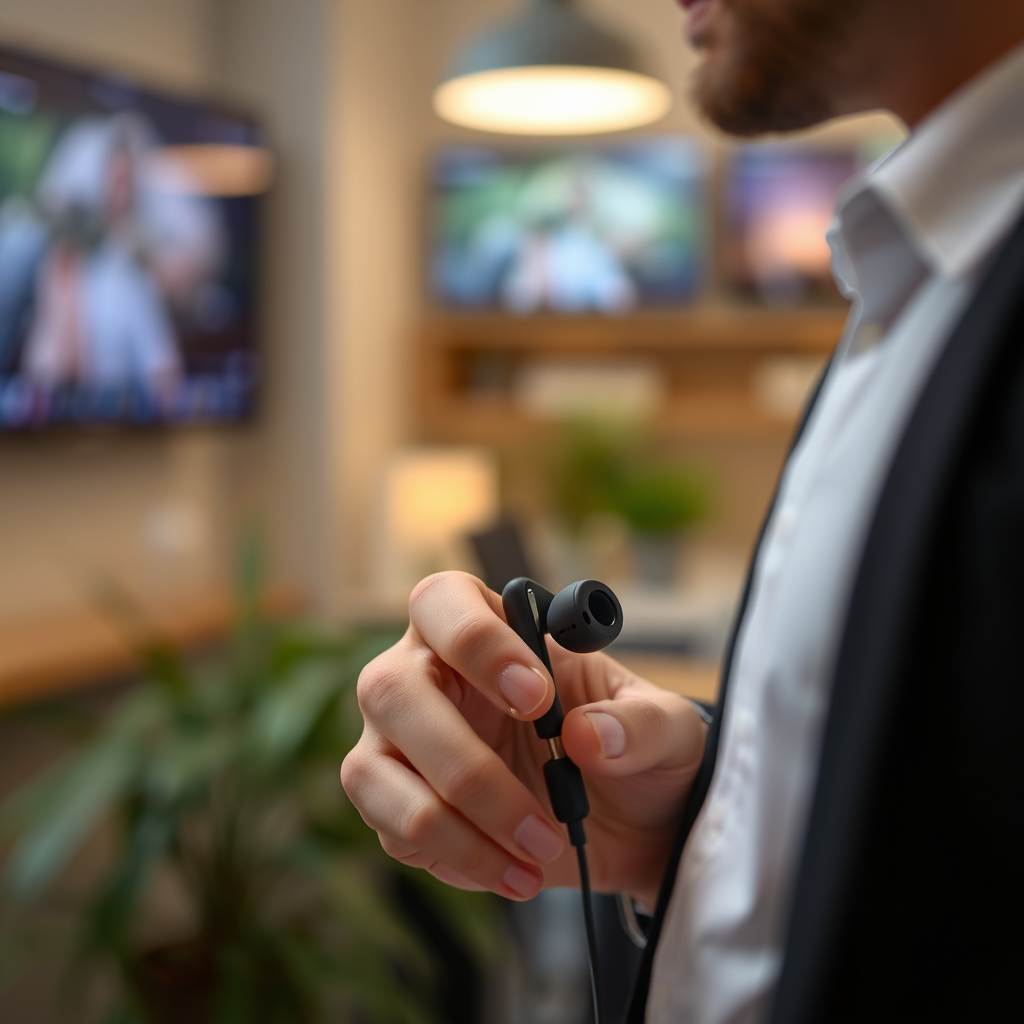
The power button’s location is crucial for operating your Bose earbuds effectively. Typically, it can be found on the right earbud, designed for easy access during use. Familiarizing yourself with this button is essential, as it not only powers the device on and off but also plays an integral role in managing Bluetooth connections and activating voice assistants. To ensure you are aware of its specific functionality, refer to the user manual that comes with your particular model. Understanding your device’s layout can prevent operational mishaps and improve your overall experience.
Different Models, Different Methods
Bose offers a range of earbud models, each with its unique features and operational methods. The QuietComfort and SoundSport series, for instance, have slight variations in their power-off procedures. For the QuietComfort model, the power button may require a slightly longer press compared to the SoundSport series. It is crucial to consult the user manual for your specific model to get accurate instructions on powering down. This attention to detail can save you time and frustration, ensuring a seamless user experience across different Bose products.
Turning Off via the App
In addition to the physical power button, you can also turn off your Bose earbuds using the Bose Connect app. This mobile application enhances your interaction with the earbuds, allowing you to manage settings, check battery levels, and even power them off remotely. To utilize this feature, you must ensure that your earbuds are connected to the app. Once connected, navigate to the settings menu, where you will find the option to power down the earbuds. This method is particularly useful if you’ve misplaced the earbuds or if they are out of reach, providing an added layer of convenience for users.
Bose Earbuds Comparison Table
| # | Model | Battery Life | Noise Cancellation | Water Resistance |
|---|---|---|---|---|
| 1 | QuietComfort Earbuds | 6 Hours | Active | IPX4 |
| 2 | SoundSport Free | 5 Hours | None | IPX4 |
| 3 | Bose Sport Earbuds | 5 Hours | Active | IPX4 |
| 4 | Bose 700 | 20 Hours | Active | None |
| 5 | Bose Noise Cancelling Headphones 700 | 20 Hours | Active | None |
| 6 | Bose Soundsport Wireless | 6 Hours | None | IPX4 |
| 7 | Bose QuietComfort 35 II | 20 Hours | Active | None |
Troubleshooting Common Issues
Sometimes, you may encounter difficulties while trying to turn off your Bose earbuds. If your earbuds don’t turn off after holding the power button, try resetting them by holding the power button for approximately 10 seconds. This reset action can help clear any temporary glitches affecting the device’s performance. Additionally, it’s important to check the battery level, as a low battery may interfere with the shutdown process. If you consistently face issues with turning off your earbuds, consider reaching out to Bose customer support for further assistance.
Maintaining Your Earbuds
Proper maintenance of your Bose earbuds can significantly enhance their lifespan and performance. Regularly charging your earbuds is vital to prevent battery-related issues. It is also advisable to store them in their designated case when not in use; this practice helps protect them from physical damage and keeps them clean. Furthermore, ensure that the charging contacts are clean and free from debris to facilitate efficient charging. Engaging in these maintenance habits can lead to a more enjoyable listening experience and prolong the functionality of your earbuds.
Additional Features of Bose Earbuds
Bose earbuds are equipped with a variety of features designed to enhance your overall experience. For instance, voice prompts provide guidance on battery levels, connectivity status, and other operational aspects. Noise cancellation is another prominent feature, allowing users to immerse themselves in their audio without distractions from their surroundings. Understanding how these features operate, especially during the powering on and off processes, can help you maximize the benefits of your earbuds. Familiarizing yourself with these additional functionalities will enable you to tailor your listening experience to your preferences.
Summarizing the steps to turn off your Bose earbuds is straightforward: simply hold the power button, and refer to your model’s manual for specifics. Should you encounter any difficulties, troubleshooting tips are available to assist you. Moreover, maintaining your earbuds and understanding their additional features can significantly enhance your listening experience. For further assistance, you can always check the Bose website or utilize their customer support services to ensure you are getting the most out of your earbuds.
Frequently Asked Questions
How do I turn off my Bose earbuds?
To turn off your Bose earbuds, simply press and hold the power button located on the earbuds for about 2 seconds until you hear a voice prompt or see the LED indicator turn off. This action ensures that your earbuds are completely powered down, preserving battery life until you’re ready to use them again.
Why won’t my Bose earbuds turn off?
If your Bose earbuds won’t turn off, it could be due to a malfunction or a low battery. Try resetting the earbuds by turning them off and then back on again. If the problem persists, ensure that the firmware is up to date or contact Bose customer support for further assistance.
What should I do if my Bose earbuds keep turning on by themselves?
If your Bose earbuds are turning on by themselves, it may be due to a faulty power button or an issue with the Bluetooth connection. First, check to see if the earbuds are in pairing mode and disable Bluetooth on your device. If the problem continues, consider resetting the earbuds or reaching out to Bose for support.
Which Bose earbuds have the best battery-saving features?
The Bose QuietComfort Earbuds II and Bose Sport Earbuds are known for their excellent battery-saving features. They come with an auto-off feature that activates after a period of inactivity, ensuring that the earbuds conserve battery life when not in use. Additionally, these models offer customizable settings via the Bose Music app, allowing you to optimize battery usage.
How can I ensure my Bose earbuds are fully turned off to save battery?
To ensure your Bose earbuds are fully turned off and saving battery, always manually power them off by pressing and holding the power button until you hear the shutdown prompt. Additionally, make sure to store them in their charging case, which not only keeps them safe but also prevents accidental power-on when not in use.
References
- Customer Support
https://www.bose.com/en_us/support/article/how-to-turn-off-bose-earbuds.html - Customer Support
https://www.bose.com/en_us/support/article/how_to_use_bose_earbuds.html - Customer Support
https://www.bose.com/en_us/support/article/bose_earbuds_earbuds.html - https://www.bose.com/en_us/support/article/bose_earbuds_tips.html
https://www.bose.com/en_us/support/article/bose_earbuds_tips.html - Google Scholar Google Scholar
https://scholar.google.com/scholar?q=how+to+turn+off+bose+earbuds - Google Scholar Google Scholar
https://scholar.google.com/scholar?q=Bose+earbuds+user+manual - Google Scholar Google Scholar
https://scholar.google.com/scholar?q=Bose+earbuds+operation+instructions - https://www.britannica.com/technology/earbuds
https://www.britannica.com/technology/earbuds - https://www.nytimes.com/2021/02/08/technology/personaltech/bose-earbuds-review.html
https://www.nytimes.com/2021/02/08/technology/personaltech/bose-earbuds-review.html - https://www.sciencedirect.com/topics/engineering/earbuds
https://www.sciencedirect.com/topics/engineering/earbuds
