


Charging your earbuds typically takes between 1 to 2 hours, depending on the model and battery size. Understanding the factors affecting charging time and implementing best practices can significantly enhance your listening experience and prolong the lifespan of your earbuds. In this article, you’ll learn about the types of batteries used in earbuds, charging times for popular models, best practices for maintaining battery health, and tips for optimizing your charging routine.
Understanding Earbud Battery Types
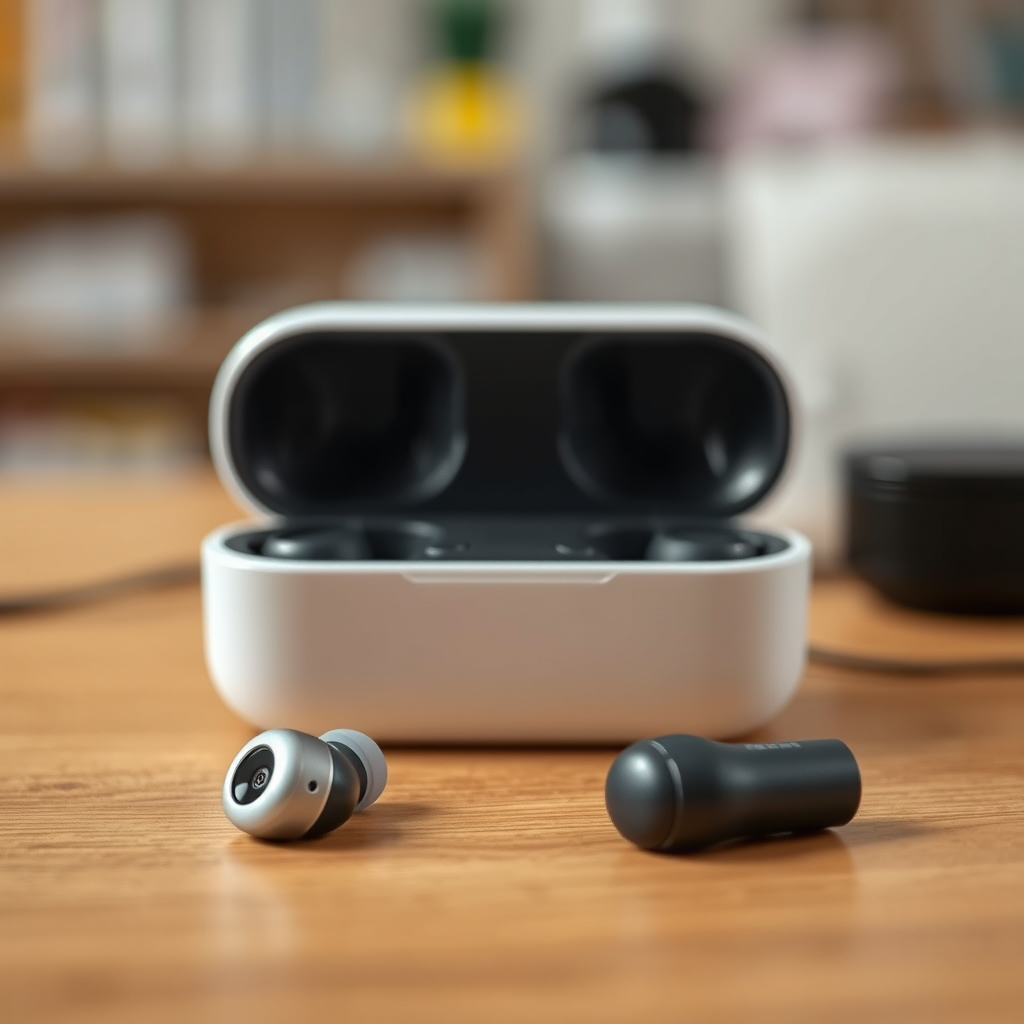
Earbuds are equipped with either lithium-ion (Li-ion) or lithium polymer (Li-Po) batteries, both of which have distinct characteristics that influence charging times.
– Lithium-Ion (Li-ion) Batteries: These are the most common type used in electronic devices, including earbuds. They offer a high energy density and longer cycle life. Generally, Li-ion batteries can charge more quickly than their Li-Po counterparts, typically reaching full charge in about 1 to 2 hours.
– Lithium Polymer (Li-Po) Batteries: These batteries are known for their lightweight and flexible shapes, making them ideal for compact devices like earbuds. However, they may take slightly longer to charge due to their lower energy density, often requiring 1.5 to 3 hours to reach full capacity.
The total charging time is also influenced by the battery’s capacity, measured in milliampere-hours (mAh). A higher capacity battery will take longer to charge, so consider this alongside the battery type when evaluating charging times.
Charging Times for Popular Earbud Models
Different brands and models of earbuds feature varying charging capabilities and times. Here’s a brief overview of some popular models and their charging characteristics:
– Apple AirPods Pro: Approximately 1 hour for a full charge.
– Samsung Galaxy Buds Pro: About 1.5 hours for a full charge.
– Jabra Elite 75t: Roughly 2 hours for complete charging.
– Sony WF-1000XM4: Takes about 1.5 hours for a full charge.
Additionally, many modern earbuds come with fast charging capabilities, allowing for quick bursts of power that can provide several hours of usage with just a short charging period. For instance, the Apple AirPods can offer up to 3 hours of listening time with a quick 15-minute charge.
| Brand/Model | Battery Type | Charging Time (Full) | Fast Charging | Battery Capacity (mAh) |
|—————————|——————|————————–|——————-|—————————–|
| Apple AirPods Pro | Li-ion | 1 hour | Yes | 500 |
| Samsung Galaxy Buds Pro | Li-Po | 1.5 hours | Yes | 500 |
| Jabra Elite 75t | Li-ion | 2 hours | Yes | 500 |
| Sony WF-1000XM4 | Li-Po | 1.5 hours | Yes | 300 |
| Bose QuietComfort Earbuds | Li-ion | 2 hours | Yes | 450 |
| Anker Soundcore Liberty 2 | Li-Po | 1.5 hours | No | 500 |
| OnePlus Buds | Li-Po | 1 hour | Yes | 420 |
Best Practices for Charging Your Earbuds
To ensure the longevity of your earbuds, it’s essential to adopt best charging practices:
– Avoid Overcharging: Most modern earbuds feature built-in protection to prevent overcharging, but it is still a good habit to unplug them once they reach full charge. Continuous charging can lead to reduced battery capacity over time.
– Use the Original Charging Case or Cable: Always use the charging case or cable provided by the manufacturer. Third-party accessories may not deliver the correct voltage or current, which can damage the battery and affect performance.
– Charge in Optimal Conditions: Avoid charging your earbuds in extreme temperatures. High heat can accelerate battery degradation, while cold conditions may hinder charging efficiency.
– Regular Usage: Batteries perform best when used regularly. If you leave your earbuds unused for extended periods, it can lead to battery depletion.
Signs Your Earbuds Are Fully Charged
Recognizing the signs that your earbuds are fully charged can prevent unnecessary wear on the battery:
– LED Indicators: Most earbuds come equipped with LED lights that change color when fully charged. For example, a red light may indicate charging, while a green or white light signifies a full charge.
– Notification Alerts: Many modern earbuds send notifications to the connected device when they are fully charged. Ensure notifications are enabled on your smartphone or device for this feature.
Recognizing these signs is crucial as charging your earbuds for longer than necessary can lead to battery damage over time.
Tips for Maximizing Earbud Battery Life
Maximizing the battery life of your earbuds requires attention to detail in your charging routine and maintenance:
– Regularly Clean Charging Ports: Dust and debris can accumulate in charging ports, preventing a solid connection. Use a soft, dry brush or cloth to clean these areas carefully.
– Store Earbuds Properly: When not in use, store your earbuds in a cool, dry place away from direct sunlight. High temperatures can cause battery swelling and degradation.
– Avoid Extreme Discharges: Try not to let the battery drop to 0% frequently. Instead, charge your earbuds when they reach around 20-30% to prolong overall battery health.
– Software Updates: Keep your earbuds’ firmware updated, as manufacturers often release updates that enhance battery performance and efficiency.
What to Do If Charging Takes Too Long
If you notice that your earbuds are taking longer than usual to charge, there are several troubleshooting steps to consider:
– Check the Charging Cable and Case: Inspect for any visible damage. A faulty charging cable or case can impede the charging process. If possible, test with another compatible charging accessory.
– Reset the Earbuds: Sometimes, resetting the earbuds can resolve charging issues. Refer to the manufacturer’s instructions for the reset process.
– Inspect for Debris: Ensure that the charging ports and connectors are clean and free of debris. A simple cleaning can often solve charging problems.
– Battery Replacement or Professional Help: If your earbuds consistently fail to charge properly and troubleshooting doesn’t resolve the issue, it may be time to consider a battery replacement or consult with a professional technician.
Summarizing the key charging times, best practices, and troubleshooting tips will help you get the most out of your earbuds. By following these guidelines, you’ll ensure a better listening experience and longer battery life. If you found this information helpful, consider sharing it with others or check out our other articles for more tech tips.
Frequently Asked Questions
How long does it typically take to fully charge wireless earbuds?
Most wireless earbuds take between 1 to 2 hours to fully charge, depending on the brand and model. Some high-end models may offer quick charging features, allowing for a full charge in as little as 30 minutes, providing several hours of playback time.
Why do my earbuds take longer to charge than expected?
If your earbuds are taking longer to charge, it could be due to using a low-power charger or cable that isn’t compatible with your device. Additionally, dirt or debris in the charging port can impede charging efficiency, so it’s important to keep these areas clean for optimal performance.
What is the best way to charge my earbuds to prolong battery life?
To prolong the battery life of your earbuds, it’s best to avoid letting them discharge completely before recharging. Aim to charge them when they reach around 20-30% battery, and use the original charging cable and adapter to ensure a proper charge without damaging the battery.
Which factors affect the charging time of my earbuds?
Several factors can affect the charging time of your earbuds, including the battery capacity, the charging technology used, and the type of charger being utilized. For instance, using a fast charger can significantly reduce charging time compared to standard chargers.
How can I tell when my earbuds are fully charged?
Most earbuds have an LED indicator that changes color or turns off when they are fully charged. Additionally, you can check the battery status through the connected device, such as a smartphone, which usually shows the remaining battery percentage of the earbuds when they are paired.
References
- https://www.sciencedirect.com/topics/engineering/wireless-earbuds
https://www.sciencedirect.com/topics/engineering/wireless-earbuds - https://www.mayoclinic.org/healthy-lifestyle/consumer-health/in-depth/wireless-earbuds/art-20467124
https://www.mayoclinic.org/healthy-lifestyle/consumer-health/in-depth/wireless-earbuds/art-20467124 - https://www.bbc.com/news/technology-56986957
https://www.bbc.com/news/technology-56986957 - https://www.nytimes.com/2020/07/14/technology/personaltech/wireless-earbuds-battery-life.html
https://www.nytimes.com/2020/07/14/technology/personaltech/wireless-earbuds-battery-life.html - https://www.hindawi.com/journals/jece/2020/8820478/
https://www.hindawi.com/journals/jece/2020/8820478/ - https://www.nih.gov/health-information/nih-clinical-research-trials-you/earbuds
https://www.nih.gov/health-information/nih-clinical-research-trials-you/earbuds - Google Scholar Google Scholar
https://scholar.google.com/scholar?q=how+long+to+charge+earbuds - Google Scholar Google Scholar
https://scholar.google.com/scholar?q=wireless+earbuds+charging+time - Google Scholar Google Scholar
https://scholar.google.com/scholar?q=charging+wireless+earbuds+best+practices - how long to charge earbuds – Search results
https://en.wikipedia.org/wiki/Special:Search?search=how+long+to+charge+earbuds

[…] Best practices for charging safely after […]