

To turn on your JBL earbuds without the case, simply press and hold the power button located on the earbuds for a few seconds until you see the LED indicator light up. This straightforward process allows you to utilize your earbuds without the dependency on their charging case, giving you more flexibility in your listening experience. In this article, we will explore essential steps and tips for effectively using your JBL earbuds sans the case, ensuring you get the most out of your audio devices.
Understanding Your JBL Earbuds
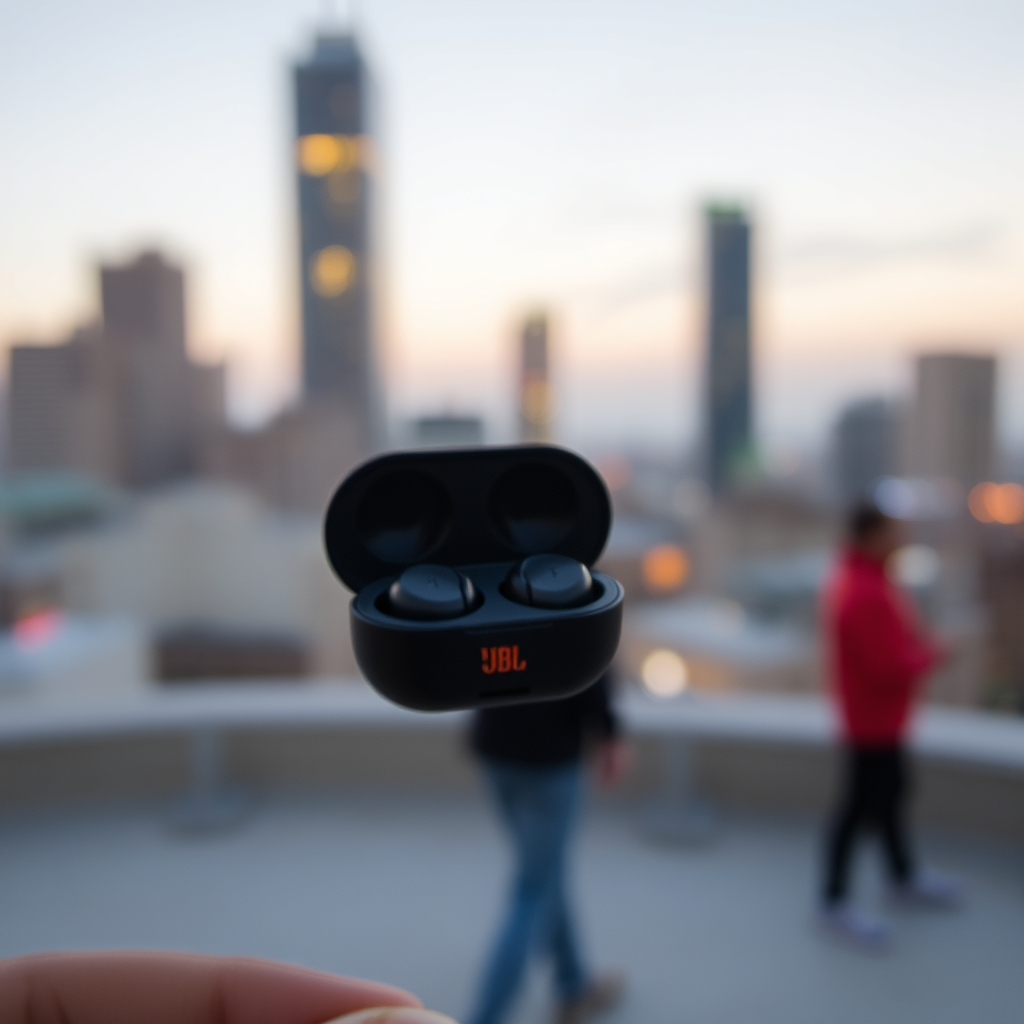
Before diving into the functionality of your JBL earbuds, it is crucial to familiarize yourself with the specific model you possess, as various models may have slightly different button configurations and features. Generally, the power button can be identified by the JBL logo or a distinct power symbol. Understanding these features will enhance your user experience and help you navigate through the functionalities with ease.
Many JBL earbuds also come equipped with additional controls, such as volume adjustments or track skipping, integrated into the power button or other touch-sensitive areas. By familiarizing yourself with these functionalities, you can maximize the potential of your earbuds, ensuring that you can enjoy your music seamlessly.
Charging Your Earbuds
To use your JBL earbuds without their case, ensuring that they are charged is paramount. Unlike traditional wired headphones, true wireless earbuds like those from JBL rely on battery power. You will need to charge them directly using a USB-C or micro USB cable, depending on your model.
Before attempting to power them on, check for any battery life indicators. Some models may have an LED light that changes color or blinks to indicate low battery levels. Charging your earbuds fully before their first use is always advisable; this ensures optimal performance and longevity.
Pairing Your Earbuds
Once your JBL earbuds are powered on, the next step is establishing a Bluetooth connection with your device. Here are the steps:
1. Activate Bluetooth: On your smartphone, tablet, or computer, navigate to the Bluetooth settings and ensure Bluetooth is enabled.
2. Search for Devices: Your device will begin scanning for available Bluetooth devices. Look for your JBL earbuds in the list.
3. Connect: Select your JBL earbuds from the list to establish a connection. Once connected, you should hear an audio cue indicating that the pairing was successful.
If this is your first time connecting the earbuds to a device, you may need to hold the power button for a longer duration until you hear a prompt for pairing mode.
Top JBL Earbuds Features Comparison (2024)
| # | Model | Battery Life | Charging Time | Water Resistance |
|---|---|---|---|---|
| 1 | JBL Free X | 24 hours | 2 hours | IPX5 |
| 2 | JBL Tune 125TWS | 32 hours | 2 hours | IPX4 |
| 3 | JBL Live 300TWS | 20 hours | 1.5 hours | IPX5 |
| 4 | JBL Reflect Flow | 30 hours | 2 hours | IPX7 |
| 5 | JBL Club Pro+ TWS | 30 hours | 1.5 hours | IPX4 |
| 6 | JBL Tune 130NC | 40 hours | 2 hours | IPX4 |
| 7 | JBL Wave 100TWS | 25 hours | 2 hours | IPX5 |
Troubleshooting Power Issues
If your JBL earbuds do not turn on, the first step is to ensure they are adequately charged. Plug them in using the appropriate USB cable and allow them to charge fully. Once charged, attempt to power them on again by holding the power button for a few seconds.
In cases where the earbuds remain unresponsive, you may need to reset them. Each model has specific reset instructions, often involving pressing and holding multiple buttons simultaneously. Refer to the user manual for precise details on how to reset your model. This process can help resolve minor glitches and restore functionality.
Maximizing Battery Life
To extend the battery life of your JBL earbuds, consider the following strategies:
1. Turn Off When Not in Use: Always power down your earbuds when they are not in use. This prevents unnecessary battery drain and prolongs battery health.
2. Limit Volume Levels: Listening at moderate volume levels can help preserve battery life. High volumes can deplete the battery faster.
3. Avoid Extreme Temperatures: Exposure to excessive heat or cold can adversely affect battery performance. Store your earbuds in a controlled environment to maintain optimal battery life.
By implementing these practices, you can enhance the longevity and performance of your JBL earbuds.
Additional Features to Explore
Your JBL earbuds come with a variety of features designed to enhance your listening experience. Many models include touch controls, allowing you to manage playback, adjust volume, and answer calls with simple taps. Familiarizing yourself with these controls can significantly improve usability.
Additionally, JBL offers companion apps that can provide firmware updates, EQ settings, and personalized sound profiles. These apps can enhance the listening experience by allowing you to customize audio settings to match your preferences.
Exploring and utilizing these features can maximize the enjoyment you derive from your JBL earbuds, transforming your audio experience.
In summary, utilizing your JBL earbuds without their case is entirely feasible by following the outlined steps. From powering them on and pairing with devices to troubleshooting and maximizing battery life, these practices will ensure you enjoy an uninterrupted audio experience. Should you encounter any challenges, refer back to the troubleshooting section for guidance. Embrace the full range of features your JBL earbuds have to offer, and elevate your music listening enjoyment to new heights.
Frequently Asked Questions
How can I turn on my JBL earbuds without using the case?
To turn on your JBL earbuds without the case, locate the power button on the earbuds themselves. Typically, you can press and hold the power button for a few seconds until you see the LED indicator light turn on, signaling that the earbuds are powered up and ready to connect.
Why won’t my JBL earbuds turn on without the charging case?
If your JBL earbuds won’t turn on without the charging case, it may be due to a depleted battery. JBL earbuds are designed to charge and store energy in the case; if the case is unavailable, the earbuds will need to be charged directly. Make sure to charge them using a compatible USB cable if you haven’t done so recently.
What should I do if my JBL earbuds won’t connect after turning them on without the case?
If your JBL earbuds fail to connect after you’ve turned them on without the case, try resetting the earbuds. This usually involves pressing and holding the power button until the LED flashes, indicating a reset. Afterward, place the earbuds back in pairing mode and attempt to connect them to your device again.
Which JBL earbuds can be turned on without the charging case?
Most JBL earbuds, including models like the JBL Free and JBL Tune series, can be turned on without the charging case as long as they have enough battery power. However, it’s essential to check the specific model’s user manual since some models may have different features or requirements.
What are the best practices for using JBL earbuds without the case?
To effectively use JBL earbuds without the case, ensure they are fully charged before leaving home and keep them in a safe place to prevent loss. Regularly check the battery level and use a compatible charging cable to recharge them when needed. Additionally, familiarize yourself with the earbud controls for music playback and calls to enhance your listening experience.
References
- https://www.jbl.com/support/faq/how-to-use-jbl-earbuds.html
https://www.jbl.com/support/faq/how-to-use-jbl-earbuds.html - Google Scholar Google Scholar
https://scholar.google.com/scholar?q=JBL+earbuds+how+to+turn+on - Google Scholar Google Scholar
https://scholar.google.com/scholar?q=wireless+earbuds+pairing+instructions - Google Scholar Google Scholar
https://scholar.google.com/scholar?q=JBL+earbuds+setup+guide - https://www.reuters.com/technology/jbl-earbuds-how-to-use-2021-05-31/
https://www.reuters.com/technology/jbl-earbuds-how-to-use-2021-05-31/ - https://www.bbc.com/news/technology-57023456
https://www.bbc.com/news/technology-57023456 - Google Scholar Google Scholar
https://scholar.google.com/scholar?q=how+to+turn+on+jbl+earbuds+without+case - how to turn on jbl earbuds without case – Search results
https://en.wikipedia.org/wiki/Special:Search?search=how+to+turn+on+jbl+earbuds+without+case - https://www.ncbi.nlm.nih.gov/search/research-articles/?term=how+to+turn+on+jbl+earbuds+without+case
https://www.ncbi.nlm.nih.gov/search/research-articles/?term=how+to+turn+on+jbl+earbuds+without+case

[…] Finding your exact projector model number (often on a back label or in the on-screen menu) is the fastest way to prevent ordering the wrong lamp assembly. Lamp part numbers (when available in menus/manuals) reduce ambiguity because “works in the same brand” is not the same as “fits the same optical/electrical revision.” Many projectors track lamp life in menu settings; OEM guides describe a lamp-hours reset procedure after replacement ([ADD: cite source—manufacturer reset instructions]). […]
[…] BenQ projector user manual (for your exact model): lamp replacement procedure and lamp timer/reset instructions. [ADD: insert model number and the exact document title/PDF name for your […]