
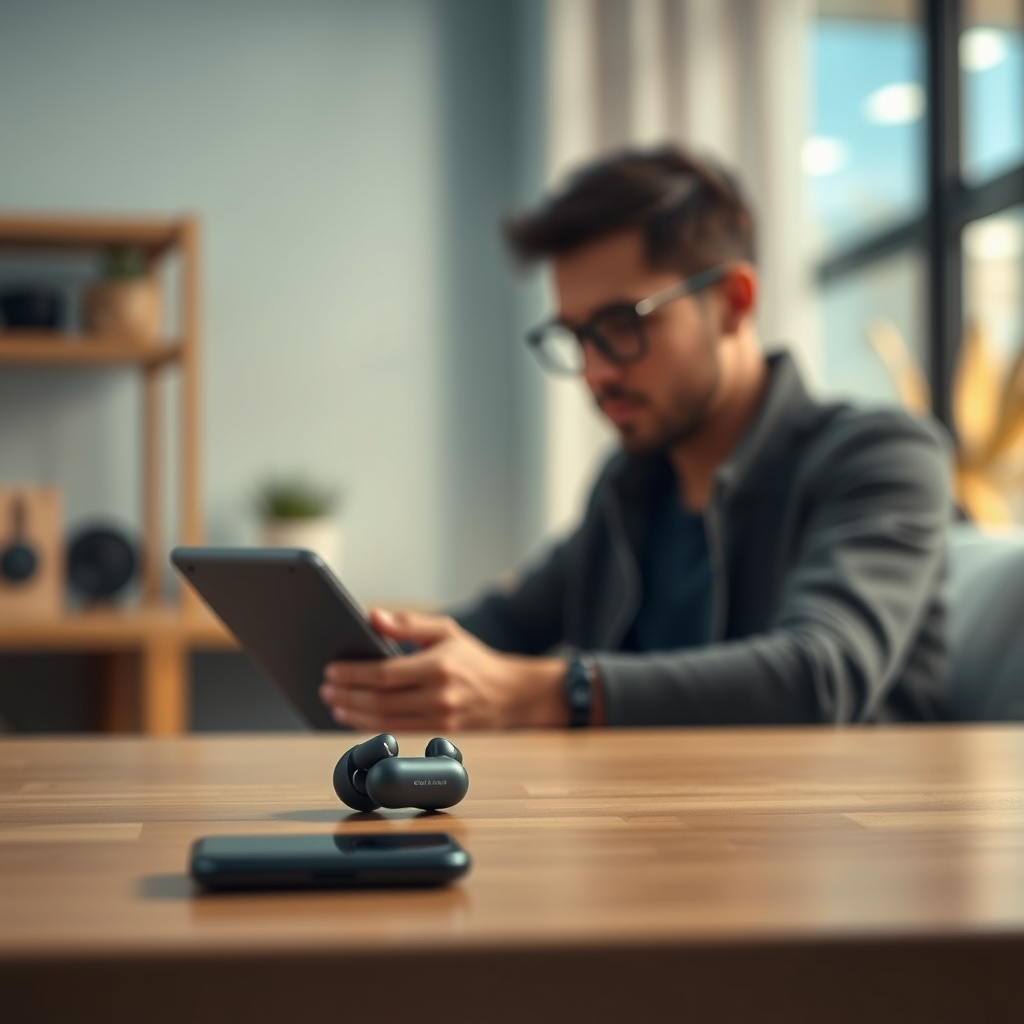

To charge wireless earbuds without a charger, you can use alternative methods like a power bank, USB port, or even a compatible phone. Staying connected to your favorite music or calls is essential, and knowing how to keep your earbuds charged without the original charger is invaluable. This guide will detail various ways to keep your earbuds powered up, ensuring you never miss a beat when listening to your favorite tunes.
Using a Power Bank

Power banks have become indispensable in our tech-driven lives, providing a convenient solution to charge devices on the go. To charge your wireless earbuds using a power bank, connect the earbuds’ charging case to the power bank with a compatible USB cable. Ensure that the power bank is adequately charged before use. Most power banks come with multiple outputs, allowing you to charge several devices at once, making this method highly efficient for travelers or busy professionals.
When selecting a power bank, consider factors like capacity (measured in mAh), size, and weight. A power bank with at least 5000mAh can provide multiple charges for your earbuds, ensuring they stay powered throughout your day. Additionally, look for power banks with fast charging capabilities to minimize downtime.
Charging via USB Port
Another convenient method to charge your wireless earbuds is by using a USB port on your computer or laptop. Simply plug the earbuds’ charging case into the USB port using the appropriate cable. This method is especially useful when you’re working at your desk or traveling, as it ensures that you can charge your earbuds without needing to carry an additional charger.
Keep in mind that charging via a computer may take longer compared to using a dedicated charger, as USB ports typically provide lower power output. However, this approach is still a reliable way to keep your earbuds charged during long work sessions or while traveling.
Utilizing a Wireless Charging Pad
If your wireless earbuds support wireless charging, utilizing a Qi-compatible charging pad is a great option. To charge your earbuds this way, simply place the charging case on the pad and ensure that the pad is connected to a power source. This method is particularly convenient, as you can simply drop your earbuds onto the pad without the hassle of plugging in cables.
Wireless charging pads are widely available and come in various designs, making it easy to find one that fits your aesthetic. Additionally, many modern smartphones now support reverse wireless charging, allowing you to charge your earbuds directly from your phone if needed.
Top 7 Wireless Earbuds Charging Methods
| # | Method | Charging Speed | Convenience | Best For |
|---|---|---|---|---|
| 1 | Power Bank | Fast | High | Traveling |
| 2 | USB Port | Moderate | Medium | Office Use |
| 3 | Wireless Charging Pad | Fast | Very High | Home Use |
| 4 | Compatible Device | Moderate | High | Emergency |
| 5 | Car USB Port | Slow | Medium | Road Trips |
| 6 | DIY Charging | Varies | Low | Experimenters |
| 7 | Other Devices | Variable | Medium | Tech Savvy |
Charging with a Compatible Device
Many modern smartphones come equipped with a feature known as reverse wireless charging, which allows them to share their battery power with other devices. If your earbuds support wireless charging, you can use this method by placing the charging case on the back of the compatible phone. To initiate charging, ensure that the phone is running and has enough battery life.
This method is particularly useful in emergency situations where you might not have access to a charger or power bank. However, keep in mind that using your phone to charge other devices can deplete its battery quickly, so it should only be used when necessary.
Using a Car USB Port
For those who spend considerable time on the road, using the USB port in your car is an effective way to charge your earbuds. Most modern vehicles come equipped with USB charging ports, allowing you to charge the earbuds’ case while driving. This method is particularly useful for long trips, ensuring that your earbuds remain charged without the need for additional chargers.
While this method may not provide the fastest charging speed, it allows for continuous charging during your commute. Just remember to unplug the case once you reach your destination to avoid overcharging.
Exploring DIY Charging Solutions
If you’re feeling adventurous, there are various DIY charging solutions that you can explore. For example, some tech enthusiasts have successfully charged their earbuds using battery packs or even through innovative setups involving other devices. However, caution is advised, as not all DIY methods are safe or compatible with your earbuds.
Before attempting any DIY solutions, it’s essential to understand the voltage and current requirements of your charging case. Using an incompatible method may lead to damage or malfunction of your earbuds. Research your options thoroughly and ensure that you are using safe and reliable techniques.
Tips for Efficient Charging
To maximize the longevity and performance of your wireless earbuds, consider these tips for efficient charging:
1. Monitor Battery Levels: Regularly check the battery level of your earbuds and charging case to avoid unexpected downtime.
2. Use Quality Accessories: Invest in high-quality cables and charging devices to ensure reliable charging without damaging your earbuds.
3. Avoid Overheating: Ensure that your charging case is in a well-ventilated area while charging to prevent overheating, which can damage the battery.
4. Limit Wireless Charging: While convenient, wireless charging may generate heat. Use it sparingly to prolong battery life.
5. Keep Firmware Updated: Regularly update your earbuds’ firmware, as manufacturers often release updates that can improve battery management.
By following these tips, you can ensure that your wireless earbuds remain charged and ready for use, no matter where your day takes you.
Understanding how to charge your wireless earbuds without a traditional charger can greatly enhance your listening experience. Whether you choose to utilize a power bank, USB port, or even a compatible device, there are multiple methods to ensure your earbuds remain powered. Being resourceful and exploring various charging options can keep you connected to your favorite music and calls, regardless of your situation. Remember to monitor battery levels and use quality accessories to maintain the health of your earbuds for optimal performance.
Frequently Asked Questions
How can I charge my wireless earbuds without their original charger?
You can charge your wireless earbuds without their original charger by using a compatible USB cable or a wireless charging pad if they support Qi wireless charging. Ensure that the cable matches the charging port of the earbuds, and for wireless charging, simply place them on the pad to start the charging process.
What alternative methods can I use to charge my wireless earbuds?
Alternative methods to charge your wireless earbuds include using a power bank with a USB port or connecting them to a laptop or computer via USB. Additionally, some earbuds may be charged using a phone case that has a built-in charging feature, making it a convenient option when you’re on the go.
Why won’t my wireless earbuds charge even if I use a different charger?
If your wireless earbuds won’t charge with a different charger, it could be due to compatibility issues, such as the charger not providing the right voltage or amperage. Additionally, dirt or debris in the charging port of the earbuds can prevent proper connection, so ensure it’s clean and free from obstruction.
What should I do if my wireless earbuds won’t charge at all?
If your wireless earbuds won’t charge at all, first check the charging cable and power source to ensure they are functioning properly. If that doesn’t solve the issue, try resetting the earbuds or inspecting the charging case for any damage, as malfunctioning components can also lead to charging problems.
Which wireless earbuds are best for charging without a charger?
The best wireless earbuds for charging without a charger are those that feature Qi wireless charging capabilities, such as the Apple AirPods Pro and Samsung Galaxy Buds. These models allow you to charge them on any compatible wireless charging pad, providing flexibility and convenience when you forget your charger.
References
- Headphones
https://en.wikipedia.org/wiki/Wireless_earbuds - https://www.sciencedirect.com/topics/engineering/wireless-earbuds
https://www.sciencedirect.com/topics/engineering/wireless-earbuds - https://www.bbc.com/news/technology-54835809
https://www.bbc.com/news/technology-54835809 - https://www.nytimes.com/2021/03/23/technology/personaltech/wireless-earbuds.html
https://www.nytimes.com/2021/03/23/technology/personaltech/wireless-earbuds.html - https://www.mayoclinic.org/healthy-lifestyle/consumer-health/in-depth/earbuds/art-20463444
https://www.mayoclinic.org/healthy-lifestyle/consumer-health/in-depth/earbuds/art-20463444 - https://www.hindawi.com/journals/je/2021/5514702/
https://www.hindawi.com/journals/je/2021/5514702/ - https://www.reuters.com/technology/what-you-need-know-about-wireless-earbuds-2020-12-02/
https://www.reuters.com/technology/what-you-need-know-about-wireless-earbuds-2020-12-02/ - Google Scholar Google Scholar
https://scholar.google.com/scholar?q=how+to+charge+wireless+earbuds+without+charger - Google Scholar Google Scholar
https://scholar.google.com/scholar?q=charging+wireless+earbuds+alternatives - Google Scholar Google Scholar
https://scholar.google.com/scholar?q=wireless+earbuds+charging+methods

[…] HD streaming” on Netflix requires both a compatible device and a network connection that can sustain the selected quality. Netflix’s own guidance lists ~15 […]
[…] Insert USB drive into the projector’s USB port (use the port closest to the media controls if there are […]
[…] wait 15–30 seconds for Apple software on Windows to enumerate the device. I also try a different USB port because some front/adapter ports supply less stable power. If you’re transferring large media […]
[…] iPhone digital output into HDMI. Projectors vary widely in supported input formats, so “it has a USB port” does not guarantee it supports USB video […]
[…] path that can pass video out. If your phone can’t output video over USB, that USB port will charge only, and you’ll need a wireless or HDMI-capable […]
[…] and “it shows no signal” is almost always the HDMI input selection and whether the projector USB port truly provides enough current for continuous operation—especially in 2024–2026 workflows where […]
[…] method: the Google TV experience in a supported web browser, or by streaming from a Google TV–compatible device via casting. If you want to watch your Google TV channels and apps directly on the laptop screen, […]
[…] compatibility piece: either the phone doesn’t support video-over-USB, or the projector’s USB port doesn’t function as a display input (it may be for power/media […]
[…] devices are powered via USB (the exact current draw depends on the model), so a projector’s USB port must supply enough current […]
[…] Disney Plus on a projector, and it works reliably when you use the right connection (HDMI from a compatible device or a supported smart projector). This step-by-step guide answers how to get Disney Plus on the big […]
[…] projector apps work? Yes—when they’re used to stream from a compatible device and your projector supports the app’s output method. This guide cuts through the noise to tell […]
[…] display mirroring sends your iPhone screen over Wi‑Fi to an Apple TV or AirPlay-compatible device. Apple’s Lightning/USB‑C digital AV adapters are designed to output video to HDMI displays […]
[…] Q: Can I connect an iPhone to any smart TV using AirPlay?No—AirPlay requires AirPlay compatibility (built-in or an AirPlay-capable receiver). If your TV doesn’t support it, use HDMI or an AirPlay-compatible device. […]
[…] you need slides/documents with no surprises, go HDMI. If you want wireless streaming, add a compatible device such as Apple TV and use AirPlay for […]