
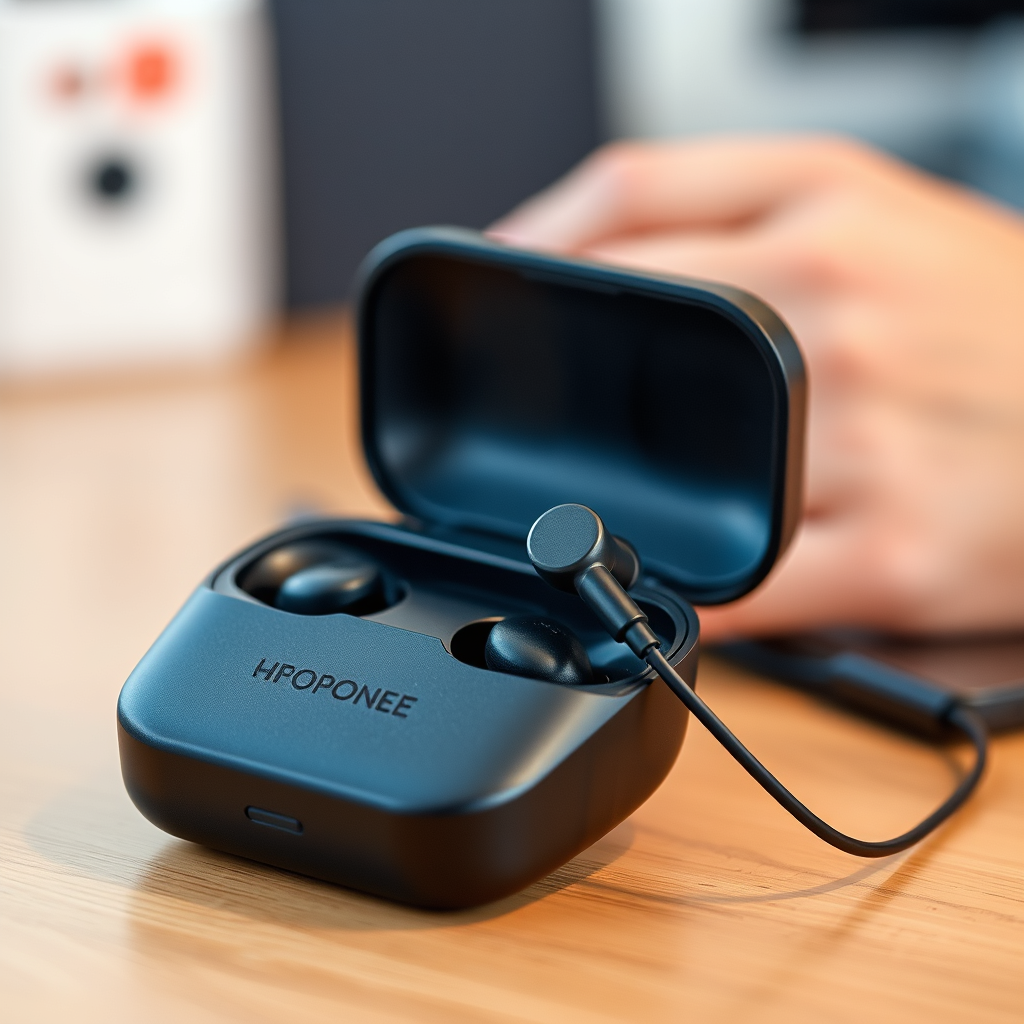

Disconnecting your earbuds from your phone is a quick and straightforward process, typically involving either the Bluetooth settings or a physical action. This guide will provide you with various methods to easily disconnect your earbuds, whether they are wired or wireless, ensuring a seamless transition back to your phone’s speakers. Understanding these methods can enhance your audio experience and minimize disruptions in your daily activities.
Understanding Earbud Connection Types
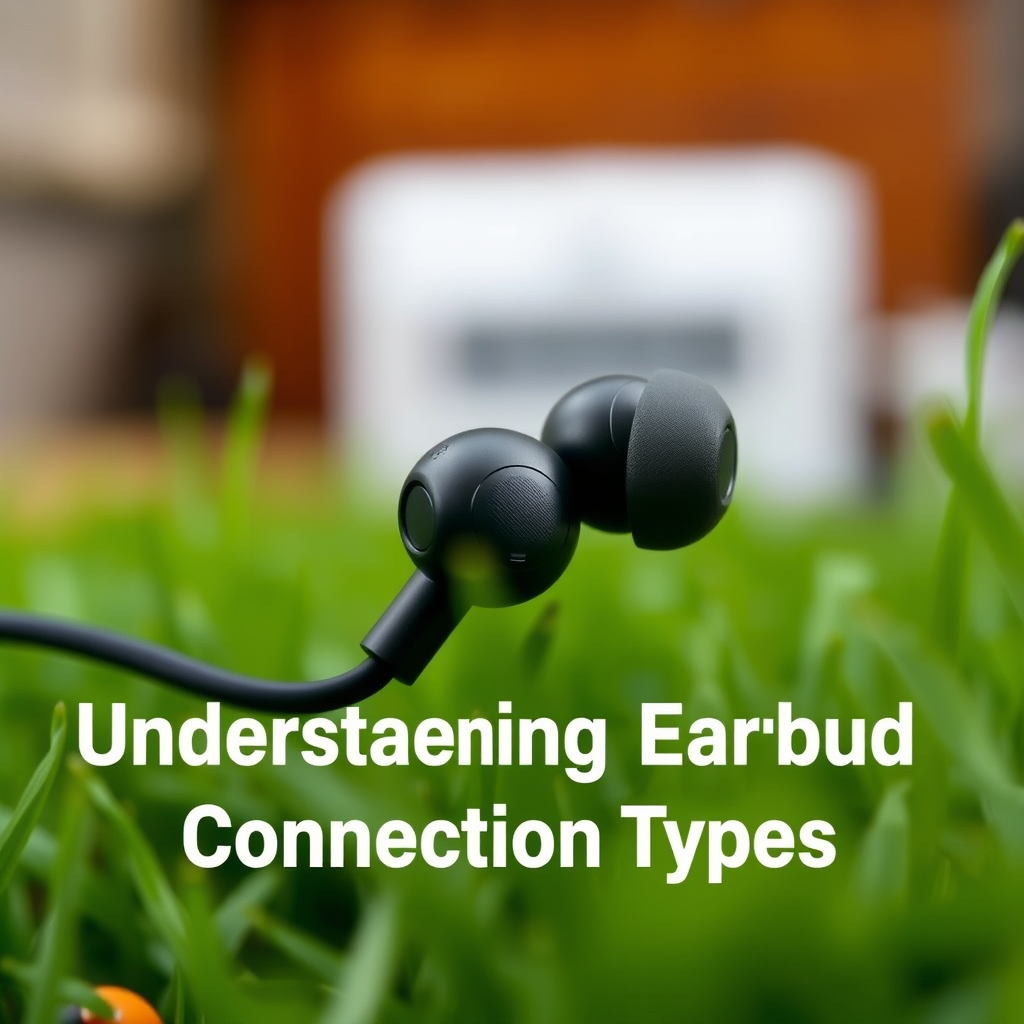
To effectively disconnect your earbuds, it’s essential to understand the different connection types: wired and wireless. The method of disconnection varies significantly between these two categories.
– Wired vs. Wireless: Wired earbuds connect directly to your phone’s headphone jack, while wireless earbuds use Bluetooth technology to connect. Disconnecting wired earbuds typically involves a physical action, while wireless earbuds require navigating through your phone’s settings or using the earbuds’ controls.
– Bluetooth Basics: Bluetooth is a wireless technology standard that allows devices to communicate over short distances. Understanding how Bluetooth connections work is crucial for effectively managing wireless earbuds. When you pair earbuds with your phone, they establish a connection that can be easily managed through Bluetooth settings, allowing for a range of functionalities such as disconnecting, forgetting devices, or re-pairing.
Disconnecting Wired Earbuds
Wired earbuds are among the simplest to disconnect. Here are the steps:
– Simply pull the plug: To disconnect wired earbuds, gently pull the plug from the headphone jack of your phone. Ensure that you do this carefully to avoid damaging the jack or the earbuds themselves.
– Checking for damage: After removing the earbuds, take a moment to inspect the headphone jack for any signs of damage or debris. A damaged jack can lead to connectivity issues in the future. If you notice any obstruction, clean it gently to ensure optimal performance for your next use.
Disconnecting Wireless Earbuds
Wireless earbuds require slightly more attention due to their dependence on Bluetooth connectivity. Here’s how to disconnect them effectively:
– Using Bluetooth settings:
1. Open the “Settings” app on your phone.
2. Tap on “Bluetooth.”
3. Locate your earbuds in the list of connected devices.
4. Tap on the info icon (ℹ️) next to the earbuds’ name.
5. Select “Disconnect” or “Forget Device” to sever the connection.
– The quick disconnect method: Many wireless earbuds come equipped with a quick disconnect feature. For example, double-tapping the touch sensor on the earbuds may disconnect them from your phone. Check your user manual for specific instructions related to your model.
Top 7 Wireless Earbuds by Features (2024)
| # | Brand & Model | Battery Life | Noise Cancellation | Water Resistance |
|---|---|---|---|---|
| 1 | Apple AirPods Pro 2 | 6 hours | Yes | IPX4 |
| 2 | Sony WF-1000XM4 | 8 hours | Yes | IPX4 |
| 3 | Bose QuietComfort Earbuds II | 6 hours | Yes | IPX4 |
| 4 | Samsung Galaxy Buds Pro | 5 hours | Yes | IPX7 |
| 5 | Jabra Elite 85t | 5.5 hours | Yes | IP55 |
| 6 | Google Pixel Buds Pro | 7 hours | Yes | IPX4 |
| 7 | Anker Soundcore Liberty 3 Pro | 8 hours | Yes | IPX4 |
Troubleshooting Common Issues
Sometimes, disconnecting your earbuds may not go as smoothly as planned. Here are some common issues and solutions:
– Earbuds still connected? If your earbuds appear to remain connected after attempting to disconnect, ensure that they are powered off or that you have properly navigated to the Bluetooth settings and selected “Disconnect.”
– Phone settings: If disconnecting fails, consider resetting the Bluetooth settings on your phone. On most devices, this can be done by going to Settings > System > Reset options > Reset Wi-Fi, mobile & Bluetooth. Be aware that this will erase all paired devices, requiring you to re-pair your earbuds when needed.
Alternative Methods to Disconnect
For users looking for more convenient ways to manage their audio connections, consider these options:
– Voice assistants: Many modern smartphones come equipped with voice assistants like Siri, Google Assistant, or Alexa. You can simply say commands such as “Disconnect my earbuds” to manage your audio connections hands-free.
– App solutions: Explore third-party applications designed to manage Bluetooth connections more effectively. Apps like “Bluetooth Auto Connect” or “Bluetooth Manager” can help streamline the process of connecting and disconnecting devices, making your audio experience more user-friendly.
Reconnecting Your Earbuds
After disconnecting your earbuds, you may want to reconnect them later. Here are the steps:
– Steps to reconnect: Return to your phone’s Bluetooth settings and ensure Bluetooth is turned on. Place your earbuds in pairing mode (usually by holding a button on the earbuds) and select them from the list of available devices to reconnect.
– Managing multiple devices: If you frequently switch between devices, consider earbuds that support multi-point connectivity, allowing you to connect to multiple devices simultaneously. This feature can be a game-changer for users who frequently transition between phones, tablets, or laptops.
Maintaining Your Earbuds
To ensure your earbuds function properly and last longer, consider these maintenance tips:
– Battery considerations: Regularly charge your earbuds and avoid letting the battery deplete completely. Keeping your earbuds charged not only improves their longevity but also enhances their performance during use.
– Regular updates: Manufacturers often release firmware updates for wireless earbuds. To ensure optimal performance and access to the latest features, check for updates regularly through the manufacturer’s app or website.
In summary, disconnecting your earbuds from your phone can be a straightforward process if you follow the right steps. Whether you have wired or wireless earbuds, understanding the specific disconnect methods and troubleshooting common issues can enhance your audio experience. Always remember to maintain your earbuds, ensuring they remain in optimal condition for your listening pleasure. Familiarizing yourself with these methods will allow for a seamless transition between audio devices and ultimately a more enjoyable listening experience.
Frequently Asked Questions
How do I disconnect my Bluetooth earbuds from my phone?
To disconnect your Bluetooth earbuds from your phone, go to the Bluetooth settings on your device. Locate your earbuds in the list of paired devices, tap on them, and select “Disconnect.” This will immediately sever the connection, allowing you to use your earbuds with another device if needed.
Why won’t my earbuds disconnect from my phone?
If your earbuds won’t disconnect from your phone, it may be due to a software glitch or an issue with Bluetooth connectivity. Restarting your phone and turning Bluetooth off and on again can often resolve this issue. If the problem persists, consider unpairing the earbuds entirely from your device and re-pairing them.
What is the best way to disconnect wired earbuds from my phone?
The best way to disconnect wired earbuds from your phone is simply to gently pull the plug out of the headphone jack. Ensure that you hold the plug itself and not the cable to avoid damaging the wires. Once removed, your phone will automatically switch to its built-in speakers.
Which devices allow me to disconnect my earbuds easily?
Most modern smartphones, tablets, and laptops allow for easy disconnection of Bluetooth earbuds. Devices equipped with Bluetooth settings menus, like iOS and Android devices, typically have a straightforward process for disconnecting audio devices. Always check your device’s user manual for specific instructions if needed.
How can I ensure my earbuds are completely disconnected from my phone?
To ensure your earbuds are completely disconnected from your phone, check the Bluetooth settings to confirm they are no longer listed as connected. You can also turn off Bluetooth on your phone or power off the earbuds themselves. Additionally, some devices will display a notification when the connection is terminated, providing extra assurance.
References
- Headphones
https://en.wikipedia.org/wiki/Earbud - https://www.ncbi.nlm.nih.gov/pmc/articles/PMC7539207/
https://www.ncbi.nlm.nih.gov/pmc/articles/PMC7539207/ - https://www.mayoclinic.org/healthy-lifestyle/consumer-health/in-depth/earbuds/art-20440068
https://www.mayoclinic.org/healthy-lifestyle/consumer-health/in-depth/earbuds/art-20440068 - https://www.sciencedirect.com/science/article/pii/S2352914821001349
https://www.sciencedirect.com/science/article/pii/S2352914821001349 - https://www.bbc.com/news/technology-50863227
https://www.bbc.com/news/technology-50863227 - https://www.theguardian.com/technology/2020/feb/06/audio-technology-apple-earbuds
https://www.theguardian.com/technology/2020/feb/06/audio-technology-apple-earbuds - https://www.hhs.gov/hipaa/for-professionals/faq/index.html
https://www.hhs.gov/hipaa/for-professionals/faq/index.html - Google Scholar Google Scholar
https://scholar.google.com/scholar?q=disconnect+earbuds+from+phone - Google Scholar Google Scholar
https://scholar.google.com/scholar?q=Bluetooth+earbuds+disconnect - Google Scholar Google Scholar
https://scholar.google.com/scholar?q=wireless+earbuds+connection+issues

[…] a quick comparison you can use when deciding between wired and wireless for your next […]
[…] (or using a wireless display option). This guide gets your screen showing fast with both wired and wireless setups, then helps you resolve the most common causes of “No Signal,” blurry text, wrong […]