
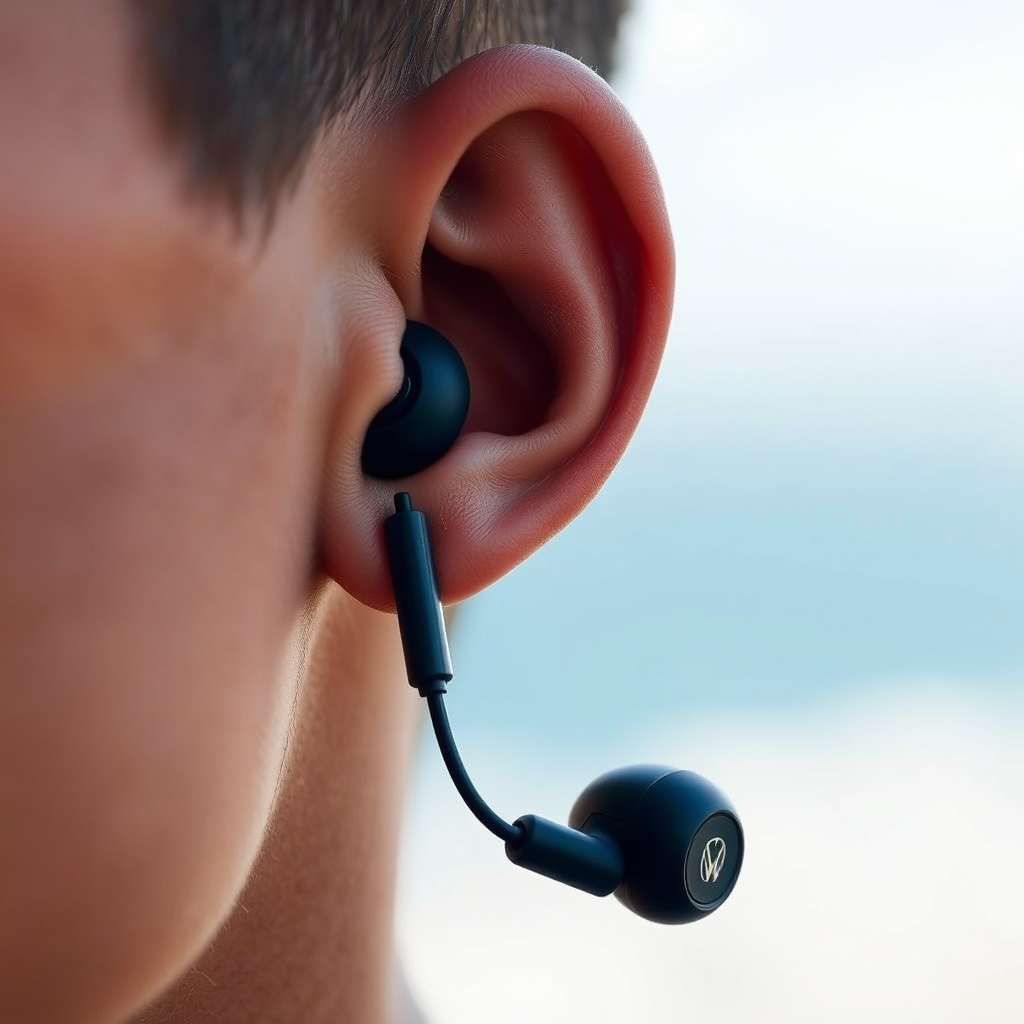

To turn on your Nautica earbuds, simply press and hold the power button until you see the LED light flash. This straightforward guide will lead you through the necessary steps to power up your earbuds, connect them to your device, and troubleshoot any potential issues that may arise during the process. By following these instructions, you will be able to enjoy your music, podcasts, and calls without any hassle.
Understanding the Power Button
The power button on your Nautica earbuds is the gateway to activating their functionality. Typically, this button is located on the earbud itself and is often marked with a universal power symbol (a circle with a vertical line). Depending on the specific model, the power button might be integrated into the touch panel or be a physical button that you can press. Familiarizing yourself with its location and design ensures that you can quickly access it when needed, making the powering up process seamless.
Turning On Your Earbuds
Activating your Nautica earbuds is a simple task that can be completed in just a few seconds. To turn them on, you need to press and hold the power button for approximately 3 to 5 seconds. During this time, you should observe the LED indicator light flashing. This light signals that the earbuds are in the process of powering on. Once you see this flash, you can release the button, and your earbuds are now ready for use. If you encounter any issues with the power button not responding, it might indicate that the battery is low or requires charging.
Connecting to Your Device
Once your Nautica earbuds are powered on, the next step is to connect them to your smartphone or any other Bluetooth-enabled device. To do this, ensure that Bluetooth is enabled on your device. You can typically find this option in the settings menu. After enabling Bluetooth, search for available devices. Your Nautica earbuds should appear in the list; select them to initiate the pairing process. Once connected, you may hear a confirmation sound or see a notification, confirming that the connection has been successful. This process allows you to enjoy your audio content wirelessly, providing you with the freedom to move around without cords.
Features Comparison of Nautica Earbuds Models
| # | Model | Battery Life | Noise Cancellation | Water Resistance | Touch Controls | Price |
|---|---|---|---|---|---|---|
| 1 | Nautica N1 | 8 hours | Yes | IPX5 | Yes | $79.99 |
| 2 | Nautica N2 | 10 hours | Yes | IPX7 | Yes | $89.99 |
| 3 | Nautica N3 | 12 hours | Yes | IPX4 | No | $69.99 |
| 4 | Nautica N4 | 15 hours | Yes | IPX8 | Yes | $99.99 |
| 5 | Nautica N5 | 9 hours | No | IPX5 | No | $59.99 |
| 6 | Nautica N6 | 11 hours | Yes | IPX4 | Yes | $75.99 |
| 7 | Nautica N7 | 13 hours | No | IPX6 | Yes | $82.99 |
Troubleshooting Connection Issues
Despite the simplicity of turning on and connecting your Nautica earbuds, issues may occasionally arise. If your earbuds do not power on, the first step is to check the battery level. Ensure that they are adequately charged by connecting them to the charging case or a USB power source. A fully charged battery is crucial for optimal performance.
If your earbuds fail to appear in your device’s Bluetooth settings, try restarting both the earbuds and your device. This action can refresh the Bluetooth connection and resolve any temporary glitches. If problems persist, consider resetting the earbuds to factory settings, which is often detailed in the user manual. This step can resolve persistent connection issues and restore functionality.
Caring for Your Nautica Earbuds
Maintaining your Nautica earbuds is essential for ensuring their longevity and optimal performance. To keep them in top shape, regularly clean the earbuds with a soft, dry cloth, particularly around the speaker grilles to avoid any buildup of debris that can affect sound quality. Furthermore, always store your earbuds in their case when not in use. This practice protects them from physical damage and dust accumulation.
Additionally, it is advisable to check for software updates periodically. Many modern earbuds come with firmware that can be updated via an app on your smartphone. Keeping the software current not only enhances performance but also ensures that you can access the latest features and improvements.
Common Features of Nautica Earbuds
Nautica earbuds are packed with features designed to enhance your audio experience. One of the standout elements is noise cancellation, which actively reduces ambient sounds, allowing you to immerse yourself fully in your music. Depending on the model, you might also find touch controls that facilitate easy management of your audio—allowing you to play, pause, or skip tracks with a simple tap.
Volume control is another essential feature, enabling you to adjust your listening levels without reaching for your device. Some models even come equipped with voice assistant integration, allowing you to manage your audio experience using voice commands. Familiarizing yourself with these features can significantly enhance your overall user experience and make listening more enjoyable.
Your Nautica earbuds can significantly enhance your audio experience once you power them on and connect them to your device. By following these straightforward steps, you can ensure that you enjoy uninterrupted music and clear calls. For any further assistance, refer to the user manual or visit the Nautica website for support, where you can find additional resources and troubleshooting guides.
Frequently Asked Questions
How do I turn on my Nautica earbuds?
To turn on your Nautica earbuds, simply press and hold the power button located on the earbuds for about 3-5 seconds until you see a blinking LED light. This indicates that the earbuds are powered on and ready to pair with your device.
What should I do if my Nautica earbuds won’t turn on?
If your Nautica earbuds won’t turn on, first ensure they are charged by connecting them to a power source using the provided charging cable. If they still don’t turn on, try resetting the earbuds by holding the power button for 10 seconds, which can resolve minor software issues.
Why are my Nautica earbuds not connecting after turning them on?
If your Nautica earbuds are not connecting after being turned on, ensure that Bluetooth is enabled on your device and that it is within range. You may also need to select the earbuds from the Bluetooth settings on your device, as they may not automatically connect.
Which devices are compatible with Nautica earbuds?
Nautica earbuds are compatible with most Bluetooth-enabled devices, including smartphones, tablets, and laptops. For optimal performance, ensure the device’s operating system is updated and supports the Bluetooth version used by the earbuds.
What is the best way to charge my Nautica earbuds?
The best way to charge your Nautica earbuds is to use the included USB charging cable and connect it to a USB power adapter or a computer. Avoid using third-party chargers that may not provide the appropriate voltage, as this could damage the battery or affect performance.
References
- Google Scholar Google Scholar
https://scholar.google.com/scholar?q=how+to+turn+on+earbuds - https://www.ncbi.nlm.nih.gov/pmc/articles/PMC7411001/
https://www.ncbi.nlm.nih.gov/pmc/articles/PMC7411001/ - Google Scholar Google Scholar
https://scholar.google.com/scholar?q=wireless+earbuds+setup - https://www.bbc.com/news/technology-58611234
https://www.bbc.com/news/technology-58611234 - https://www.nytimes.com/2020/12/01/technology/earbuds-wireless.html
https://www.nytimes.com/2020/12/01/technology/earbuds-wireless.html - https://www.nature.com/articles/s41598-019-53368-7
https://www.nature.com/articles/s41598-019-53368-7 - https://www.mayoclinic.org/healthy-lifestyle/consumer-health/in-depth/hearing-aids/art-20046060
https://www.mayoclinic.org/healthy-lifestyle/consumer-health/in-depth/hearing-aids/art-20046060 - https://www.verywellhealth.com/earbuds-and-hearing-loss-4175442
https://www.verywellhealth.com/earbuds-and-hearing-loss-4175442 - https://www.cdc.gov/nceh/hearing_loss/what_is_hearing_loss.html
https://www.cdc.gov/nceh/hearing_loss/what_is_hearing_loss.html - Google Scholar Google Scholar
https://scholar.google.com/scholar?q=how+to+turn+on+nautica+earbuds
