
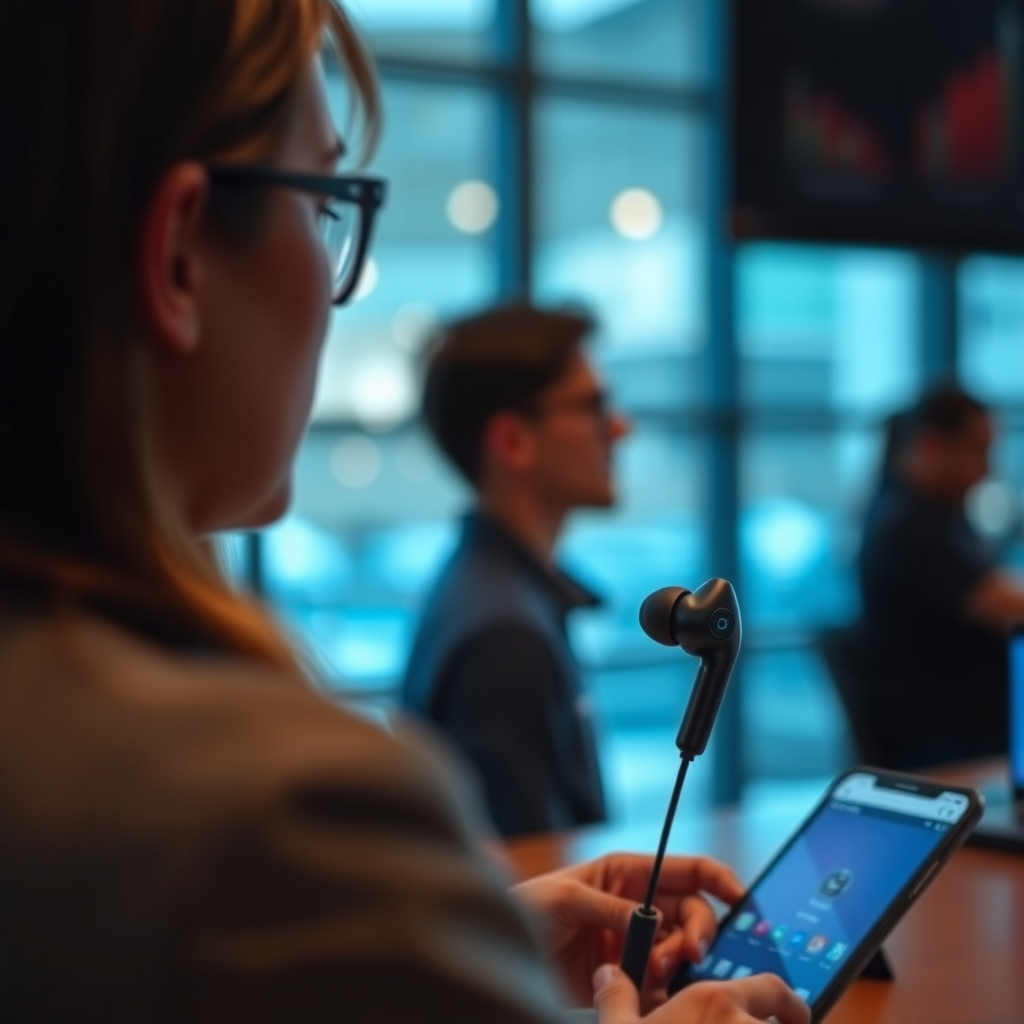

Using TWS (True Wireless Stereo) earbuds is straightforward and enhances your audio experience significantly. With just a few simple steps, you can connect, control, and maintain your earbuds effectively. This guide will walk you through the essential aspects of using TWS earbuds, ensuring you get the most out of your listening experience.
Getting Started with Your TWS Earbuds

Before diving into the features of TWS earbuds, it’s crucial to ensure you have everything you need to enjoy a seamless audio experience.
– Unbox and Inspect: Upon receiving your TWS earbuds, unbox them carefully. Check to ensure all components are present, including the charging case, ear tips of various sizes, and any included accessories such as a USB charging cable or user manual. This initial inspection helps you confirm that you have everything required for setup and usage.
– Charge Your Earbuds: The next step is to charge your earbuds. Place them in the charging case, which typically has built-in battery storage, and connect it to a power source using the provided USB cable. Most TWS earbuds require a full charge of around 1-2 hours for optimal performance, and many models will indicate their charging status through LED lights on the case.
Pairing Your TWS Earbuds with Devices
Pairing TWS earbuds with your smartphone or other Bluetooth-enabled devices is a straightforward process.
– Enable Bluetooth: Start by navigating to the settings on your smartphone or device. Find the Bluetooth option and ensure that it is turned on. This process may vary slightly depending on the operating system (iOS, Android, etc.), but generally, it is a simple toggle.
– Initiate Pairing Mode: Next, refer to the manufacturer’s instructions to put your earbuds into pairing mode. This is usually done by pressing and holding a button on the earbuds or the charging case until you see flashing lights. Once in pairing mode, look for your earbuds in the list of available devices on your smartphone. Select them to establish the connection. After successful pairing, the earbuds should indicate they are connected through a voice prompt or light indicator.
Controlling Playback and Calls
Understanding how to control your earbuds can enhance your user experience, allowing you to manage audio playback and calls seamlessly.
– Touch Controls: Most TWS earbuds come equipped with touch controls or physical buttons that allow you to play, pause, and skip tracks easily. Familiarize yourself with the specific commands for your model; typically, tapping once might play or pause music, while double-tapping can skip to the next track. Some models even allow voice commands for hands-free operation.
– Answering Calls: Accepting or declining phone calls with TWS earbuds is equally straightforward. Usually, you can answer a call by tapping the earbud once, while a long press might decline an incoming call. Test these functions to ensure you can manage calls without needing to reach for your phone.
Maximizing Sound Quality
To enjoy the best audio experience, it’s vital to optimize the sound quality of your TWS earbuds.
– Find the Right Fit: The fit of your earbuds significantly affects sound quality and comfort. Experiment with different ear tips provided in the package to find the size that snugly fits your ear canals. A proper fit not only enhances sound isolation but also helps in passive noise cancellation, allowing you to immerse yourself fully in your music.
– Adjust Settings: Utilize your device’s equalizer settings to customize sound quality according to your preference. Many smartphones and music apps offer built-in equalizers that allow you to adjust bass, midrange, and treble levels. Additionally, some earbuds come with companion apps that provide further sound customization options, ensuring that you can tailor the audio profile to your liking.
Top 7 TWS Earbuds Models (2023)
| # | Model | Battery Life | Noise Cancellation | Water Resistance |
|---|---|---|---|---|
| 1 | Apple AirPods Pro 2 | 6 hours | Active | IPX4 |
| 2 | Sony WF-1000XM4 | 8 hours | Active | IPX4 |
| 3 | Bose QuietComfort Earbuds II | 6 hours | Active | IPX4 |
| 4 | Sennheiser Momentum True Wireless 3 | 7 hours | Active | IPX4 |
| 5 | Jabra Elite 85t | 5.5 hours | Active | IP55 |
| 6 | Samsung Galaxy Buds 2 Pro | 5 hours | Active | IPX7 |
| 7 | Anker Soundcore Liberty 3 Pro | 8 hours | Adaptive | IPX4 |
Maintaining Your TWS Earbuds
To ensure longevity and optimal performance, regular maintenance of your TWS earbuds is essential.
– Regular Cleaning: Use a soft microfiber cloth or a gentle cleaning solution to wipe down your earbuds and charging case regularly. Pay special attention to the ear tips, as they can accumulate dust and earwax. Avoid using harsh chemicals or abrasive materials that could damage the surface of your earbuds.
– Battery Care: Proper battery management can significantly prolong the lifespan of your earbuds. Avoid letting the battery drain completely; instead, aim to charge your earbuds when they reach around 20-30% battery life. When not in use, always store your earbuds in their charging case to keep them charged and ready for use.
Troubleshooting Common Issues
Even the best technology can experience hiccups. Familiarizing yourself with common troubleshooting tips can save you time and frustration.
– Connection Problems: If you encounter issues connecting your earbuds to your device, try restarting both your earbuds and the device. If the problem persists, consider resetting the earbuds by following the manufacturer’s instructions. This process often involves holding buttons or tapping controls in a specific sequence.
– Audio Issues: Audio quality can be affected by interference from other Bluetooth devices. Ensure that other devices are turned off or out of range while using your earbuds. Additionally, check the charge level of your earbuds; low battery can adversely affect sound quality.
By following these guidelines, you can enhance your overall experience with TWS earbuds and enjoy high-quality audio.
Using TWS earbuds is a simple yet rewarding experience that can significantly elevate your audio enjoyment. By ensuring proper setup, maintenance, and troubleshooting, you can maximize the potential of your earbuds. Don’t hesitate to explore all the features your model offers and enjoy the freedom and convenience that true wireless audio provides. For specific instructions related to your model, always refer to the user manual provided by the manufacturer.
Frequently Asked Questions
How do I pair my TWS earbuds with my smartphone?
To pair your TWS earbuds with your smartphone, first ensure that the earbuds are charged and in pairing mode, typically indicated by a blinking light. On your smartphone, go to the Bluetooth settings, enable Bluetooth, and look for your earbuds in the list of available devices. Select your earbuds to complete the pairing process.
What should I do if my TWS earbuds are not connecting?
If your TWS earbuds are not connecting, first ensure that they are fully charged and in pairing mode. Try resetting the earbuds by placing them back in the charging case and holding down the multifunction button for a few seconds. If the issue persists, delete the earbuds from your device’s Bluetooth settings and attempt to pair them again.
Why do my TWS earbuds keep disconnecting during use?
Frequent disconnections of TWS earbuds can be caused by several factors, including low battery levels, interference from other devices, or being out of range. To resolve this, ensure your earbuds are charged, minimize the distance between the earbuds and the device, and turn off nearby Bluetooth devices that may cause interference.
What is the best way to clean my TWS earbuds?
The best way to clean your TWS earbuds is to use a soft, dry microfiber cloth to gently wipe the exterior and the silicone ear tips. For a deeper clean, use a cotton swab lightly dampened with rubbing alcohol to clean the speaker mesh, but avoid getting moisture in any openings. Regular cleaning helps maintain sound quality and hygiene.
Which features should I look for when buying TWS earbuds?
When buying TWS earbuds, consider features such as battery life, sound quality, noise cancellation, and comfort. Additionally, look for water resistance ratings, touch controls, and compatibility with voice assistants to enhance your user experience. Reading reviews and checking specifications can help you find the best TWS earbuds for your needs.
References
- Headphones
https://en.wikipedia.org/wiki/Earbud - https://www.mayoclinic.org/healthy-lifestyle/consumer-health/in-depth/hearing-loss/art-20046081
https://www.mayoclinic.org/healthy-lifestyle/consumer-health/in-depth/hearing-loss/art-20046081 - https://www.ncbi.nlm.nih.gov/pmc/articles/PMC7075759/
https://www.ncbi.nlm.nih.gov/pmc/articles/PMC7075759/ - https://www.sciencedirect.com/science/article/pii/S2351978921000223
https://www.sciencedirect.com/science/article/pii/S2351978921000223 - https://www.ncbi.nlm.nih.gov/pmc/articles/PMC7699702/
https://www.ncbi.nlm.nih.gov/pmc/articles/PMC7699702/ - https://www.bbc.com/news/technology-49221763
https://www.bbc.com/news/technology-49221763 - https://www.theguardian.com/technology/2020/oct/22/how-to-use-wireless-earbuds
https://www.theguardian.com/technology/2020/oct/22/how-to-use-wireless-earbuds - Google Scholar Google Scholar
https://scholar.google.com/scholar?q=how+to+use+tws+earbuds - Google Scholar Google Scholar
https://scholar.google.com/scholar?q=tws+earbuds+usage - Google Scholar Google Scholar
https://scholar.google.com/scholar?q=wireless+earbuds+guidelines

[…] button-based TWS earbuds, a 3–5 second press-and-hold commonly initiates power-on or state changes detectable by LED […]
[…] How long should pairing mode stay active?Many TWS earbuds keep pairing mode open for a short window (often a few minutes). If it times out, re-enter pairing […]
[…] TWS earbuds typically use built-in microphones in each earbud (or a mic in one bud) so the phone can switch to […]
[…] Put the earbuds in pairing mode by pressing and holding the Bluetooth button on the earbuds (or the touch controls) until the LED flashes—often blue or red/blue depending on the model. If they don’t enter […]