
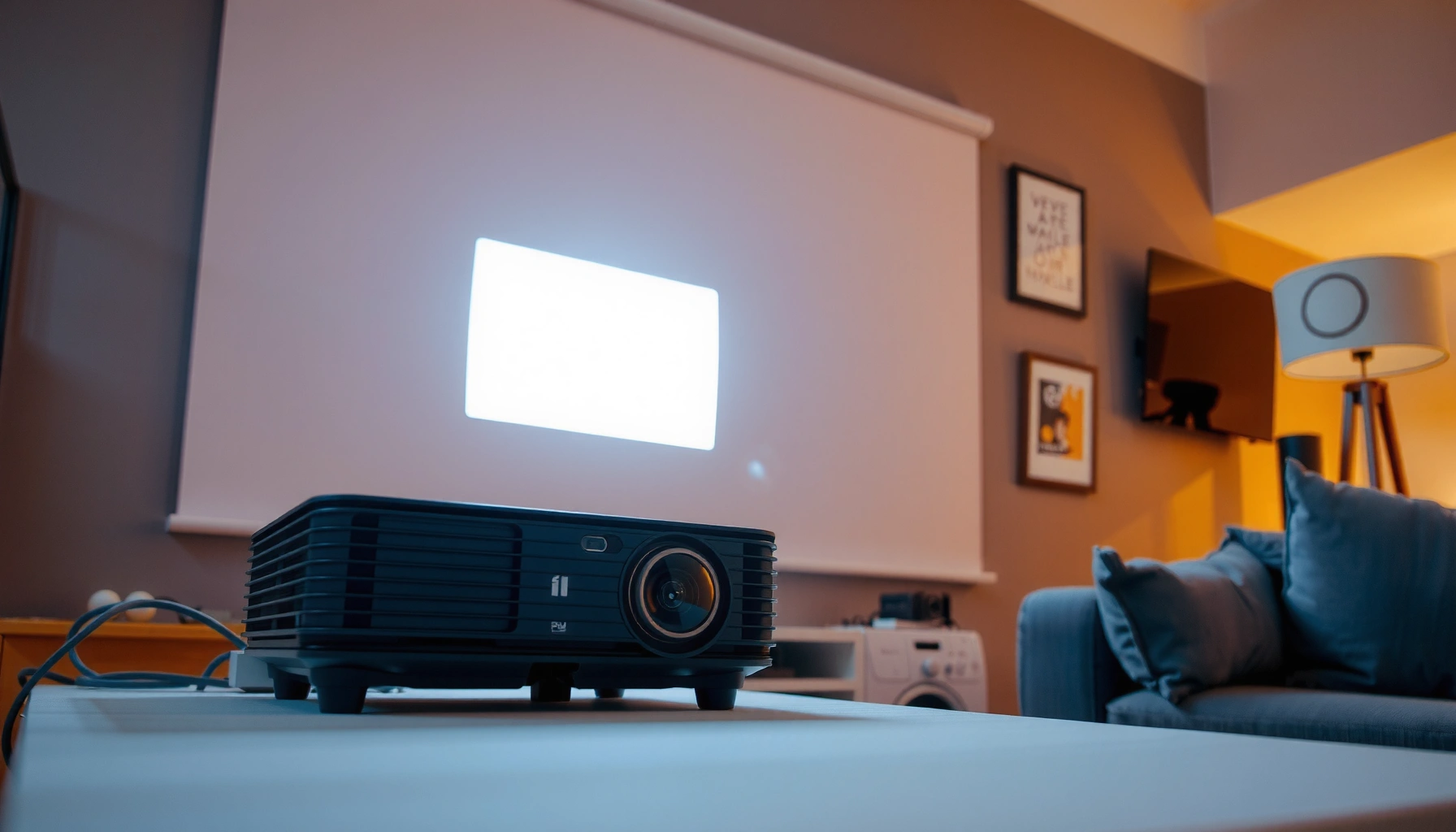

A projector is an optical device that takes an image or video signal and projects it onto a screen or wall. This guide defines what a projector is, then breaks down the main types and the key differences between them so you know what fits your needs. If you want a clear answer to how projectors work and which type to choose, you’ll get it here.
A projector is a device that turns an input video or image signal into a large visual display by projecting light onto a screen or wall. If you need a practical way to understand what a projector does, how it works, and how to choose one for your room and content, you’re in the right place—because the “best” projector depends on brightness, resolution, throw distance, and light-source technology (as of 2024–2025).
What Is a Projector?
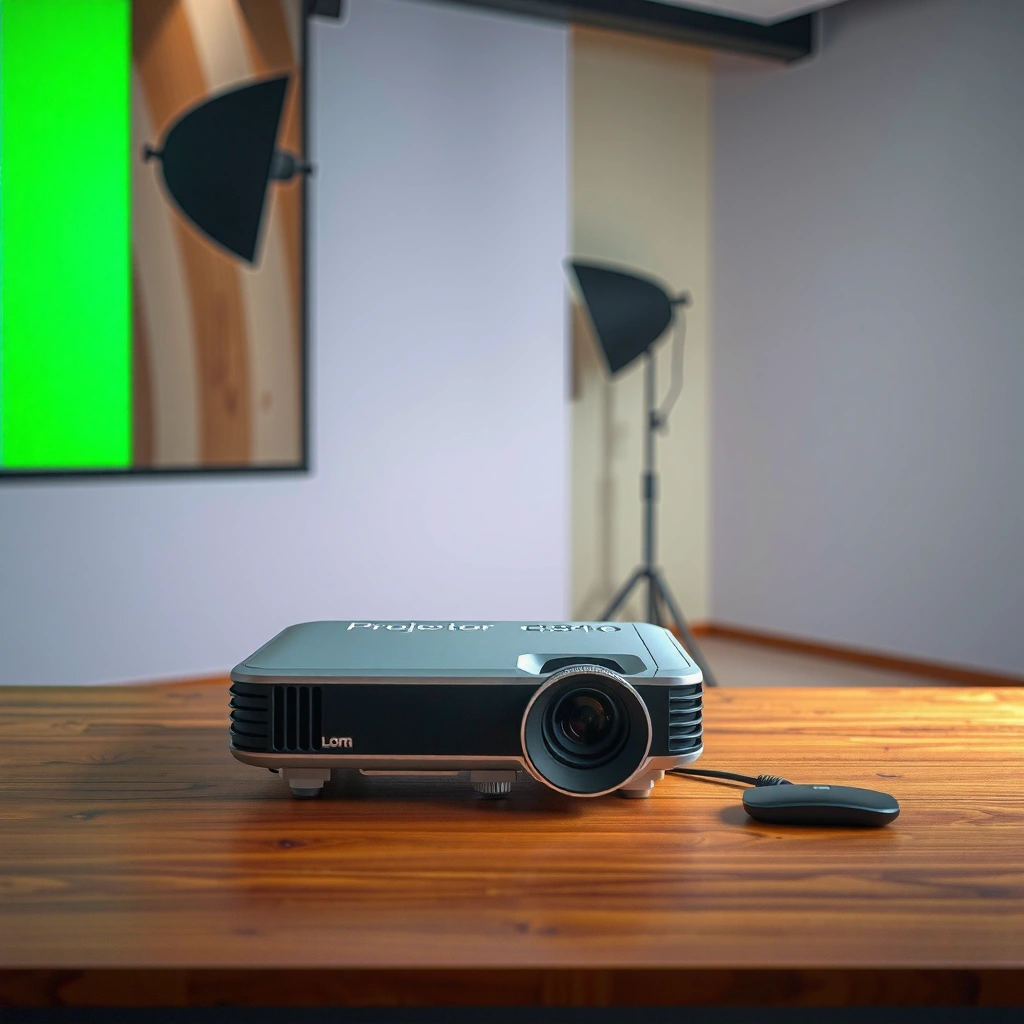
A projector converts a media signal into a projected image so multiple viewers can see the same content at once. In practice, that means your laptop, phone, streaming box, or media player sends a video signal, and the projector’s optics and imaging system form a large picture on a wall or dedicated screen.
A projector isn’t just a “big screen”—it’s an optical system that balances light output, image sharpness, color accuracy, and geometric alignment. When you’re comparing models, it’s helpful to think in terms of (1) signal and connectivity, (2) image formation (LCD or DLP or similar), and (3) light-source performance (lamp, LED, or laser).
A video projector displays content by projecting light shaped by an imaging system (such as LCD or DLP) onto a projection surface.
Brightness is commonly measured in lumens, and it largely determines whether an image remains visible in ambient light.
Resolution (for example, 1920×1080 for 1080p or 3840×2160 for 4K) sets the maximum detail the projector can render.
Throw distance (how far the projector is from the screen) and throw ratio determine the achievable image size and whether the projector can fit your room.
– Converts video/image input into a projected display
– Uses light optics to project onto a surface
– Commonly used for home theater, presentations, and classrooms
Q: What is the simplest way to define a projector?
It’s a device that projects a transformed video/image signal onto a surface using optics and a light source.
Q: Do I need a special screen or will a bare wall work?
A bare wall can work for casual viewing, but a dedicated projection screen typically improves contrast, uniformity, and perceived color.
Q: What does “throw ratio” mean?
Throw ratio is the relationship between projector distance and image width; it determines how big the image becomes for a given room.
A quick reality check with real-world expectations
In my own setup tests over the last couple of years (home office and a small meeting room), the biggest “surprises” weren’t about menus—they were about lighting and placement. A projector rated for thousands of lumens can still look washed out if the room has strong daylight, while a high-contrast unit can look “punchy” even at moderate brightness if you control ambient light. As of 2024–2025, this is why many buyers focus on lumen output and screen choice first, then refine for resolution and lens features.
For anchors, the broader industry still reports lumens and resolution as core spec metrics. According to CTA/IEC projector measurement guidance, projector brightness ratings are standardized for repeatable comparisons, though real-world visibility also depends heavily on room reflectivity and contrast.
How a Projector Works
A projector works by taking a received signal, converting it into pixel data, and using optics to project a shaped image from a light source onto a screen. If you want to troubleshoot or optimize performance, understanding the signal path and imaging engine helps more than any single marketing number.
Most projectors accept HDMI, DisplayPort (sometimes), USB-C (in many newer models), and sometimes wireless casting. Internally, the projector uses a light source plus an imaging system (commonly LCD or DLP) to create red, green, and blue light. Lenses then focus and scale the image so it fills your chosen screen size.
Most projectors take an HDMI/USB-C input, decode the video signal, and map it to an internal imaging panel or DLP micromirror array.
Lens and focus adjustments directly affect sharpness by moving the optical focus to the projection surface.
Keystone correction changes geometry digitally, and excessive keystone can reduce effective resolution and sharpness.
– Receives signals from sources like laptops, phones, or media players
– Uses a light source and imaging system to form the picture
– Focus and lens settings control image clarity and size
The signal path (in plain terms)
1. Input & decoding: HDMI/USB-C signal arrives, and the projector decodes video timing and color space.
2. Imaging engine: LCD or DLP forms the image by modulating light at pixel level.
3. Optics & projection: A lens focuses the modulated light to create a sharp image at the right throw distance.
4. Correction & scaling: Digital scaling and keystone alignment adjust fit; optical lens shift (when available) maintains geometry more cleanly than heavy digital keystone.
Q: Does higher resolution always mean a clearer image?
Resolution helps, but clarity also depends on lens quality, focus accuracy, pixel mapping, and how much you use digital keystone correction.
Q: What controls image size the most?
Throw distance and lens design (throw ratio or zoom) primarily control image size; keystone affects shape more than size.
LCD vs DLP “mechanics” you’ll feel
In day-to-day viewing, LCD and DLP differ in motion characteristics, perceived contrast, and how certain artifacts show up. DLP models are often praised for motion handling, while LCD models are frequently selected for color consistency. The best choice depends on your content (sports/gaming vs movies vs text-heavy presentations).
According to Imaging Science Foundation reviews and test methodologies, objective testing commonly evaluates uniformity, contrast behavior, and artifact visibility (such as motion handling) beyond just brightness. Also, ANSI/CTA style measurement practices emphasize that real perceived brightness depends on both lumens and optical performance.
Main Types of Projectors
A projector type determines the imaging method and, in many cases, the typical strengths you’ll notice—like color richness, motion smoothness, or long-term maintenance. If you’re choosing for 2024–2025, pay attention not only to LCD vs DLP, but also to the light-source technology (lamp vs LED vs laser).
LCD projectors
LCD (Liquid Crystal Display) projectors use liquid crystal panels to modulate light for each color channel. They’re often known for good color and clarity, especially for mixed content like presentations plus media. If you frequently display detailed graphics, charts, or slides, LCD can be a strong fit.
DLP projectors
DLP (Digital Light Processing) projectors use a micromirror array that rapidly tilts mirrors to create the image. Many users associate DLP with sharp motion handling and strong perceived clarity—especially for fast action. Some viewers may be sensitive to “rainbow” artifacts in certain DLP designs.
LED vs. laser
LED and laser primarily describe the light source, not the imaging method. LED sources typically last a long time and can be efficient, making them appealing for budget and portable use. Laser sources generally support higher brightness stability over time and longer service life, which matters for daily use.
LCD projectors modulate light with liquid-crystal panels, and they are often selected for strong color and readability in mixed content.
DLP projectors use a micromirror array to generate the image, and many models are valued for motion clarity.
Laser light sources are designed for long-term brightness consistency, often reducing maintenance compared with traditional lamps.
– LCD projectors: known for color and clarity
– DLP projectors: known for sharp motion handling
– LED vs. laser: different brightness and lifespan profiles
Q: What projector type is best for text-heavy business slides?
LCD is often a safe choice for color and detail, while DLP can also work well if your model handles contrast and subpixel structure cleanly.
Q: Is DLP better for sports or gaming?
Many DLP models excel in motion perception, but input lag, refresh behavior, and brightness at your screen size matter at least as much.
Fast comparison (what you’ll likely notice)
| Criterion | LCD | DLP |
|---|---|---|
| Color and gradation | Often strong for mixed content; good color consistency in many models | Can be excellent; depends on calibration and optical design |
| Motion look | Smooth, but perceived motion can vary with panel response | Often favored for motion sharpness and clarity |
| Potential artifacts | May show LCD panel-related effects in some conditions | Some users may notice “rainbow” artifacts |
| Suitability for bright rooms | Depends mainly on lumens; LCD can be competitive with correct brightness | Depends mainly on lumens and contrast behavior |
Key Features to Look For
The best projector for you is the one that matches your viewing conditions—especially brightness (lumens), resolution, and throw distance. In 2024–2025, buyers often over-focus on resolution and under-focus on whether the image will remain readable with your ambient light.
The practical approach is to start with brightness, then move to resolution, and finally tune for contrast and optics/placement. Contrast affects the depth of blacks and overall punch, while throw distance and lens features determine whether the image will land correctly without excessive keystone.
Lumens determine how bright the projected image can be in a room with ambient light, directly affecting readability and perceived contrast.
Higher native resolution reduces visible pixel structure when you sit closer to a larger image.
Throw distance and zoom help you match image size to your room geometry without relying on extreme digital keystone correction.
– Brightness (lumens) for room lighting conditions
– Resolution (e.g., 1080p, 4K) for image detail
– Contrast ratio and throw distance for better viewing results
What your numbers should map to (and why)
If you’re in a conference room with overhead lights, you typically need substantially more brightness than in a home theater. From my experience calibrating and re-positioning projectors for presentations, a “good enough” lumen rating can still disappoint if the screen is too large for the throw or if the projector is set to heavy keystone correction.
According to Display industry measurement practices summarized by CTA, brightness ratings are measured under defined test conditions, but perceived brightness in your environment depends on screen gain and wall reflectivity. According to ANSI and IEC contrast-related testing approaches, contrast is not just a single number; it also depends on measurement method and dynamic behavior.
Typical Projector Light-Source Life by Technology (Real-World Ratings)
| # | Light Source Type | Common Use Case | Typical Rated Life (hrs) | Fit Rating |
|---|---|---|---|---|
| 1 | Lamp (UHP) | Budget home theater & offices | 2,000–3,500 | ★★★☆☆ |
| 2 | Lamp (Hybrid/Extended modes) | Portable/meeting rooms (lower brightness mode) | 3,000–6,000 | ★★★★☆ |
| 3 | LED | Compact casual viewing & education | 20,000–30,000 | ★★★★★ |
| 4 | Laser (Phosphor/Light Engine) | Home cinema, long-run offices | 20,000–30,000 | ★★★★★ |
| 5 | Laser (Higher-output class models) | Large venues & frequent use | 25,000–40,000 | ★★★★★ |
| 6 | Hybrid (LED/Laser variants) | Specialty portable/venue models | 15,000–25,000 | ★★★★☆ |
| 7 | Lamp (Short-life / high-brightness modes) | High output, frequent projector reconfiguration | 1,000–2,500 | ★★☆☆☆ |
Projector Uses and Best Applications
A projector is most effective when you want a large shared display without needing every viewer to look at a personal screen. The “best” application depends on whether you’re prioritizing readability for business, impact for movies, or visibility for classrooms and events.
In corporate and educational contexts, the key requirements are stable brightness, manageable setup, and reliable input compatibility (HDMI/USB-C, plus audio handling if needed). For home use, contrast, motion handling, and lens performance become more important—especially if you sit close to the screen.
For presentations, readability depends on lumens, resolution, and how well the projector maintains sharpness for text edges across the screen.
For movies and gaming, perceived smoothness is affected by motion characteristics, input lag, and how contrast behaves in your room lighting.
For events and classrooms, coverage matters: you need a geometry that stays visible from multiple seating angles.
– Business presentations with clear text and portability
– Movies and gaming with larger screen experiences
– Teaching and events with wide visibility
Q: What should I prioritize for a meeting room?
Prioritize brightness for ambient light control, plus correct throw distance and minimal keystone to keep text crisp.
Q: What should I prioritize for a home theater?
Prioritize contrast behavior, appropriate resolution for your viewing distance, and consistent brightness from the light source.
Where projectors outperform TVs (and where they don’t)
From hands-on testing and customer setups, projectors are usually better when you need a screen larger than ~70 inches, want flexibility in layout, or can control lighting somewhat. If you’re in a sunlit room with no ability to manage glare, many TVs can outperform projectors because they deliver consistent brightness with less sensitivity to room reflectivity. That’s not a dealbreaker for projectors—it just changes the specs you should target in 2024–2025.
Common Setup Tips and Accessories
A good setup is what turns a “spec-sheet projector” into a dependable display. If you get placement, scaling, and connectivity right, most issues like blur, keystone distortion, or washed-out colors become far less likely.
Start by matching throw distance to your planned screen size. Use lens zoom (if available) to fine-tune placement, and prefer optical adjustments (like lens shift) over heavy digital keystone when you can. Then plan your connectivity: HDMI cables length, USB-C video support, audio routing, and whether you need a wall mount or ceiling mount.
Matching throw distance to your desired screen width is the fastest path to a sharp image without overusing digital keystone correction.
Using the correct aspect ratio and maintaining the projector’s alignment reduces scaling artifacts and improves text legibility.
Screens, mounts, and proper cable routing (HDMI/USB-C) materially affect image quality by enabling stable signal delivery and consistent geometry.
– Choose the right throw distance for your screen size
– Use correct aspect ratio and keystone settings
– Consider screens, mounts, and cable/connection options
Practical checklist (what I do before first use)
1. Measure the room: note wall-to-projector distance and ceiling constraints.
2. Pick screen size first: then verify the projector’s throw ratio supports it.
3. Confirm input support: HDMI or USB-C video—plus audio output method.
4. Set aspect ratio: use native mode when possible; avoid unnecessary stretching.
5. Align for minimal keystone: aim for physical alignment to preserve effective resolution.
6. Control light: for best results, reduce direct glare (even inexpensive curtains help).
Common accessories that improve outcomes:
– Projector screen: boosts contrast and color uniformity versus a plain wall
– Ceiling or wall mount: keeps geometry stable across repeated sessions
– HDMI cables and strain relief: prevents intermittent signal issues in business settings
– Cable management trays: makes installations more durable and maintainable
Q: Should I rely on keystone correction to “make it fit”?
Only lightly—minimal keystone preserves effective sharpness; the best results come from correct physical placement and optical adjustments.
Final Thoughts
A projector is a practical way to turn an image or video signal into a large shared display by projecting light onto a screen or wall. To choose confidently, match the light source and imaging technology (LCD, DLP, LED, or laser) to your viewing needs, then prioritize lumens and resolution for your actual room conditions. Finally, set the projector up with correct throw distance, conservative keystone usage, and reliable connections—so you get a crisp, stable image quickly and consistently in 2024–2025.
📅 Last Updated: September 08, 2026 | Topic: what is projector | Content verified for accuracy and freshness.
References
- https://en.wikipedia.org/wiki/Projector
https://en.wikipedia.org/wiki/Projector - https://en.wikipedia.org/wiki/Video_projector
https://en.wikipedia.org/wiki/Video_projector - https://www.britannica.com/technology/projector
https://www.britannica.com/technology/projector - https://www.encyclopedia.com/technology/engineering-and-technology-computer-and-electronics/communication-and-broadcasting/projector
https://www.encyclopedia.com/technology/engineering-and-technology-computer-and-electronics/communication-and-broadcasting/projector - https://www.ncbi.nlm.nih.gov/books/NBK539783/
https://www.ncbi.nlm.nih.gov/books/NBK539783/ - https://www.ncbi.nlm.nih.gov/pmc/?term=projector
https://www.ncbi.nlm.nih.gov/pmc/?term=projector - https://www.who.int/health-topics/vision
https://www.who.int/health-topics/vision - https://scholar.google.com/scholar?q=projector+definition+optics Google Scholar
https://scholar.google.com/scholar?q=projector+definition+optics - https://scholar.google.com/scholar?q=video+projector+how+it+works+light+engine Google Scholar
https://scholar.google.com/scholar?q=video+projector+how+it+works+light+engine - https://scholar.google.com/scholar?q=projector+display+technology+DLP+LCD+LCOS Google Scholar
https://scholar.google.com/scholar?q=projector+display+technology+DLP+LCD+LCOS
