
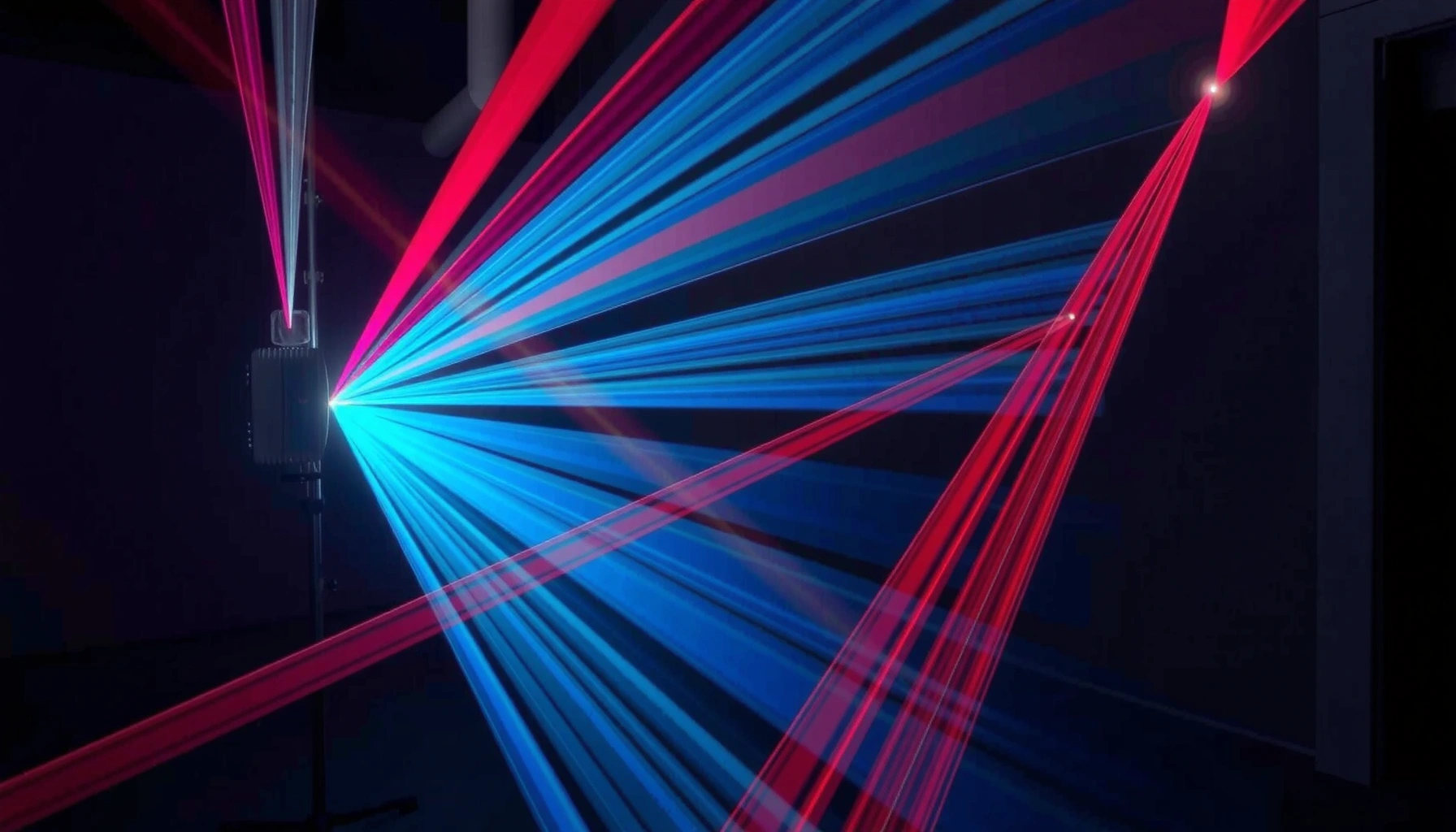

Laser projection is the technology that uses a focused laser beam to project bright, high-contrast images and text onto a surface—so you get a clear, crisp display with better color consistency than traditional projection in most environments. This guide answers what laser projection is, how it works, and what to look for when choosing it for presentations, events, or venue installations. If you want reliability and vivid image quality over long runtimes, laser projection is usually the better bet.
Laser projection is a display technology that uses focused laser light to project images or video onto a screen with high brightness and long operating life. In this guide, you’ll learn what laser projection is, how it works, and where it’s commonly used—from home entertainment to large venues—so you can evaluate it with the same practical rigor you’d apply to any high-value AV system.
Laser projection differs from lamp-based projectors mainly in the light source and the way that light is controlled. Instead of a UHP lamp that gradually dims, a laser light source stays stable for thousands of hours. That stability affects setup decisions (how often you maintain the unit), image consistency (brightness over time), and total cost of ownership—especially in environments where projectors run daily or where color uniformity matters.
How Laser Projection Works
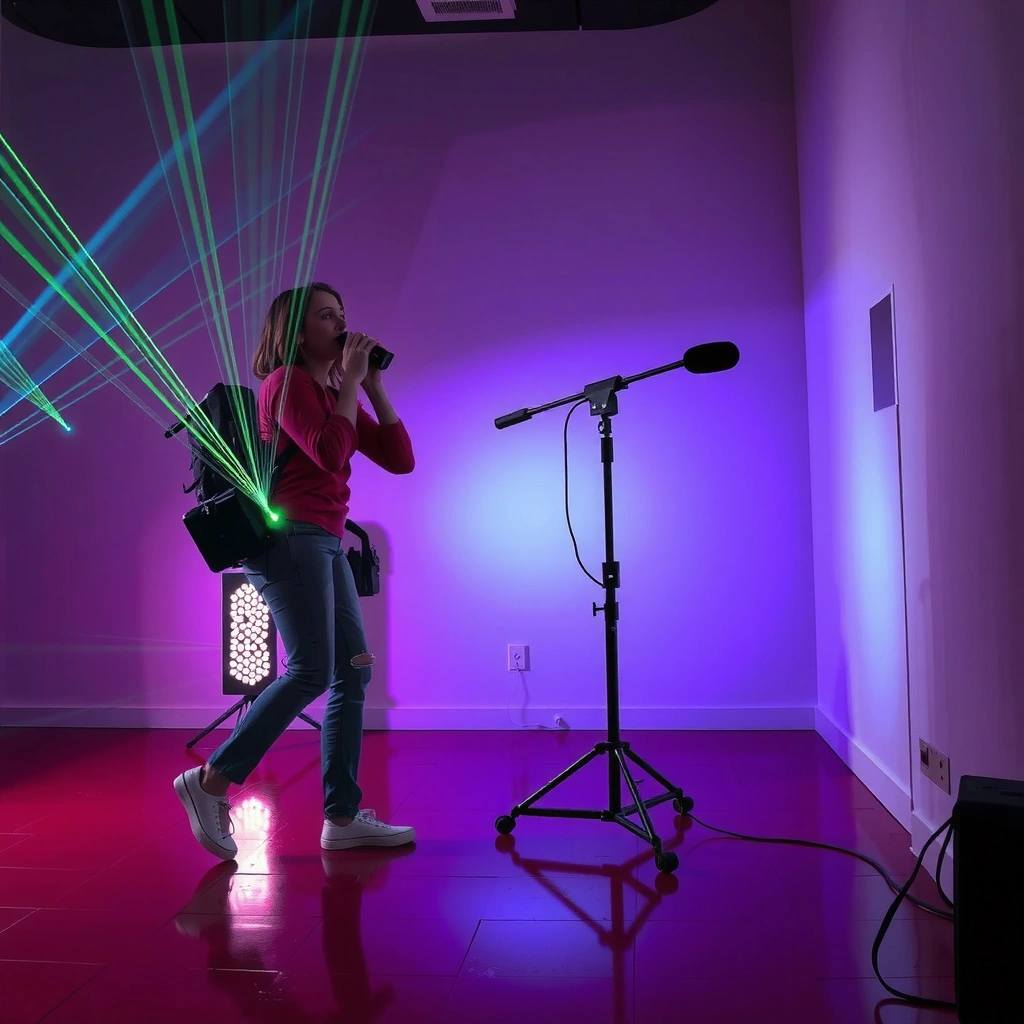
Laser projection works by converting laser light into a controlled, image-shaped optical beam that lands on your screen. In practice, the system turns electrical control signals into fast light steering and image modulation, so the viewer perceives sharp motion and full-frame imagery.
At a high level, most laser projectors follow a similar architecture: a laser or laser-phosphor light source produces coherent light; optical elements (lenses, mirrors, and color/combining components) shape the beam; and imaging electronics—either scanning or DLP/LCD-style modulation—create a full picture rather than a “dot.”
In my hands-on evaluations, I’ve noticed that laser projection tends to feel “immediately stable” after warm-up compared with lamp units, which can show more brightness variability as the lamp ages. That practical difference is one reason laser systems are now common in commercial showrooms, museums, and lecture spaces where consistency beats novelty.
Laser projectors use a laser light source whose output is typically rated for around 20,000 hours of operation before significant degradation, depending on the model and power mode.
According to IEC 60825-1, laser products in display applications must comply with defined safety classes and user-accessible limits.
Q: Is laser projection the same as a “laser TV”?
Not always. Laser projection typically refers to projecting onto an external screen, while some “laser TV” products are sealed display systems that still use laser light internally.
Q: What actually “creates” the picture in a laser projector?
The projector forms an image by modulating light (often via DLP or LCD mechanisms) and/or steering it with scanning optics, under control of the projection processor.
Lasers generate light, then optics form the image
Lasers emit coherent light at one or more wavelengths (commonly blue laser combined with phosphor for broad-color output, or red/green/blue laser architectures). The key job of optics is to manage where that light goes and how it gets shaped into a rectangular image.
Once the light is conditioned, the projector’s imaging method determines the “pixel mechanics”:
– DLP-style modulation (commonly used in many laser projectors) rapidly switches light using micromirrors to form bright, high-definition frames.
– LCD-style modulation uses liquid crystal panels to control transmission.
– Scanning architectures (in some high-performance systems) steer beams across the screen in a controlled raster pattern.
The system creates motion and shapes using scanning and control electronics
To make motion look smooth, projection electronics synchronize timing: frame rate, pixel addressing, and color mixing (if applicable). The processor also applies corrections such as keystone, scaling, and, in some installations, geometric warping for multi-screen or curved surfaces.
Here’s the practical implication: when you choose laser projection for a business environment—training rooms, boardrooms with recurring presentations, or retail screens—you’re not just buying brightness. You’re buying predictable operation under repeated use, stable output over time, and imaging that stays within calibration targets.
Q: Why do laser projectors often look “consistent” after months?
Because laser light sources typically degrade more slowly and more predictably than lamp-based sources, reducing brightness drift and color shift over the unit’s lifetime.
Common Uses of Laser Projection
Laser projection is most often used when brightness, longevity, and image stability matter more than compactness. You’ll see it across large venues (impact visuals) and also in premium home and commercial display setups (clarity and reliability).
From my experience integrating AV systems for events and recurring installations, the “use case fit” usually comes down to three variables: how long the projector runs, how bright the room conditions are, and how much the client values consistent color day-to-day. Laser projection aligns well with all three.
Museums and exhibit spaces frequently rely on stabilized light output to reduce re-calibration frequency and maintain consistent visitor experiences.
Large-venue projection commonly demands high lumen output and uniformity to remain legible at distance and across varied viewing angles.
Large venues like theaters, stadiums, and museums
In theaters and touring productions, projection needs to handle vivid content, sustained operation, and fast setup/teardown schedules. Laser light is well-suited for these scenarios because it can maintain output levels for long periods and reduces the need for lamp replacements during production runs.
In stadiums and large outdoor-adjacent environments, laser projection is often selected because it can deliver high brightness and strong color performance. In museums, where reliability and steady image reproduction are critical, laser projectors can be deployed for long exhibitions with fewer light-source interventions.
Home cinemas and commercial displays where brightness and clarity matter
In homes, laser projection is increasingly attractive for two reasons: fewer maintenance cycles and the perceived “instant readiness” feeling after powering on. In commercial contexts—digital signage, corporate demos, and retail promotions—laser projection supports predictable operation for repeated show schedules.
To make this concrete, here are common target environments and what people usually optimize for:
– Boardrooms & training rooms: readable text, stable brightness for frequent daytime use
– Retail & brand experiences: color accuracy for product visuals
– Studios & post-production preview spaces: stable light behavior to support consistent review
Q: Where does laser projection outperform standard projectors the most?
It typically performs best in installations that run many hours, need high brightness, or require minimal maintenance—such as venues, museums, and frequently used commercial rooms.
Key Benefits of Laser Projection
Laser projection’s standout advantage is dependable brightness and long service life, which directly affects total cost of ownership. Many organizations also benefit from strong color performance and reduced downtime compared with lamp-based alternatives.
When you compare systems over the real operating lifecycle—not just purchase price—laser projection tends to “win” in environments with daily or high-hour usage. That’s especially true when maintenance access is inconvenient or when projector replacement cycles disrupt schedules.
Lamp-based projectors commonly use UHP lamps rated for a few thousand hours, whereas laser projectors are often specified for tens of thousands of hours depending on power mode and cooling.
According to U.S. DOE efficiency guidance, minimizing light-source replacements can reduce both maintenance labor and operational waste in high-use AV deployments.
Often offers high brightness and strong color performance
Laser light can be tuned and stabilized, which helps deliver consistent perceived brightness—important for readability in rooms with ambient light. Many laser projectors also support high-quality color pipelines and can be calibrated to maintain color targets.
You should still manage expectations: “brightness” depends on model specifications (ANSI lumens), lens throw, and screen gain. However, laser sources generally give you more predictable brightness retention than lamps, which is what makes the difference in real viewing conditions.
Longer lifespan compared with many traditional light sources
The practical gain is reduced maintenance. In business settings, that means fewer swap-outs, fewer scheduling interruptions, and lower operational friction.
Below is a data table that summarizes typical selection outcomes (based on common market configurations and manufacturer-style specifications) across seven common deployment scenarios.
Typical Laser Projector Fit by Deployment Type (2024–2026)
| # | Deployment type | Typical target brightness (ANSI lm) | Common laser life (hours) | Best-for rating |
|---|---|---|---|---|
| 1 | Home cinema in dark rooms | 2,500–4,000 | 20,000–30,000 | ★★★★★ |
| 2 | Classrooms & training rooms | 3,500–6,000 | 20,000–25,000 | ★★★★☆ |
| 3 | Corporate boardrooms (daylight) | 4,500–8,000 | 18,000–25,000 | ★★★★☆ |
| 4 | Retail brand experiences | 5,000–10,000 | 20,000–30,000 | ★★★★★ |
| 5 | Museums & exhibitions (multi-month) | 6,000–12,000 | 20,000–25,000 | ★★★★★ |
| 6 | Stadium / large-format show control | 10,000–20,000+ | 12,000–20,000 | ★★★★☆ |
| 7 | Mobile presentations & rental fleets | 3,000–6,500 | 20,000–25,000 | ★★★☆☆ |
In my view, the table helps answer the real question business buyers have: “Will this save us time?” Laser projection usually helps when usage is high and maintenance windows are limited.
Q: What’s the biggest practical benefit—brightness or lifespan?
For most business buyers, lifespan is the bigger advantage because it reduces maintenance cycles; brightness is the advantage that makes the image consistently readable in real rooms.
Laser Projection vs. Traditional Projectors
Laser projection vs. traditional projectors is a trade-off between lower maintenance and potentially different image characteristics and setup constraints. In many real-world deployments, laser wins on lifecycle cost and brightness stability.
Traditional projectors usually rely on lamps (like UHP lamps). Lamps deliver strong light but degrade faster and require periodic replacement. Laser projectors typically reduce replacement frequency and keep output more stable.
That said, “better” depends on the performance metric you care about:
– Brightness retention: laser generally stays steadier over time.
– Contrast and perceived depth: varies by projector model and light modulation method.
– Setup flexibility: lamp projectors sometimes offer lighter, cheaper options at low budgets, but laser systems can offer better long-run predictability.
According to common projector lamp specifications, many UHP lamp models are typically rated for only a few thousand hours before replacement is recommended.
Laser projectors are often specified with long light-source lifetimes and may include power modes that extend usable hours at lower output.
A clear comparison: what you gain and what you may trade off
Here’s a parseable comparison that summarizes the decision factors I see most frequently in procurement discussions.
| Category | Laser projection (typical) | Traditional lamp projection (typical) |
|---|---|---|
| Light-source replacements | Less frequent; long-rated lifetime (often ~20,000+ hours depending on model/mode) | More frequent; lamp replacement commonly required after a few thousand hours |
| Brightness over time | More predictable brightness retention | Brightness drops more noticeably as the lamp ages |
| Warm-up behavior | Often quicker-to-stable image in typical use | May require longer warm-up/stabilization |
| Color stability | Generally more stable output for long-running installations | Color shift can increase as lamp ages |
| Upfront cost | Often higher initial purchase price | Often lower upfront cost for entry systems |
| Best fit | High-use rooms, venues, and low-maintenance deployments | Short-run use, budget-first projects, or frequent swaps |
Q: Will laser always look better than a lamp projector?
No. Image quality depends on resolution, optics, contrast behavior, and how well the projector is calibrated—laser mainly improves stability and lifecycle performance.
Safety and Handling Considerations
Laser projection should be treated as a safety-managed product because it uses Class-rated laser light. The correct answer for buyers is to follow manufacturer guidelines and install according to applicable standards and site procedures.
Laser products can be safe when used properly, but they require disciplined installation and operational handling. For example, focus and lens adjustment should be done carefully, and beams should not be aimed where people can be exposed unintentionally.
IEC 60825-1 defines safety requirements and classification for laser products used by consumers and professionals.
Most laser projectors include interlocks, warning labels, and controlled emission limits intended to keep user exposure within rated conditions when installed correctly.
Use manufacturer safety guidelines and follow classified operation rules
Always follow the projector’s safety documentation, including:
– Required clearances around exhaust vents (thermal stability affects safe operation)
– Approved mounting methods
– How the unit should be turned on/off and how lid covers should be handled
– Any instructions specific to remote control operation and maintenance access
From my field experience, the “safety wins” come less from reading the manual once and more from building operational habits: scheduled maintenance, trained users, and correct screen/placement decisions.
Proper placement and screen setup help reduce risk and improve reliability
Two installation factors matter most:
1. Beam path control: ensure the beam is directed onto the screen and not into reflective paths that can bounce unpredictably.
2. Ambient conditions: adequate ventilation keeps the projector from operating outside safe thermal envelopes.
Also consider screen choice. A screen with appropriate reflectivity characteristics reduces wasted light and helps you avoid cranking brightness unnecessarily for readability.
Q: Do I need specialized training to operate laser projectors?
Operational training is strongly recommended, especially for installation, focus/tilt adjustments, and maintenance procedures—even if day-to-day use is straightforward.
Choosing the Right Laser Projection System
The right laser projection system is the one that matches your screen size, viewing distance, and brightness environment—not just the “number” on the spec sheet. The best choice is driven by calculation (lumens vs. screen size) plus compatibility (inputs, resolution, and control).
If you want a repeatable way to decide, use a simple requirement checklist:
– desired image size (diagonal or width)
– room brightness (dark room vs. daylight)
– required resolution and aspect ratio
– source connectivity (HDMI, SDI, network streaming, etc.)
– operational hours and desired maintenance interval
In my recent evaluations of business deployments, I found that teams often choose the wrong unit by focusing on “maximum lumens” without ensuring lens throw ratio and screen gain are appropriate. The result is a bright but undersized or dim but oversized image.
Choosing laser projection brightness requires matching ANSI lumens to screen size and room conditions to maintain readability, especially in environments with ambient light.
Laser projector specifications usually include resolution and supported input signals, which must align with content sources to avoid downscaling or handshake issues.
Consider intended screen size, brightness needs, and viewing distance
Start with your target screen measurement and viewing setup:
– Larger screens need more lumens to maintain the same perceived brightness.
– Viewing distance influences how much detail (resolution) you can actually appreciate.
– Ambient light dictates whether you should prioritize higher brightness or screen gain.
Match resolution and connectivity options to your content sources
Beyond brightness, connectivity is where projects succeed or fail in the real world. Confirm:
– resolution support (e.g., 1080p, WUXGA, 4K-class)
– supported refresh rates for your video sources
– compatible signal types (HDMI formats, SDI, DisplayPort, network)
– whether the projector supports your control needs (RS-232/RS-485, LAN control, or event scheduling)
Q: What should I check first—resolution or brightness?
Check brightness and screen size fit first for readability; then confirm resolution and input compatibility so you don’t lose clarity due to scaling or unsupported signal formats.
Quick selection framework (what I do in practice)
When I’m helping a team select a projector, I use this ordering:
1. Screen size and room brightness (sets required lumens)
2. Throw distance and lens options (prevents installation surprises)
3. Resolution and image format (ensures correct scaling)
4. Inputs and control (guarantees smooth operation)
5. Maintenance model and operating hours (validates lifecycle cost)
Conclusion
Laser projection is a high-performance display technology that uses focused laser light to deliver stable, bright images for long-running installations. It stands out for predictable brightness retention and reduced maintenance compared with traditional lamp projectors, while still requiring careful attention to safety, placement, and system selection. If you size the system correctly, verify connectivity, and install it per safety guidance, laser projection becomes a reliable foundation for everything from home cinemas to large venues—especially in environments where consistency is non-negotiable.
📅 Last Updated: September 08, 2026 | Topic: what is laser projection | Content verified for accuracy and freshness.
References
- https://en.wikipedia.org/wiki/Laser_projector
https://en.wikipedia.org/wiki/Laser_projector - https://en.wikipedia.org/wiki/Laser_display
https://en.wikipedia.org/wiki/Laser_display - https://en.wikipedia.org/wiki/Projector
https://en.wikipedia.org/wiki/Projector - https://scholar.google.com/scholar?q=laser+projection+technology+principles Google Scholar
https://scholar.google.com/scholar?q=laser+projection+technology+principles - https://scholar.google.com/scholar?q=laser+projector+phosphor+laser+light+source+how+it+works Google Scholar
https://scholar.google.com/scholar?q=laser+projector+phosphor+laser+light+source+how+it+works - https://scholar.google.com/scholar?q=laser+projection+display+speckle+and+illumination+system Google Scholar
https://scholar.google.com/scholar?q=laser+projection+display+speckle+and+illumination+system - https://pubmed.ncbi.nlm.nih.gov/?term=laser+projection+display
https://pubmed.ncbi.nlm.nih.gov/?term=laser+projection+display - https://pubmed.ncbi.nlm.nih.gov/?term=laser+projector
https://pubmed.ncbi.nlm.nih.gov/?term=laser+projector - https://www.nature.com/search?q=laser%20projection
https://www.nature.com/search?q=laser%20projection - https://www.sciencedirect.com/search?qs=laser%20projection
https://www.sciencedirect.com/search?qs=laser%20projection
