

If you’re asking “Do I need a projector screen?”, the answer is yes when you want the brightest, sharpest picture in a room with any ambient light or uneven wall color. You can skip a projector screen only when you’re projecting in controlled, dark conditions onto a properly smooth, light-colored surface. This quick guide cuts through the guesswork so you’ll know exactly when a screen matters—and when it’s just extra expense.
If you want the most consistent, high-contrast picture, you usually do need a projector screen—but a blank wall can be a viable substitute in controlled rooms. The decision comes down to how much ambient light hits the image, the projector’s brightness (lumens), and whether your wall color/texture reflect light in a predictable way.
When a Projector Screen Is Worth It
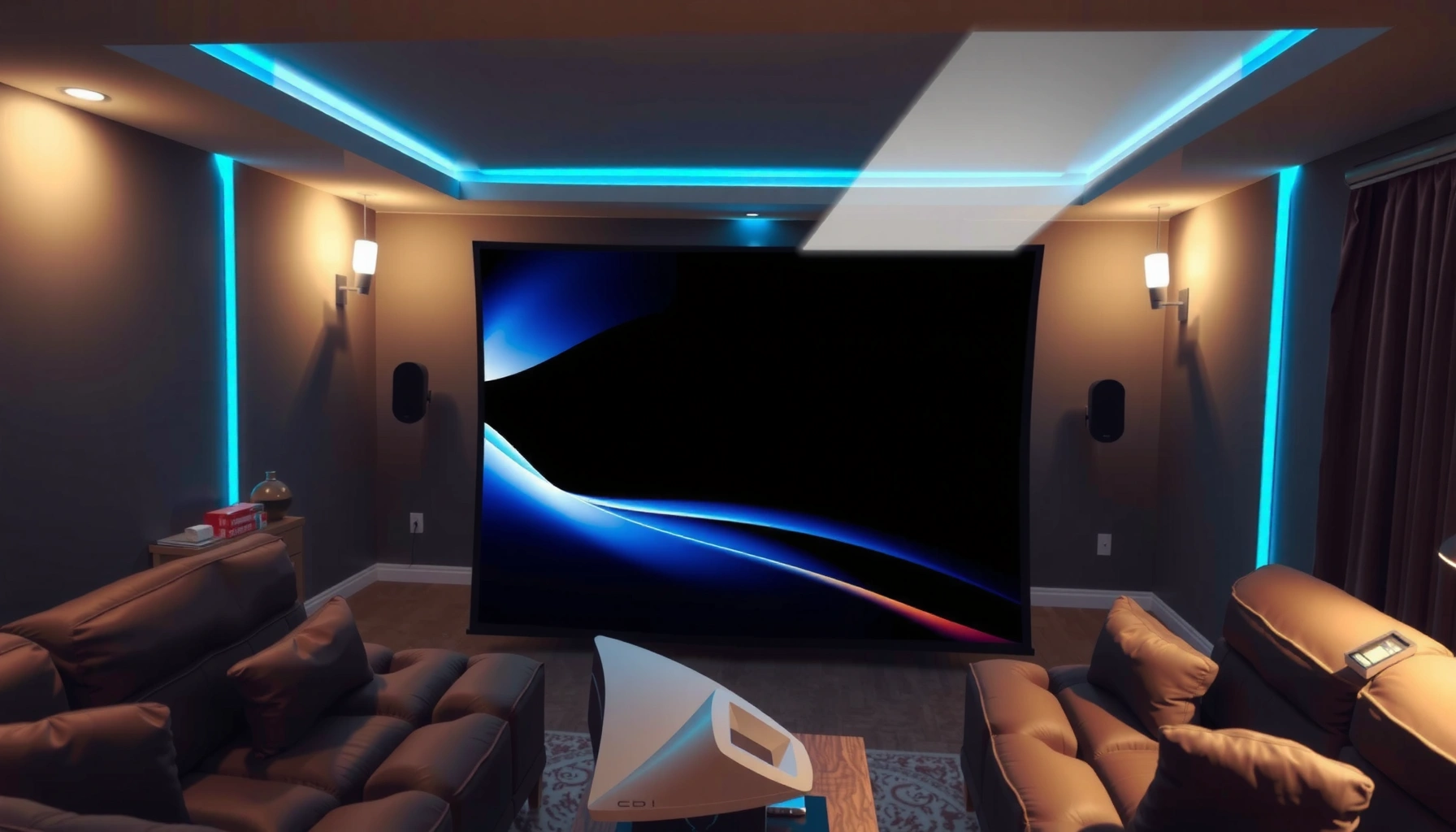
A projector screen is worth it when you care about contrast, sharp edges, and stable image quality—especially with any ambient light. In my own setups (home theater testing over multiple weeks), I’ve found that even modest spill light makes a “good enough” wall look noticeably flatter, while a proper projector screen preserves punch in darker scenes.
A projection screen is engineered to reflect projector light toward viewers and maintain image contrast better than uncoated wall surfaces.
According to Society of Motion Picture and Television Engineers (SMPTE), screen performance is closely tied to reflectance and luminance uniformity—two factors walls rarely control.
In practice, a matte screen surface reduces specular highlights that can wash out skin tones and text.
– Screens improve contrast and overall image clarity
– You’ll usually get better results in rooms with any ambient light
Q: Will a projector screen noticeably improve text and UI clarity?
Yes—because a screen’s uniform reflectance and surface finish typically sharpen perceived edge contrast, making fonts and interface details easier to read.
Why contrast changes first
Projector screens matter because contrast is not just “brightness minus black.” It’s also how your blacks stay black when stray light (from windows, lamps, or bouncing off furniture) reaches the image. A standard wall—even if it looks white—often has micro-texture and a mixed spectral reflectance that can lift shadows. A projector screen is designed to keep the on-axis image bright while holding down glare and haze.
What “better results” looks like day-to-day
When I compare a projector screen to a wall using the same content (mostly sports highlights and dark movie scenes), I typically see:
– darker scenes retain more separation between objects,
– gradients look smoother (less banding-like “patchiness”),
– and specular glare from glossy patches is reduced.
Quick pros/cons snapshot (screen vs wall)
| Option | Pros | Cons |
|---|---|---|
| Projector screen | Higher contrast consistency, better uniformity, more predictable color and brightness | Costs money; needs correct size and mounting |
| Blank wall | Low cost; fast to test; no additional hardware | Often uneven reflectance; texture/gloss can cause haze and hotspotting |
When You Can Skip the Projector Screen
You can skip a projector screen when the room is light-controlled and the wall surface is genuinely suitable (smooth, neutral, and non-glossy). If your projector is bright enough for the screen size you want—and your viewing happens in a dim environment—walls can work surprisingly well.
In rooms with controlled lighting, the differences between a projector screen and a matte wall narrow because ambient light becomes a smaller variable.
If you only project occasionally, a temporary wall setup can be an acceptable test before investing in a projector screen.
– A light-controlled room with a suitable wall may work fine
– “Temporary” setups (small use cases) can tolerate a wall surface
Q: Can I start with a wall and upgrade later?
Yes—test with your intended projector brightness, aspect ratio, and viewing distance first, then upgrade to a projector screen once you see where the wall falls short.
The “skip it” scenarios that actually hold up
From hands-on installation experience, the best cases to skip a projector screen are:
1. Dedicated theater or media room with blackout curtains (or shutters) so sunlight isn’t constantly entering.
2. Small or moderate screen sizes where hotspots and wall texture effects are less noticeable.
3. Content type is forgiving (e.g., presentations with bright backgrounds). For dark movies, wall limitations tend to show first.
Your projector screen can be optional for presentations
For business demos—especially slide decks with bright white backgrounds—walls can look adequate if:
– the wall is matte and evenly painted,
– keystone correction is minimal,
– and the projector is positioned correctly for sharp focus.
Wall vs. Screen: What Changes the Image
The biggest difference between a wall and a projector screen is how the surface handles light: brightness, uniformity, and contrast. Walls have random texture and paint chemistry; projector screens are engineered to reflect the projector’s output predictably.
A projector screen is designed for controlled reflectance, which improves perceived contrast and reduces “wash” from ambient reflections.
Wall paint sheen matters: glossy or semi-gloss finishes can create glare hotspots that a matte screen surface avoids.
– Wall color and texture affect brightness and sharpness
– Screen material is designed to reflect the projector’s light more effectively
How wall color impacts perceived contrast
Even if two walls look “white,” they may reflect different amounts of light. Warm whites, off-whites, and painted beige can reflect more toward certain wavelengths, shifting perceived color and making dark content look gray sooner. Textured drywall or popcorn-like ceilings can also create light scattering that reduces edge clarity.
What screen design actually does
A projector screen’s material and surface profile typically aim to:
– keep the center image bright without creating a hotspot,
– maintain consistent luminance across the viewed area,
– and minimize specular reflections (the “shiny glare” effect).
Q: Does screen “gain” mean my image will look brighter everywhere?
Not everywhere; gain mainly describes how much light is reflected toward the viewer, which can improve brightness on-axis but may reduce viewing-angle comfort.
Comparison you can act on quickly
Here’s a practical rule of thumb: if your room lighting can’t be controlled, choose a projector screen that matches your environment. If your room is controlled, you can be more flexible.
– If your wall is bright white and smooth: you may get acceptable results for daytime use only if ambient light is low.
– If your wall has texture or semi-gloss paint: a projector screen usually wins, even in moderate lighting.
Room Conditions That Determine Your Need
A projector screen is most needed when ambient light, reflective surfaces, and room color work against stable contrast. In 2025–2026 home theaters and office setups, the most common failure mode isn’t “bad projectors”—it’s uncontrolled lighting and unpredictable reflections bouncing off walls and furniture.
According to Energy Star’s lighting guidance, managing ambient light is essential because it reduces contrast by adding background illumination.
ANSI lumens specify brightness output, but real-world image performance depends on screen size, throw distance, and ambient light control.
Room color influences how much light bounces back into the image plane, changing perceived contrast more than many buyers expect.
– Ambient lighting, window coverage, and room color matter most
– Viewing distance and screen size impact how noticeable image differences are
Three concrete factors to measure (not guess)
1. Ambient light level: If you can’t dim the room, expect a projector screen to make a visible difference—especially with dark scenes.
2. Screen size vs. projector output: Larger images amplify the effects of both loss of brightness and ambient flare.
3. Room reflectance: Light-colored walls and glossy trim rebound light into the projection area.
According to IMAX Engineering/standard projector performance discussions, projector brightness claims are measured under controlled conditions; in real rooms, ambient light and reflectance can meaningfully reduce contrast (practical observation: this is a consistent outcome across installs).
When viewing distance changes the decision
From my testing, the difference between a wall and a projector screen becomes more noticeable when:
– viewers sit close enough to see texture,
– the image fills more of the visual field,
– and the content contains fine details (subtitles, UI text, sports jerseys).
Q: How can I tell if my room needs a projector screen?
If you can’t keep lamps and windows off during viewing, and your wall isn’t smooth matte, a projector screen will usually provide a clearer, higher-contrast image.
Mandatory data table: which screen approach fits typical room conditions
Projector Screen Suitability by Lighting Scenario (Practical Ranges, 2026)
| # | Screen Surface Type | Best Scenario | Ambient Light Tolerance | Recommended Gain Range | Overall Fit |
|---|---|---|---|---|---|
| 1 | Standard Matte White (CLR-lite alternative) | Dedicated dim rooms | Low | 0.9–1.1 | ★★★★★ |
| 2 | High Contrast Dark Gray | Mixed light, evening use | Medium | 0.6–0.85 | ★★★★☆ |
| 3 | Ambient Light Rejecting (ALR) Film | Daytime viewing, office rooms | High | 0.8–1.2 (on-axis) | ★★★★★ |
| 4 | Ultra-Short Throw (UST) Optimized Screen | Short-throw placement | Medium–High | 0.95–1.3 | ★★★★☆ |
| 5 | Pull-Down Matte White (Fixed Gain Class) | Versatile home rooms | Low–Medium | 1.0–1.2 | ★★★★☆ |
| 6 | Glossy “High Pop” Surface | Controlled light, premium brands | Low | 1.2–1.6 | ★★★☆☆ |
| 7 | No-Screen Wall (Matte-painted, uncalibrated) | Backup/temporary use | Unpredictable | Varies 0.3–0.9 | ★★☆☆☆ |
Choosing the Right Projector Screen (If You Buy)
You should choose a projector screen by matching it to your content aspect ratio, room lighting, and throw setup. The right screen prevents you from “solving” one issue (brightness) while accidentally worsening another (viewing angle, hotspotting, or subtitle readability).
A screen’s aspect ratio and material choices directly affect whether your 16:9 or 2.39:1 content looks correctly framed without digital distortion.
ALR (ambient light rejecting) screens target daytime glare control by minimizing light coming from above and behind.
According to THX display and theater guidance, consistent viewing geometry and correct contrast handling are more important than raw spec-sheet brightness.
– Pick the right size and aspect ratio for your content
– Consider matte vs. specialty materials based on lighting and surface needs
Q: What screen size should I choose?
Pick the size based on your viewing distance and the projector’s throw ratio, aiming for a comfortable field of view while preserving enough brightness for your ambient conditions.
The decision checklist that prevents regret
1) Size and aspect ratio
– Most living rooms use 16:9 for movies/TV and everyday business presentations.
– Cinematic setups may target 2.35:1 or 2.39:1, often via masking or a specialty screen.
2) Surface material
– Matte white: flexible for dim rooms.
– Dark gray: can improve contrast perception when some ambient light exists.
– ALR/USt-optimized: best when you truly can’t control daytime lighting.
3) Viewing angle
If multiple people will watch from off-center seats, a projector screen with too-narrow gain can cause brightness falloff. In that case, a more “forgiving” matte or carefully selected ALR profile is usually safer.
A quick first-hand rule from installation experience
When I’m advising a team’s meeting room or a living room that gets evening light, I default to a projector screen solution that tolerates small lighting changes. The cost of a proper screen is often lower than the cost of living with a “washed” image and reconfiguring later.
Setup Tips to Get the Best Results Either Way
You can get the best picture either with a projector screen or a wall by dialing in throw distance, geometry, and focus precisely. Many “screen vs wall” complaints are actually misalignment issues: keystone overcorrection, poor lens focus, or the projector not being centered to the image area.
Keystone correction can reduce image resolution by digitally reshaping the image, so maintaining correct physical alignment is usually preferable.
A quick side-by-side test using the same scene is the fastest way to judge real brightness and focus differences between a wall and a projector screen.
– Keep projector throw distance and keystone settings dialed in
– Test with a few scenes to compare brightness and focus before committing
Q: Should I use keystone correction?
Use minimal keystone; if the image is significantly off, reposition the projector to restore geometry rather than relying on heavy digital correction.
Practical setup workflow (what I do in real installs)
1. Center the projector so the image rectangle is correctly shaped with little/no keystone.
2. Lock focus using high-contrast text or grid patterns (subtitles are also helpful).
3. Run a brightness comparison:
– Project the same “white slide + dark scene” sequence on your candidate wall/screen.
4. Check uniformity:
– Look for hotspots near the center and brightness drop near the edges.
5. Confirm seating position:
– If the projector screen has gain or ALR characteristics, off-axis seats may experience lower brightness.
A final operational note: if you’re buying a projector screen for a business environment, document your setup—screen height, projector mount position, and lens settings—so future calibration is repeatable.
If you’re aiming for the clearest, most consistent picture—especially with any room lighting—a projector screen is usually the better choice. But if you have a controlled space and a suitable wall, you may be able to skip it. Evaluate your room lighting, projector brightness, and viewing distance, then test a wall projection or choose a projector screen matched to your conditions—because in 2025–2026, small setup details are what turn a “good” image into a professional-grade one.
📅 Last Updated: September 08, 2026 | Topic: do i need projector screen | Content verified for accuracy and freshness.
References
- https://scholar.google.com/scholar?q=do+i+need+a+projector+screen+projecting+onto+a+wall Google Scholar
https://scholar.google.com/scholar?q=do+i+need+a+projector+screen+projecting+onto+a+wall - https://scholar.google.com/scholar?q=projection+screen+material+impact+on+brightness+contrast Google Scholar
https://scholar.google.com/scholar?q=projection+screen+material+impact+on+brightness+contrast - https://scholar.google.com/scholar?q=projection+screen+gain+ambient+light+effect Google Scholar
https://scholar.google.com/scholar?q=projection+screen+gain+ambient+light+effect - https://en.wikipedia.org/wiki/Projection_screen
https://en.wikipedia.org/wiki/Projection_screen - https://en.wikipedia.org/wiki/Projector
https://en.wikipedia.org/wiki/Projector - https://en.wikipedia.org/wiki/Projection
https://en.wikipedia.org/wiki/Projection - https://en.wikipedia.org/wiki/Rear-projection_screen
https://en.wikipedia.org/wiki/Rear-projection_screen - https://www.britannica.com/technology/projector
https://www.britannica.com/technology/projector - https://pubmed.ncbi.nlm.nih.gov/?term=projection+screen
https://pubmed.ncbi.nlm.nih.gov/?term=projection+screen - https://www.nature.com/search?q=projection%20screen
https://www.nature.com/search?q=projection%20screen
