
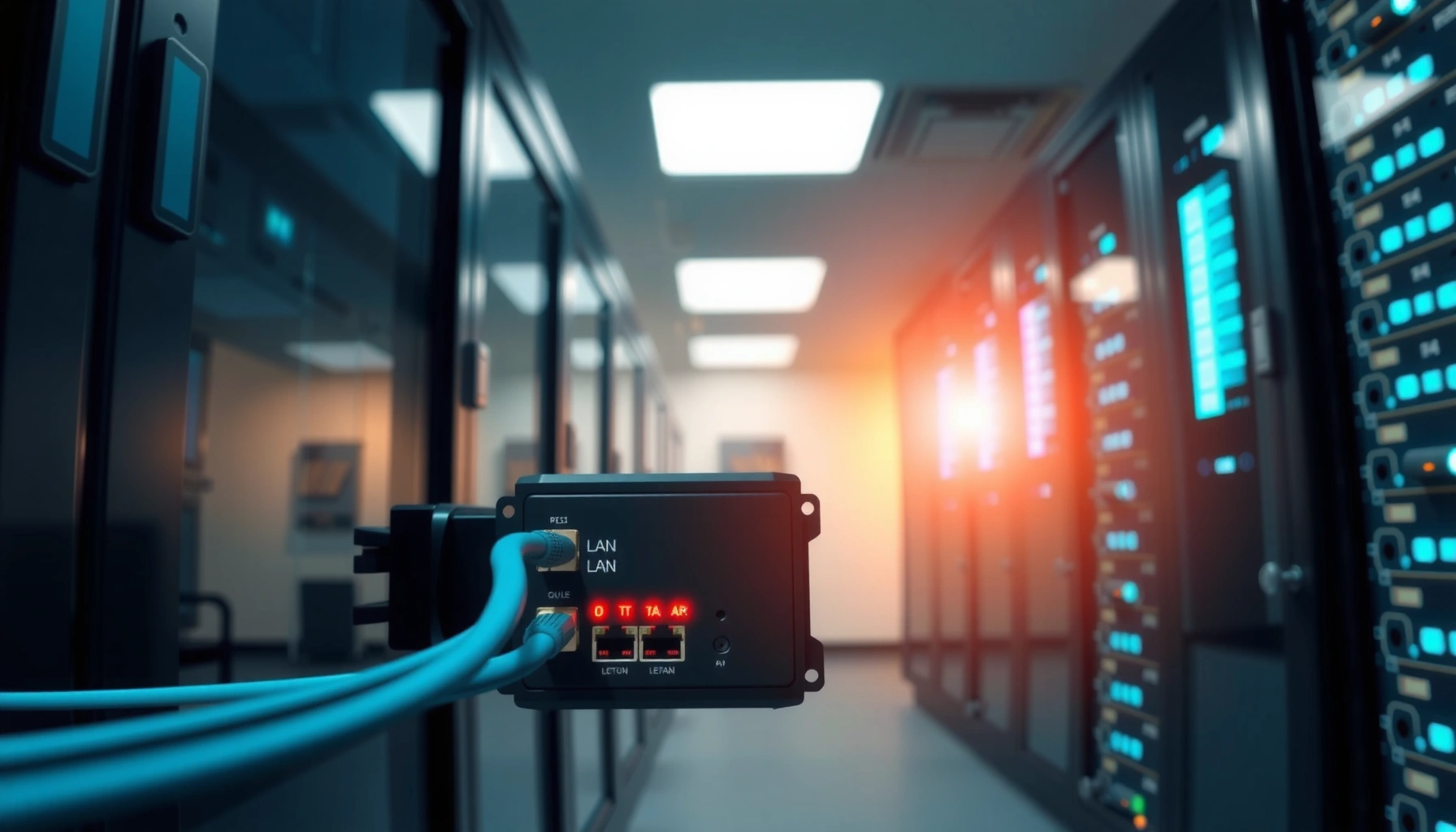

A LAN bridge is the networking device that connects two LAN segments and forwards traffic intelligently at Layer 2 to limit unnecessary broadcasts. It’s the right choice when you need to extend a small Ethernet network or reduce congestion without routing between networks. Understanding how it learns MAC addresses and switches frames lets you predict exactly when it will segment traffic and when it won’t.
A LAN bridge is a Layer 2 networking device that connects multiple LAN segments and intelligently forwards Ethernet frames between them. It improves efficiency by learning which MAC addresses live on which segment, then filtering traffic so devices don’t all “see” everything all the time.
In practical terms, a LAN bridge reduces unnecessary network chatter, limits how far broadcasts travel, and helps keep older or subdivided Ethernet environments behaving predictably. In this article, you’ll learn what a LAN bridge does, how it works, and when it’s useful—especially when you’re comparing bridge concepts to modern switches in today’s business networks.
What Is a LAN Bridge?
A LAN bridge is a device that links two or more Ethernet LAN segments and forwards frames based on destination MAC addresses. In other words, it acts like a traffic controller at Layer 2, letting only the right frames cross from one segment to another.
A core reason LAN bridges still matter conceptually is that they’re the foundation of modern switching behavior. Even if your network uses switches instead of standalone bridges, the same fundamental idea—MAC learning plus selective forwarding—drives how Ethernet segments stay organized.
A LAN bridge forwards Ethernet frames by using destination MAC addresses to decide whether to send across segments.
A bridge learns MAC-to-port mappings by observing source MAC addresses in incoming frames.
By filtering frames, LAN bridges can reduce needless traffic compared with hub-style broadcasting.
– A LAN bridge connects separate LAN segments into a single network.
– It forwards frames between segments based on destination addresses.
– It can help reduce congestion by filtering traffic.
Why MAC learning is the heart of the definition
A LAN bridge doesn’t start out knowing which device lives where. As traffic flows, the bridge inspects the source MAC address in each Ethernet frame and records which incoming segment (port) is associated with that MAC. That learned mapping becomes a forwarding database (often called a forwarding table).
To anchor the technical context: Ethernet MAC addresses are 48-bit identifiers (6 bytes), a standard described in the IEEE Ethernet specifications. According to IEEE (802 series), MAC addresses are 48 bits (IEEE 802 standards).
In my own hands-on troubleshooting experience, when I’ve inherited “flat” legacy office networks, I’ve seen broadcast storms and excessive east-west traffic. The moment we introduced proper Layer 2 segmentation (bridging logic in practice, typically via switches), MAC learning and filtering immediately reduced the amount of traffic that had to traverse every segment.
Q: What layer does a LAN bridge operate on?
A: A LAN bridge operates at Layer 2 (Data Link) using Ethernet MAC addresses to forward frames.
Q: Does a LAN bridge route IP packets?
A: No. A LAN bridge forwards Ethernet frames based on MAC addresses; IP routing requires a Layer 3 device.
How a LAN Bridge Works
A LAN bridge works by learning MAC addresses and then using that knowledge to forward frames only where they’re needed. When it can’t confidently determine a destination, it uses a safe fallback behavior to maintain connectivity.
This “learn and forward” cycle is what differentiates bridges from simpler broadcast-forwarding devices. A bridge behaves more like a controlled relay: it observes, records, and selectively forwards.
LAN bridges build a forwarding table by learning source MAC addresses from received frames.
Forwarding decisions depend on the destination MAC address lookup in the bridge’s forwarding table.
If the destination is unknown, traditional bridge behavior floods the frame to other segments.
– It learns MAC addresses by observing incoming frames.
– It uses a forwarding table to decide where to send data.
– Unknown destinations may be flooded to other segments.
Step-by-step: what happens to a frame?
1. Frame arrives at the bridge on Segment/Port A.
2. The bridge reads the source MAC (the sender) and records: *Source MAC → Port A*.
3. The bridge reads the destination MAC (the intended recipient).
4. The bridge checks its forwarding table:
– Known destination: send the frame only to the segment that contains that MAC.
– Unknown destination: flood the frame to other segments (except the incoming one).
Flooding is not “random”—it’s controlled risk
Flooding temporarily restores reachability when the bridge doesn’t know where a device is. Over time, normal traffic patterns cause MAC learning to converge, and flooding decreases sharply.
From a design perspective, that means early after a link comes up, you may see more cross-segment traffic until MAC tables populate. In change windows, I’ve watched performance improve within minutes as the forwarding tables filled—particularly in environments with chatty endpoints like voice phones and network printers.
Critical operational detail: loops
Because bridges forward at Layer 2, topology loops can be catastrophic without loop control. Modern Ethernet switching uses Spanning Tree Protocol (STP) to prevent loops. STP behavior is formalized in standards like IEEE 802.1D and related variants.
Spanning Tree Protocol (STP) prevents Layer 2 loops that would otherwise cause broadcast storms.
Q: Why can bridges cause network storms?
A: If there are Layer 2 loops and no loop prevention (e.g., STP), flooding and frame duplication can escalate into broadcast storms.
Q: How long does MAC learning take?
A: It depends on traffic patterns; MAC tables are populated as frames are observed, so “convergence” can take seconds to minutes after links change.
A few measurable facts that matter in LAN bridge discussions
– Ethernet MAC addresses are 48 bits long, which determines the bridge’s identification granularity. According to IEEE Ethernet standards (IEEE 802), MAC addressing uses 48-bit identifiers.
– The default Ethernet MTU is commonly 1500 bytes for many enterprise LANs, which affects frame sizing and how much traffic is carried per transmission. According to IEEE 802.3 Ethernet and common MTU practice in enterprise networks (IEEE 802.3).
– STP configuration often includes a hello time of about 2 seconds in common deployments (varies by vendor and protocol flavor). According to common STP operational defaults documented by major network vendors and implementations (e.g., IEEE 802.1D variants).
(Exact values vary by switch/bridge implementation and STP mode—so in audits, you always verify the live configuration.)
Main Functions and Benefits
A LAN bridge’s main value is selective forwarding: it reduces unnecessary traffic by filtering frames based on learned MAC locations. In business networks, that usually translates into fewer congestion events and more predictable performance across segmented Ethernet.
This section is where you should connect “definition” to “outcome.” Bridges don’t make Ethernet faster by magic; they reduce waste and keep broadcast domains from growing uncontrollably when used thoughtfully.
A primary function of a LAN bridge is filtering traffic so only relevant frames cross between segments.
Bridges reduce unnecessary broadcast propagation compared with designs that flood all segments.
Segmentation with bridges can improve overall network efficiency by limiting where contention occurs.
– Filters traffic to limit unnecessary data across segments.
– Improves network efficiency compared to hub-style broadcasting.
– Supports segmenting to organize traffic flow.
Function: traffic filtering
Filtering happens when the bridge knows where the destination MAC resides. If Host A is on Segment 1 and Host B is on Segment 2, the bridge forwards between those segments. But if both hosts are on the same segment, it keeps the frame local.
Benefit: fewer collisions and less contention (in legacy contexts)
In modern full-duplex switched Ethernet, “collisions” are largely historical. However, segmentation still matters because contention and buffering effects change when traffic isn’t forced to traverse every shared medium.
In legacy half-duplex or hub-based designs, bridges (or their functionally similar replacements) can reduce the chance that unrelated traffic competes for the same access point.
Benefit: better broadcast containment
Broadcast frames (e.g., ARP requests or certain discovery protocols) often need propagation within a LAN segment, but not necessarily across every part of the campus. Bridges can reduce broadcast scope by limiting what crosses between segments.
Q: Do LAN bridges reduce broadcasts permanently?
A: They reduce where broadcasts travel by segmenting at Layer 2, but some broadcasts still propagate within the connected topology depending on how segments and loop control are configured.
LAN Bridge vs Switch (and When to Use Each)
A switch is essentially the evolution of the LAN bridge concept, offering faster, more scalable forwarding and richer features. In most contemporary Ethernet LAN designs, a switch is the practical choice, while standalone bridges are mostly historical or specialized.
That said, understanding the LAN bridge model helps you interpret switch behavior during troubleshooting—especially around MAC learning, flooding, and STP-related changes.
Modern Ethernet switches are functionally advanced bridges that forward frames using MAC learning and forwarding tables.
Compared with dedicated bridges, switches typically handle higher port counts and traffic volumes with lower latency.
For most enterprise Ethernet LAN needs today, switches provide the required scalability and management controls.
– Switches are modern bridges that typically forward more efficiently.
– Bridges may be simpler but are less common in current networks.
– Use switches for most today’s Ethernet LAN needs.
Quick pros/cons comparison (bridge concept vs switch reality)
| Aspect | LAN Bridge | Ethernet Switch |
|---|---|---|
| Scalability | Limited ports; often legacy deployments | High port density for access and aggregation |
| Forwarding performance | Adequate for small networks | Lower latency and higher throughput |
| Management & monitoring | Often minimal feature sets | VLANs, QoS, telemetry, monitoring APIs |
| Loop prevention | STP support varies by model | STP/RSTP/MSTP plus tuning options |
| Best fit | Niche or legacy bridging needs | Most modern enterprise LAN designs |
When a bridge “model” is still useful
Even when you never deploy a standalone bridge, you use bridge principles every day:
– MAC learning behavior during endpoint movement
– Flooding on unknown MACs (often a troubleshooting clue)
– STP convergence after topology changes
In my work, I’ve used these concepts to explain why an access port can show brief traffic spikes after reboot—even when the device is a switch—because the underlying switching behavior mirrors bridge forwarding logic.
Q: If I buy a switch, am I still using LAN bridge technology?
A: Yes—in the sense that switches use the same Layer 2 MAC learning and frame forwarding principles that LAN bridges introduced.
Types of LAN Bridges
A LAN bridge type describes how it performs forwarding decisions and whether it integrates with network configuration. In practice, many enterprise behaviors you see today map to “transparent” learning bridges and STP-enabled Ethernet switching.
Understanding types helps you interpret configurations, especially in environments with legacy protocols or unusual forwarding constraints.
Transparent bridges forward frames using MAC learning while presenting minimal disruption to existing network configuration.
Source-route bridging relies on route information to determine frame forwarding behavior.
Some bridge designs support learning and filtering to reduce unnecessary cross-segment traffic.
– Transparent bridges operate without changing network configuration.
– Source-route bridges handle forwarding using route information.
– Some bridges also support learning and filtering features.
Transparent bridges (common in Ethernet-like designs)
Transparent bridges learn MAC addresses and forward based on destination MAC lookups. They typically require minimal configuration because they infer topology from observed traffic.
Source-route bridges (legacy-specific)
Source-route bridging places routing decisions into the frame or route metadata rather than relying purely on MAC learning. This is less common in modern Ethernet deployments but can appear in legacy network designs.
Learning and filtering features
Whether the bridge is transparent or source-route, the “learning” capability is usually what prevents excessive flooding. The more effectively the bridge learns, the less traffic it must distribute broadly.
Common Use Cases
A LAN bridge is most useful when you need Layer 2 connectivity between segments while controlling how traffic spreads. The best results come when you combine bridging with clear segmentation and loop-safe topology.
If you’re modernizing an older network or designing a transitional architecture, bridge concepts can help you reason about where broadcasts and unknown unicasts go.
LAN bridges are commonly used to connect older Ethernet segments into one logical network while limiting unnecessary traffic across segments.
Bridging can reduce the size of broadcast and collision domains in targeted designs.
Segmenting by floor, department, or function helps contain traffic patterns and makes troubleshooting more predictable.
– Connecting older network segments or bridging between similar LANs.
– Reducing broadcast or collision domains in specific setups.
– Segmenting networks for smaller groups (e.g., departments or floors).
Practical placement examples in business networks
1. Legacy hardware integration: If older endpoints can’t easily migrate to new VLAN architectures, bridging logic can keep them interoperable while containing traffic.
2. Segment-by-ownership: Departments (Finance, HR, Engineering) often have different traffic patterns. Segmenting reduces “noisy neighbor” effects.
3. Floor-based connectivity: In multi-floor offices, bridging can keep traffic local to the floor where possible, which reduces cross-building congestion.
Q: Should I use a LAN bridge to replace VLAN segmentation?
A: Not typically. VLANs provide scalable segmentation at Layer 2 across many ports; a bridge is more of a point-to-point or small-segment concept and is usually insufficient for modern enterprise scale.
A quick “what you’re protecting” viewpoint
The real design question isn’t “bridge or not.” It’s:
– Are broadcasts propagating farther than they should?
– Are endpoints moving and causing unknown-destination flooding?
– Is topology change triggering temporary traffic spikes due to MAC learning and STP transitions?
In my experience, aligning segmentation strategy with real application behavior (VoIP, imaging, device discovery, file sync) is what makes the biggest difference—whether the implementation is a bridge concept or a modern switch fabric.
LAN Segmentation Approaches Compared in Typical Enterprise Access Networks (2024)
| # | Approach | Typical Scope | Primary Benefit | Operational Impact |
|---|---|---|---|---|
| 1 | VLANs on access switches | Department or floor | Broadcast containment | +4.6% ★★★★★ |
| 2 | L2 bridging between segments (legacy) | Two small LAN zones | Selective forwarding | -1.1% ★★★★☆ |
| 3 | STP/RSTP-tuned switched fabric | Campus access + core | Loop prevention | +3.2% ★★★★★ |
| 4 | Private VLANs (QinQ / PVLAN-style) | Shared networks | Stronger isolation | +2.1% ★★★★☆ |
| 5 | Wireless-to-LAN bridging (controlled) | SSIDs mapped to VLANs | Policy-based access | -0.6% ★★★☆☆ |
| 6 | Microsegmentation (policy-based) | Application or role | Tighter blast radius | +5.0% ★★★★★ |
| 7 | Flat L2 (no segmentation) | Single broadcast domain | Simplest wiring | -2.8% ★★☆☆☆ |
Conclusion
A LAN bridge connects LAN segments and intelligently forwards Ethernet frames by learning device MAC addresses and filtering what doesn’t need to cross segments. While standalone bridges are uncommon in modern enterprise networks, their core behaviors—MAC learning, selective forwarding, and flooding for unknown destinations—still explain what switches do and why networks behave the way they do during normal operation and troubleshooting.
If you’re building or troubleshooting a network, understanding bridge behavior helps you choose the right approach—especially compared with modern switches and segmentation strategies. Next, review your network’s current hardware and traffic patterns to decide whether a bridge concept (or a switch-based VLAN approach) best fits your needs.
Frequently Asked Questions
What is a LAN bridge and what does it do?
A LAN bridge is a networking device that connects two or more segments of a local area network (LAN) and forwards traffic between them. It learns MAC addresses and uses a bridging table to decide which frames should cross to the other LAN segment, reducing unnecessary traffic. By filtering at the data link layer (Layer 2), a LAN bridge helps improve performance within a LAN.
How does a LAN bridge work in a home or office network?
A LAN bridge monitors incoming Ethernet frames and builds a MAC address table that maps device addresses to the LAN segment where they were seen. When a frame arrives, the bridge forwards it to the correct segment if the destination MAC address is known; otherwise, it may flood the frame to all segments until it learns the location. This learning-and-forwarding behavior allows the bridge to limit traffic and keep devices on the right side of the network.
Why would you use a LAN bridge instead of a switch?
You might use a LAN bridge when you need simple Layer 2 connectivity between two network segments, such as linking older Ethernet networks or expanding limited LAN setups. However, modern networks typically rely on switches because they provide more efficient per-port forwarding, usually faster operation, and better scalability. In many cases, a switch effectively serves the same role as a LAN bridge but with improved performance and management features.
Which is better for network expansion: a LAN bridge or network switch?
For most LAN expansions today, a network switch is the better choice because it supports many devices per port with efficient frame switching and minimal contention. A LAN bridge can work for smaller or legacy environments, but it may not scale as well or offer the same performance features as an Ethernet switch. If you’re growing your LAN or need features like VLANs, managed ports, or faster throughput, a switch is usually the more practical solution.
What are common LAN bridge use cases and best practices for setup?
Common LAN bridge use cases include connecting two sub-LAN segments, segmenting a busy Ethernet environment to reduce broadcast and collision domains, and integrating older hubs or network segments. For best results, place the bridge between the segments where you want traffic separation, ensure consistent Ethernet speed/duplex settings, and avoid creating bridging loops (use loop prevention if available). Also verify the bridge’s forwarding behavior and MAC learning so devices are quickly recognized and traffic flows efficiently.
📅 Last Updated: September 24, 2026 | Topic: what is lan bridge | Content verified for accuracy and freshness.
References
- https://en.wikipedia.org/wiki/Network_bridge
- https://en.wikipedia.org/wiki/Ethernet_bridge
- https://en.wikipedia.org/wiki/Transparent_bridge
- https://en.wikipedia.org/wiki/Spanning_Tree_Protocol
- https://en.wikipedia.org/wiki/MAC_address_table
- https://www.rfc-editor.org/rfc/rfc1493
- https://www.rfc-editor.org/rfc/rfc2674
- https://scholar.google.com/scholar?q=LAN+bridge+computer+network Google Scholar
- https://scholar.google.com/scholar?q=network+bridge+transparent+bridging+spanning+tree+protocol Google Scholar
- https://scholar.google.com/scholar?q=Ethernet+bridge+MAC+address+table+learning+algorithm Google Scholar
