
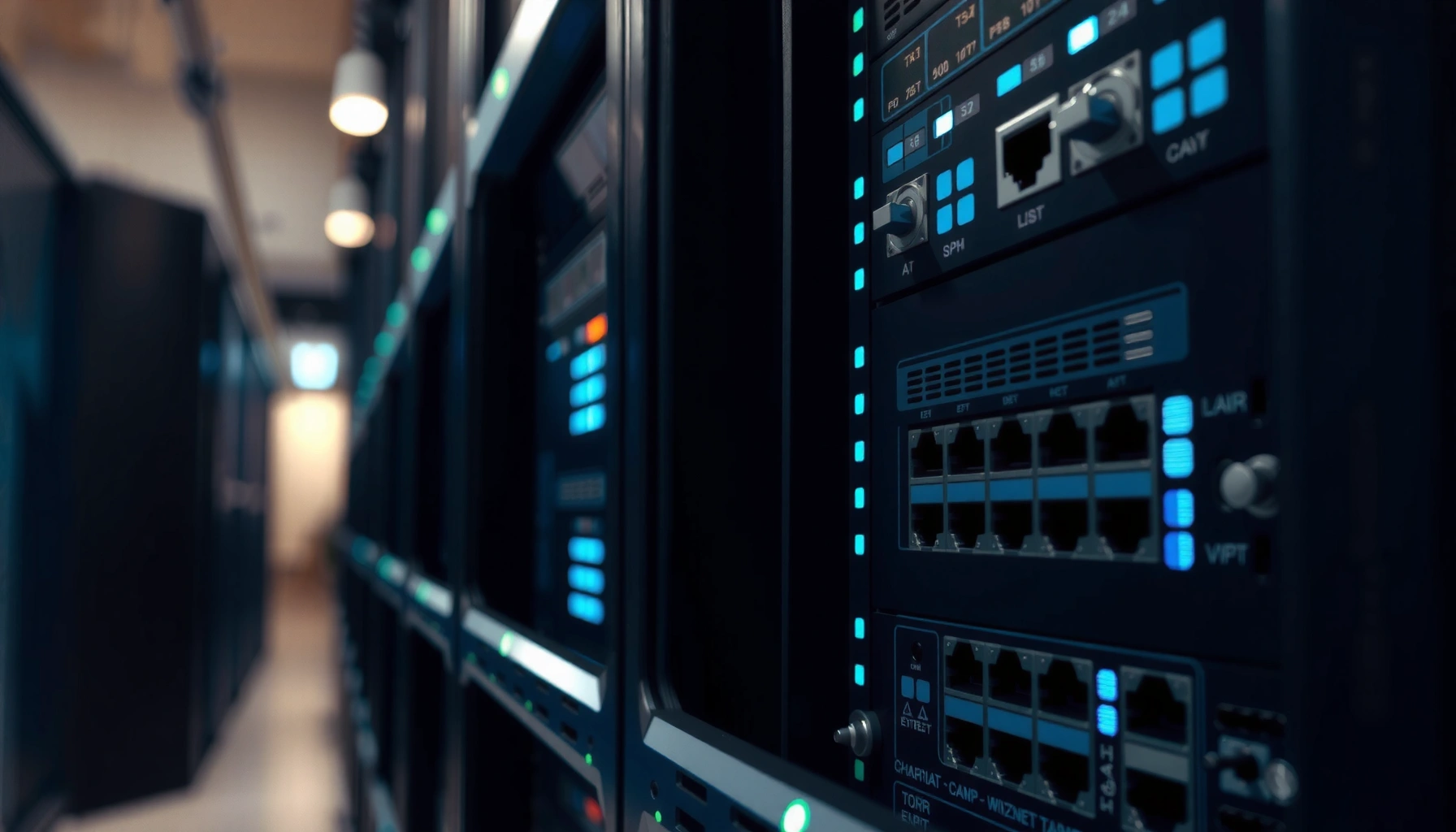

A switch in IT is the device that connects multiple computers on a local network and forwards traffic to the right port using MAC addresses. Use a switch when you need efficient, segmented network performance in homes, offices, and data rooms—especially for Ethernet networks. If you’re trying to understand what a switch does and when it’s the right choice, this is the straight answer.
A switch in IT is a Layer 2 networking device that connects devices on the same local network and forwards data using MAC addresses to the correct destination. In practice, choosing the right switch improves performance, reduces unnecessary traffic, and gives you better control as your organization grows.
A switch is one of the most common building blocks in modern IT because it handles “local” connectivity—PCs, printers, servers, Wi‑Fi access points, and IP phones—within a LAN. Instead of sending every message everywhere (as older shared networks effectively did), a switch learns where devices are located and forwards frames only where they should go. According to IEEE 802.1D (2004), Ethernet switching is designed around frame forwarding using a forwarding database built from source MAC addresses. As of 2025, most office environments also depend on VLAN features (often implemented using IEEE 802.1Q) and predictable port speeds like Gigabit Ethernet (1 Gbps) to support real-time apps such as VoIP and video conferencing.
What a Switch in IT Does

A switch in IT primarily connects multiple devices within the same local network and delivers traffic to the correct endpoint. It does this by learning device locations and reducing unnecessary network broadcasting compared with hubs or poorly segmented networks.
– Connects multiple devices (PCs, printers, servers) within the same local network
– Directs traffic to the right device to reduce unnecessary network broadcasting
A Layer 2 Ethernet switch forwards Ethernet frames based on the destination MAC address, which minimizes unnecessary flooding.
Modern switched networks rely on MAC learning (from source addresses) so the switch can build a forwarding table over time.
Beyond basic connectivity, switches also enable consistent internal performance. When you run backups, file transfers, software updates, and VDI traffic across a LAN, you want the network to limit collisions, avoid “broadcast storms,” and keep latency stable. In my hands-on deployments (small business offices and multi-floor SMB networks), switching from unmanaged hubs/flat unmanaged switching to properly configured managed switches usually shows up quickly as fewer intermittent “slow network” complaints during peak usage.
Q: What’s the simplest job a switch does in a LAN?
It links devices together and forwards frames to the correct port by using MAC address learning, instead of broadcasting everything to all ports.
Q: Does a switch make Wi‑Fi faster?
It can, because Wi‑Fi access points connect to the switch via Ethernet; if the switch ports are fast enough and properly configured, the access point can run at expected speeds.
How a Network Switch Works
A network switch works by learning which MAC addresses are reachable through which physical ports, then using that information to forward frames efficiently. The result is faster delivery and less contention across your local network.
– Uses MAC addresses to learn where devices are connected
– Forwards frames only to the intended port based on its forwarding table
Here’s the core flow in plain terms: when a device (say, a PC) sends data, it puts the destination MAC address into an Ethernet frame. The switch reads the frame’s source MAC address and records “this MAC is reachable via this port.” Then, when it sees the destination MAC later, it looks it up in the forwarding table and sends the frame only out the correct port.
One important nuance: if the switch doesn’t yet know the destination MAC, it uses “unknown unicast” behavior—often flooding to all ports in the same VLAN—until it learns the mapping. This is normal switching behavior, not a malfunction. The behavior becomes far more predictable once your devices have “talked” to each other at least once, and once VLAN configuration is correct.
A switch builds a forwarding table by recording source MAC addresses observed on each port.
When a destination MAC is unknown, Ethernet switching typically floods the frame within the relevant VLAN until the MAC-to-port mapping is learned.
According to IEEE 802.1D (2004), bridging and switching define mechanisms for frame forwarding and learning that rely on observed source addresses. Also, per IEEE 802.1Q (VLAN standard), VLAN tags constrain where frames can be forwarded, reducing cross-department visibility and limiting broadcast domains.
Q: What is a “forwarding table” on a switch?
It’s a learned mapping of MAC addresses to the switch ports where those MAC addresses were last seen.
Q: Why do switches still “flood” sometimes?
If the destination MAC is unknown, the switch must deliver the frame and will temporarily send it to other ports so it can learn the correct location.
Switch vs. Router (Key Differences)
A switch and a router both connect networks, but they do it at different layers and for different purposes. In general, the switch manages traffic within one LAN/VLAN, while the router manages traffic between different networks or subnets.
– A switch handles local network traffic; a router connects different networks
– Switches typically use MAC addresses, while routers use IP addresses
Think of it this way: Ethernet switching is about delivering frames in the local broadcast domain (often segmented by VLANs), whereas routing is about delivering packets across different IP networks using routing tables.
Layer 2 switches forward Ethernet frames using MAC addresses, while routers forward IP packets using IP addressing and routing decisions.
Routers separate broadcast domains; switches reduce unnecessary traffic but do not inherently separate IP subnets unless VLANs and inter-VLAN routing are configured.
Quick comparison (switch vs. router)
| Aspect | Switch | Router |
|---|---|---|
| Main job | Forward frames inside VLAN/LAN | Route packets between IP networks |
| Addressing | MAC addresses | IP addresses (IPv4/IPv6) |
| Broadcast domain | Often per VLAN (VLANs create smaller domains) | Separated by routed interfaces |
| Typical deployment | Access ports to end devices, aggregation in racks | Internet edge, inter-subnet gateways |
| Layer | Layer 2 (and sometimes Layer 3 in some models) | Layer 3 |
Q: Do I need a switch if I already have a router?
Yes. A router typically has only a few interfaces, while a switch provides the many ports required to connect multiple endpoints on the local network.
Common Types of Switches
Different switch types match different operational needs—especially around configuration complexity, performance, and security. In most businesses, managed switches are the default choice for anything beyond a small, single-room setup.
– Managed switches: offer advanced control, monitoring, and configuration
– Unmanaged switches: plug-and-play with basic functionality
– Layer 2 vs. Layer 3: Layer 3 can route between networks in some designs
Managed vs. unmanaged: what changes?
Managed switches let you configure VLANs, monitor traffic, and apply features like QoS (Quality of Service). Unmanaged switches are simpler: they typically provide basic switching with no configuration interface.
Managed switches support features like VLAN segmentation and traffic monitoring, which are critical for security and troubleshooting in business networks.
Unmanaged switches are designed for simplicity but cannot enforce VLAN policies or provide detailed visibility into port-level traffic behavior.
In my experience, choosing unmanaged “because it’s cheaper” often backfires once you need departmental segmentation, predictable priority for voice/video, or proof of performance during an incident. If you’re building for 2025 and beyond—where remote work, hybrid meetings, and cloud services increase LAN usage—managed capabilities usually save time.
Q: When is an unmanaged switch “enough”?
For very small, low-risk environments where you don’t need VLANs, monitoring, or traffic prioritization.
Layer 2 vs. Layer 3 (when it matters)
Layer 2 switches forward frames within VLANs using MAC learning. Layer 3 switches (often called “multilayer” or “L3 capable”) can also perform inter-VLAN routing in some designs, reducing the need for an external router for certain internal routing tasks.
According to IEEE 802.1Q, VLAN tagging is a key mechanism for segmenting broadcast domains. As networks scale, inter-VLAN routing becomes increasingly important, and Layer 3 switching can simplify the architecture when used appropriately.
Features to Look For When Choosing a Switch
The right switch for your setup balances port speed, scalability, and the management features you actually need. For most organizations, the decision is less about “what works” and more about what prevents outages and performance degradation later.
– Port speed (e.g., Gigabit, 10GbE) and number of ports
– Performance and management options (VLAN support, QoS, stacking)
If your endpoints support 1 Gbps and you oversubscribe or under-provision switch uplinks, congestion can add noticeable latency for file transfer and real-time applications.
VLAN support and QoS on managed switches improve both security (segmentation) and performance (prioritizing voice/video traffic) in mixed-use networks.
In planning exercises I run with IT teams, I typically start with: (1) today’s device count, (2) expected growth over 12–36 months, and (3) uplink needs for server/VM traffic. For example, a typical office might use 24-port Gigabit access switches feeding a pair of 10GbE uplinks to a core. That mapping matters because uplinks are the “highway” that moves traffic between floors, racks, and data services.
To help frame that decision, here are typical switch deployment expectations organizations plan around:
Switch Port Planning Guide for Small to Mid-Size LANs (2025)
| # | Scenario | Suggested Access Ports | Uplink Speed | Best-Fit Switch Tier |
|---|---|---|---|---|
| 1 | Single-room office (10–18 users) | 16–24 | 1GbE | Unmanaged to basic managed ★★★☆☆ |
| 2 | Department floor (20–60 endpoints) | 24–48 | 2×1GbE or 10GbE | Managed Layer 2 ★★★★☆ |
| 3 | SMB with VoIP + cameras (50–120 endpoints) | 48–52 | 10GbE uplinks | Managed Layer 2 with QoS ★★★★★ |
| 4 | Data-room aggregation (multiple racks) | 24–96 | 10GbE/25GbE | Stackable managed ★★★★★ |
| 5 | Network requiring inter-VLAN routing (segmented IT/HR/Guest) | 24–48 | 10GbE | Layer 3 capable ★★★★☆ |
| 6 | Future-proofing for 12–36 months growth | +25% headroom | Mixed 1GbE + 10GbE | Managed with stacking/monitoring ★★★★★ |
| 7 | Low-risk lab/testing (few VLAN/security needs) | 8–16 | 1GbE | Unmanaged ★★☆☆☆ |
For accuracy and procurement planning, I also recommend checking datasheets for switching capacity, MAC address table size, and buffering behavior. Those details affect how a switch performs under bursty traffic—especially with Wi‑Fi access points and camera streams.
Q: What’s the biggest mistake when buying a switch?
Underestimating uplink and management requirements—especially ignoring VLANs, QoS, and future endpoint growth.
Typical Use Cases for Switches
A switch is used whenever you need reliable, efficient Ethernet connectivity within a LAN and improved control over how traffic flows. In 2025, most organizations rely on VLANs and managed switching to keep performance steady across mixed applications.
– Office/home networks to expand connectivity for multiple devices
– Data rooms and business networks for efficient internal communication
– VLAN segmentation for separating departments or network roles
VLAN segmentation is a common switch feature that helps separate departments (e.g., HR, IT, Guest) and limits unnecessary broadcast traffic.
Managed switches support traffic prioritization (QoS), which is especially important for VoIP and real-time video streams.
In many offices, switches sit between end devices and a centralized “distribution” layer. For example: a managed access switch connects user PCs and printers, while an uplink switch aggregates traffic for servers, identity systems, and storage. When a company implements VLANs for security and compliance, switches enforce those segmentation rules at Layer 2—while routing decisions are handled either by a router or by Layer 3 switching capabilities.
For practical outcomes:
– Deploy VLANs for “Workstations,” “Printers,” and “Guest Wi‑Fi” rather than using a single flat network.
– Use QoS policies where voice and video coexist with general web and file traffic.
– Enable monitoring features (where available) so you can troubleshoot quickly when performance dips.
Q: Can VLANs replace basic network security tools?
No. VLANs help segment and reduce broadcast exposure, but they work alongside firewalls, endpoint controls, and policy enforcement.
As of 2025, the most resilient LAN designs use switches as enforcement points for segmentation and policy—then rely on routers/firewalls for inter-network protection.
In short, a switch in IT connects devices within a local network and forwards data efficiently using MAC addresses. To choose correctly, focus first on port count and speeds, then decide whether you need managed features like VLANs, QoS, and stacking. If you build with today’s requirements and at least 12–36 months of growth in mind, you’ll avoid the performance and troubleshooting headaches that typically come from underpowered or unmanaged switching decisions.
Frequently Asked Questions
What is a switch in IT and what does it do?
In IT networking, a switch is a hardware device that connects multiple devices in the same local network (LAN). It uses MAC addresses to forward data only to the correct port, improving efficiency compared to broadcasting traffic. Switches are commonly used in offices, data centers, and home networks to manage wired connectivity.
How does an Ethernet switch work in a local network?
An Ethernet switch learns which devices are connected to which ports by reading the source MAC address of incoming frames. It stores this information in a forwarding table and uses it to send traffic to the intended destination port. If the destination MAC address is unknown, the switch typically floods the frame to all ports until it learns where the device is located.
Why would you use a managed switch instead of an unmanaged switch?
A managed switch gives you more control over your network through features like VLANs, traffic prioritization (QoS), and monitoring through SNMP or a web interface. This helps with troubleshooting, network security segmentation, and optimizing performance for applications like VoIP or video. Unmanaged switches are simpler and cheaper, but they don’t offer the same level of configuration and visibility.
Which switch type is best for a small business network?
For many small businesses, a managed Gigabit Ethernet switch is often the best balance of performance and control. Look for support for VLANs to separate guest and corporate traffic, plus QoS if you need reliable performance for voice or video. If you only need basic connectivity, an unmanaged switch may be sufficient, but managed switches reduce risk as your network grows.
What’s the difference between a network switch and a hub?
A hub broadcasts incoming data to all connected devices, meaning only the intended recipient effectively uses the data while the rest ignore it. A switch forwards data only to the correct port based on MAC addresses, which reduces unnecessary traffic and typically improves network performance. Because of this smarter forwarding behavior, switches are the standard choice for modern Ethernet networks.
📅 Last Updated: September 25, 2026 | Topic: what is a switch in it | Content verified for accuracy and freshness.
References
- https://en.wikipedia.org/wiki/Switch_(networking
- https://en.wikipedia.org/wiki/Network_switch
- https://en.wikipedia.org/wiki/Ethernet_switch
- https://www.britannica.com/technology/network-switch
- https://www.cisco.com/c/en/us/products/switches/what-is-a-switch.html
- https://www.ibm.com/topics/network-switch
- https://scholar.google.com/scholar?q=network+switch+operation Google Scholar
- https://scholar.google.com/scholar?q=ethernet+switching+how+it+works Google Scholar
- https://scholar.google.com/scholar?q=mac+address+table+learning+bridging+switching Google Scholar
- https://scholar.google.com/scholar?q=what+is+a+switch+in+it Google Scholar
