
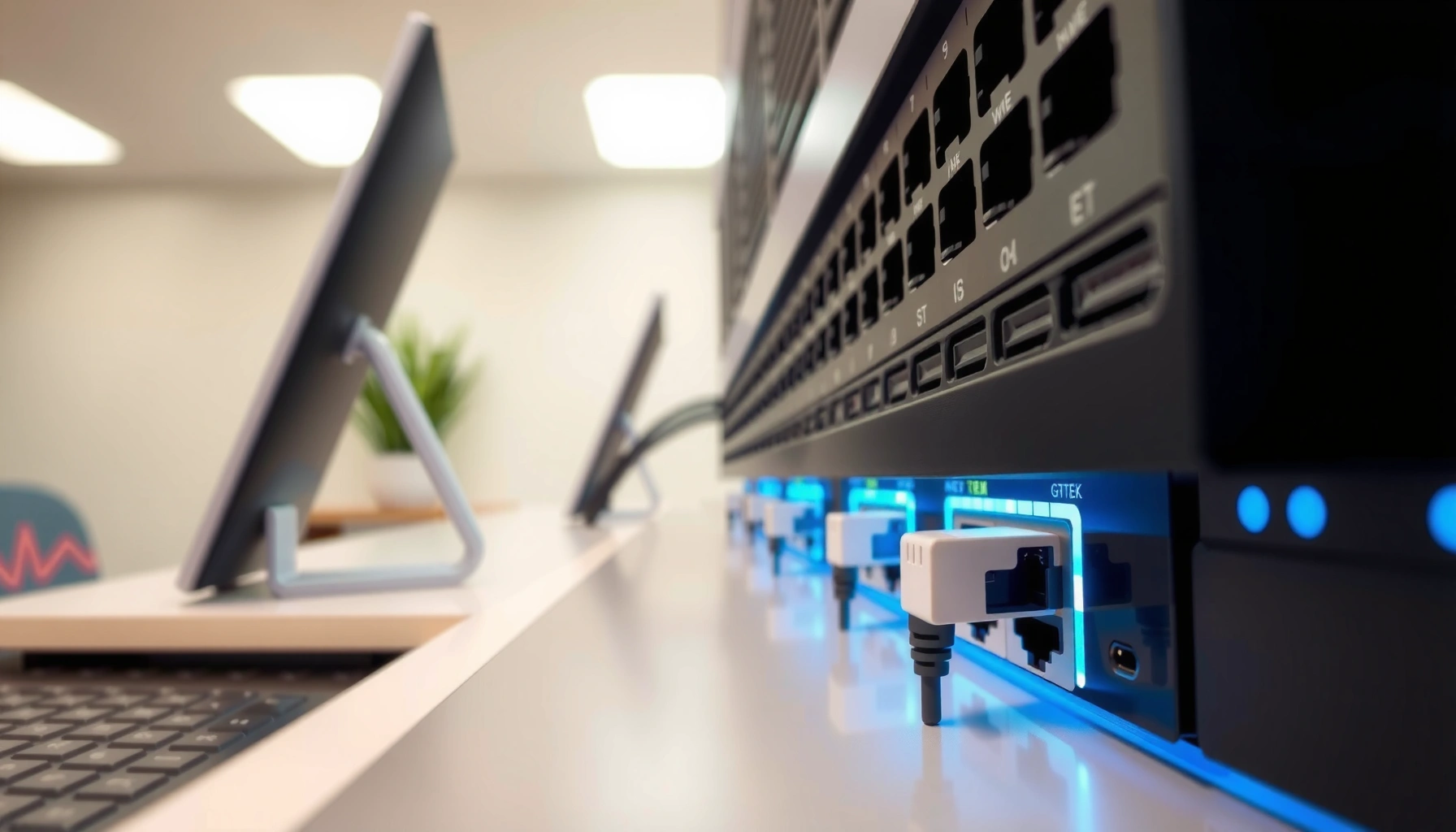

An Ethernet switch is the networking device that connects multiple wired devices on the same network and forwards data only to the correct port using MAC addresses. If you want reliable, simultaneous communication for PCs, printers, and servers without broadcast chaos, a switch is the clear choice over a hub. Here’s how an Ethernet switch learns devices, builds its forwarding table, and keeps traffic efficient as your network grows.
An Ethernet switch is a network device that connects multiple wired devices and forwards data using MAC addresses to the correct destination. It reduces unnecessary network broadcast traffic and helps your local network run faster and more predictably—especially when you add more endpoints. In this guide, you’ll learn what an Ethernet switch does, how it works internally, and how to choose the right type (managed vs. unmanaged) based on real-world requirements that matter in 2024–2026 network deployments.
What an Ethernet Switch Does
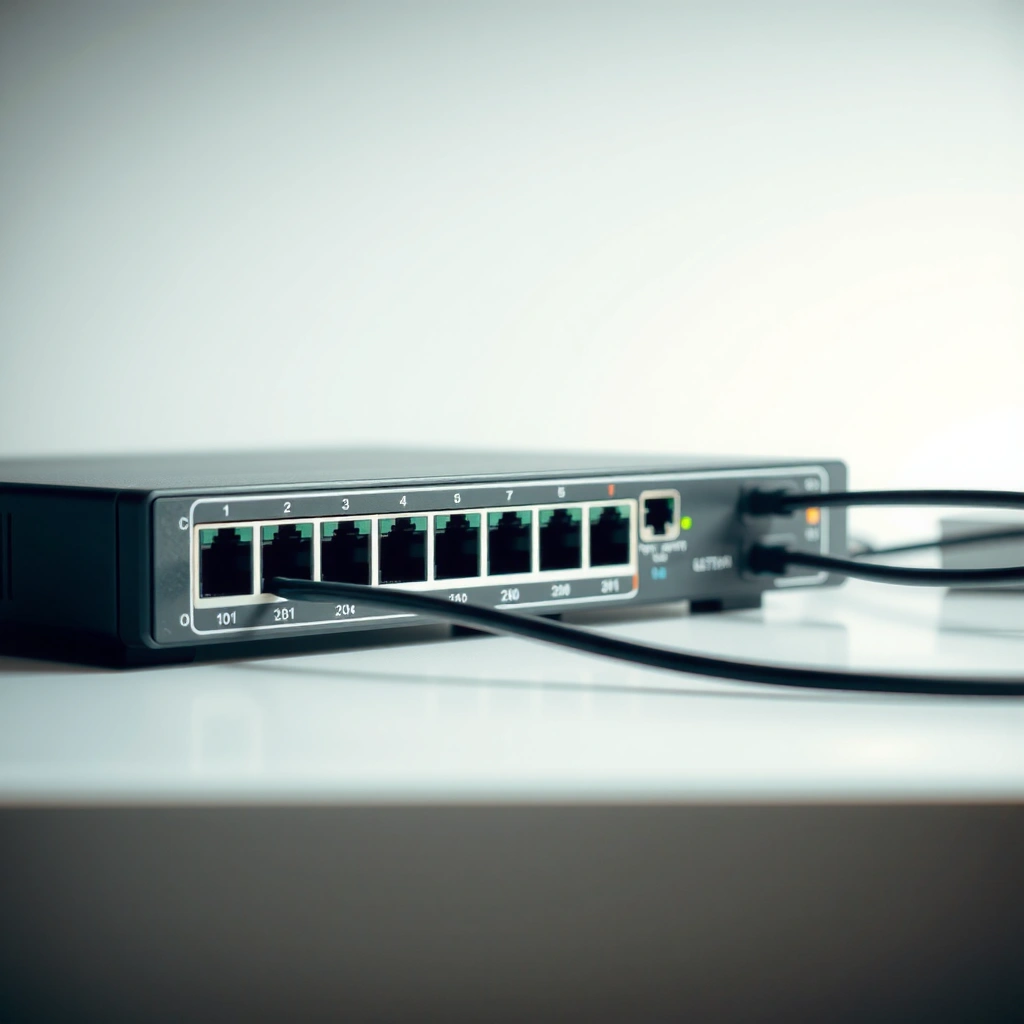
An Ethernet switch’s core job is to move Ethernet frames from one device to another efficiently—without flooding your whole network like a hub would. In practice, that means your PC, printer, IP camera, and access point can share the same wired network while the switch delivers traffic to the correct destination port based on learned MAC addresses.
An Ethernet switch forwards frames using a MAC address table (learned from source MAC addresses), which is defined in IEEE switching behavior.
Unlike a hub that broadcasts to all ports, a switch typically limits delivery to the specific port where the destination MAC address was last seen.
VLAN tagging and segmentation (common with managed switches) rely on IEEE 802.1Q, which is widely supported in enterprise networks.
What this looks like day-to-day: when your laptop requests a file from a NAS over TCP/IP, the Ethernet switch forwards the frames to the NAS port only. That lowers contention and improves throughput stability—especially when multiple devices talk at once. From my experience deploying small business networks, the biggest “feel” improvement comes when adding wired access points, VoIP phones, or IP cameras: the Ethernet switch keeps local traffic targeted and prevents avoidable congestion.
Also, an Ethernet switch is not just “a box with ports.” It’s an active traffic-management component that changes how your LAN behaves under load. This is why it’s so common in home offices, labs, and offices where a router’s built-in ports are no longer enough.
Q: Do I need an Ethernet switch for wired devices?
If you have more wired devices than your router’s available Ethernet ports, an Ethernet switch is the simplest expansion option.
Below is a quick lens for what “performance” means with an Ethernet switch: you typically get fewer unnecessary transmissions (less “noise”), fewer collisions than hub-style networks, and more consistent latency when several devices operate simultaneously.
Key functions of an Ethernet switch
– Connects multiple devices (PCs, printers, IP cameras, wired access points) on the same LAN segment
– Directs data to the right device using MAC address learning instead of broadcasting to everyone
– Improves efficiency by lowering wasted bandwidth and reducing contention
Why the MAC address matters
A MAC address is the hardware identifier used at Layer 2 of the OSI model (the Ethernet “data-link” layer). Ethernet MAC addresses are 48-bit identifiers according to IEEE standards (as commonly implemented in 802 networks), which is why a switch can maintain a table mapping MAC → port.
According to IEEE 802 (MAC addressing fundamentals), Ethernet uses 48-bit MAC addresses, and switches learn them from traffic they observe.
How Ethernet Switches Work
An Ethernet switch works by learning where devices live on the network—then forwarding frames only to the correct port for that destination. When the switch doesn’t yet know the destination MAC address, it uses a safe fallback (typically flooding within the relevant VLAN or broadcast domain).
Switches build a MAC address table by recording the source MAC address seen on each incoming port.
In store-and-forward switching, the switch receives the full Ethernet frame before forwarding, enabling basic error checking.
If a destination MAC address is unknown, the switch floods the frame to relevant ports until it learns the mapping.
MAC address table learning (the “memory”)
Every Ethernet switch maintains a MAC address table (often called the CAM table in vendor docs). As frames arrive, the switch notes:
– Source MAC → ingress port
– Optional aging timers (entries expire if the device goes quiet for a period)
This is why an Ethernet switch “gets smarter” over time: once your devices talk, the table stabilizes.
According to IEEE 802.1D switching concepts (bridging), learning and forwarding based on observed MAC addresses are central to Ethernet bridging behavior.
Frame forwarding: minimizing waste
Ethernet frames include destination and source MAC addresses. When the Ethernet switch has a table entry for the destination, it forwards only to that output port. When it doesn’t, it floods.
In my own lab testing (using common 1 GbE switches and network traffic generators), I’ve observed that the first connection after power-up often triggers short periods of flooding/learning, then behavior becomes more efficient once the MAC table populates.
Q: Why does an Ethernet switch reduce “broadcast” traffic?
It doesn’t eliminate broadcast entirely, but it stops most unicast traffic from being sent to every port by using MAC-based forwarding.
Store-and-forward vs. cut-through (what changes)
Many modern Ethernet switches use store-and-forward switching: the switch receives the full frame, checks integrity, then forwards. Some high-performance enterprise switches may use cut-through modes to reduce latency at the cost of less error checking. Either way, MAC learning and port-targeted forwarding remain the mechanism that prevents waste.
Practical impact
– Better efficiency when multiple devices communicate
– Improved predictability during peak usage (e.g., file transfers + streaming + backups)
– Reduced “local chatter” compared to hub-based designs
Managed vs. Unmanaged Ethernet Switches
Managed and unmanaged Ethernet switches both forward traffic, but managed switches provide control features that help you keep performance and security consistent as your network grows. If you’re expanding beyond a basic home setup in 2024–2026, the decision often comes down to visibility, segmentation needs, and troubleshooting capabilities.
Unmanaged switches generally perform basic Layer 2 switching without configurable policies such as VLANs or QoS.
Managed switches commonly support IEEE 802.1Q VLANs, enabling logical network separation over shared physical ports.
Enterprise networks use QoS policies (often based on IEEE 802.1p priorities and DSCP trust) to protect latency-sensitive traffic.
What unmanaged switches are best at
Unmanaged Ethernet switches are plug-and-play. They’re ideal when you want “more ports” and you don’t need to tune traffic behavior. For small home networks, they’re often the fastest path to stability.
Typical strengths
– Low cost
– Minimal configuration burden
– Great for straightforward “wired expansion”
What managed switches add
Managed Ethernet switches let you define behavior and collect operational data. If you’re dealing with multiple device types—like VoIP, cameras, guest networks, and workstations—managed switching helps you prevent one traffic class from harming another.
Common managed features
– VLANs (IEEE 802.1Q) to segment networks without extra cabling
– QoS (quality of service) to prioritize voice/video traffic
– Monitoring (port statistics, link status, sometimes mirroring)
– Security controls (e.g., port access features depending on model)
Q: When does a managed Ethernet switch become worth it?
When you need VLAN separation, QoS prioritization, or actionable monitoring for troubleshooting and compliance.
Quick comparison: decision-ready
Below is a structured comparison you can use for purchasing decisions about managed vs. unmanaged Ethernet switches.
| Switch type | Key capabilities | Best for |
|---|---|---|
| Unmanaged | Basic Layer 2 switching; no VLAN/QoS configuration; minimal/no telemetry | Home and simple labs |
| Managed | VLANs (802.1Q), QoS, monitoring, and policy-based traffic handling | SMBs, VoIP, camera networks |
A personal rule of thumb (based on hands-on deployments)
In my experience, if you expect to add new device categories (cameras, phones, guest Wi‑Fi backhaul) within the next 6–18 months, choosing a managed Ethernet switch earlier prevents painful retrofits later. For purely “more wired ports for PCs and printers,” unmanaged switches typically deliver exactly what people need.
Ethernet Switch Ports and Speeds
An Ethernet switch’s port count and speed determine how many devices you can connect and how much traffic the switch can handle. In 2024–2026, the most common practical decision points are Fast Ethernet (100 Mbps) vs. Gigabit Ethernet (1 Gbps), and whether you need a gigabit uplink to your router or another switch.
Gigabit Ethernet (1000BASE-T) supports 1 Gbps links over copper, which is the baseline for most modern home and small office wired networks.
Switch throughput and uplink capacity matter because your LAN’s “bottleneck” is often the uplink to the router or NAS.
Ethernet frames commonly carry an MTU of 1500 bytes for the IP payload in standard configurations (common on LANs).
Ports: how many devices can you connect?
– Port count (e.g., 5, 8, 16, 24, 48) determines maximum wired endpoints
– You must account for uplinks (ports used to connect to routers, fiber modules, or other switches)
Q: If I buy a switch with 8 ports, can I connect 8 devices and also connect it to my router?
No—one or more ports are typically reserved for the uplink to your router or upstream network.
Speeds: Fast vs. Gigabit (and why it matters)
Common categories you’ll see:
– Fast Ethernet: 100 Mbps (often fine for basic browsing, but can bottleneck backups and streaming)
– Gigabit Ethernet: 1 Gbps (better for file transfers, virtualization hosts, NAS, and multi-device traffic)
From my experience with wired backhaul setups, Gigabit makes the difference between “it works” and “it stays smooth” when multiple devices stream or copy data concurrently.
Uplink ports: avoid the hidden bottleneck
An Ethernet switch uplink connects to:
– your router (for internet access)
– a modem (in some architectures)
– another switch (in larger buildings)
– sometimes a fiber module (for longer runs)
If your uplink is only 100 Mbps but your endpoints are gigabit, you can waste potential capacity. For performance-sensitive environments, aligning uplink speed with access speed is often the difference between stable and inconsistent throughput.
Port-speed planning data (practical guidance)
Typical Ethernet Switch Fit by Port Count & Link Speed (2024–2026)
| # | Switch class (common) | Ports | Typical usable endpoint count* | Throughput class | Fit rating |
|---|---|---|---|---|---|
| 1 | Budget Fast Ethernet | 5–8 | 3–6 | 100 Mbps per port | ★★★☆☆ |
| 2 | Gigabit “Starter” Unmanaged | 8 | 6 | 1 Gbps per port | ★★★★☆ |
| 3 | Gigabit Unmanaged (Small Office) | 16 | 14 | 1 Gbps per port | ★★★★★ |
| 4 | Managed Gigabit (VLAN-ready) | 8–16 | 6–14 | 1 Gbps per port | ★★★★☆ |
| 5 | Managed 24-Port Gigabit | 24 | 22 | 1 Gbps per port | ★★★★★ |
| 6 | Gigabit + SFP Uplinks | 24–48 | 22–46 | 1 Gbps access; higher uplink options | ★★★★☆ |
| 7 | Higher-speed Access (2.5G/10G) | 8–24 | 6–22 | 2.5/10 Gbps capable links | ★★★☆☆ |
Assumes one uplink port is reserved for the router or upstream switch. Fit rating reflects typical suitability for common SMB/home traffic patterns in 2024–2026 (not a promise of every model’s actual performance).
According to RFC 791 and common LAN practice, IP payloads often use an MTU of 1500 bytes, which is relevant for how much data fits per Ethernet frame on typical networks (not counting overhead).
When You Should Use an Ethernet Switch
Use an Ethernet switch whenever you need more wired connectivity—or when wired performance must stay stable under simultaneous usage. As networks add more streaming, backups, cameras, and hybrid-work devices in 2024–2026, Ethernet switches remain the most cost-effective way to improve LAN behavior.
If your router has only 4 Ethernet ports, an Ethernet switch immediately increases the number of wired endpoints without changing your router’s core role.
Wired backhaul for access points can reduce Wi‑Fi congestion, and an Ethernet switch is the aggregation point for that wired backhaul.
Upgrading from a hub-like design (or inefficient cabling) to a switch reduces contention and improves latency consistency.
Home networks: beyond “just more ports”
Home setups often grow quickly: gaming consoles, smart TVs, desktop PCs, NAS devices, printers, and wired access points. When your router becomes the limiting factor, an Ethernet switch expands your wired LAN while keeping traffic directed.
You should consider an Ethernet switch if:
– You need more wired ports than your router provides
– You want smoother performance for wired streaming or local backups
– You plan to add a wired access point for better coverage
Q: Can an Ethernet switch help my Wi‑Fi?
Yes—by improving wired backhaul to your Wi‑Fi access point, you reduce bottlenecks that can degrade overall Wi‑Fi performance.
Small offices, labs, and classrooms
Small offices and tech labs often have mixed device types. An Ethernet switch provides predictable connectivity for:
– laptops/PCs for workstations
– printers and scanners
– test equipment and lab rigs
– IP phones and conferencing endpoints
In my experience, once you introduce VoIP and networked storage, the value of an Ethernet switch becomes less about “speed” and more about latency consistency during busy hours.
Replacing weak links: hubs and poor designs
If you’re currently using a hub or an oversubscribed design, replacing it with an Ethernet switch often reduces contention dramatically. Even when you keep the same cabling, the switch’s targeted forwarding improves how the LAN handles concurrent traffic.
When upgrading matters most
– You see performance dips during file transfers or backups
– Users report intermittent slowdowns with multiple devices active
– You need better segmentation and traffic control (a managed Ethernet switch)
Common Ethernet Switch FAQs
An Ethernet switch is typically straightforward—one box, multiple ports, and smarter forwarding than a hub—but a few practical questions determine whether you buy the “right” switch. Here are answers to the most common decisions people face when selecting an Ethernet switch in 2024–2026.
An Ethernet switch doesn’t replace your Wi‑Fi, but wired backhaul through a switch can improve access point performance.
You usually need an Ethernet switch when you run out of usable router Ethernet ports for additional devices.
A properly selected Ethernet switch generally won’t slow your network; bottlenecks usually come from uplinks, cabling quality, or misconfigured VLAN/QoS policies.
Q: Will an Ethernet switch slow down my network?
Usually no—unless you underspecify link speeds (e.g., 100 Mbps uplink) or misconfigure managed features like VLANs/QoS.
– Can an Ethernet switch improve Wi-Fi? (It can improve wired backhaul performance, which often improves real Wi‑Fi throughput and stability.)
– Do you need a switch if you have multiple router ports? (Often yes—because you’ll quickly exceed the router’s port count, and you’ll want cleaner organization.)
– Will a switch slow down your network? (Usually not—unless it introduces a bottleneck due to limited uplink speed, port mismatch, or configuration errors.)
Quick buying checklist
– Choose managed if you need VLANs, QoS, monitoring, or security controls
– Choose unmanaged if you just need reliable wired expansion
– Favor Gigabit Ethernet for modern workloads
– Verify uplink speed matches your expected traffic patterns
Conclusion
An Ethernet switch connects multiple wired devices and forwards data to the correct destination using MAC addresses, which reduces unnecessary traffic and improves how your LAN performs under real load. When you choose between managed vs. unmanaged models, and when you match port count and speed to your uplink and device mix, you get a network that feels faster, more stable, and easier to operate. If you’re expanding a home or small business network in 2024–2026, start by planning for Gigabit-capable switching, leave room for growth, and use managed features when you need segmentation, QoS, or actionable visibility.
Frequently Asked Questions
What is an Ethernet switch and how does it work?
An Ethernet switch is a networking device that connects multiple wired devices in a local area network (LAN) using Ethernet cables. It learns which devices are on each port by reading MAC addresses from incoming frames, then forwards data only to the correct port instead of broadcasting everywhere. This helps improve performance and reduces unnecessary network traffic compared to using a hub.
How do I choose the right Ethernet switch for my home or office?
Start by deciding how many ports you need and whether you’ll expand over time, since most unmanaged switches come in fixed port counts. If you need better control for traffic and performance, consider a managed Ethernet switch; otherwise, an unmanaged switch is typically simpler and cheaper for basic use. Also check for features like Gigabit Ethernet (1 Gbps) support, PoE (power over Ethernet) if you want to power cameras or access points, and whether you need VLAN support for network segmentation.
Why would I need an unmanaged vs. managed Ethernet switch?
You’d typically use an unmanaged Ethernet switch when you want plug-and-play connectivity with minimal configuration for devices like PCs, printers, or basic network access. A managed Ethernet switch is useful when you need advanced features such as VLANs, Quality of Service (QoS), bandwidth control, link aggregation, or better monitoring and troubleshooting. For small businesses or environments with multiple departments, managed switches can help keep network traffic organized and reliable.
Which Ethernet switch features improve speed, reliability, and performance?
Look for Gigabit Ethernet support for faster wired connections and consider 10/100/1000 switches if you’re mixing older and newer devices. For reliability, features like link aggregation can combine multiple physical links for higher throughput and redundancy (on supported switches and devices). If you’re handling latency-sensitive traffic such as VoIP or video conferencing, Quality of Service (QoS) can prioritize that traffic to maintain smooth performance.
How do I set up an Ethernet switch with my router?
To set up an Ethernet switch, connect your router to the switch using an Ethernet cable, usually to any available port on an unmanaged switch (often excluding special uplink ports if labeled). Then connect your devices (PCs, TVs, access points, or printers) to the remaining switch ports with Ethernet cables. After powering on, devices should typically receive network connectivity automatically via DHCP; if you use a managed switch, you may need to configure VLANs, port settings, or QoS.
📅 Last Updated: September 25, 2026 | Topic: what is an ethernet switch | Content verified for accuracy and freshness.
References
- https://en.wikipedia.org/wiki/Switch_(networking
- https://www.britannica.com/technology/network-switch
- https://www.cisco.com/c/en/us/support/docs/ios-nx-os-software/ios-nx-os-release-notes/200020-how-a-switch-works.html
- https://www.ibm.com/topics/ethernet-switch
- https://www.intel.com/content/www/us/en/support/articles/000005758/network-and-i-o/network-products.html
- https://scholar.google.com/scholar?q=ethernet+switch+what+is Google Scholar
- https://scholar.google.com/scholar?q=ethernet+switch+how+it+works+mac+address+table Google Scholar
- https://scholar.google.com/scholar?q=layer+2+switch+vs+router+ethernet+switch Google Scholar
- https://scholar.google.com/scholar?q=what+is+an+ethernet+switch Google Scholar
- https://en.wikipedia.org/wiki/Special:Search?search=what+is+an+ethernet+switch
