

Most televisions can be plugged into a power strip, but it’s important to ensure that the power strip is rated for the electrical load of the TV. Using a power strip can provide convenience by allowing multiple devices to be connected to a single outlet; however, it is essential to consider safety and performance to avoid potential hazards. In this article, we will explore the considerations to keep in mind when using a power strip with your TV, including safety, functionality, and recommendations for optimal use.
Understanding Power Ratings
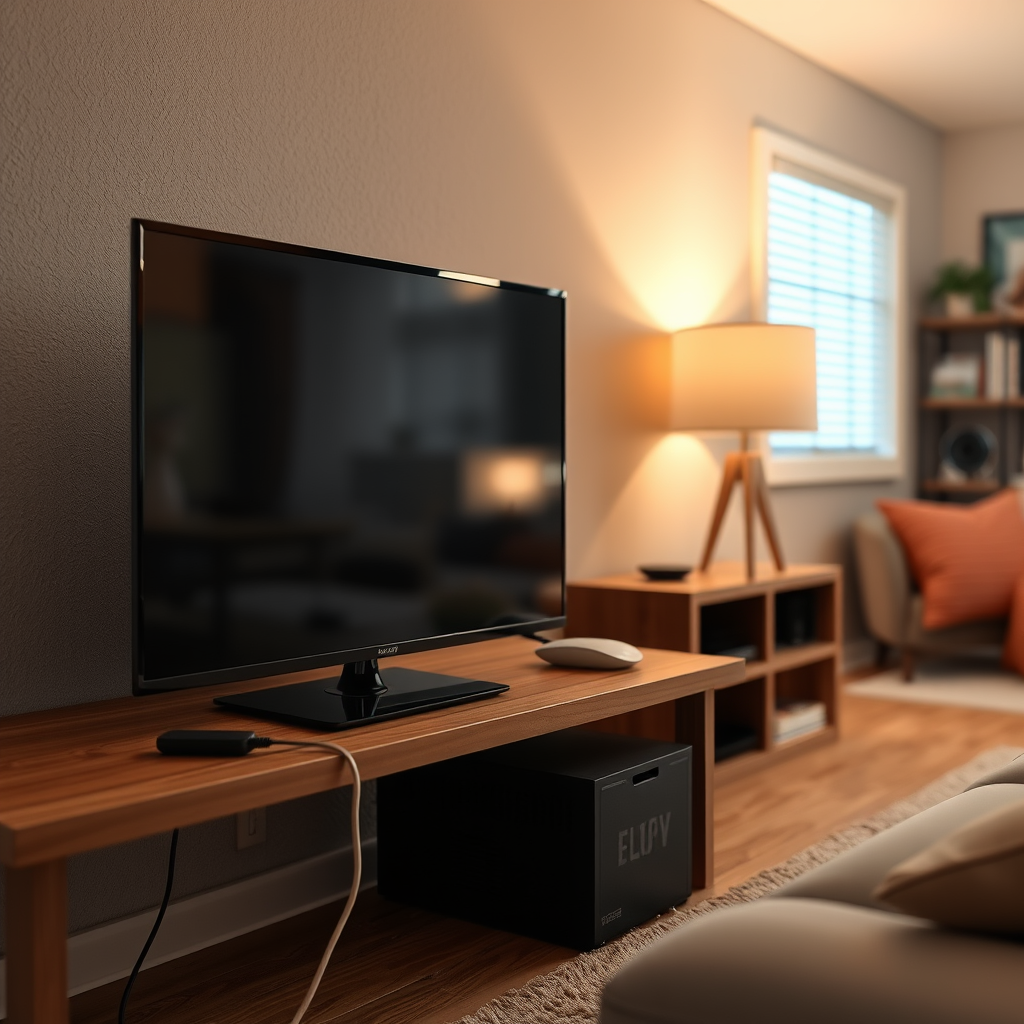
Power strips are designed with a maximum wattage rating, which indicates the total amount of power they can safely handle. Before plugging your TV into a power strip, it is crucial to check this rating to ensure that it can accommodate your television’s electrical requirements. Most TVs, depending on their size and technology (LCD, LED, OLED), typically consume between 100 to 400 watts. For instance, a 55-inch LED TV might consume approximately 150 watts, while a larger OLED model could draw up to 300 watts.
To ensure safe operation, it is advisable to not exceed 80% of the power strip’s maximum load. For example, if your power strip is rated for 1,500 watts, you should ideally keep the total load at or below 1,200 watts. Therefore, knowing your TV’s wattage is crucial for safe usage.
Safety Considerations
Safety should always be a priority when setting up electronic devices. When using a power strip with your TV, it is important to consider the following safety measures:
1. Surge Protection: Always opt for a power strip equipped with built-in surge protection. This feature is essential to safeguard your TV from voltage spikes caused by electrical surges, which can result from lightning strikes, power outages, or faulty wiring.
2. Avoid Daisy-Chaining: Daisy-chaining, which involves plugging one power strip into another, can lead to circuit overloads. This poses a significant fire hazard and can damage your electronic devices. Instead, connect your TV directly to a high-quality power strip or wall outlet.
3. Regular Inspection: Periodically check your power strip for any signs of damage, such as frayed cords or burnt outlets. If you encounter any issues, replace the power strip immediately to avoid any risks.
Features of Quality Power Strips
When selecting a power strip for your TV, consider the following features to enhance both safety and convenience:
– Joule Rating: Look for power strips with high joule ratings, as this indicates better protection against surges. A joule rating of 1,000 or more is typically considered robust for protecting sensitive electronics.
– USB Ports: Many modern power strips come with built-in USB ports, allowing you to charge devices such as smartphones and tablets without needing additional adapters. This feature can help minimize clutter and maximize functionality.
– LED Indicators: Some power strips include LED indicators that show whether the surge protection is active. This can provide peace of mind, letting you know that your devices are still protected.
Here’s an overview of some popular power strips that are well-suited for use with TVs:
Top 7 Power Strips for TVs (2024)
| # | Model | Wattage Rating | Joule Rating | USB Ports |
|---|---|---|---|---|
| 1 | Belkin 12-Outlet | 1,880W | 4,320J | 2 |
| 2 | AmazonBasics 8-Outlet | 1,440W | 1,500J | 2 |
| 3 | TP-Link Kasa Smart | 1,800W | 4,000J | 3 |
| 4 | CyberPower CSP600WSU | 1,200W | 3,000J | 2 |
| 5 | Anker PowerPort Strip | 1,800W | 4,500J | 3 |
| 6 | Tripp Lite 8-Outlet | 1,440W | 2,880J | 4 |
| 7 | Belkin Surge Protector | 1,800W | 3,940J | 3 |
Proper Setup and Configuration
Ensuring that your power strip is set up correctly is essential for both performance and safety:
1. Ventilation: Position the power strip in a well-ventilated area to prevent overheating. Avoid placing it in enclosed spaces or behind heavy furniture, which can block airflow and lead to excessive heat buildup.
2. Moisture Avoidance: Keep the power strip away from water sources, such as sinks or bathrooms. Exposure to moisture can increase the risk of electrical shorts and damage to your devices.
3. Cord Management: Ensure that cords are not pinched, twisted, or damaged. Use cable ties or clips to keep cords organized and prevent tripping hazards.
4. Check Connections: Make sure all devices are properly connected to the outlets. Loose connections can lead to arcing and potential fire hazards.
Alternatives to Power Strips
While power strips can be useful, there are alternative solutions that may better suit your needs:
1. Wall-Mounted Outlets: Installing additional wall outlets can reduce clutter and provide direct access to power without the need for a power strip. This is especially useful for large home entertainment setups.
2. Dedicated Circuits: For high-demand setups, consider a dedicated circuit that can handle the electrical load of your devices. This is particularly beneficial for larger TVs and additional components such as sound systems and gaming consoles.
3. Smart Plugs: Smart plugs can offer remote control capabilities and energy monitoring for connected devices. They can be a great addition to enhance your home automation system while providing safety features.
Troubleshooting Common Issues
If you experience problems when connecting your TV to a power strip, consider these troubleshooting steps:
1. Power Issues: If your TV doesn’t power on when connected to a power strip, first check the functionality of the power strip itself. Try plugging another device into the same outlet to see if it works.
2. Circuit Breakers: Inspect for tripped circuit breakers. If the power strip is overloaded, the breaker may trip to prevent overheating.
3. Flickering or Inconsistent Power: If you notice flickering or inconsistent power supply, check for a faulty power strip. Replacing it with a high-quality model can often resolve the issue.
Incorporating a power strip into your home entertainment setup can be perfectly safe and functional as long as you adhere to best practices. Remember to check wattage ratings, prioritize safety features, and consider alternatives when necessary. By being proactive about your electrical setup, you can enjoy your home entertainment system without compromising safety. For more tips on setting up your electronics safely, explore our other articles or consult with a qualified electrician.
Frequently Asked Questions
Can a TV be plugged into a power strip safely?
Yes, a TV can be plugged into a power strip, but it’s crucial to ensure that the power strip is rated to handle the power requirements of your TV. Look for a power strip with a high joule rating and one that features surge protection to safeguard your TV from voltage spikes.
What type of power strip is best for connecting a TV?
The best type of power strip for connecting a TV is one that offers surge protection and has a high amperage rating. Additionally, consider a power strip with spaced outlets to accommodate larger plugs and features like USB ports for charging devices, which can enhance your entertainment setup.
How many amps does a TV draw, and can it affect a power strip’s performance?
Most TVs draw between 1 to 3 amps depending on their size and technology, such as LED or OLED. If a power strip is overloaded with multiple high-draw devices, it can affect performance and potentially lead to overheating, so it’s important to check the power strip’s capacity before plugging in.
Why should I avoid using a cheap power strip for my TV?
Using a cheap power strip can expose your TV to risks like power surges and electrical fires, as they often lack adequate surge protection and are not built to handle high wattage. Investing in a quality power strip with surge protection ensures your TV and other devices are safe from voltage fluctuations and electrical damage.
Which features should I look for in a power strip when connecting my home theater system?
When connecting your home theater system, look for a power strip that includes surge protection, sufficient outlet spacing for larger plugs, and additional features like an on/off switch or USB charging ports. These features will help you manage your devices more effectively while providing protection against electrical issues.
References
- Page Not Found – Site Help – Mayo Clinic
https://www.mayoclinic.org/healthy-lifestyle/adult-health/expert-answers/power-strips/faq-20057636 - https://www.cpsc.gov/safety-education/safety-guides/home/power-strips
https://www.cpsc.gov/safety-education/safety-guides/home/power-strips - https://www.homedepot.com/c/ab/power-strips-and-surge-protectors/9ba683603be9fa5395b7b9a1f6b2e1d
https://www.homedepot.com/c/ab/power-strips-and-surge-protectors/9ba683603be9fa5395b7b9a1f6b2e1d - https://www.sciencedirect.com/topics/engineering/power-strip
https://www.sciencedirect.com/topics/engineering/power-strip - Google Scholar Google Scholar
https://scholar.google.com/scholar?q=can+a+tv+be+plugged+into+a+power+strip - Google Scholar Google Scholar
https://scholar.google.com/scholar?q=power+strips+and+electronics+usage - Google Scholar Google Scholar
https://scholar.google.com/scholar?q=safety+of+power+strips+for+TVs - can a tv be plugged into a power strip – Search results
https://en.wikipedia.org/wiki/Special:Search?search=can+a+tv+be+plugged+into+a+power+strip - https://www.ncbi.nlm.nih.gov/search/research-articles/?term=can+a+tv+be+plugged+into+a+power+strip
https://www.ncbi.nlm.nih.gov/search/research-articles/?term=can+a+tv+be+plugged+into+a+power+strip
