


You can connect your AirPods to an airplane’s in-flight entertainment system, but it often depends on the specific airline and the type of system they use. Many modern airplanes support Bluetooth connections, allowing you to use your AirPods for audio. However, some airlines still utilize outdated systems that may require a wired connection. In this article, we’ll explore how to connect your AirPods to an airplane TV and what you should keep in mind before your flight.
Understanding Airplane Entertainment Systems
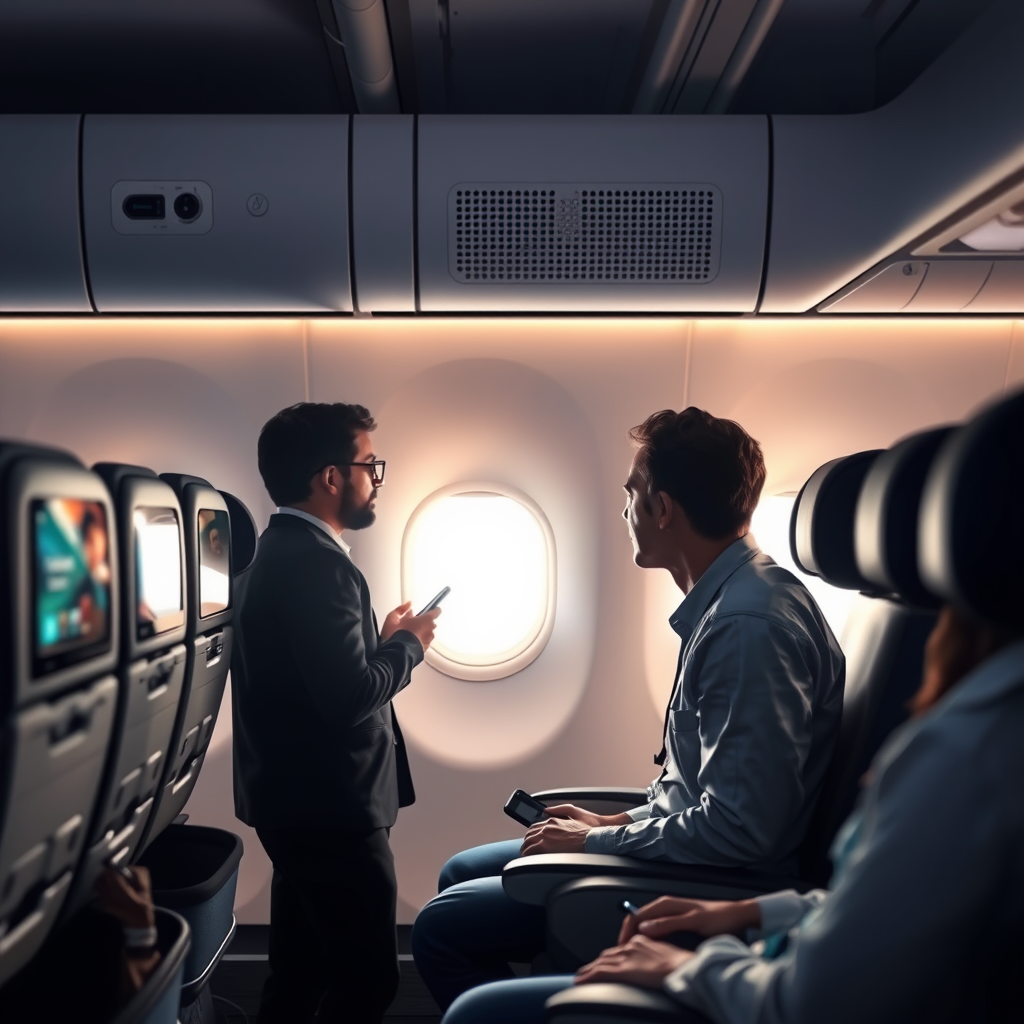
In-flight entertainment systems vary significantly across airlines, with some offering advanced technology that supports Bluetooth connections, while others rely on older systems that only accept wired headphones. Airlines such as Delta, JetBlue, and American Airlines have made significant investments in upgrading their entertainment systems to accommodate Bluetooth devices, enabling travelers to enjoy a more seamless audio experience. Meanwhile, carriers with older aircraft may still use analog systems that require traditional headphone jacks, making it necessary for passengers to bring wired headphones or appropriate adapters.
Additionally, the type of entertainment system can impact the audio quality and selection available. Some airlines provide a wide range of movies, TV shows, and music, while others may have limited offerings. Understanding the capabilities of your airline’s entertainment system can enhance your travel experience.
Checking Airline Policies
Before your flight, it’s crucial to verify your airline’s policies regarding Bluetooth device usage. Most airlines have updated their regulations to allow Bluetooth devices during flight, but some still impose restrictions during takeoff and landing for safety reasons. Checking the airline’s website or contacting customer service can provide you with the most accurate and up-to-date information. For example, United Airlines permits Bluetooth usage throughout the flight, while others may only allow it once cruising altitude is reached.
Being informed about these policies not only ensures compliance but also helps you prepare adequately for your in-flight experience. If your airline restricts Bluetooth usage, having a wired backup option is advisable.
Connecting AirPods to In-Flight Entertainment
If your airline’s in-flight entertainment system supports Bluetooth, connecting your AirPods is relatively straightforward. First, ensure your AirPods are charged and within range of the entertainment system. Then, place them in pairing mode by opening the charging case lid and holding the button on the back until the LED light flashes white. From there, navigate to the Bluetooth settings on the airplane TV and select your AirPods from the available devices.
In cases where a wired connection is necessary, it’s essential to check the type of headphone jack available on the airplane. If your AirPods model lacks a standard 3.5mm headphone connector, consider bringing a Lightning to 3.5mm adapter or a USB-C to 3.5mm adapter, depending on your AirPods version. This proactive approach can save you hassle during your flight.
Airlines and Their In-Flight Entertainment Systems (2024)
| # | Airline | Bluetooth Support | Headphone Jack Type | Wired Adapter Needed |
|---|---|---|---|---|
| 1 | Delta Airlines | Yes | 3.5mm | No |
| 2 | American Airlines | Yes | 3.5mm | No |
| 3 | JetBlue Airways | Yes | 3.5mm | No |
| 4 | United Airlines | Yes | 3.5mm | No |
| 5 | Southwest Airlines | No | 3.5mm | Yes |
| 6 | Alaska Airlines | Yes | 3.5mm | No |
| 7 | Spirit Airlines | No | 3.5mm | Yes |
Troubleshooting Connection Issues
If you encounter difficulties connecting your AirPods to the in-flight entertainment system, there are several steps you can take to troubleshoot the issue. First, ensure that your AirPods are charged sufficiently, as low battery levels can impact Bluetooth connectivity. Make sure the AirPods are within a reasonable range of the entertainment system; being too far away can cause disconnection.
If your AirPods still do not connect, try restarting them by placing them back in the case, closing the lid for a few seconds, and then reopening it. Additionally, restarting the in-flight entertainment system may resolve connectivity issues. If problems persist, consider reaching out to a flight attendant for assistance; they may have additional resources or solutions.
Additional Tips for Using AirPods on Flights
To enhance your in-flight experience with AirPods, consider the following tips. First, it’s wise to carry a pair of wired headphones as a backup, especially if you are flying with an airline that does not support Bluetooth. Having a wired option ensures you can still enjoy the entertainment provided without any interruptions.
Moreover, be considerate of fellow passengers by maintaining a reasonable volume level. While your AirPods may provide excellent sound quality, loud audio can be disruptive in a confined space. If you are watching a movie or listening to music, using a low to moderate volume can help maintain a pleasant atmosphere for everyone on board.
Alternatives to AirPods on Flights
If you’re unable to connect your AirPods, explore the option of utilizing the airline-provided headphones. Many airlines offer complimentary headsets that are designed for in-flight entertainment. While these headphones may not match the quality of AirPods, they can serve as a functional alternative.
Additionally, some airlines offer premium headphones for rent, which can significantly enhance your listening experience. These headphones often feature noise-canceling technology and superior sound quality, making them an appealing option for travelers who prioritize audio performance. Always check the airline’s services ahead of time to know what options are available.
In conclusion, while you can often connect AirPods to airplane TVs, it’s crucial to verify if the airline’s entertainment system supports Bluetooth. Always check airline policies and be prepared with alternate options to ensure an enjoyable flight experience. Keep your AirPods charged, consider bringing a wired backup, and enjoy your entertainment while being respectful of fellow passengers. Happy travels, and don’t forget to pack your AirPods!
Frequently Asked Questions
Can you connect AirPods to an airplane TV?
Yes, you can connect AirPods to an airplane TV, but it depends on the airline’s system. Most modern in-flight entertainment systems use Bluetooth, but many still rely on a wired connection. If the TV has Bluetooth capabilities, you can pair your AirPods directly; otherwise, you may need to use the provided audio jack with a Lightning to 3.5mm adapter.
How do you connect AirPods to an airplane entertainment system?
To connect your AirPods to an airplane entertainment system, first ensure your AirPods are charged and in pairing mode. Look for the Bluetooth settings on the TV screen, and select your AirPods when they appear in the list. If the system does not support Bluetooth, you will need to use a wired connection with an adapter.
Why won’t my AirPods connect to the airplane TV?
If your AirPods won’t connect to the airplane TV, it may be because the TV does not support Bluetooth connections. Additionally, the AirPods may not be in pairing mode or may be too far from the TV. Always check the airline’s guidelines and the specific TV model’s capabilities before your flight.
What should I do if the airplane TV doesn’t support Bluetooth for my AirPods?
If the airplane TV doesn’t support Bluetooth, you can use a Lightning to 3.5mm headphone adapter to connect your AirPods through the audio jack. Alternatively, consider bringing a pair of wired headphones specifically for in-flight entertainment. This ensures you can enjoy the movie or show without issues.
Which airlines allow Bluetooth headphone use on their in-flight entertainment?
Many airlines, including Delta, American Airlines, and JetBlue, allow Bluetooth headphones on select flights with compatible in-flight entertainment systems. However, always check with your airline before your flight, as policies may vary and not all aircraft are equipped with the necessary technology for Bluetooth connectivity.
References
- https://www.nytimes.com/2020/01/09/style/airpods-flights.html
https://www.nytimes.com/2020/01/09/style/airpods-flights.html - https://www.bbc.com/news/technology-48602905
https://www.bbc.com/news/technology-48602905 - https://www.cdc.gov/airplanes/index.html
https://www.cdc.gov/airplanes/index.html - https://www.mayoclinic.org/healthy-lifestyle/adult-health/in-depth/air-travel/art-20044789
https://www.mayoclinic.org/healthy-lifestyle/adult-health/in-depth/air-travel/art-20044789 - https://www.theguardian.com/travel/2021/jul/14/airline-seats-and-technology-what-to-know-about-flying-with-your-gadgets
https://www.theguardian.com/travel/2021/jul/14/airline-seats-and-technology-what-to-know-about-flying-with-your-gadgets - https://www.reuters.com/article/us-tech-airpods-idUSKBN1YQ2Z0
https://www.reuters.com/article/us-tech-airpods-idUSKBN1YQ2Z0 - Google Scholar Google Scholar
https://scholar.google.com/scholar?q=connect+airpods+to+airplane+tv - Google Scholar Google Scholar
https://scholar.google.com/scholar?q=airpods+airplane+connectivity - Google Scholar Google Scholar
https://scholar.google.com/scholar?q=using+airpods+in-flight+entertainment - Google Scholar Google Scholar
https://scholar.google.com/scholar?q=can+you+connect+airpods+to+airplane+tv
