

Understanding Concrete Walls
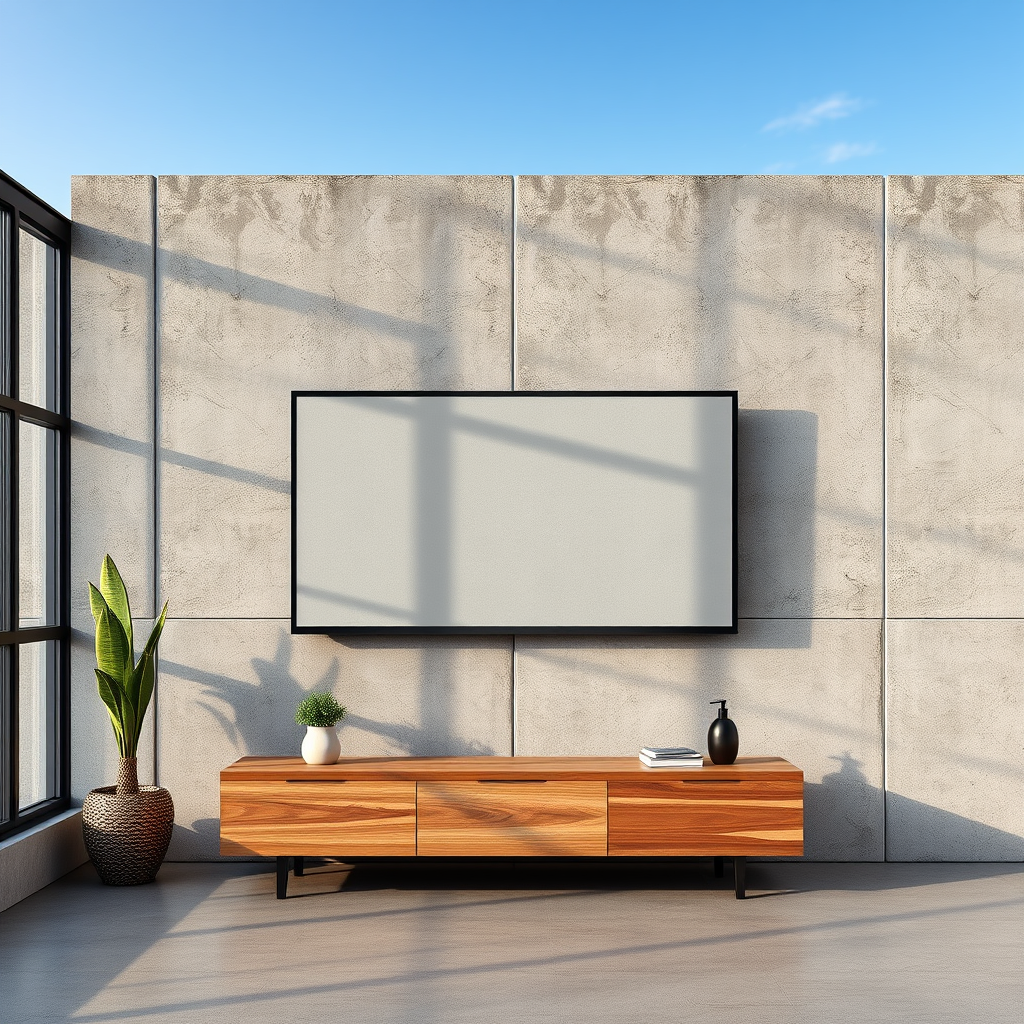
Concrete walls are typically found in basements, commercial spaces, and some modern homes, offering a solid and durable surface for mounting heavy items such as televisions. One of the primary characteristics of concrete is its density, which necessitates the use of specific tools and hardware to ensure a secure installation. Unlike drywall, which can be penetrated with standard screws, concrete requires heavy-duty anchors and specialized drills capable of handling its hardness. Understanding the structure of your concrete wall is crucial, as it influences the type of mounting hardware you will need and the overall approach to your installation.
Tools and Materials Needed
To mount a TV on a concrete wall, you will need several essential tools and materials.
Tools:
– Hammer Drill: This tool is essential for drilling into concrete. It combines rotational drilling with hammering action to break through the tough surface.
– Masonry Drill Bits: These bits are specifically designed to drill into hard materials like concrete and masonry.
– Level: A level ensures that your TV mount is installed straight, which is vital for both aesthetics and functionality.
– Stud Finder (optional): While not always necessary for concrete walls, a stud finder can help identify any hidden wiring or plumbing.
Materials:
– Concrete Anchors: These are necessary for securely attaching the TV mount to the concrete wall.
– Lag Bolts: Heavy-duty screws that will be used in conjunction with the anchors to hold the TV mount in place.
– TV Mount: Ensure that the mount is compatible with the size and weight of your television. There are various types, including fixed, tilting, and full-motion mounts.
Preparing the Wall for Mounting
Before you begin the installation process, it’s crucial to prepare the wall properly. Start by selecting the ideal location for your TV. The best height for mounting is generally at eye level when seated, which typically falls between 42 to 55 inches from the floor, depending on your furniture and viewing preferences. Ensure the chosen spot is free from obstructions, such as windows or light fixtures, that might interfere with your viewing experience.
Once you’ve marked the desired location, use a stud finder or masonry tool to check for any hidden wiring or plumbing behind the wall. This step is essential to avoid damaging electrical lines or pipes during installation. It’s also wise to clean the area where you will be working to ensure a smooth and safe process.
Top 7 TV Mounting Hardware Brands (2024)
| # | Brand | Type | Weight Capacity | Warranty |
|---|---|---|---|---|
| 1 | Sanus | Full Motion | 125 lbs | 5 years |
| 2 | VIVO | Fixed | 110 lbs | 3 years |
| 3 | Echogear | Tilting | 120 lbs | 5 years |
| 4 | Mounting Dream | Full Motion | 100 lbs | 5 years |
| 5 | Perlesmith | Tilting | 130 lbs | 5 years |
| 6 | Kanto | Full Motion | 145 lbs | 6 years |
| 7 | Peerless-AV | Fixed | 150 lbs | 3 years |
Installing the TV Mount
Once you have prepared the wall and gathered your tools and materials, you can begin the installation of the TV mount. Start by marking the drilling points on the wall using a level to ensure accuracy. This step is critical, as it will determine how straight your TV will hang.
Using your hammer drill, carefully drill holes into the marked points. Make sure to apply consistent pressure and allow the drill to do the work. After drilling the holes, insert the concrete anchors, ensuring they are flush with the wall surface. This will provide a secure hold for the lag bolts that will attach the TV mount.
Next, align the TV mount with the anchors and secure it using the lag bolts. Tighten the bolts firmly but take care not to over-tighten, as this can damage the anchors or the wall.
Mounting the TV
With the TV mount securely attached to the wall, it’s time to mount your television. First, carefully lift the TV onto the mount, ensuring that you follow the manufacturer’s instructions for the specific mount you are using. Most mounts have a locking mechanism that will help secure the television in place.
It’s advisable to have a second person assist you during this step to ensure that the TV is lifted and positioned safely. Once the TV is in place, double-check that it is level and aligned properly, making any necessary adjustments.
Tips for a Safe and Secure Installation
For a successful installation, consider the following tips:
– Double-Check Measurements: Always verify all measurements and ensure the mount is level before you finalize the installation. An unlevel mount can lead to an awkward viewing angle and may cause strain on the mount itself.
– Use Quality Hardware: Invest in high-quality concrete anchors and lag bolts to ensure the stability and safety of your mounted TV. Cheaper hardware can fail under the weight of the television.
– Seek Assistance: Having a second person to help can make the installation process easier and safer. This is particularly important when lifting heavier TVs onto the mount.
Troubleshooting Common Issues
Despite careful planning and execution, you may encounter some common issues during your installation. If the mount feels loose after installation, recheck the anchor installation and ensure that all bolts are tightened properly.
If you discover that the wall is uneven, using shims can help create a more balanced setup. Shims can be placed under the mount to compensate for any gaps, ensuring that your TV is level.
In some cases, you may need to adjust the TV mount to achieve the desired viewing angle. Most full-motion mounts allow for adjustments after installation, so be sure to familiarize yourself with the mount’s features.
Summarizing the process of mounting a TV on a concrete wall reveals that, with the right preparation and tools, it can be done easily and safely. Following the steps outlined in this guide ensures a secure installation that enhances your viewing experience. If you’re ready to elevate your entertainment space, gather your materials and start the installation today!
Frequently Asked Questions
Can you mount a TV on a concrete wall?
Yes, you can mount a TV on a concrete wall, and it’s a common practice for many homeowners. To do this, you’ll need the right tools, such as a masonry drill bit and concrete anchors, to securely attach the mounting bracket. Ensure you choose a mount that is compatible with your TV size and weight.
What tools do I need to mount a TV on a concrete wall?
To mount a TV on a concrete wall, you will need a masonry drill, masonry drill bits, a level, a stud finder (optional for locating any rebar), a socket wrench, and concrete anchors or screws specifically designed for masonry. These tools will help ensure that your TV is securely and safely mounted.
How do I choose the best TV mount for a concrete wall?
When selecting a TV mount for a concrete wall, consider the weight capacity, type of mount (fixed, tilting, or full-motion), and compatibility with your TV’s VESA pattern. Heavy-duty mounts are recommended for concrete installations, and you should ensure that the mount is rated for the size and weight of your television for optimal safety.
Why is it important to use concrete anchors when mounting a TV on a concrete wall?
Using concrete anchors is crucial because they provide a secure hold for the mounting screws in the concrete surface, preventing the TV from falling. Without proper anchors, the weight of the TV could cause the screws to loosen or fail, leading to potential damage to the TV or injury to people nearby.
Which mounting height is best for a TV on a concrete wall?
The best mounting height for a TV on a concrete wall generally depends on the size of the TV and the viewing distance. A good rule of thumb is to mount the TV so that the center of the screen is at eye level when seated, typically around 42 to 48 inches from the floor, ensuring comfortable viewing without straining your neck.
References
- https://www.bhg.com/home-improvement/advice/how-to-mount-a-tv-on-a-concrete-wall/
https://www.bhg.com/home-improvement/advice/how-to-mount-a-tv-on-a-concrete-wall/ - webuser_190072007’s ideas – an Ideabook by JC Wander
https://www.houzz.com/magazine/how-to-mount-a-tv-on-a-concrete-wall-stsetivw-vs~118205048 - https://www.sciencedirect.com/topics/engineering/concrete-wall
https://www.sciencedirect.com/topics/engineering/concrete-wall - Google Scholar Google Scholar
https://scholar.google.com/scholar?q=mount+a+tv+on+concrete+wall - Google Scholar Google Scholar
https://scholar.google.com/scholar?q=mounting+TV+on+walls+guidelines - Google Scholar Google Scholar
https://scholar.google.com/scholar?q=concrete+wall+mounting+techniques - https://www.britannica.com/technology/concrete
https://www.britannica.com/technology/concrete - Google Scholar Google Scholar
https://scholar.google.com/scholar?q=can+you+mount+a+tv+on+concrete+wall - can you mount a tv on concrete wall – Search results
https://en.wikipedia.org/wiki/Special:Search?search=can+you+mount+a+tv+on+concrete+wall - https://www.ncbi.nlm.nih.gov/search/research-articles/?term=can+you+mount+a+tv+on+concrete+wall
https://www.ncbi.nlm.nih.gov/search/research-articles/?term=can+you+mount+a+tv+on+concrete+wall
