


HP monitors typically do not come with built-in speakers, although some models may include them. This distinction is crucial for users who prioritize audio quality and convenience in their setup. While HP’s extensive range of monitors caters to various needs, potential buyers should be aware of the sound capabilities of specific models. In this article, we’ll explore the features of HP monitors, including sound capabilities, and provide options for enhancing your audio experience while using them.
Understanding HP Monitor Models
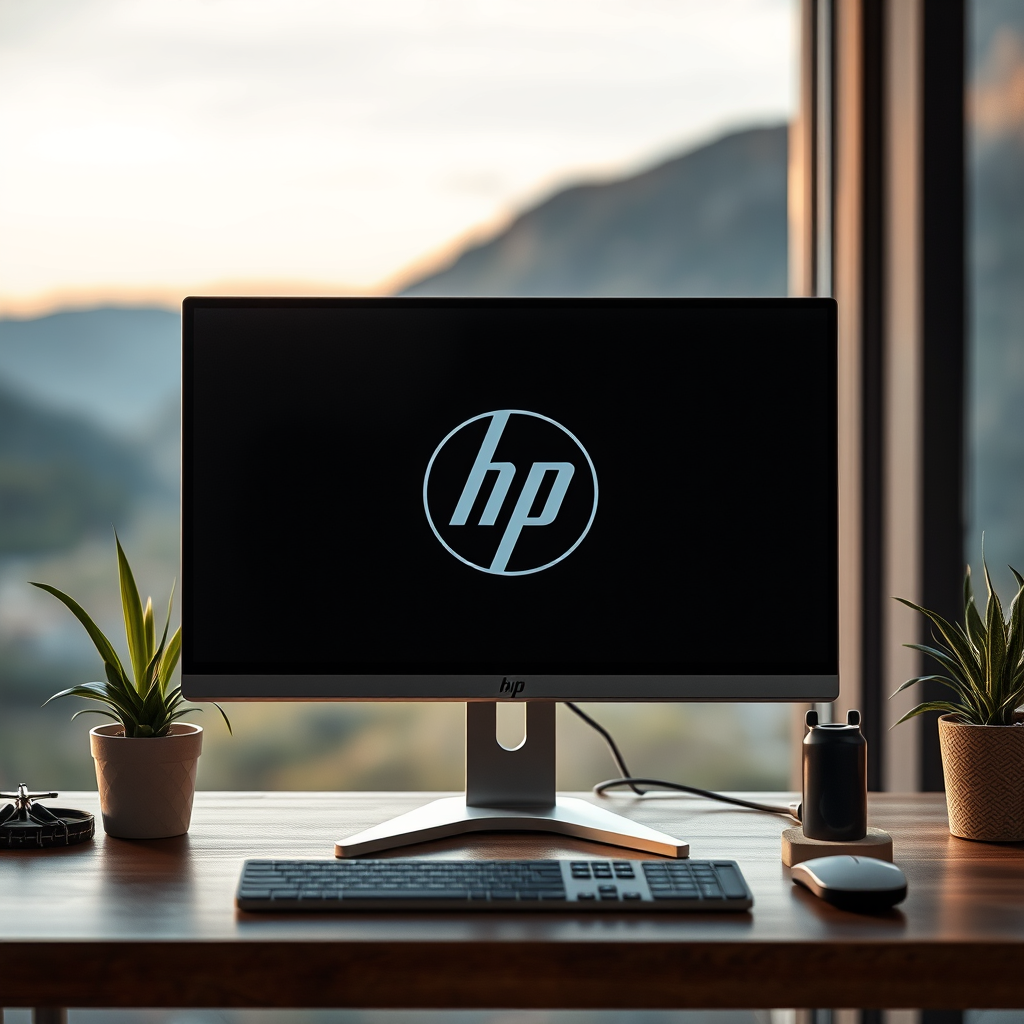
HP offers a diverse lineup of monitor series, each designed for different user needs, from casual home use to professional gaming and graphic design. The features of these monitors can vary significantly, and this includes audio capabilities.
For instance, the HP Pavilion series is one of the more popular lines that often includes built-in speakers. These models are designed for home use, making them a suitable choice for families or individuals who need basic audio capabilities for streaming videos or video calls. Conversely, more advanced series, such as the HP Omen gaming monitors, typically focus on high-resolution displays and faster refresh rates, and they may not prioritize built-in sound, encouraging users to invest in external audio solutions for an immersive gaming experience.
Checking Specifications
When considering the purchase of an HP monitor, it is essential to refer to the manufacturer’s specifications to determine whether built-in speakers are included. Specifications will typically highlight audio features, and potential buyers should look for terms like “built-in speakers,” “audio output,” or “audio system” in product descriptions.
For example, some HP monitors come with an integrated audio system, while others may feature an audio output jack, allowing users to connect external speakers or headphones. By reviewing the technical specifications on the HP website or product listings, users can ensure they’re making informed purchasing decisions that align with their audio needs.
Benefits of Monitors with Speakers
Monitors equipped with built-in speakers offer several advantages that can enhance the user experience:
– Space Saving: Eliminating the need for external speakers can free up valuable desk space. This is particularly beneficial in smaller work environments or for users with limited space.
– Convenience: Built-in speakers provide quick and easy audio solutions for basic tasks, such as video conferencing, streaming, or casual gaming. Users do not have to fuss with additional cables or devices to get sound.
– Integrated Design: Many users appreciate the aesthetic of a clean, integrated setup without visible cables and additional devices cluttering their workspace.
However, it is essential to note that while built-in speakers are convenient for casual use, they may not provide the best sound quality compared to dedicated external audio systems.
Alternatives for Monitors without Speakers
For users opting for HP monitors that lack built-in speakers, there are several alternatives to enhance audio quality:
– External Speakers: Investing in a good pair of external speakers can significantly improve sound quality. Brands like Bose, Logitech, and JBL offer a wide range of speakers that can easily connect to monitors via USB or audio jacks.
– Soundbars: A soundbar can be a great space-saving solution while providing enhanced audio quality. They often come with Bluetooth connectivity, allowing users to connect their devices wirelessly for a clutter-free setup.
– USB-Powered or Bluetooth Speakers: These portable options are convenient and can be easily relocated, making them a versatile solution for individuals who may want to use them with multiple devices.
– Headphones: For personal audio experiences, headphones or gaming headsets can deliver superior sound quality and allow for private listening without disturbing others.
User Experience and Reviews
User feedback is invaluable when considering audio features in HP monitors. Many users who have experienced monitors with built-in speakers often report that while they serve basic needs, they fall short of delivering high-quality sound.
Reviews frequently highlight how dedicated audio systems provide a far superior listening experience, especially for applications involving music production, gaming, or movie watching. For instance, users may describe the built-in speakers as lacking in bass or clarity, especially when compared to a decent set of external speakers.
Additionally, professional reviewers often test and evaluate audio performance, providing insights into specific HP monitor models. This can guide potential buyers in selecting a model that meets their audio expectations.
Tips for Optimal Audio Setup
To maximize the audio experience when using an HP monitor, whether it has built-in speakers or not, consider the following tips:
– Adjust Sound Settings: Make sure to explore the audio settings on your computer. Adjusting parameters such as equalizer settings or volume levels can significantly enhance sound quality.
– Positioning: If using external speakers, position them correctly for optimal sound. Place them at ear level and angled towards the user for the best listening experience.
– Use Quality Cables: For wired setups, ensure that you are using high-quality audio cables to minimize interference and ensure clear sound transmission.
– Regular Updates: Keep your audio drivers updated to ensure compatibility with your monitor and optimized performance.
– Test Audio Features: If purchasing a new monitor, take the time to test its audio features in-store or through reviews to ensure it meets your needs.
HP Monitor Models and Audio Features
| # | Model | Built-in Speakers | Audio Output | Best For |
|---|---|---|---|---|
| 1 | HP Pavilion 22cwa | Yes | 3.5mm Jack | Home Use |
| 2 | HP EliteDisplay E243 | No | DisplayPort, HDMI | Professional Use |
| 3 | HP Omen 27i | No | HDMI, USB-C | Gaming |
| 4 | HP V24i | Yes | HDMI, VGA | General Use |
| 5 | HP E27d G4 | No | USB-C, HDMI | Office Work |
| 6 | HP M24f | Yes | HDMI, DisplayPort | Entertainment |
| 7 | HP Z24n G2 | No | HDMI, DisplayPort | Design Work |
In summary, HP monitors generally lack built-in speakers, although certain models like the HP Pavilion series do offer this feature. For those without speakers, external audio solutions such as soundbars or dedicated speakers are highly recommended for an enhanced sound experience. By exploring your options and carefully checking specifications before making a purchase, you can ensure that your audio needs are fully met while enjoying the impressive visual quality that HP monitors have to offer.
Frequently Asked Questions
Does every HP monitor come with built-in speakers?
Not all HP monitors come with built-in speakers. While many of their models, especially those designed for entertainment or gaming, do include integrated audio systems, others may not. It’s essential to check the specifications of the specific model you are considering to confirm whether it has speakers.
How can I tell if my HP monitor has speakers?
To determine if your HP monitor has speakers, you can check the product specifications listed on the manufacturer’s website or the user manual. Additionally, you can look for audio input/output ports on the monitor; if it has a headphone jack or audio out, it may also feature built-in speakers.
Why would I need speakers on my HP monitor?
Having built-in speakers on your HP monitor can enhance your overall viewing experience by eliminating the need for external speakers and reducing desk clutter. It is particularly beneficial for casual users who watch videos, play games, or participate in video calls without the hassle of setting up additional audio equipment.
What are the best HP monitors with speakers available?
Some of the best HP monitors with speakers include the HP Envy 32 All-in-One and the HP Omen 27i Gaming Monitor. These models offer high-quality audio output, excellent display features, and are well-suited for both work and gaming environments, making them great choices for users looking for integrated sound.
Can I connect external speakers to an HP monitor that has built-in speakers?
Yes, you can connect external speakers to an HP monitor that has built-in speakers. Most monitors with audio output ports allow you to plug in external speakers or headphones, giving you the flexibility to enhance your audio experience based on your preferences. Just ensure you adjust the audio settings accordingly for optimal sound quality.
References
- https://www.hp.com/us-en/shop/tech-takes/does-hp-monitor-have-built-in-speakers
https://www.hp.com/us-en/shop/tech-takes/does-hp-monitor-have-built-in-speakers - https://en.wikipedia.org/wiki/Monitor_(display
https://en.wikipedia.org/wiki/Monitor_(display - https://support.hp.com/us-en/document/c03269175
https://support.hp.com/us-en/document/c03269175 - https://www.lifewire.com/monitors-with-built-in-speakers-4776785
https://www.lifewire.com/monitors-with-built-in-speakers-4776785 - Google Scholar Google Scholar
https://scholar.google.com/scholar?q=does+hp+monitor+have+speakers - Google Scholar Google Scholar
https://scholar.google.com/scholar?q=HP+monitor+audio+features - Google Scholar Google Scholar
https://scholar.google.com/scholar?q=monitor+speakers+built-in - does hp monitor have speakers – Search results
https://en.wikipedia.org/wiki/Special:Search?search=does+hp+monitor+have+speakers - https://www.ncbi.nlm.nih.gov/search/research-articles/?term=does+hp+monitor+have+speakers
https://www.ncbi.nlm.nih.gov/search/research-articles/?term=does+hp+monitor+have+speakers
