


Yes, many LG monitors do come with built-in speakers, but this feature varies widely across different models. While some entry-level and mid-range monitors offer this convenience, higher-end models often focus more on display performance and may omit integrated audio. In this article, we will examine which LG monitors feature built-in speakers, evaluate their sound quality, and discuss whether investing in external audio solutions is necessary.
Understanding LG Monitor Models
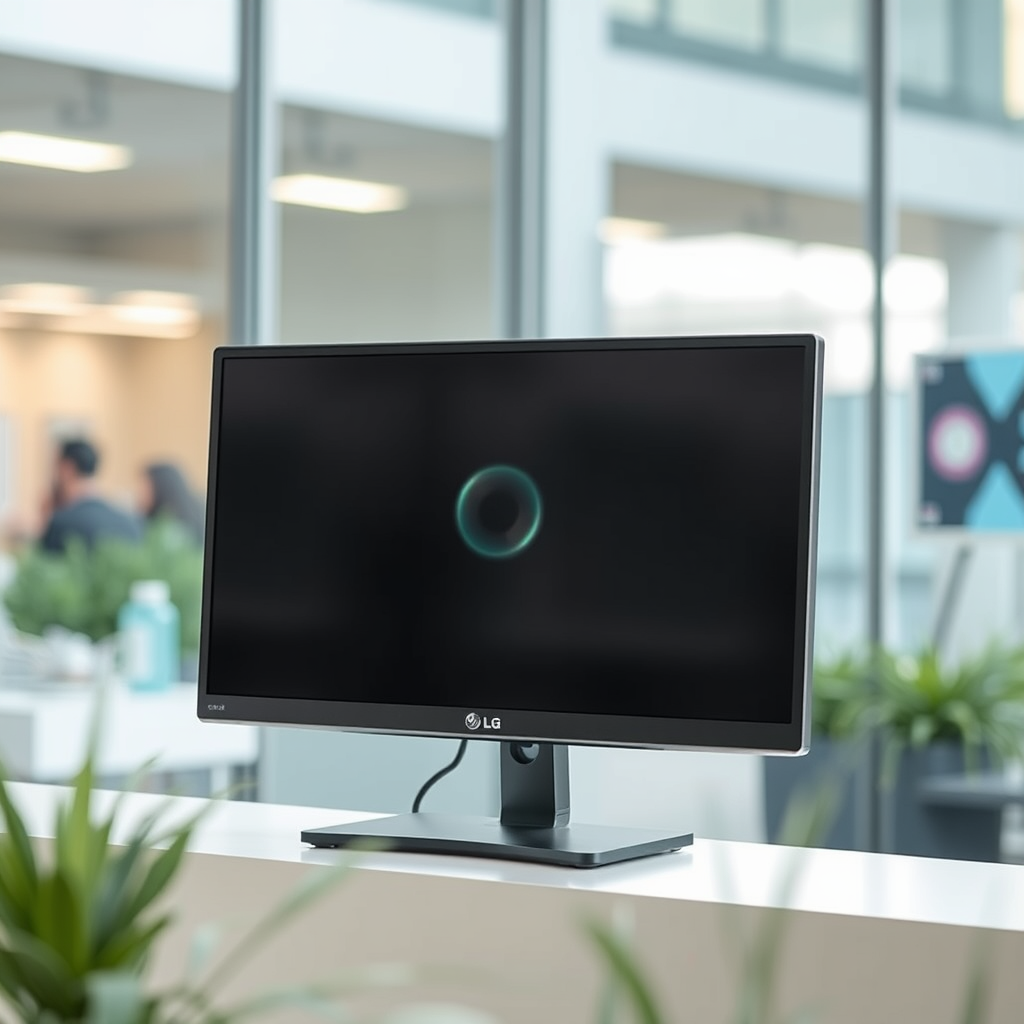
When considering LG monitors, it’s important to recognize the variance in built-in audio features across their product lines. Many entry-level and mid-range LG monitors, such as the LG UltraWide series and certain models in the LG IPS range, include built-in speakers as a standard feature. These monitors are designed to provide a budget-friendly solution for everyday tasks, such as office work, casual gaming, and streaming media.
On the other hand, high-end models, such as the LG OLED and UltraGear series, often prioritize display quality and performance over integrated audio solutions. These monitors are engineered for professionals and enthusiasts who demand exceptional image fidelity for gaming or graphic design. Consequently, these models may lack built-in speakers altogether, encouraging users to invest in high-quality external audio systems.
Sound Quality of LG Monitor Speakers
The sound quality of built-in speakers in LG monitors generally caters to basic audio needs. While they can deliver adequate sound for casual use—such as watching videos or participating in video calls—they often fall short of the clarity and depth that dedicated audio equipment can provide. Users may find that the audio lacks bass or richness, making them less suitable for professional audio work, serious gaming, or immersive movie experiences.
For those who require superior sound quality, it is advisable to consider external speakers or sound systems. These options can significantly enhance the audio experience, providing more robust sound with greater frequency response and volume capabilities. Whether you’re a gamer seeking an edge in competitive play or a movie enthusiast wanting to enjoy cinematic soundscapes, investing in external audio solutions is likely to yield a more satisfying experience.
Checking Specifications for Audio Features
To ensure you are selecting the right model with the desired audio capabilities, always refer to the product specifications before making a purchase. Look for specific terms in the product description such as “integrated speakers,” “built-in audio,” or “audio output.”
For example, models like the LG 27UL500-W, which is a 27-inch 4K UHD IPS monitor, typically come with 5W built-in speakers, while the LG 32UN880-B, designed for professionals, may not include integrated audio. By checking the specifications, you can make informed decisions that align with your audio needs.
Comparison of Selected LG Monitors with Built-in Speakers
| # | Model | Size | Resolution | Speaker Power |
|---|---|---|---|---|
| 1 | LG 27UL500-W | 27″ | 3840 x 2160 | 5W |
| 2 | LG 32UN880-B | 32″ | 3840 x 2160 | N/A |
| 3 | LG 34WN80C-B | 34″ | 3440 x 1440 | 5W |
| 4 | LG 27GL83A-B | 27″ | 2560 x 1440 | 5W |
| 5 | LG 24MP88HV-S | 24″ | 1920 x 1080 | 5W |
| 6 | LG 38WN95C-W | 38″ | 3840 x 1600 | N/A |
| 7 | LG 27UK850-W | 27″ | 3840 x 2160 | 5W |
Alternatives to Built-in Speakers
For users seeking a superior audio experience, external speakers or soundbars are highly recommended. These options not only provide better sound quality but also allow for greater flexibility in audio setups. Whether you’re working from home or gaming, having a dedicated audio system can make a significant difference.
When considering alternatives, you have options for both Bluetooth and wired solutions. Bluetooth speakers offer convenience and portability, ideal for those who want to move their audio setup around. Wired speakers, on the other hand, may provide a more stable connection and often deliver superior sound quality. Soundbars are another excellent choice, especially for larger monitors, as they can offer a wider soundstage and enhanced bass response.
User Experience and Reviews
Customer feedback regarding LG monitors with built-in speakers often highlights both the convenience and limitations of this feature. Many users appreciate the integration of speakers for everyday tasks such as video conferencing or casual media consumption. However, reviews frequently point out that the sound quality does not compare favorably to dedicated audio systems, particularly for gaming or film watching.
For instance, users of the LG 27GL83A-B often express satisfaction with the monitor’s display quality but note that the built-in speakers are adequate at best, prompting some to invest in external audio solutions. Reviews can provide valuable insights into specific models and their performance, helping prospective buyers make informed decisions.
Troubleshooting Common Audio Issues
If you encounter issues with sound on your LG monitor, there are several troubleshooting steps to consider. Start by checking the monitor’s audio settings to ensure that the volume is turned up and that any mute functions are disabled. Next, verify that the correct audio output is selected on your computer. Sometimes, the system may default to a different audio device, such as external speakers or headphones.
If sound is still absent, inspect the physical connections. Ensure that any necessary cables are securely connected, and if using external speakers, confirm that they are powered on and functioning properly. These simple steps can often resolve common audio issues, allowing you to enjoy the full capabilities of your monitor’s built-in speakers or external audio setup.
In summary, while many LG monitors do come with built-in speakers, the quality and necessity for additional sound systems depend on individual needs. If you’re looking for optimal audio performance, exploring external speaker options might be beneficial. For specific model recommendations or to check the specifications, visit LG’s official website or your local electronics store. This way, you can make an informed purchase that aligns with your audio and visual requirements.
Frequently Asked Questions
Do all LG monitors come with built-in speakers?
No, not all LG monitors come with built-in speakers. While many models, especially those designed for gaming or multimedia use, feature integrated audio systems, others may not include speakers at all. It’s essential to check the specifications of each model to confirm whether it has built-in audio capabilities.
How can I find out if my LG monitor has speakers?
To determine if your LG monitor has built-in speakers, you can check the product specifications on the LG website or the manual that came with your monitor. Alternatively, you can look for audio output ports; if the monitor includes audio out options, it likely has speakers.
Why would I choose an LG monitor with built-in speakers?
Choosing an LG monitor with built-in speakers offers convenience and reduces desk clutter since you won’t need separate external speakers. This feature is particularly beneficial for casual users who want a simple setup for tasks like streaming videos or video conferencing without the hassle of additional audio equipment.
What are the best LG monitors with built-in speakers?
Some of the best LG monitors with built-in speakers include the LG UltraGear series for gamers and the LG 27UK850-W for professionals. These models not only provide great audio quality but also offer high-resolution displays and advanced features, making them ideal for both work and entertainment.
Which LG monitor models are known for having superior sound quality?
The LG UltraFine series and select models from the LG OLED lineup are known for their superior sound quality, thanks to their advanced audio technology and speaker design. These monitors are perfect for users who prioritize both visual and auditory experiences, making them suitable for creative professionals and multimedia enthusiasts.
References
- Product Support: Help Library | LG USA Support
https://www.lg.com/us/support/help-library - LG Electronics
https://en.wikipedia.org/wiki/LG_Electronics - https://www.sciencedirect.com/topics/engineering/LG-monitor
https://www.sciencedirect.com/topics/engineering/LG-monitor - Google Scholar Google Scholar
https://scholar.google.com/scholar?q=do+LG+monitors+have+speakers - https://www.bbc.com/news/technology-56914175
https://www.bbc.com/news/technology-56914175 - https://www.theguardian.com/technology/2021/apr/21/lg-to-close-smartphone-business
https://www.theguardian.com/technology/2021/apr/21/lg-to-close-smartphone-business - https://www.cdc.gov/niosh/docs/2011-125/pdfs/2011-125.pdf
https://www.cdc.gov/niosh/docs/2011-125/pdfs/2011-125.pdf - Google Scholar Google Scholar
https://scholar.google.com/scholar?q=LG+monitor+audio+features - https://pubmed.ncbi.nlm.nih.gov/29728167/
https://pubmed.ncbi.nlm.nih.gov/29728167/ - https://www.nytimes.com/2021/04/05/business/lg-smartphones.html
https://www.nytimes.com/2021/04/05/business/lg-smartphones.html
