
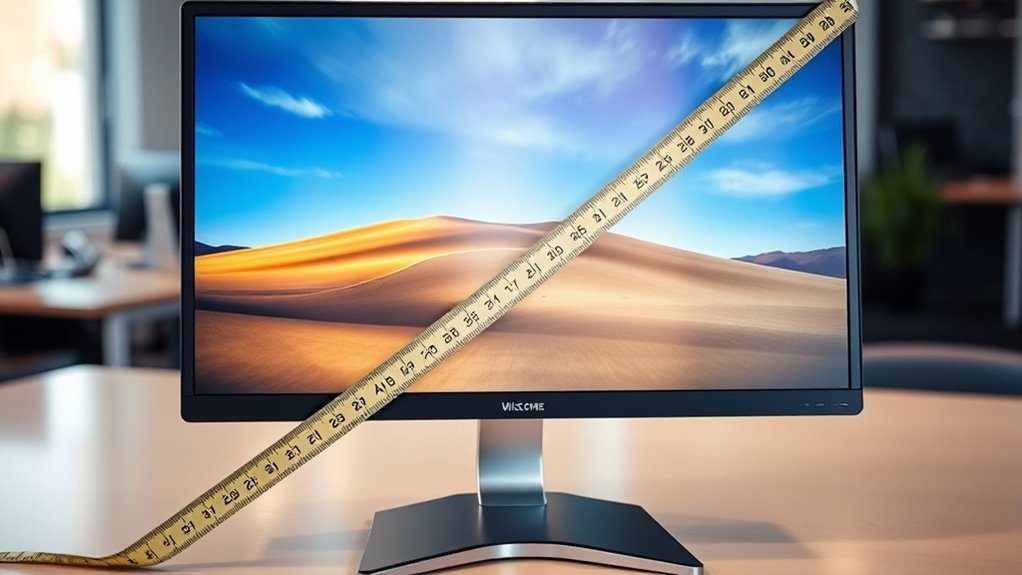

Computer monitors are measured by their diagonal screen size, expressed in inches from one corner to the opposite. This diagonal measurement simplifies comparisons between different models. Keep in mind that the same diagonal size can have different widths and heights due to aspect ratios, which can affect your viewing experience. It’s also essential to take into account resolution and refresh rates for peak performance. If you want to know more about these factors, there’s plenty more to explore.
Understanding Monitor Size Measurement
When it comes to choosing a computer monitor, understanding how size is measured can make a big difference in your decision-making process. Monitor dimensions are typically expressed in inches, reflecting the diagonal length from one corner of the screen to the opposite. This diagonal measurement helps you gauge the overall size of the display for a size comparison with other monitors. Keep in mind that two monitors with the same diagonal size can have different widths and heights due to aspect ratios. So, when you’re considering a monitor, it’s essential to check both the diagonal size and the specific monitor dimensions. This way, you can guarantee it fits your workspace and meets your visual needs for a superior experience.
The Importance of Diagonal Measurement
Although it might seem straightforward, diagonal measurement is essential for understanding a monitor’s size and how it will fit into your setup. This method provides a universal standard that simplifies size comparison across different brands and models. When you measure diagonally, you’re actually capturing the screen’s visible area, which directly impacts your viewing experience. A larger diagonal measurement generally means a more immersive experience, but it’s vital to take into account the actual dimensions of your workspace. If you’re aiming for freedom in your setup, knowing the diagonal measurement helps you choose a monitor that complements your environment without overwhelming it. Ultimately, understanding this measurement empowers you to make informed decisions that enhance both functionality and aesthetics in your space.
Aspect Ratio Explained
Understanding the diagonal measurement of a monitor sets the stage for another important aspect: the aspect ratio. This ratio represents the width versus height of your screen, and it comes in various aspect ratio types, like 16:9, 4:3, and 21:9. Each type serves different purposes, catering to distinct user needs. For instance, a 16:9 ratio is ideal for watching movies, while a 21:9 ratio offers a more immersive gaming experience. The aspect ratio benefits go beyond aesthetics; they can enhance productivity by providing more screen real estate for multitasking. Choosing the right aspect ratio can make a significant difference in how you interact with your content, ultimately giving you the freedom to enjoy a tailored viewing experience.
Resolution and Its Impact on Quality
While you might appreciate a stunning visual experience, the resolution of your monitor plays an essential role in achieving that quality. Different resolution types, such as Full HD, 4K, and 8K, determine how much detail your screen can display. Higher resolutions provide more pixels, which enhances image clarity, making pictures and text sharper and more vibrant. If you’re gaming or editing photos, a higher resolution can elevate your experience, allowing you to see finer details. However, be mindful of your hardware’s capability; pushing for ultra-high resolutions on inadequate systems can lead to performance issues. Ultimately, selecting the right resolution type can greatly impact your overall satisfaction and engagement with digital content.
Pixel Density: What You Need to Know
As you explore the world of monitors, pixel density becomes a critical factor in determining image quality. Pixel density terminology, often expressed in pixels per inch (PPI), indicates how tightly packed the pixels are on your screen. Higher PPI values typically mean sharper images, enhancing your viewing experience. To understand this better, you can start calculating pixel density by using the formula: PPI = √(width² + height²) / diagonal size. By knowing both the resolution and the screen size, you can gauge how pixel density impacts details and clarity. Whether you’re gaming, designing, or simply browsing, a higher pixel density can provide that freedom from blurriness, allowing you to enjoy crisp visuals and vibrant colors like never before.
Screen Curvature and Its Measurement
When considering screen curvature, the curvature radius is a key measurement that affects your overall viewing experience. A smaller radius means a more pronounced curve, which can enhance immersion by wrapping the screen around your field of vision. Understanding how curvature impacts your experience is essential for choosing the right monitor for your needs.
Curvature Radius Explained
The curvature radius of a computer monitor plays an essential role in its viewing experience, influencing how immersive and comfortable it feels. Curvature types can vary widely, with different radii offering unique curvature benefits. A smaller radius provides a more pronounced curve, enhancing depth perception, while a larger radius offers a subtler effect, which may be preferred for general productivity tasks. Here’s a quick overview:
| Curvature Type | Radius (mm) | Benefits |
|---|---|---|
| Mild | 1800 | Better for general use |
| Moderate | 1500 | Enhanced immersion for gaming |
| Aggressive | 1000 | Ideal for cinematic experiences |
| Ultra | 500 | Maximum wrap-around effect |
Choosing the right curvature radius can greatly affect your overall experience, aligning with your personal preferences and usage scenarios.
Impact on Viewing Experience
Understanding how screen curvature impacts your viewing experience is important for selecting the right monitor. A curved screen can enhance immersion by matching the natural curvature of your eyes, allowing for a more engaging experience, especially at ideal viewing distances. This design can help reduce eye strain, as it minimizes the need for your eyes to refocus constantly across flat screens. However, it’s essential to choose the right curvature radius; too steep may distort images, while too shallow might not provide the intended benefits. Positioning your monitor at an appropriate distance also plays a significant role in achieving clarity and comfort. By considering these factors, you can greatly improve your overall viewing experience and enjoy longer, strain-free sessions.
Refresh Rate and Response Time Considerations
While many factors influence a monitor’s performance, refresh rate and response time are vital for delivering a smooth visual experience. The refresh rate, measured in hertz (Hz), indicates how many times your monitor refreshes the image per second. A higher refresh rate, like 144Hz, enhances fluidity, especially in fast-paced gaming or video playback. On the other hand, response time refers to how quickly a pixel can change from one color to another, usually measured in milliseconds (ms). Lower response times reduce motion blur, providing clearer images during rapid movements. Balancing these two metrics is important; a high refresh rate paired with a low response time creates an immersive experience. Prioritize these factors to enhance your overall viewing satisfaction.
Choosing the Right Monitor for Your Needs
How do you determine which monitor best suits your needs? Start by considering your specific use case, as different monitor types cater to various tasks. Whether you’re gaming, designing, or simply browsing, your choice should align with your activities.
- Screen Size: Larger screens enhance productivity but may strain smaller workspaces.
- Resolution: Higher resolutions provide sharper images, ideal for design work.
- Refresh Rate: Essential for gaming; higher rates yield smoother gameplay.
- Budget Considerations: Set a realistic budget to avoid overspending on features you might not need.
Frequently Asked Questions
How Do I Measure My Current Monitor Size?
To measure your current monitor size, use a tape measure to capture the diagonal screen dimensions, from one corner to the opposite. This technique reveals the true size of your digital window to the world.
What Tools Do I Need for Accurate Measurement?
You’ll need a tape measure or ruler for accurate measurements. Focus on measuring techniques that capture the display dimensions diagonally, ensuring you account for bezels, which can affect the overall monitor size perception.
Can Monitor Size Affect Eye Strain?
Yes, monitor size can affect eye strain. Proper monitor ergonomics and maintaining an appropriate screen distance are essential. Larger screens might require adjustments to reduce glare and guarantee comfort, helping to minimize eye strain during use.
Are All Monitors Measured the Same Way?
Not all monitors are measured the same way. You’ll find variations in aspect ratio and screen resolution, which can influence your viewing experience. Understanding these differences helps you choose the right monitor for your needs.
How Does Monitor Size Influence Gaming Experience?
A study shows that gamers using 27-inch monitors enjoy 25% more gaming immersion. Larger screens enhance screen resolution visibility, making details clearer and elevating your overall experience, allowing you to fully engage in virtual worlds.
