
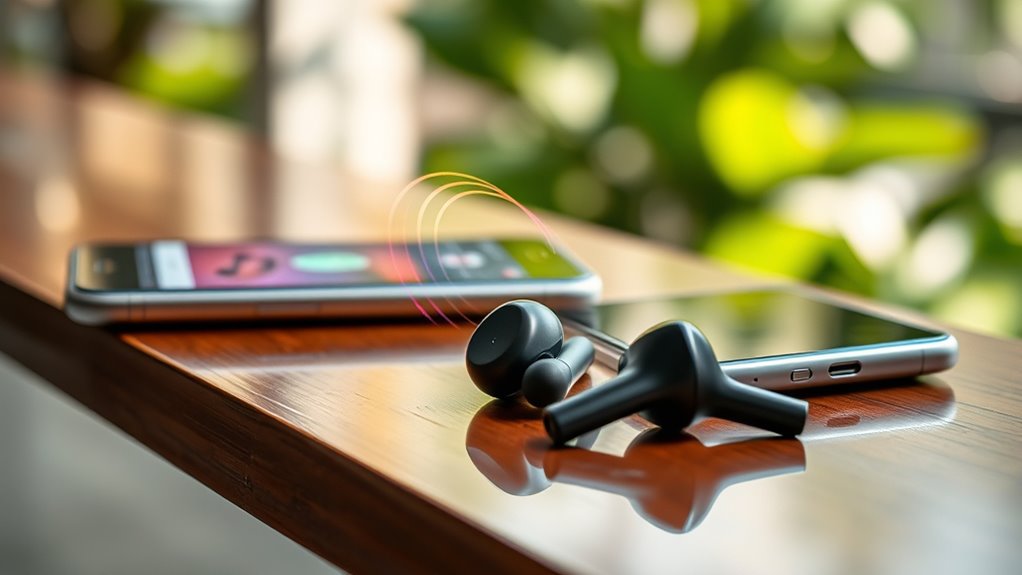

Wireless earbuds work by using Bluetooth technology to connect wirelessly to your devices, letting you enjoy audio without the hassle of cords. They feature built-in sound drivers for high-quality audio, while lithium-ion batteries provide reliable power. Noise cancellation technologies enhance your listening experience by reducing external sounds. Touch controls make it easy to manage playback without pulling out your phone. There’s more to discover about their innovative features and how they can enhance your listening experience.
The Evolution of Wireless Earbuds
As technology advanced, so did the design and functionality of wireless earbuds, transforming how you listen to music and take calls. The history timeline of these devices traces back to the early 2000s, when Bluetooth technology began gaining traction. Initial designs were bulky and often uncomfortable, but the demand for freedom and portability sparked a rapid design evolution. By the mid-2010s, sleek, ergonomic models emerged, offering improved sound quality and battery life. Today, you can enjoy truly wireless options that seamlessly connect to your devices, providing an unparalleled listening experience. This evolution reflects not just advancements in tech, but a lifestyle shift towards convenience and mobility, allowing you to embrace your freedom while staying connected.
Key Components of Wireless Earbuds
When you think about wireless earbuds, two key components come to mind: Bluetooth technology and battery features. Bluetooth is what allows your earbuds to connect seamlessly to your devices, while the battery determines how long you can enjoy your music without interruption. Let’s explore how these elements work together to enhance your listening experience.
Bluetooth Technology Basics
While you might enjoy the convenience of wireless earbuds, understanding the Bluetooth technology that powers them can enhance your listening experience. Bluetooth technology connects your earbuds to devices wirelessly, offering flexibility and freedom. There are various Bluetooth types, each catering to different needs, ensuring compatibility and performance. Familiarizing yourself with these wireless standards helps you choose the best earbuds for your lifestyle.
| Bluetooth Type | Range | Use Case |
|---|---|---|
| Bluetooth 4.0 | Up to 60m | General audio streaming |
| Bluetooth 4.1 | Up to 100m | Improved data transfer |
| Bluetooth 4.2 | Up to 100m | Internet of Things (IoT) |
| Bluetooth 5.0 | Up to 240m | High-quality audio |
| Bluetooth 5.1 | Up to 240m | Location services |
Understanding these key components can elevate your wireless listening experience.
Battery and Charging Features
One of the most essential aspects of wireless earbuds is their battery and charging features. You’ll typically find lithium-ion batteries in these devices, providing a great balance of longevity and performance. Depending on the model, battery types can vary, impacting how long you can enjoy your tunes on a single charge. Most earbuds offer quick charging capabilities, allowing you to get back to your music in no time. Charging speeds can differ, with some models providing hours of playback from just a few minutes of charging. To maximize your listening freedom, keep an eye on battery life indicators and choose earbuds that suit your lifestyle, ensuring you can enjoy your favorite tracks without interruption.
How Bluetooth Technology Works
Bluetooth technology is the backbone of your wireless earbuds, allowing them to connect seamlessly to your devices. You’ll find that the pairing process is quick and straightforward, letting you enjoy your music in no time. Once paired, the signal transmission guarantees clear audio without the hassle of tangled wires.
Bluetooth Pairing Process
When you want to connect your wireless earbuds to a device, understanding the Bluetooth pairing process is essential. Start by turning on your earbuds and enabling their pairing mode, usually indicated by a flashing light. Next, access the Bluetooth settings on your device and look for your earbuds in the list of available devices. Select them to initiate the connection. There are various pairing methods, like using a QR code or NFC, depending on your earbuds’ features. If you run into issues, don’t panic! Common troubleshooting tips include ensuring your earbuds are charged, keeping them close to the device, or restarting both devices. With these steps, you’ll enjoy the freedom of wireless listening in no time!
Signal Transmission Mechanism
Although many people enjoy the convenience of wireless earbuds, few understand the intricate technology behind their connection. The heart of this connection lies in Bluetooth technology, which uses short-range radio waves to transmit audio. Here’s how it works:
- Pairing: Your earbuds and device establish a connection, allowing them to communicate.
- Signal Transmission: Audio data gets sent as packets, creating a seamless listening experience.
- Interference Management: Bluetooth algorithms reduce signal interference, ensuring clear sound within a specific transmission range.
Thanks to this technology, you can enjoy the freedom to move without tangled wires. However, be mindful of environmental factors that might affect your earbuds’ performance, such as distance or obstacles that could disrupt the signal.
Pairing Process With Devices
Pairing wireless earbuds with your devices may seem intimidating, but it’s usually a straightforward process. First, verify your earbuds are charged and in pairing mode, which often involves holding a button until they flash a light. Next, check your device compatibility; most smartphones, tablets, and laptops support Bluetooth connections. Open your device’s Bluetooth settings, and you’ll see your earbuds listed. Just tap to connect!
You might encounter some pairing challenges if your earbuds have previously connected to another device. In such cases, disconnect them from the old device or reset them. Once paired, you can enjoy the freedom of wireless sound without the hassle of cords. Embrace the convenience and enhance your listening experience!
Audio Quality and Sound Drivers
Once you’ve successfully paired your wireless earbuds, the next aspect to evaluate is audio quality, which is heavily influenced by the sound drivers used in the earbuds. The right drivers can greatly enhance sound clarity and overall listening experience. Here are three common driver types you might encounter:
- Dynamic Drivers: Known for their powerful bass and volume, perfect for those who love beats.
- Balanced Armature Drivers: These offer precise sound clarity and are often used in high-end models for a more refined audio experience.
- Planar Magnetic Drivers: Providing excellent sound quality with minimal distortion, ideal for audiophiles seeking accuracy.
Understanding these driver types helps you choose earbuds that cater to your audio preferences, ensuring you enjoy your music to the fullest.
Battery Life and Charging Mechanisms
When you’re enjoying your favorite tunes, the last thing you want is for your wireless earbuds to run out of battery. To maximize battery longevity, most earbuds offer efficient power management systems, allowing you to enjoy music for hours on end. Charging efficiency is another key factor; many models come with quick-charge capabilities, letting you power up in a pinch.
| Feature | Description |
|---|---|
| Battery Longevity | Lasts up to 8-12 hours per charge |
| Charging Efficiency | Quick-charge in 15-30 minutes |
| Case Battery | Provides multiple additional charges |
Noise Cancellation Features
How do wireless earbuds manage to block out the world around you? Their noise cancellation features combine two techniques: active cancellation and passive isolation, giving you an immersive listening experience.
- Active Cancellation: These earbuds use built-in microphones to detect external noise and generate sound waves that cancel it out, providing a serene sound environment.
- Passive Isolation: The design of the earbuds physically blocks sound from entering your ears, enhancing your audio experience during commutes or workouts.
- Adaptive Technology: Many models automatically adjust noise cancellation levels based on your surroundings, ensuring you stay in control of your soundscape.
With these features, you can escape the chaos and soak in your favorite tunes, allowing you the freedom to enjoy your world.
Touch Controls and User Interface
While enjoying your favorite tracks, you might not realize just how intuitive touch controls in wireless earbuds can be. These gesture controls allow you to manage playback, adjust volume, and take calls with simple taps or swipes, offering a seamless user experience. The interface design prioritizes accessibility, enabling you to keep your phone tucked away while staying connected. Each manufacturer may implement unique gestures, so it’s worth familiarizing yourself with your earbuds’ specific controls. This not only enhances convenience but also gives you the freedom to engage with your music without interruption. As you explore these features, you’ll find that a well-designed touch interface can truly elevate your listening experience. Enjoy the freedom that comes with hands-free control!
Future Innovations in Wireless Earbud Technology
As technology continues to advance, the future of wireless earbuds is poised for exciting transformations that promise to enhance your listening experience even further. Here are three innovations to look forward to:
- Smart Sensors: These will allow your earbuds to detect environmental noise levels, automatically adjusting the volume and noise cancellation settings for ideal sound clarity.
- Adaptive Sound: Your earbuds could learn your listening habits and preferences, providing a tailored audio experience that adapts in real-time to different environments.
- Health Monitoring: Future models may incorporate health-tracking features, such as heart rate monitoring, giving you more than just music but also insights into your well-being.
With these advancements, your wireless earbuds will become more intuitive, making every moment a seamless auditory journey.
Frequently Asked Questions
Can I Use Wireless Earbuds While Exercising or Running?
Sure, you can use wireless earbuds while exercising, but isn’t it ironic how sweat resistance and battery life become critical? Just make certain your earbuds are designed for activity to enjoy that freedom without interruptions!
How Do I Clean My Wireless Earbuds Properly?
To clean your wireless earbuds properly, use a soft cloth and a mild cleaning solution. For maintenance tips, avoid moisture exposure and regularly remove earwax with a soft brush. These cleaning techniques guarantee longevity and peak performance.
Are Wireless Earbuds Compatible With All Devices?
Wireless earbuds aren’t universally compatible. Think of them as keys to a lock; they rely on Bluetooth compatibility. Check your device’s specifications, as some may have limitations, restricting your freedom to connect effortlessly.
What Happens if My Earbuds Lose Connectivity?
If your earbuds lose connectivity, don’t panic. Try these troubleshooting tips: check battery levels, confirm Bluetooth is enabled, and move closer to the device. Resolving connectivity issues can restore your freedom to enjoy music effortlessly.
Can I Use Only One Wireless Earbud at a Time?
You can absolutely use a single earbud at a time! Just pop in one, and while audio quality might slightly dip, you’ll still enjoy your tunes without missing a beat. Freedom’s just a bud away!
