

Charging your Bose wireless earbuds is a straightforward process that ensures you enjoy uninterrupted audio. To charge them, simply place the earbuds into their charging case and connect the case to a power source using the provided cable. In this guide, we’ll cover everything you need to know about charging your Bose earbuds efficiently, helping you to maximize their performance and reliability.
Understanding the Charging Case
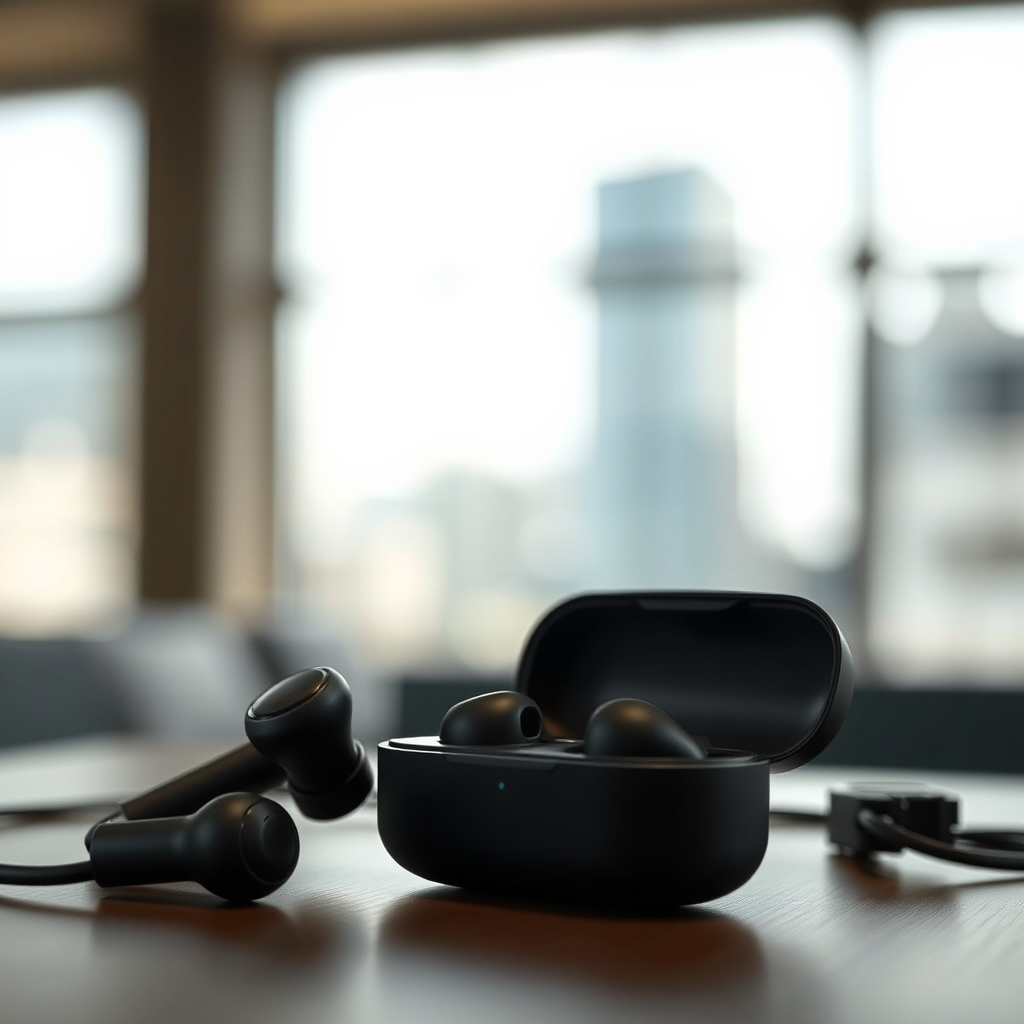
The charging case serves as both a protective enclosure and a power source for your Bose wireless earbuds. It is engineered to hold and charge your earbuds simultaneously, allowing for seamless portability and convenience. When placing your earbuds in the case, ensure they fit snugly in their designated slots, as this is crucial for optimal charging. It’s also important to regularly check the battery level of the charging case itself, as insufficient power will prevent the earbuds from charging effectively. Most models feature an LED indicator that provides a visual cue of the battery status, so keep an eye on this to ensure you’re never caught without charge.
Connecting the Charger
To initiate the charging process, use the USB-C cable included with your Bose earbuds. This cable is designed to provide optimal charging efficiency. Connect one end of the cable to the charging case and the other end to a reliable power source, such as a wall outlet or a computer USB port. For the best results, avoid using third-party chargers or cables, as they may not deliver the necessary power levels and could potentially damage your device. Depending on your location, you may also consider using a multi-port USB charger, which can be particularly useful for charging multiple devices simultaneously.
Charging Indicators
Understanding the LED indicators on your charging case is essential for monitoring the charging status of your earbuds. A solid white light typically indicates that the earbuds are charging correctly, while a blinking light suggests that the earbuds are in pairing mode or there is a connection issue. If the light is off, it may suggest that the charging case is depleted or that the earbuds are not seated correctly. Familiarizing yourself with these indicators can help you troubleshoot potential issues promptly.
Charging Status Indicators for Bose Wireless Earbuds
| # | Indicator | Meaning | Action Required |
|---|---|---|---|
| 1 | Solid White Light | Charging | No action needed |
| 2 | Blinking White Light | Pairing Mode | Initiate pairing |
| 3 | No Light | Not Charging | Check connections |
| 4 | Solid Red Light | Battery Low | Charge immediately |
| 5 | Solid Green Light | Fully Charged | No action needed |
Charging Time
Understanding the charging time required for your Bose earbuds is essential for efficient usage. On average, it takes about 1 to 2 hours to fully charge the earbuds. However, many Bose models feature quick charging capabilities, allowing you to get approximately 2 hours of playback time from just a 15-minute charge. This feature is particularly useful when you are on the go and need a quick power boost before heading out.
Maintaining Battery Health
To prolong the battery life of your Bose wireless earbuds, it’s crucial to adopt good charging habits. Avoid exposing the earbuds and their charging case to extreme temperatures, as both high and low temperatures can adversely affect battery performance. Additionally, try not to let the battery fully deplete too often; instead, aim to charge the earbuds when they reach around 20% battery life. Regularly cleaning the charging contacts with a soft, dry cloth can also enhance charging efficiency, ensuring that the connection remains robust and uninterrupted.
Troubleshooting Charging Issues
Despite the convenience of wireless charging, you may encounter occasional issues. Common problems include the earbuds not charging even when placed in the case. If you experience this, first check to ensure that the charging case itself is charged. If the case is powered, inspect the earbuds to confirm they are properly seated and that the charging contacts are clean. In some cases, a reset of the earbuds may solve the problem. Refer to the user manual for instructions on how to perform a factory reset if needed.
Alternative Charging Methods
For users who are frequently on the go, exploring alternative charging methods can be beneficial. Portable power banks are an excellent solution, providing the flexibility to charge your earbuds wherever you are. Additionally, if your specific model supports it, you may also consider wireless charging options. This eliminates the need for cables entirely, making it even easier to keep your earbuds charged.
Summarizing the charging process can help you keep your Bose wireless earbuds ready for use. By following these steps and tips, you can ensure that your earbuds are always charged and in good working condition. For more detailed support, refer to the user manual or visit Bose’s official website for additional resources. Whether you are using them for work, exercise, or leisure, maintaining proper charging practices is key to enjoying the full benefits of your Bose wireless earbuds.
Frequently Asked Questions
How do I properly charge my Bose wireless earbuds?
To properly charge your Bose wireless earbuds, first ensure they are placed in the charging case. Connect the charging case to a power source using the included USB cable. The LED indicator will show red while charging and will turn white when fully charged, ensuring optimal battery performance.
What is the best way to extend the battery life of my Bose wireless earbuds?
To extend the battery life of your Bose wireless earbuds, avoid exposing them to extreme temperatures and always store them in the charging case when not in use. Additionally, you can reduce the volume level and disable features like noise cancellation when not needed, which can help conserve battery power.
Why are my Bose wireless earbuds not charging?
If your Bose wireless earbuds are not charging, first check if the charging case is adequately charged and functioning. Ensure that the connectors are clean and free of debris, and try using a different USB cable or power source. If the issue persists, it may be necessary to reset the earbuds or consult customer support.
Which charging cable is compatible with my Bose wireless earbuds?
Bose wireless earbuds typically come with a USB-C charging cable, which is widely compatible with many devices. Ensure you use the original cable provided or any certified USB-C cable to prevent damage and ensure efficient charging performance.
How long does it take to fully charge Bose wireless earbuds?
It generally takes about 1.5 to 2 hours to fully charge Bose wireless earbuds when placed in the charging case. With a quick charge feature, you can get approximately 1 hour of playback time with just a 15-minute charge, making it convenient for users on the go.
References
- Customer Support
https://www.bose.com/en_us/support/article/how_to_charge_your_wireless_earbuds.html - Bose
https://en.wikipedia.org/wiki/Bose - Google Scholar Google Scholar
https://scholar.google.com/scholar?q=charging+wireless+earbuds - Google Scholar Google Scholar
https://scholar.google.com/scholar?q=Bose+earbuds+charging+instructions - Customer Support
https://www.bose.com/en_us/support.html - https://www.nytimes.com/2020/12/01/technology/bose-earbuds-review.html
https://www.nytimes.com/2020/12/01/technology/bose-earbuds-review.html - https://www.bbc.com/news/technology-51483890
https://www.bbc.com/news/technology-51483890 - https://www.sciencedirect.com/topics/engineering/wireless-earbuds
https://www.sciencedirect.com/topics/engineering/wireless-earbuds - https://www.mayoclinic.org/healthy-lifestyle/consumer-health/in-depth/wireless-earbuds/art-20422967
https://www.mayoclinic.org/healthy-lifestyle/consumer-health/in-depth/wireless-earbuds/art-20422967 - https://www.nhlbi.nih.gov/health-topics/earbuds
https://www.nhlbi.nih.gov/health-topics/earbuds
