


Converting your wired speakers to wireless is simpler than you might think. By using a wireless audio transmitter and receiver, you can enjoy the freedom of wireless sound without needing to replace your existing speakers. This guide will walk you through the necessary steps and options available to make your wired speakers wireless seamlessly, allowing you to experience high-quality audio without the hassle of cables.
Understanding Wireless Audio Technology
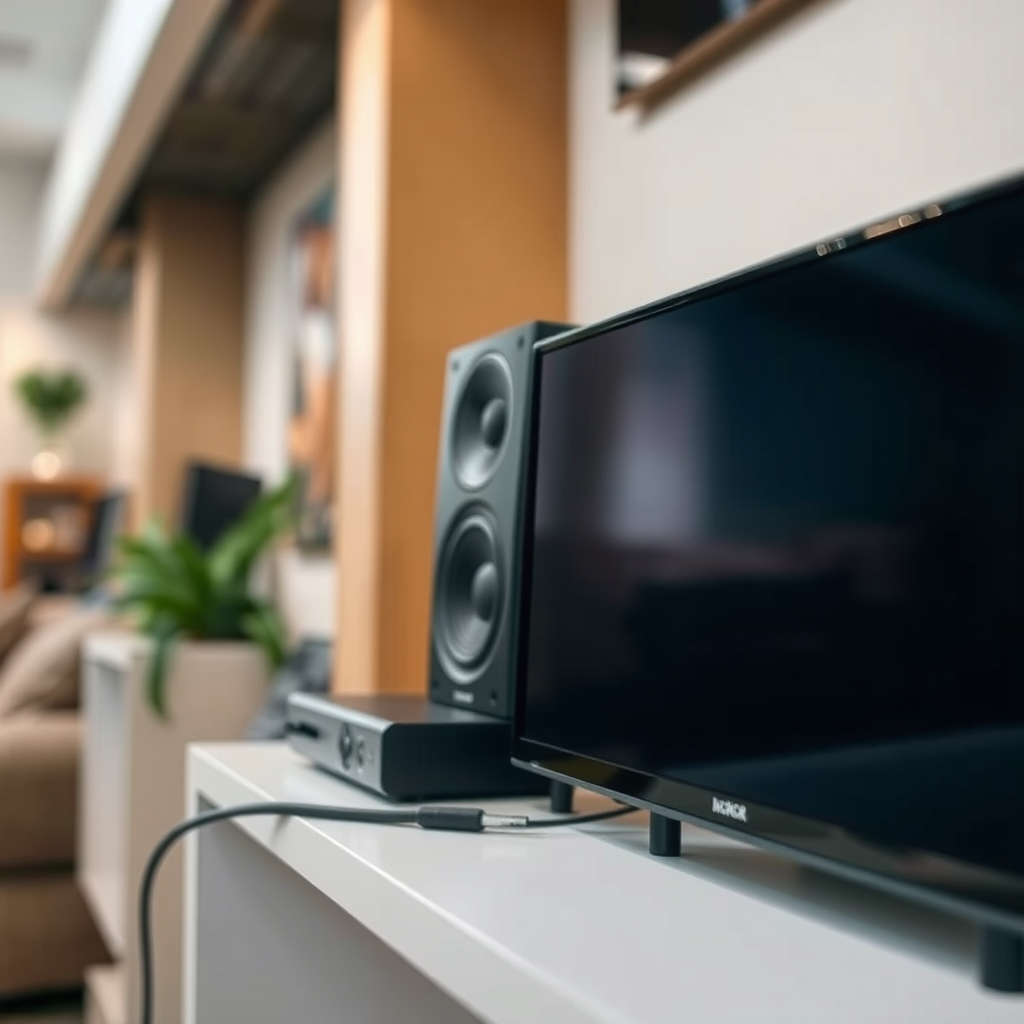
When considering the conversion of wired speakers to wireless, it is essential to understand the different types of wireless audio technologies available. The most common options include Bluetooth and Wi-Fi audio streaming.
Bluetooth is widely used due to its convenience and ease of use. It allows you to connect devices within a short range (typically up to 30 feet) and is ideal for casual listening. However, Bluetooth may experience audio latency and compression, which can affect sound quality.
Wi-Fi audio streaming, on the other hand, offers a broader range and higher sound quality, making it suitable for audiophiles. It allows for multi-room audio setups and supports high-resolution audio formats. The downside is that it requires a stable Wi-Fi network and can be more complex to set up.
Pros and Cons of Each Technology
| Technology | Pros | Cons |
|————|——|——|
| Bluetooth | – Easy to set up
– Portable
– Widely compatible with devices | – Limited range
– Potential audio lag
– Compressed audio quality |
| Wi-Fi | – Better sound quality
– Longer range
– Supports multi-room audio | – Requires a stable Wi-Fi connection
– More complex setup
– Higher cost |
Choosing the Right Equipment
To successfully convert your wired speakers to wireless, you will need a wireless audio transmitter and a receiver compatible with your wired speakers.
Overview of Wireless Transmitters and Receivers
Wireless transmitters connect to your audio source (like a TV or computer) and send audio signals to the receiver, which is connected to your speakers. When choosing equipment, consider factors such as range, audio quality, and compatibility with your existing devices.
Recommendations for Budget-Friendly vs. High-End Options
– Budget-Friendly:
– TaoTronics Bluetooth 5.0 Transmitter and Receiver: This device is affordable, offers Bluetooth 5.0 connectivity, and supports aptX for better sound quality. It’s easy to set up and provides a solid range for home use.
– Mpow Bluetooth 5.0 Transmitter: A compact option perfect for those wanting to convert audio from TVs or computers without breaking the bank.
– High-End:
– Audioengine B1 Bluetooth Music Receiver: This premium receiver offers superior sound quality and supports aptX HD for high-resolution audio streaming.
– Sonos Port: Ideal for those wanting to integrate their speakers into a multi-room setup. It allows for high-quality streaming and seamless control via the Sonos app.
Setting Up Your Wireless System
Once you have selected your equipment, the next step is to set up your wireless audio system.
Step-by-Step Instructions
1. Connecting the Transmitter: Plug the wireless audio transmitter into your audio source using the appropriate cable (typically RCA, AUX, or optical). Ensure that the transmitter is powered on.
2. Connecting the Receiver: Connect the wireless receiver to your wired speakers using speaker wire or RCA cables. Make sure the receiver is powered on and within range of the transmitter.
3. Power Up: Turn on both the transmitter and receiver and wait for them to establish a connection. Most devices will have LED indicators to confirm a successful pairing.
Pairing Devices for Wireless Streaming
After setting up, the next step is to pair your devices for seamless streaming.
Detailed Process for Pairing Bluetooth Devices
1. Activate Pairing Mode: On your Bluetooth transmitter, press the pairing button to enable discovery mode.
2. Find the Device: On your receiving device (like a smartphone or tablet), go to Bluetooth settings and select the transmitter from the list of available devices.
3. Confirm Connection: Once paired, you should hear a confirmation sound through your speakers, indicating a successful connection.
Tips for Ensuring a Stable Connection
– Keep the transmitter and receiver within the recommended range to avoid connectivity issues.
– Minimize obstructions between devices, as walls and furniture can weaken the signal.
– Regularly check for firmware updates for both devices to ensure optimal performance.
Troubleshooting Common Issues
Despite the straightforward setup process, you may encounter a few common issues.
Common Problems You May Encounter
– Connectivity Issues: If your devices won’t connect, ensure they are both in pairing mode and within range. Restarting the devices can also help.
– Audio Lag: If you notice a delay between the audio and video, it may be due to the Bluetooth codec being used. Look for devices that support aptX Low Latency to minimize lag.
– Sound Quality Concerns: If the sound is distorted or low-quality, check the quality of your audio source and ensure your devices support high-fidelity audio codecs.
Enhancing Your Wireless Experience
To further improve your wireless audio experience, consider investing in additional accessories.
Additional Accessories to Improve Sound Quality or Range
– Signal Boosters: These can help extend the range of your wireless audio system, ensuring a stable connection throughout your home.
– High-Quality Cables: Using high-quality RCA or speaker wires can enhance sound clarity when connecting your receiver to your speakers.
Tips for Keeping Your Wireless Setup Organized
– Use cable management solutions to tidy up any visible wires.
– Label your devices to avoid confusion during setup and adjustments.
Maintaining Your Wireless System
Proper maintenance is crucial for the longevity and performance of your wireless audio equipment.
Best Practices for Caring for Your Wireless Audio Equipment
– Keep devices clean and dust-free to prevent overheating and ensure optimal performance.
– Store equipment in a dry, cool place to avoid damage from moisture or extreme temperatures.
How to Update Firmware and Software
Regular updates can enhance functionality and address bugs. Check the manufacturer’s website or the device app for available updates and follow the instructions provided to install them.
Converting your wired speakers to wireless can greatly enhance your listening experience, providing flexibility and convenience. By following the steps outlined in this guide, you can enjoy your favorite music without being tethered to a wall. Explore the options available and take your audio setup to the next level today!
Frequently Asked Questions
How do you convert wired speakers to wireless using a Bluetooth adapter?
To convert wired speakers to wireless using a Bluetooth adapter, first, connect the adapter to the audio input of your speakers using an auxiliary cable. Then, power on the adapter and pair it with your Bluetooth-enabled device, such as a smartphone or tablet. This setup allows you to stream audio wirelessly through your wired speakers, providing a simple and effective solution for enjoying music without the clutter of cables.
What are the best wireless speaker kits for converting wired speakers?
Some of the best wireless speaker kits for converting wired speakers include the Audioengine B1 Bluetooth Music Receiver and the Nyrius Aries Home+ Wireless Transmitter. These kits typically offer high-quality audio transmission and easy setup, allowing you to enjoy your existing speakers without the hassle of wires. Look for options with low latency and good range to ensure optimal performance.
Why should I convert my wired speakers to wireless?
Converting wired speakers to wireless offers several advantages, including greater flexibility in speaker placement and a reduction in cable clutter. It allows you to stream audio from multiple devices without being tethered to a specific location, enhancing your listening experience. Additionally, it can modernize your existing audio setup, making it compatible with the latest technology.
Which wireless transmitter is compatible with my wired speakers?
To find the right wireless transmitter for your wired speakers, check for compatibility with the input types of your speakers, typically 3.5mm, RCA, or speaker wire connections. Popular options like the TaoTronics Bluetooth 5.0 Transmitter and the Tatz BT-2 offer versatile compatibility and easy connection to various speaker types. Ensure the transmitter can handle the desired audio quality and range for your needs.
How can I ensure the best sound quality when converting wired speakers to wireless?
To ensure the best sound quality when converting wired speakers to wireless, choose high-quality Bluetooth transmitters and receivers that support aptX or AAC codecs for improved audio fidelity. Additionally, position your wireless devices within a reasonable range to minimize interference and signal loss. Regularly check and update your device firmware to benefit from the latest performance enhancements and optimizations.
References
- https://www.lifewire.com/how-to-convert-wired-speakers-to-wireless-2906425
https://www.lifewire.com/how-to-convert-wired-speakers-to-wireless-2906425 - https://www.audioholics.com/loudspeaker-articles/how-to-make-wired-speakers-wireless
https://www.audioholics.com/loudspeaker-articles/how-to-make-wired-speakers-wireless - Google Scholar Google Scholar
https://scholar.google.com/scholar?q=convert+wired+speakers+to+wireless - Google Scholar Google Scholar
https://scholar.google.com/scholar?q=wired+speakers+wireless+conversion - Google Scholar Google Scholar
https://scholar.google.com/scholar?q=wireless+audio+transmission+technology - https://www.researchgate.net/publication/332712240_The_Future_of_Wireless_Audio_Streaming
https://www.researchgate.net/publication/332712240_The_Future_of_Wireless_Audio_Streaming - https://www.sciencedirect.com/topics/engineering/wireless-audio
https://www.sciencedirect.com/topics/engineering/wireless-audio - Google Scholar Google Scholar
https://scholar.google.com/scholar?q=how+do+you+convert+wired+speakers+to+wireless - how do you convert wired speakers to wireless – Search results
https://en.wikipedia.org/wiki/Special:Search?search=how+do+you+convert+wired+speakers+to+wireless - https://www.ncbi.nlm.nih.gov/search/research-articles/?term=how+do+you+convert+wired+speakers+to+wireless
https://www.ncbi.nlm.nih.gov/search/research-articles/?term=how+do+you+convert+wired+speakers+to+wireless
