
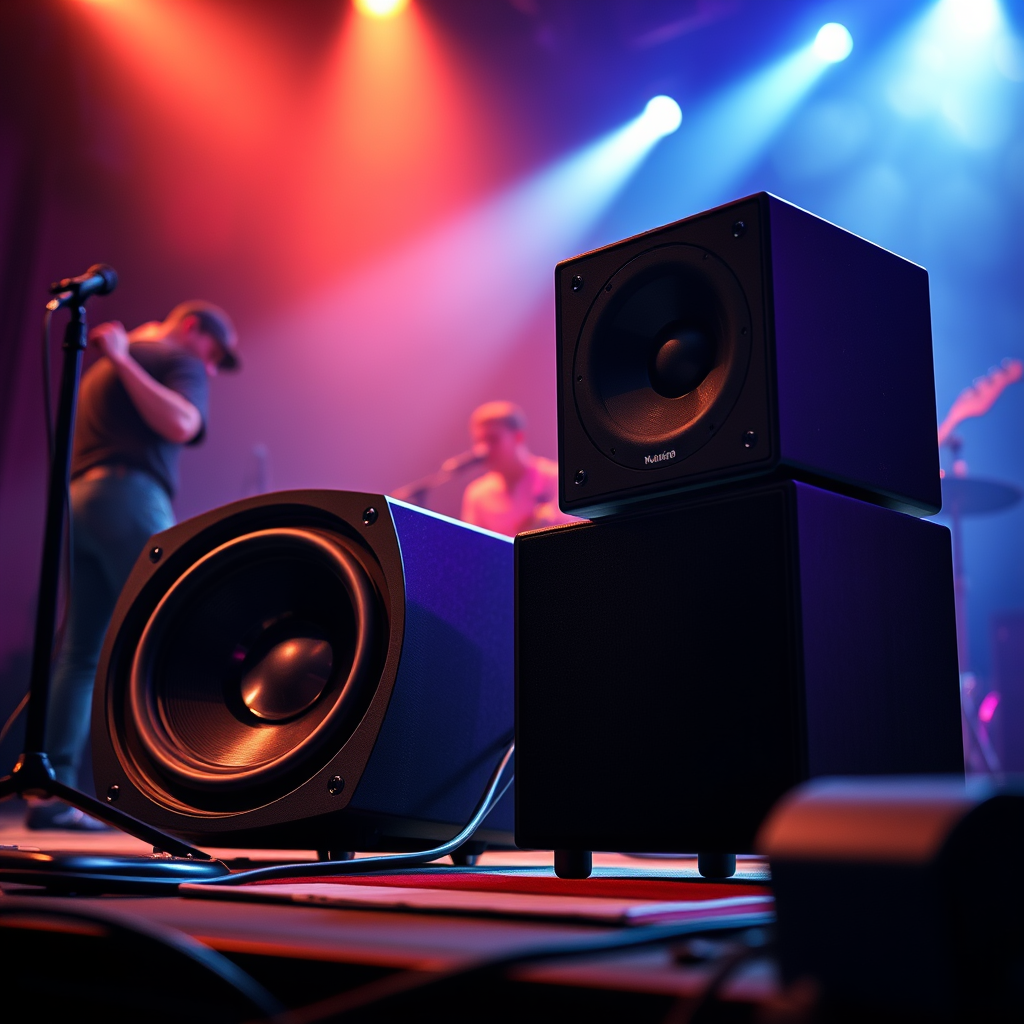

Connecting a subwoofer to your speakers can significantly enhance your audio experience by deepening bass sounds and improving overall sound quality. In this guide, you’ll learn the step-by-step process to hook up a subwoofer to your existing speaker system, ensuring you enjoy richer and more immersive sound. By following these instructions, even those new to audio setups can create a powerful sound system that elevates their listening experience.
Understanding Subwoofers and Speakers
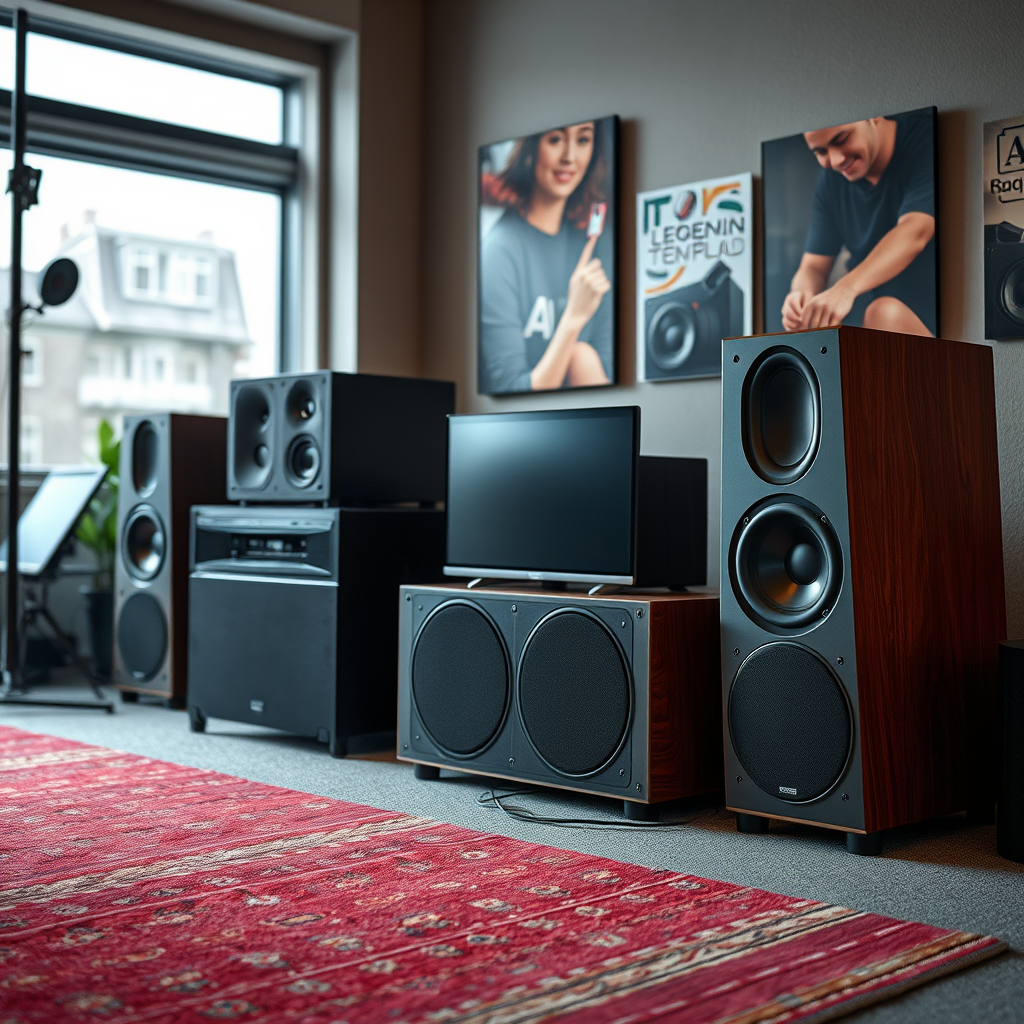
Subwoofers are specialized speakers designed to reproduce low-frequency sounds, typically ranging from 20 Hz to 200 Hz. This capability allows them to deliver the deep bass that regular speakers—often referred to as main or satellite speakers—cannot effectively reproduce. Regular speakers cover the mid and high frequencies, making them essential for clarity in vocals and instruments.
When preparing to connect a subwoofer to your speaker system, it is crucial to understand the type of speakers you have. Speakers can be classified as passive or active. Passive speakers require an external amplifier to produce sound, whereas active speakers have built-in amplifiers. Recognizing this difference will guide you in determining how best to connect your subwoofer.
Required Equipment
To successfully connect your subwoofer to your speakers, it is essential to gather the right equipment:
– Cables: Depending on your setup, you will need the appropriate cables, which may include RCA cables, speaker wire, or banana plugs. RCA cables are typically used for line-level connections, while speaker wire is employed for speaker-level connections.
– Subwoofer: Ensure that your subwoofer is compatible with your audio system. Check the specifications of your subwoofer, such as its power rating and impedance, to ensure they match your speakers and audio receiver.
– Audio Receiver: An AV receiver often serves as the hub for your audio system, allowing you to connect various audio sources. It should have a dedicated subwoofer output for easier connection.
Connection Methods
When it comes to connecting your subwoofer, you have two primary methods to choose from: line-level and speaker-level connections.
– Line-Level Connection: This is the preferred method if your subwoofer and audio receiver both support RCA connections. Connect the subwoofer output from your receiver to the line input on your subwoofer using an RCA cable. This connection method delivers a cleaner, more powerful signal to your subwoofer, enhancing the overall audio quality.
– Speaker-Level Connection: If your subwoofer lacks a line input, you can connect it to the speaker outputs of your audio receiver. Use speaker wire to connect the positive and negative terminals of your receiver’s speaker outputs to the corresponding terminals on your subwoofer. While this method is viable, it may not provide the same sound quality as a line-level connection.
Top 7 Subwoofer Models (2024)
| # | Model | Power (W) | Frequency Response | Price |
|---|---|---|---|---|
| 1 | SVS SB-3000 | 800 | 24-260 Hz | $1,299 |
| 2 | Yamaha NS-SW300 | 250 | 20-160 Hz | $499 |
| 3 | Klipsch R-120SW | 400 | 29-120 Hz | $499 |
| 4 | Polk Audio PSW10 | 100 | 35-200 Hz | $149 |
| 5 | BIC America F12 | 475 | 25-200 Hz | $199 |
| 6 | JBL Stage 120P | 200 | 30-120 Hz | $299 |
| 7 | Sonos Sub | 500 | 25-200 Hz | $699 |
Setting Up and Configuring Your Subwoofer
Once your subwoofer is connected, the next step is to set it up and configure it for optimal performance. This involves adjusting both the volume and crossover frequency settings.
– Volume Control: Start by setting the volume of your subwoofer to a moderate level. This allows you to have a balanced sound without overwhelming the main speakers. A good starting point is about halfway up, which you can adjust later based on your listening preferences.
– Crossover Frequency: The crossover frequency determines the point at which your subwoofer starts to take over bass duties from your main speakers. A typical range for crossover settings is between 80 Hz and 120 Hz. Adjust the crossover frequency based on the size and capabilities of your main speakers. Smaller speakers may require a higher crossover setting, while larger speakers can handle lower frequencies.
– Receiver Settings: Use your audio receiver’s setup menu to fine-tune the subwoofer output. You may have options for phase adjustment and distance settings, which help synchronize the subwoofer with your main speakers for a cohesive soundstage.
Troubleshooting Common Issues
Despite careful setup, you may encounter some common issues that can affect sound quality. Here are a few troubleshooting tips:
– Distortion: If you notice distortion in the sound, check your connections to ensure everything is securely plugged in. Additionally, make sure the subwoofer volume is not set too high compared to your main speakers.
– Phase Issues: If the bass sounds delayed or lacks punch, you may need to adjust the phase setting on your subwoofer. This setting determines the alignment of the sound waves from the subwoofer and the main speakers. Experiment with different settings to find the right phase alignment.
– Unbalanced Sound: If the sound from your subwoofer seems overpowering or underwhelming, revisit the volume and crossover settings. It may be necessary to make small adjustments to achieve a more balanced listening experience.
Testing Your Setup
After completing the setup and configuration, it’s time to test your system. Playing a variety of audio tracks can help assess how well the subwoofer integrates with your main speakers.
– Diverse Audio Content: Choose tracks across different genres—such as classical, rock, and electronic—to evaluate the bass response and overall sound quality. Pay attention to how the subwoofer handles bass-heavy tracks and whether it complements the mid and high frequencies of your main speakers.
– Adjustments: While listening, take notes of any areas that may require further adjustment. Fine-tuning the volume, crossover frequency, and even speaker placement may enhance your overall audio experience.
By following this structured approach, you can effectively connect and configure a subwoofer to your speaker system, leading to a substantially improved listening experience.
By following these steps, you can easily hook up a subwoofer to your speakers and enjoy an enhanced listening experience. If you encounter any issues, refer back to the troubleshooting section or consult your product manuals for more detailed information. Embrace the power of deep bass and richer sound quality that a well-connected subwoofer can bring to your audio experience.
Frequently Asked Questions
How do I connect a subwoofer to my existing speakers?
To connect a subwoofer to your existing speakers, start by determining whether your speakers are passive or active. For passive speakers, use a receiver with a subwoofer output; connect the subwoofer using an RCA cable. If your speakers are active, connect the subwoofer directly to the audio source using an appropriate cable, ensuring all settings are adjusted for optimal sound.
What type of cables do I need to hook up a subwoofer to my speakers?
To hook up a subwoofer to your speakers, you typically need an RCA cable for a line-level connection. If your subwoofer has speaker-level inputs, you may also require speaker wire to connect it to your amplifier or receiver. Always check your equipment’s specifications to ensure compatibility and optimal performance.
Why is my subwoofer not producing sound when connected to my speakers?
If your subwoofer is not producing sound when connected, check the connection cables and ensure they are securely plugged in. Additionally, verify that the subwoofer’s power is on and that the volume settings are adjusted correctly. Lastly, ensure that the receiver’s settings are configured to route low frequencies to the subwoofer.
What is the best way to position my subwoofer for optimal sound quality?
The best positioning for your subwoofer is typically in a corner or along a wall to enhance bass response. Experiment with placement by moving the subwoofer around the room and listening for the best sound quality, as room acoustics can significantly impact performance. Additionally, consider using a subwoofer isolation pad to reduce vibrations and improve clarity.
Which type of subwoofer is best for connecting to my home theater speakers?
The best type of subwoofer for connecting to your home theater speakers depends on your space and audio needs. A powered subwoofer is generally recommended due to its built-in amplifier, making it easier to connect and control. Look for one with adjustable crossover settings to ensure seamless integration with your existing speakers for a balanced sound experience.
References
- Subwoofer
https://en.wikipedia.org/wiki/Subwoofer - https://www.audioholics.com/how-to-articles/how-to-connect-a-subwoofer-to-your-speakers
https://www.audioholics.com/how-to-articles/how-to-connect-a-subwoofer-to-your-speakers - https://www.hifiengine.com/manual_library/denon/dra-397.shtml
https://www.hifiengine.com/manual_library/denon/dra-397.shtml - https://www.nytimes.com/2020/06/22/technology/personaltech/best-speakers.html
https://www.nytimes.com/2020/06/22/technology/personaltech/best-speakers.html - Google Scholar Google Scholar
https://scholar.google.com/scholar?q=how+to+hook+up+subwoofer+to+speakers - Google Scholar Google Scholar
https://scholar.google.com/scholar?q=subwoofer+connection+guidelines - Subwoofer | loudspeaker | Britannica
https://www.britannica.com/technology/subwoofer - https://www.sciencedirect.com/topics/engineering/subwoofer
https://www.sciencedirect.com/topics/engineering/subwoofer - how to hook up subwoofer to speakers – Search results
https://en.wikipedia.org/wiki/Special:Search?search=how+to+hook+up+subwoofer+to+speakers - https://www.ncbi.nlm.nih.gov/search/research-articles/?term=how+to+hook+up+subwoofer+to+speakers
https://www.ncbi.nlm.nih.gov/search/research-articles/?term=how+to+hook+up+subwoofer+to+speakers
