

To make your speakers louder, start by adjusting their placement, optimizing audio settings, and utilizing external devices like amplifiers. By implementing these strategies, you can significantly enhance your audio experience—whether you are enjoying music, gaming, or watching movies—ensuring that you get the most out of your speaker system.
Optimizing Speaker Placement
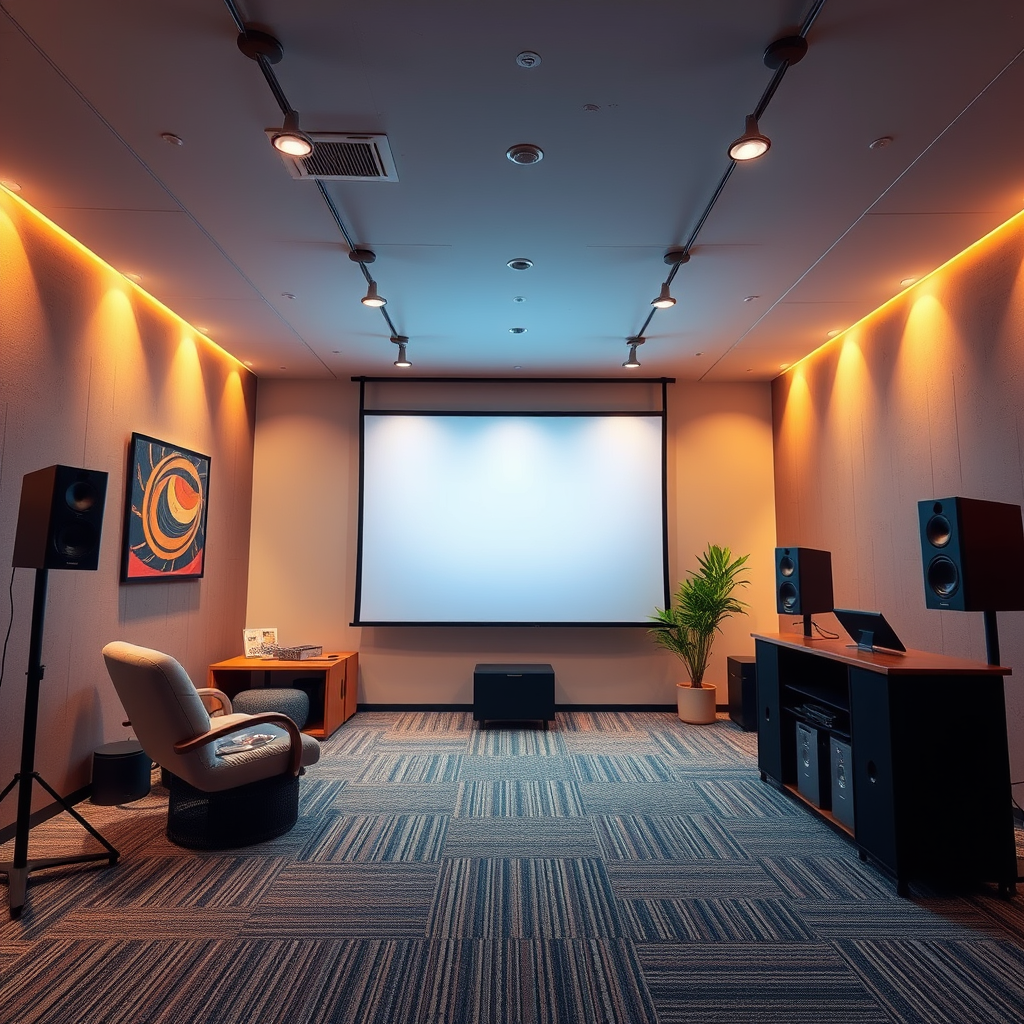
Proper speaker placement is crucial for achieving optimal sound quality and volume. Positioning your speakers correctly can significantly reduce sound distortion and improve the overall listening experience. Here are some effective strategies:
– Position Speakers Away from Walls: When speakers are placed too close to walls, they can experience sound reflections and distortions that negatively impact audio quality. Ideally, you should place speakers at least a few feet away from walls to allow sound to disperse evenly throughout the room.
– Elevate Speakers to Ear Level: The height at which your speakers are situated greatly influences sound projection. Elevating your speakers to ear level can enhance clarity and make the sound seem more immersive. Use stands or wall mounts to achieve this optimal height.
Adjusting Audio Settings
Enhancing your speaker volume often starts with the audio settings of your connected devices. Adjusting these settings can lead to a noticeable improvement in sound output.
– Increase Device Volume: Many devices have their own volume controls, which may not be set to maximum by default. Ensure that the volume on your device is turned up, and check for any additional volume controls in apps or operating systems.
– Use Equalizer Settings: Most audio devices come equipped with equalizer settings that allow you to boost specific frequencies. By increasing the mid or high frequencies, you can make the sound appear louder and clearer without distorting the audio quality.
Utilizing External Amplifiers
If you’re looking for a significant volume boost, investing in an external amplifier could be a game-changer.
– Invest in a Dedicated Amplifier: A dedicated amplifier can provide higher output power, allowing your speakers to reach much louder volumes without distortion. This is especially important for larger speaker systems or when you desire a more robust sound experience.
– Ensure Compatibility with Your Existing System: Before purchasing an amplifier, verify that it is compatible with your existing speakers. Check specifications such as impedance and wattage to ensure optimal performance.
Updating Drivers and Software
Keeping your audio drivers and software up to date is essential for maximizing speaker performance.
– Check for Driver Updates: Regularly updating your audio drivers can improve functionality and fix bugs that may hinder sound quality. Visit the manufacturer’s website or use built-in update tools to ensure you have the latest drivers installed.
– Use Software Enhancements: Some audio software provides enhancements that can increase output levels. Look for sound enhancement applications that can optimize audio settings to boost overall sound quality.
Exploring Speaker Enhancements
Enhancing your speaker system can lead to an improved audio experience. Consider the following options:
– Consider Adding a Subwoofer: A subwoofer can add depth to your audio experience by producing lower frequencies that standard speakers might struggle with. This not only increases volume but also enriches the overall sound profile.
– Use Sound Reflectors or Diffusers: Sound reflectors can help distribute sound more evenly across a room, enhancing the overall volume. Diffusers can scatter sound waves to reduce echo and improve clarity, contributing to a fuller audio experience.
Testing and Experimenting
Experimentation is key to discovering the best sound output from your speakers.
– Experiment with Different Audio Sources: Various audio formats and sources may yield different results in terms of loudness and quality. Test your speakers with multiple sources such as streaming services, CDs, or vinyl records to find the optimal setup.
– Conduct Sound Tests in Various Settings: Try positioning your speakers in different locations and observe how the volume and clarity change. Adjustments in positioning, room acoustics, and furniture layout can make a significant difference.
Top 7 Speaker Brands by Loudness Ratings (2024)
| # | Brand | Max Output (dB) | Price Range | Customer Rating |
|---|---|---|---|---|
| 1 | Bose | 110 | $150 – $500 | ★★★★☆ |
| 2 | Sony | 105 | $100 – $400 | ★★★★★ |
| 3 | JBL | 98 | $80 – $350 | ★★★★☆ |
| 4 | Klipsch | 102 | $120 – $600 | ★★★★☆ |
| 5 | Samsung | 95 | $150 – $700 | ★★★★☆ |
| 6 | Pioneer | 100 | $90 – $450 | ★★★★☆ |
| 7 | Bowers & Wilkins | 99 | $200 – $1200 | ★★★★☆ |
Seeking Professional Help
If you find that you have applied all the above tips without achieving the desired results, it may be time to seek professional assistance.
– Consult Audio Professionals: Audio experts can provide tailored solutions based on your specific setup, room acoustics, and personal preferences. They can recommend custom configurations that can enhance your audio experience.
– Consider Acoustic Treatments: Sometimes, the room itself can be a limiting factor in sound quality. Acoustic treatments, such as sound panels or bass traps, can help mitigate unwanted echoes and improve overall sound clarity and volume.
By employing these strategies, you can effectively boost your speaker volume and enjoy a richer audio experience. Whether you are seeking louder sound for music, movies, or games, these tips will help you achieve better results. Don’t hesitate to implement these techniques and elevate your listening experience today!
Frequently Asked Questions
How can I make my computer speakers louder?
To increase the volume of your computer speakers, first check the system volume settings in your operating system to ensure they are maximized. Additionally, you can adjust the speaker settings in the audio control panel or use an equalizer app to boost specific frequencies. If you’re still not satisfied, consider using a digital audio amplifier or external sound card for enhanced output.
What are the best ways to enhance the volume of Bluetooth speakers?
To enhance the volume of Bluetooth speakers, make sure they are fully charged and connected to a device with the volume settings turned up. You can also try positioning the speakers near corners or walls to amplify sound through natural acoustics. If you’re looking for a more permanent solution, investing in a high-quality Bluetooth speaker with built-in volume-boosting features can significantly improve sound output.
Why are my speakers not loud enough, and how can I fix this?
If your speakers are not loud enough, it could be due to several factors such as low power output, poor connections, or outdated drivers. To fix this, check all physical connections and cables for any damage, update your audio drivers, and ensure the audio source is set to a high output level. Additionally, consider using a speaker booster app or software to enhance the audio signal.
Which settings should I adjust to increase my smartphone speaker volume?
To increase your smartphone speaker volume, first check the media volume settings in the device’s sound settings. You can also adjust the equalizer settings to boost the bass and treble frequencies, which may enhance overall loudness. Additionally, try disabling any sound effects or enhancements that might limit the volume output.
What are effective methods to make home theater speakers louder?
To make home theater speakers louder, ensure that all speaker connections are secure and properly configured in the audio receiver settings. Adjusting the speaker levels in the receiver’s setup menu can significantly enhance volume output. Finally, consider adding a subwoofer for deeper sound and better overall loudness, or upgrading to higher wattage speakers for a more powerful audio experience.
References
- Loudspeaker
https://en.wikipedia.org/wiki/Loudspeaker - https://www.sciencedirect.com/topics/engineering/loudspeaker
https://www.sciencedirect.com/topics/engineering/loudspeaker - Loudspeaker | Definition, Types, & Facts | Britannica
https://www.britannica.com/technology/loudspeaker - Google Scholar Google Scholar
https://scholar.google.com/scholar?q=how+to+make+speakers+louder - https://pubmed.ncbi.nlm.nih.gov/
https://pubmed.ncbi.nlm.nih.gov/ - https://www.nature.com/articles/s41598-018-34699-5
https://www.nature.com/articles/s41598-018-34699-5 - https://www.ncbi.nlm.nih.gov/pmc/articles/PMC6071419/
https://www.ncbi.nlm.nih.gov/pmc/articles/PMC6071419/ - Google Scholar Google Scholar
https://scholar.google.com/scholar?q=loudspeaker+performance - https://www.theguardian.com/technology/2020/aug/27/how-to-improve-your-speakers-music-quality
https://www.theguardian.com/technology/2020/aug/27/how-to-improve-your-speakers-music-quality - https://www.bbc.com/future/article/20200427-how-to-make-your-speakers-sound-better
https://www.bbc.com/future/article/20200427-how-to-make-your-speakers-sound-better
