
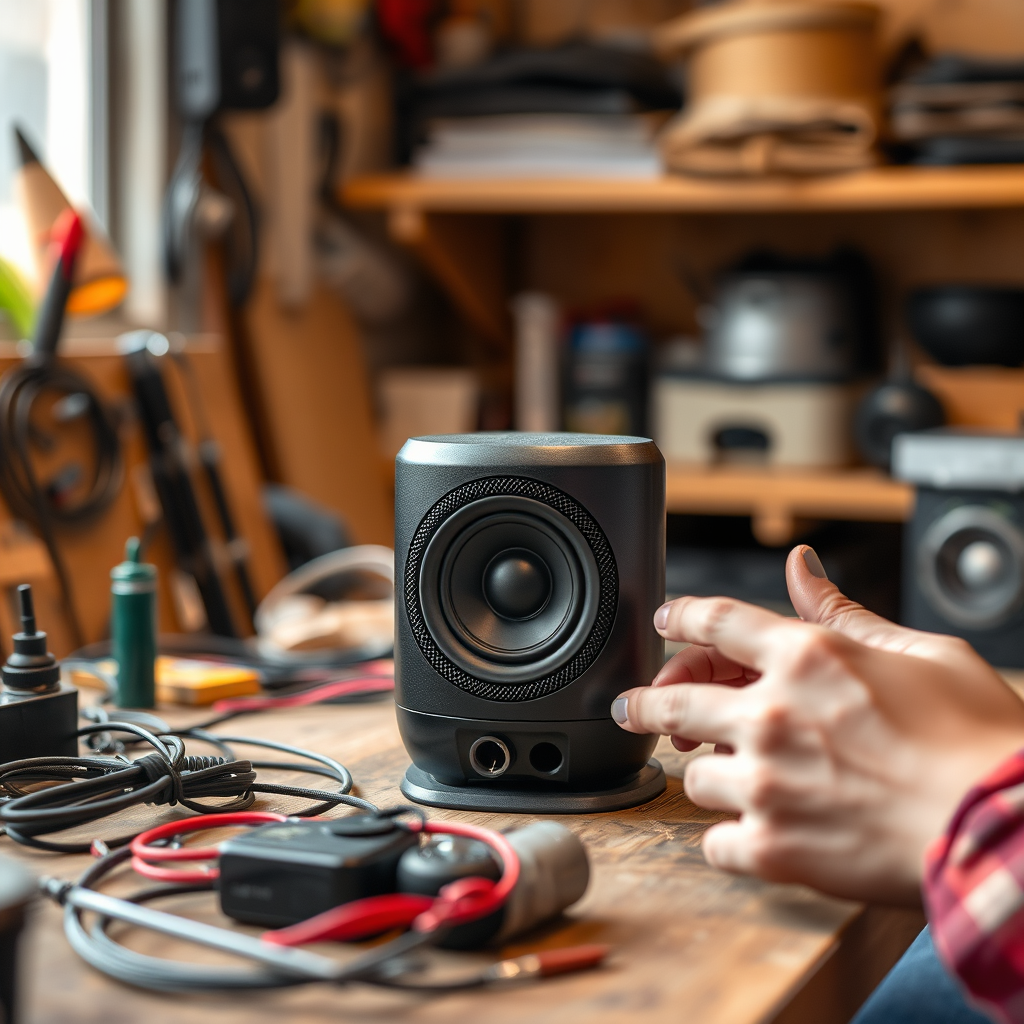

To make wired speakers wireless, you can use Bluetooth adapters, wireless transmitter/receiver kits, or Wi-Fi streaming devices. Each of these solutions offers unique advantages and can transform your audio experience by eliminating messy cables. In this guide, we’ll explore how these methods work, what you’ll need, and step-by-step instructions to get your speakers connected without fuss.
Understanding the Basics of Wired vs. Wireless Speakers
Wired speakers are traditionally connected to audio sources using physical cables, providing a direct connection that often results in reliable audio quality. In contrast, wireless speakers use Bluetooth or Wi-Fi technology to connect to devices without the need for cables.
The advantages of wireless speakers are manifold. They offer increased mobility, allowing you to place your speakers anywhere in a room without being tethered to a power outlet or audio source. This flexibility can lead to a cleaner, more organized space, free from the clutter of wires. Additionally, many wireless solutions today provide impressive sound quality, making them a compelling choice for audiophiles and casual listeners alike.
Using Bluetooth Adapters
Bluetooth adapters serve as a bridge between your wired speakers and modern audio sources that support Bluetooth connectivity. These adapters convert the audio signal from a wired source into a Bluetooth signal that your speakers can receive.
To connect a Bluetooth adapter to your wired speakers, follow these steps:
1. Choose the Right Adapter: Look for an adapter that supports the audio quality you desire. Some models offer aptX codec support for higher fidelity.
2. Connect the Adapter: Plug the Bluetooth adapter into the audio input of your wired speakers using an auxiliary cable (3.5mm jack) or RCA cables, depending on your speaker’s input options.
3. Power Up: Connect the adapter to a power source, usually via USB or AC power.
4. Pair with Your Device: Turn on the Bluetooth adapter and set it to pairing mode. On your smartphone or computer, search for Bluetooth devices and select your adapter to connect.
5. Enjoy Your Music: Once paired, you can stream audio wirelessly from your device to your speakers.
This method is excellent for casual listening at home, providing an easy solution without needing significant modifications to your existing setup.
Wireless Transmitter and Receiver Kits
Wireless transmitter and receiver kits consist of two components: a transmitter that connects to your audio source and a receiver that connects to your speakers. This system transmits audio signals over radio frequencies, allowing you to enjoy high-quality sound without the constraints of wires.
To set up a transmitter and receiver system, follow these steps:
1. Select a Kit: Choose a kit that suits your audio needs. Look for features like low latency for better synchronization with video sources.
2. Connect the Transmitter: Using an auxiliary or RCA cable, connect the transmitter to your audio source (such as a TV or music player).
3. Connect the Receiver: Plug the receiver into your wired speakers using the appropriate audio cable.
4. Power Both Units: Ensure both the transmitter and receiver are powered, either through AC adapters or USB.
5. Tune to the Same Frequency: If required, tune both units to the same frequency channel as per the manufacturer’s instructions.
6. Test the Setup: Play audio from your source to ensure sound is transmitted correctly to your speakers.
This solution is particularly useful for home theater setups, allowing for a seamless audio experience without the clutter of wires running across the room.
Wi-Fi Streaming Devices
Wi-Fi streaming devices, such as Chromecast Audio or Sonos, provide advanced solutions for making wired speakers wireless. These devices connect to your home Wi-Fi network and allow for high-quality audio streaming from various online platforms.
To connect a Wi-Fi streaming device to your wired speakers, follow these steps:
1. Select a Streaming Device: Choose a device that fits your needs. Chromecast Audio is budget-friendly, while Sonos offers more extensive features and multi-room capabilities.
2. Connect to Speakers: Use an auxiliary or RCA cable to connect the streaming device to your wired speakers.
3. Set Up the Device: Follow the manufacturer’s instructions to set up the device on your home Wi-Fi network. This usually involves using a mobile app for configuration.
4. Link Music Services: Once connected, link your preferred music streaming services (like Spotify, Apple Music, or YouTube Music) through the app.
5. Stream Audio: You can now control playback from your smartphone, tablet, or computer, streaming high-quality audio directly to your speakers.
This method is ideal for those looking to integrate smart technology into their audio systems, offering a wealth of options for music playback and voice control.
Top 5 Methods to Make Wired Speakers Wireless (2024)
| # | Method | Setup Complexity | Audio Quality | Cost |
|---|---|---|---|---|
| 1 | Bluetooth Adapter | Easy | Good | $20-$50 |
| 2 | Wireless Kit | Moderate | Very Good | $50-$150 |
| 3 | Wi-Fi Device | Complex | Excellent | $100+ |
| 4 | Smart Speakers | Easy | Good | $50-$300 |
| 5 | DIY Solutions | Complex | Varied | $0-$100 |
Additional Considerations
When deciding which method to use for making your wired speakers wireless, several factors should be taken into account.
1. Range: Bluetooth typically has a shorter range (about 30 feet) compared to Wi-Fi solutions, which can operate over much greater distances depending on your network setup.
2. Audio Quality: Different technologies provide varying audio quality. Wi-Fi solutions often yield the highest fidelity, while Bluetooth can sometimes compress audio, impacting sound quality.
3. Compatibility: Ensure compatibility with your existing audio equipment. Some Bluetooth adapters may not work with certain speaker types, while Wi-Fi devices might require specific app support.
4. Usage Environment: Consider the environment in which you’ll be using the system. If you have multiple rooms, a Wi-Fi streaming device might be beneficial for multi-room audio.
5. Budget: Each solution has different costs associated with it. Assess your budget to find a solution that delivers the best value for your needs.
Troubleshooting Common Issues
Converting wired speakers to wireless is generally straightforward, but you may encounter some common issues:
1. Connection Failures: If your device fails to connect to the Bluetooth adapter or streaming device, ensure that both devices are powered on and in pairing mode.
2. Audio Lag: This is often a concern with Bluetooth. Look for low-latency Bluetooth devices or settings that minimize lag.
3. Sound Quality Issues: If audio quality is poor, check your connection cables and ensure you are using high-quality components. For Wi-Fi, a strong network signal is essential.
4. Interference: Wireless signals can be affected by interference from other devices. Try changing the location of the transmitter or receiver to minimize interference.
5. Dropouts: If you’re experiencing interruptions in audio, it could be due to a weak signal or distance from the source; try moving closer to the transmitter.
Maintaining Your Wireless Setup
To keep your wireless audio system running smoothly, consider the following best practices:
1. Regular Updates: Ensure that your devices and apps are updated to the latest versions for optimal performance and security.
2. Check Connections: Periodically inspect all connections and cables for wear and tear, replacing them if necessary.
3. Optimize Network Settings: For Wi-Fi streaming devices, ensure your router settings are optimized for audio streaming, including quality of service (QoS) settings.
4. Keep Devices Charged: If using battery-operated devices, make sure they are charged to prevent interruptions.
5. Monitor Performance: Regularly check the performance of your audio system and troubleshoot any issues promptly to maintain the best listening experience.
In summary, converting your wired speakers to wireless can significantly enhance your audio experience and simplify your setup. By choosing the solution that best fits your needs—be it a Bluetooth adapter, wireless transmitter and receiver kit, or a Wi-Fi streaming device—you can enjoy the freedom of wireless sound. For more tips and detailed guides, subscribe to our newsletter or explore our other articles.
Frequently Asked Questions
How can I convert my wired speakers to wireless speakers?
To convert wired speakers into wireless ones, you can use a Bluetooth audio receiver or a wireless audio transmitter. Simply connect the receiver to your speakers using an audio cable, pair it with your Bluetooth-enabled device, and enjoy wireless audio streaming without the hassle of wires.
What equipment do I need to make wired speakers wireless?
To make wired speakers wireless, you will need a Bluetooth audio adapter or a wireless transmitter/receiver kit. Additionally, ensure you have the necessary cables to connect the adapter to your speakers, as well as a power source for the adapter.
Why should I make my wired speakers wireless?
Making your wired speakers wireless offers greater flexibility and convenience, allowing you to place speakers anywhere without being limited by cable length. This setup is ideal for creating a clean, clutter-free space and enhances your audio experience by enabling easy streaming from your mobile devices or computer.
What is the best method to convert wired speakers to wireless?
The best method to convert wired speakers to wireless is to use a high-quality Bluetooth audio receiver, as it provides a straightforward connection and reliable sound quality. Look for receivers with low latency features to minimize audio lag and ensure a seamless listening experience.
Which Bluetooth adapters are recommended for wired speakers?
Recommended Bluetooth adapters for wired speakers include the Audioengine B1, TaoTronics Bluetooth 5.0 Transmitter and Receiver, and the Mpow Bluetooth Receiver. These adapters are known for their excellent audio quality, ease of use, and compatibility with various speaker systems, making them ideal for transforming your wired setup into a wireless audio solution.
References
- https://www.lifewire.com/how-to-make-wired-speakers-wireless-4687590
https://www.lifewire.com/how-to-make-wired-speakers-wireless-4687590 - https://www.crutchfield.com/S-6M7G6CkFz4Q/learn/how-to-make-wired-speakers-wireless.html
https://www.crutchfield.com/S-6M7G6CkFz4Q/learn/how-to-make-wired-speakers-wireless.html - Google Scholar Google Scholar
https://scholar.google.com/scholar?q=how+do+you+make+wired+speakers+wireless - Google Scholar Google Scholar
https://scholar.google.com/scholar?q=convert+wired+speakers+to+wireless - Google Scholar Google Scholar
https://scholar.google.com/scholar?q=wireless+audio+technology - https://www.sciencedirect.com/topics/engineering/wireless-audio-systems
https://www.sciencedirect.com/topics/engineering/wireless-audio-systems - how do you make wired speakers wireless – Search results
https://en.wikipedia.org/wiki/Special:Search?search=how+do+you+make+wired+speakers+wireless - https://www.ncbi.nlm.nih.gov/search/research-articles/?term=how+do+you+make+wired+speakers+wireless
https://www.ncbi.nlm.nih.gov/search/research-articles/?term=how+do+you+make+wired+speakers+wireless
