
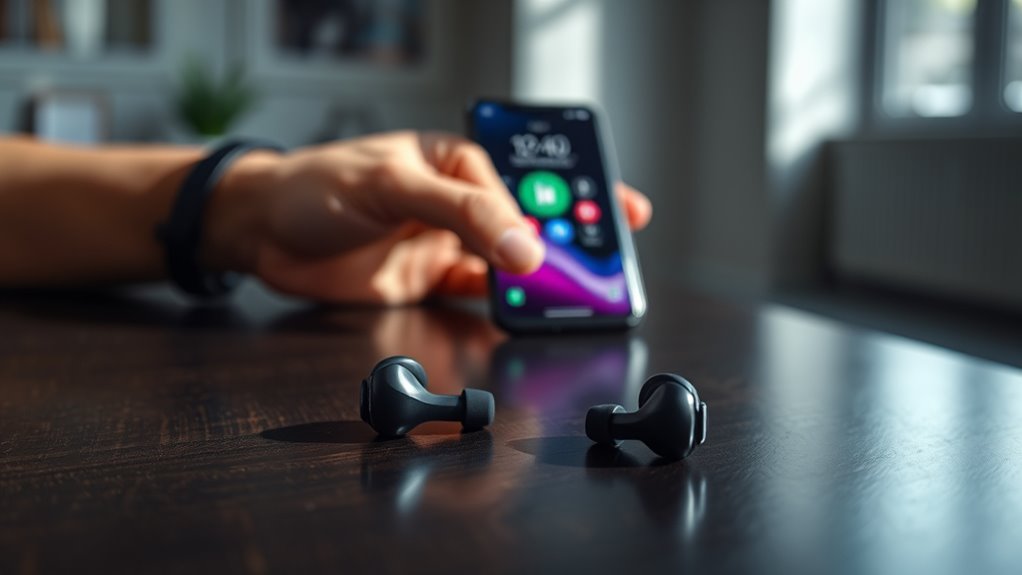

To pair your earbuds to your phone, start by ensuring they’re fully charged and in pairing mode—usually indicated by a flashing light. Turn on Bluetooth on your phone and navigate to the settings. Look for your earbuds in the list of available devices and tap their name to connect. Once you hear a confirmation sound, you’re good to go! If you encounter issues, there are easy troubleshooting steps to help you connect seamlessly.
Understanding Bluetooth Technology
Bluetooth technology, which allows devices to communicate wirelessly over short distances, is essential for pairing your earbuds to your phone. Understanding Bluetooth basics is key to enjoying seamless wireless communication. This technology operates in the 2.4 GHz frequency range, enabling devices to connect without cables or clutter. By using low-power radio waves, Bluetooth creates a personal area network, giving you the freedom to move without being tethered to your device. Pairing your earbuds generally involves turning on Bluetooth, putting your earbuds in pairing mode, and selecting them from your phone’s settings. Once connected, you can enjoy your favorite music or podcasts without interruptions. Embracing Bluetooth technology opens up a world of convenience, making your audio experience truly wireless.
Preparing Your Earbuds for Pairing
Before pairing your earbuds with your phone, make sure they’re charged up—low battery can interfere with the connection. Next, activate the pairing mode on your earbuds, which typically involves holding down a button until a light flashes. This sets the stage for a smooth and successful pairing process.
Check Battery Levels
Checking your earbuds’ battery levels is an essential step in guaranteeing a smooth pairing process. Make certain your earbuds are charged before attempting to connect them to your phone. If they’re low on battery, you may face connectivity issues or even failure to pair. A quick check of the battery levels can save you from frustration later.
For peak performance, consider following some battery maintenance tips, like not letting them fully drain often and storing them in a cool place. Additionally, verify that your earbuds are compatible with your phone, as this can affect the pairing process. A little preparation goes a long way in enjoying your music without interruptions!
Activate Pairing Mode
To guarantee your earbuds are ready for pairing, you’ll need to activate their pairing mode. This process varies depending on the model, but generally involves holding down a specific button or combination of buttons until you see a flashing light or hear a tone. Familiarize yourself with your earbuds’ pairing methods by checking the user manual or the manufacturer’s website. Once in pairing mode, your earbuds become discoverable, allowing your phone to recognize them and establish a connection. Confirm your phone’s Bluetooth is turned on for ideal device compatibility. If you encounter issues, try resetting your earbuds and repeating the activation process. With your earbuds ready, you’re one step closer to enjoying your favorite tunes or podcasts wirelessly!
Accessing Bluetooth Settings on Your Phone
Accessing your phone’s Bluetooth settings is a straightforward task that opens the door to connecting your earbuds. Here’s how to get there:
- Unlock your phone and navigate to the main screen.
- Swipe down from the top to reveal the notification panel, where you’ll find the Bluetooth icon.
- Tap the Bluetooth icon to open settings, or go to your phone’s Settings app and select “Bluetooth.”
- Verify Bluetooth is enabled; you’ll see a toggle switch and a list of compatible devices.
Once you’re in the Bluetooth settings, you can check for any Bluetooth icons indicating nearby devices and verify your earbuds are compatible. Enjoy the freedom of wireless listening!
Connecting Your Earbuds to Your Phone
Now that you’ve opened your Bluetooth settings, it’s time to connect your earbuds. First, make sure your earbuds are charged and in pairing mode—usually achieved by holding the power button until you see a flashing light. Next, on your phone, look for your earbuds in the list of available devices. Tap on their name to start the connection.
Keep in mind that earbud compatibility can vary with different phone models, so check the specifications if you encounter issues. Once connected, you’ll hear a confirmation sound, and your earbuds should appear as “Connected” in the Bluetooth settings. Enjoy the freedom of wireless listening, whether you’re commuting, working out, or simply relaxing at home!
Troubleshooting Common Pairing Issues
Even if you’ve followed all the steps to connect your earbuds, pairing issues can still arise. Here are some common errors to check for:
Pairing issues with earbuds can still happen despite following connection steps; check for common errors.
- Bluetooth is off: Confirm Bluetooth is enabled on your device.
- Device compatibility: Verify that your earbuds are compatible with your phone model.
- Interference: Move away from other Bluetooth devices that might cause interference.
- Resetting earbuds: If all else fails, reset your earbuds according to the manufacturer’s instructions.
Enjoying Your Music Wirelessly
Once your earbuds are successfully paired with your phone, you can immerse yourself in a world of wireless music. The freedom of wireless convenience lets you move around without being tethered, whether you’re working out or just lounging at home. You’ll appreciate the crisp sound quality that your earbuds deliver, enhancing every note and beat. Adjust the volume or skip tracks with ease, all while enjoying your favorite playlists. Plus, many earbuds come with features like noise cancellation, allowing you to focus completely on your music without distractions. Plunge into this liberating experience, and let the rhythm carry you away, knowing you’re free to enjoy your tunes wherever life takes you.
Frequently Asked Questions
Can I Use Earbuds With Multiple Devices Simultaneously?
No, you can’t use earbuds with multiple devices simultaneously. However, many modern earbuds feature multi-device connectivity, allowing quick audio switching between devices. This lets you enjoy seamless changes without constantly reconnecting. Freedom in listening awaits!
How Do I Reset My Earbuds for Pairing?
Ever felt the frustration of pairing issues? To reset your earbuds, try holding the power button until you see a flashing light. This simple resetting technique often resolves connection problems, giving you that freedom you crave.
Will My Earbuds Work With Non-Bluetooth Devices?
Your earbuds won’t work with non-Bluetooth devices unless they’re wired. If you’ve got wired earbuds, there shouldn’t be any compatibility issues. Just plug them in, and enjoy the freedom of listening without fuss!
How Far Can I Be From My Phone While Connected?
You can typically be up to 30 feet away from your phone while connected, but Bluetooth range can vary due to signal interference from walls or other devices. Keep that in mind for ideal listening freedom.
Can I Use My Earbuds While Charging?
You can’t use your earbuds while charging; doing so risks overheating and can damage the battery. For safety and longevity, let them charge fully before using, ensuring ideal battery life and performance when you’re ready to go.
