
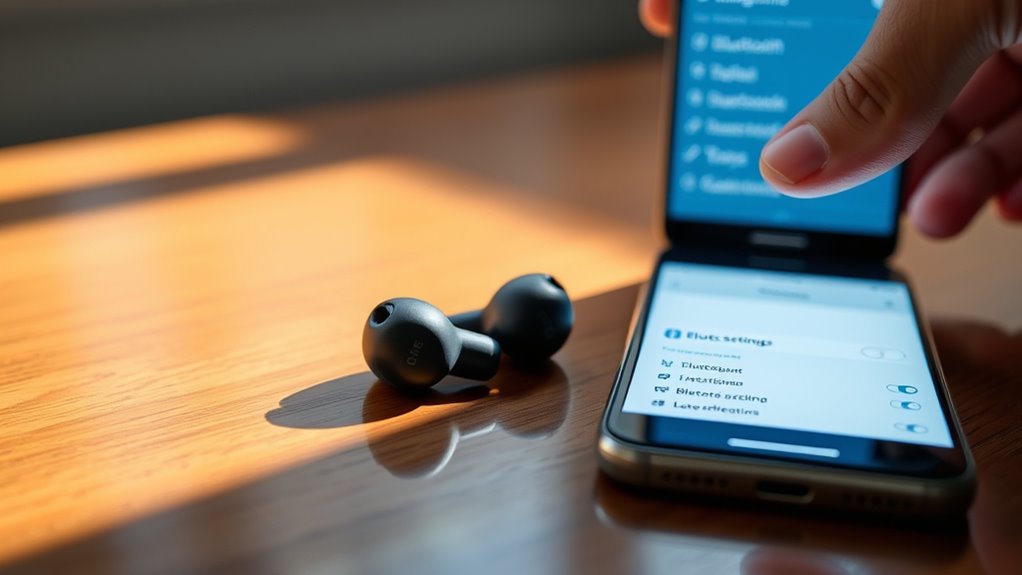

To pair your TWS earbuds, first make certain they’re charged and powered on. Next, turn on Bluetooth on your device and put the earbuds into pairing mode, usually by holding a button until a light blinks. Look for your earbuds in the Bluetooth menu on your device and tap to connect. If you hit any snags along the way, don’t worry—you’ll uncover helpful troubleshooting tips shortly.
Understanding Your TWS Earbuds
TWS earbuds, or True Wireless Stereo earbuds, are compact audio devices that offer a seamless listening experience without the hassle of tangled wires. Understanding these innovative gadgets is key to revealing their full potential. They use various pairing protocols, like Bluetooth, to connect effortlessly to your devices. Once paired, you can enjoy high-quality audio that enhances your favorite music, podcasts, or calls. The freedom of movement they provide means you can easily switch between activities without missing a beat. Plus, many models feature touch controls, allowing you to manage playback with just a tap. With TWS earbuds, you’re not just listening; you’re embracing a lifestyle of convenience and superior audio quality wherever you go.
Preparing Your Device for Pairing
Before you can enjoy the freedom of your new TWS earbuds, you’ll need to prepare your device for pairing. First, verify your device is compatible with your earbuds; check the specifications or user manual if you’re unsure. Next, head to your Bluetooth settings—on most devices, you’ll find this in the settings menu. Make sure Bluetooth is turned on; if it’s already activated, toggle it off and back on to refresh the connection. Keep your earbuds close, as they’ll need to connect directly to your device. Once everything’s set, you’re one step closer to an effortless audio experience. Just remember, a well-prepared device makes pairing smooth and hassle-free!
Pairing Your TWS Earbuds to Your Device
Pairing your earbuds with your device is a straightforward process that typically takes just a few moments. Follow these steps for a smooth pairing process:
Pairing your earbuds with your device is quick and easy, allowing you to enjoy wireless audio in just moments.
- Turn on your earbuds: Make sure they’re charged and powered on.
- Enable Bluetooth: Go to your device’s settings and turn on Bluetooth, selecting the connection types you prefer.
- Put earbuds in pairing mode: Usually, this involves holding down a button until you see a flashing light.
- Connect to your device: Find your earbuds on the Bluetooth menu, tap to connect, and enjoy your audio!
Once paired, you can savor the freedom of wireless listening without hassle. Enjoy your music, podcasts, or calls with ease!
Troubleshooting Common Connection Issues
Connection issues with your TWS earbuds can be frustrating, but there are several common problems you can easily troubleshoot. First, check for any connection interference; make sure you’re not too far from your device or near other electronics that might disrupt the signal. If you’re still having trouble, try the reset procedure for your earbuds. This typically involves holding down the power button for a few seconds until the LED indicator flashes. After resetting, reconnect your earbuds to your device. If issues persist, verify that your device’s Bluetooth is functioning properly and that it’s not connected to other devices. With these steps, you can regain the freedom to enjoy your favorite tunes without hassle!
Maintaining Your TWS Earbuds for Optimal Performance
To guarantee your TWS earbuds deliver high-quality sound and longevity, it’s vital to adopt a regular maintenance routine. Here are some effective tips to make sure they stay in top shape:
Regular maintenance is key to ensuring your TWS earbuds deliver exceptional sound quality and last for years.
- Clean Regularly: Use soft cloths and gentle cleaning techniques to remove dirt and grime from both the earbuds and charging case.
- Store Properly: Always put your earbuds back in their case when not in use to protect them from dust and damage.
- Avoid Extreme Temperatures: Keep your earbuds away from excessive heat or cold to maintain battery care and performance.
- Charge Wisely: Don’t let the battery drain completely; charge them regularly to prolong their lifespan.
With these practices, your TWS earbuds will provide you freedom and exceptional audio quality for years to come!
Frequently Asked Questions
Can I Use TWS Earbuds With Multiple Devices Simultaneously?
You can’t use TWS earbuds with multiple devices simultaneously; they typically support only one connection at a time. For true multi-device compatibility, consider models designed for easy switching between devices without hassle.
How Do I Reset My TWS Earbuds if Needed?
To reset your TWS earbuds, use the reset methods outlined in the manual. If issues persist, try troubleshooting tips like charging fully or ensuring they’re disconnected from devices. This often resolves connectivity issues and enhances performance.
Are TWS Earbuds Water-Resistant?
If you’re jogging in the rain, you’ll appreciate that many TWS earbuds offer water resistance and durability. Look for an IP rating, like IPX4, to guarantee they can handle splashes without damage.
What Is the Average Battery Life of TWS Earbuds?
The average battery life of TWS earbuds is around 4 to 8 hours, depending on usage. With quick charging, you can enjoy battery longevity and minimal downtime, keeping your music flowing and adventures alive.
Can TWS Earbuds Be Used for Phone Calls?
Yes, TWS earbuds can be used for phone calls, often providing good call quality. Many models feature noise cancellation, enhancing clarity and reducing background sounds, making your conversations feel more private and uninterrupted.
