


To effectively remove static noise from your speakers, start by checking all connections and cables, ensuring they are secure and undamaged. Additionally, adjusting settings on your audio source can significantly reduce unwanted noise. In this article, you’ll learn practical steps to troubleshoot and eliminate static noise, leading to a clearer listening experience.
Check Connections and Cables
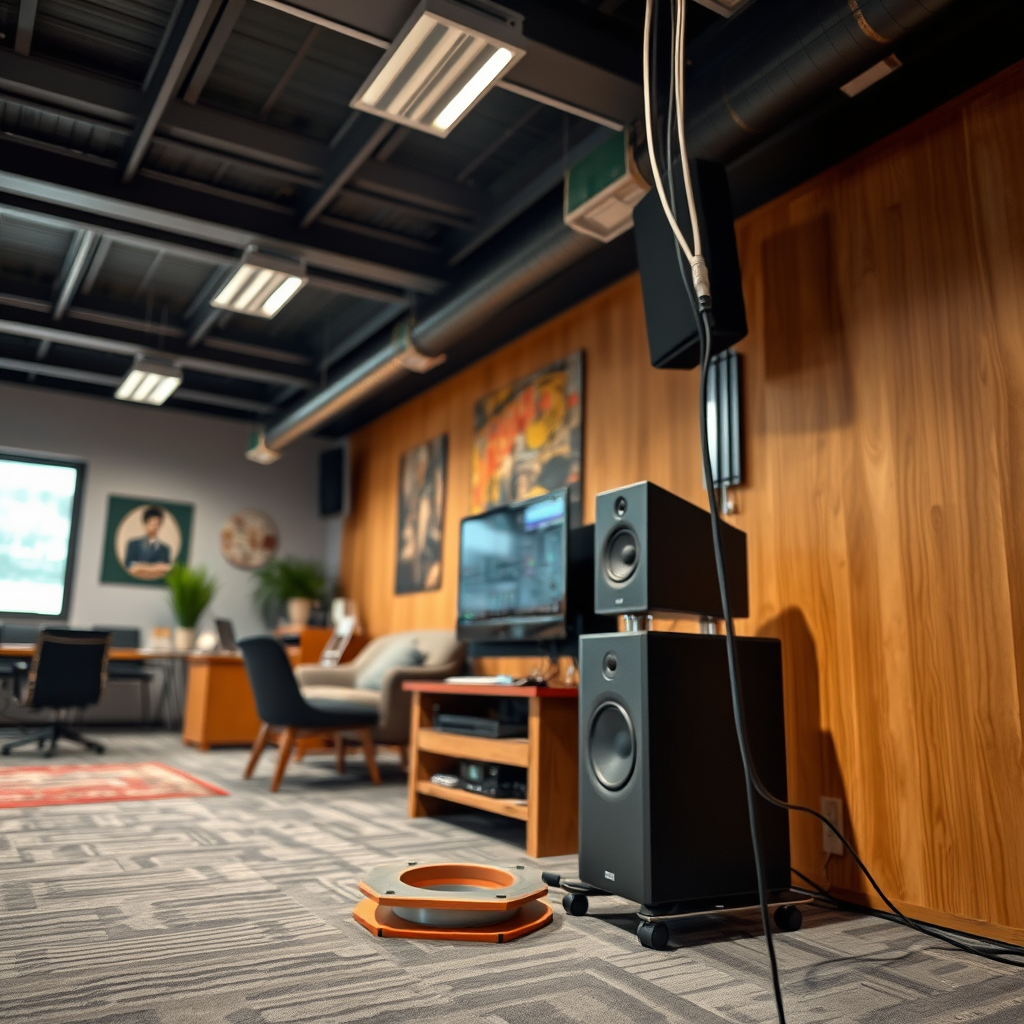
One of the most common causes of static noise in speakers is poor cable management. Begin by inspecting all cables for damage or wear, as frayed wires can introduce unwanted noise. Look for any visible signs of wear, such as cuts, kinks, or exposed wiring. If you identify damaged cables, replacing them should be your first step.
Next, ensure that all connections to your speakers and audio source are secure and properly seated. Loose connections can create a poor signal path, leading to interference and noise. Disconnect and reconnect all relevant cables, including power cords, audio cables, and any adapters. Make sure to connect cables firmly to prevent any movement that could cause static.
Adjust Audio Source Settings
Adjusting the settings on your audio source can greatly impact the amount of static noise you hear. Start by lowering the volume to see if the static persists; high levels can introduce distortion that exacerbates static. This is particularly important if you are using a device with a built-in amplifier, as pushing the system too hard can lead to audio artifacts.
Experiment with different audio output settings on your device as well. For instance, switching between stereo and mono can sometimes help eliminate static noise, especially if the source material is not mixed correctly for stereo playback. Additionally, consider adjusting the equalizer settings on your device. Sometimes, cutting certain frequencies can help reduce the prominence of static noise.
Eliminate Electronic Interference
Electronic interference is another common culprit behind static noise in speakers. To reduce this, keep speakers away from electronic devices that may cause interference, such as routers, microwaves, and other wireless devices. The proximity of these devices can introduce noise into the audio signal.
Using shielded cables can also minimize interference from external sources. Shielded cables are designed to protect the audio signal from electromagnetic interference, providing a clearer sound. If you suspect interference is the issue, consider upgrading your cables or rearranging your setup to create more distance between speakers and potential sources of noise.
Top Cables to Reduce Static Noise (2024)
| # | Cable Type | Shielded | Length | Price |
|---|---|---|---|---|
| 1 | Mogami Gold Studio | Yes | 20 ft | $75 |
| 2 | Canare L-4E6S | Yes | 25 ft | $85 |
| 3 | AudioQuest Evergreen | Yes | 15 ft | $79 |
| 4 | Pro Co Excellines | Yes | 30 ft | $95 |
| 5 | Hosa HSS-005 | No | 5 ft | $15 |
| 6 | MXL Mics Cables | Yes | 10 ft | $49 |
| 7 | Neutrik NC3FXX-B | Yes | 20 ft | $35 |
Update or Change Drivers
Keeping your audio drivers up-to-date is crucial for optimal speaker performance. Outdated drivers can lead to compatibility issues and static noise. If you’re using a computer, check for audio driver updates through the manufacturer’s website or your operating system’s update feature. This simple step can often resolve various sound-related issues.
If you’re utilizing external sound cards or audio interfaces, consider switching to different models or brands that are known for better compatibility with your speakers. Some sound cards are more sensitive to interference or have higher-quality DACs (Digital-to-Analog Converters), which can result in a cleaner audio signal with reduced static.
Clean Speaker Components
Dust and debris can accumulate over time and affect speaker performance. Regular maintenance is essential for optimal sound quality. Start by cleaning the speaker grilles and components carefully; use a soft, dry cloth to wipe down the exterior surfaces.
For internal cleaning, use compressed air to remove dust from internal parts if applicable and safe to do so. Be cautious and avoid using excessive force, as this can damage delicate components. Keeping your speakers clean will not only improve sound quality but also prolong their lifespan.
Test with Different Devices
To accurately diagnose the source of static noise, connect your speakers to another device. This will help determine whether the problem lies with the speakers themselves or the audio source. If the static persists with different devices, your speakers may require servicing or replacement.
Additionally, use various audio formats to see if static occurs across different media types. For example, test with digital files, streaming services, and physical media like CDs. This approach can help isolate whether the issue is related to a specific format or device.
In conclusion, removing static noise from your speakers involves a systematic approach to troubleshooting. Begin by checking your connections and cables, adjusting audio source settings, and eliminating electronic interference. Updating drivers, cleaning components, and testing with different devices are also crucial steps in ensuring a clear listening experience. If you continue to experience issues, consider seeking assistance from a professional to resolve more complex problems. Feel free to share your experiences and any additional tips in the comments section below!
Frequently Asked Questions
What causes static noise in speakers?
Static noise in speakers can be caused by several factors, including poor connections, interference from electronic devices, or issues with the audio source. Additionally, damaged cables or faulty audio equipment may also contribute to unwanted static sound. Identifying the root cause is essential for effectively removing the noise.
How can I eliminate static noise from my speakers?
To eliminate static noise from your speakers, first check all connections to ensure they are secure and free from corrosion. If the problem persists, try moving any electronic devices away from your speakers to reduce interference. Additionally, consider replacing any damaged cables and testing with a different audio source to pinpoint the issue.
Why do my speakers make static noise when playing certain audio files?
Speakers may produce static noise when playing certain audio files due to file corruption, low-quality recordings, or compatibility issues with the audio format. It’s important to ensure that your audio files are properly encoded and that your playback device supports the format to minimize static interference.
What is the best way to reduce static noise from Bluetooth speakers?
To reduce static noise from Bluetooth speakers, ensure that your speaker is fully charged and within range of the audio source. Additionally, check for any interference from other wireless devices, and try resetting the Bluetooth connection. Updating the firmware of your Bluetooth speaker can also help improve audio quality.
Which equipment can help minimize static noise in my audio setup?
To minimize static noise in your audio setup, consider investing in high-quality cables, audio interfaces, or power conditioners that filter out electrical interference. Additionally, using a digital-to-analog converter (DAC) can enhance audio clarity and reduce static noise. It’s also beneficial to regularly maintain and check your equipment for potential issues.
References
- https://en.wikipedia.org/wiki/Static_noise
https://en.wikipedia.org/wiki/Static_noise - https://www.sciencedirect.com/topics/engineering/audio-noise-reduction
https://www.sciencedirect.com/topics/engineering/audio-noise-reduction - https://www.ncbi.nlm.nih.gov/pmc/articles/PMC6479569/
https://www.ncbi.nlm.nih.gov/pmc/articles/PMC6479569/ - https://www.britannica.com/science/sound
https://www.britannica.com/science/sound - Google Scholar Google Scholar
https://scholar.google.com/scholar?q=removing+static+noise+from+speakers - Google Scholar Google Scholar
https://scholar.google.com/scholar?q=sound+engineering+static+noise+reduction - https://www.nature.com/articles/s41598-020-75754-5
https://www.nature.com/articles/s41598-020-75754-5 - Discolored baby teeth: A cause for concern? – Mayo Clinic
https://www.mayoclinic.org/diseases-conditions/tinnitus/expert-answers/tinnitus-and-static-noise/faq-20057765 - https://www.cdc.gov/nceh/lead/leadnoise.htm
https://www.cdc.gov/nceh/lead/leadnoise.htm - https://www.nytimes.com/2020/05/01/technology/personaltech/speakers-static-noise.html
https://www.nytimes.com/2020/05/01/technology/personaltech/speakers-static-noise.html
