
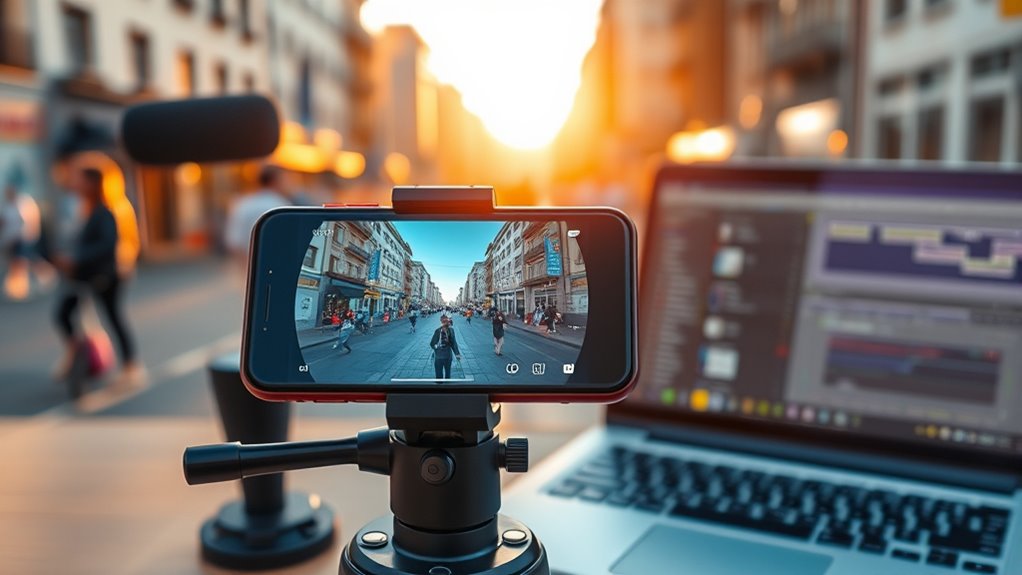

To shoot professional videos using just a smartphone, start by selecting a model with advanced camera features. Use a sturdy tripod for stability and invest in an external microphone and good lighting kits for quality sound and ambiance. Master composition by applying the Rule of Thirds and consider the lighting for best results. Finally, edit your clips with smooth shifts and color grading to enhance visuals. Discover more techniques to elevate your smartphone videography skills.
Choosing the Right Smartphone and Accessories
When you’re ready to start shooting professional videos with your smartphone, choosing the right device and accessories is vital. Look for smartphones with advanced camera features like multiple lenses, optical image stabilization, and high-resolution sensors. These smartphone features can make a significant difference in video quality.
Once you’ve got your device, invest in essential accessories. A sturdy tripod guarantees stability, while an external microphone enhances audio clarity—crucial for professional results. Lighting kits can elevate your visuals, creating the perfect ambiance. Don’t overlook quality lenses that can expand your creative options. With the right smartphone and accessories in hand, you’re free to explore your storytelling potential and produce enthralling videos that resonate with your audience.
Mastering Composition and Framing
Although mastering composition and framing may seem intimidating at first, it’s essential for creating visually engaging videos. By understanding fundamental techniques, you’ll elevate your smartphone footage. Here are some key tips:
- Rule of Thirds: Position your subject along the grid lines for a balanced look.
- Leading Lines: Use natural lines in your scene to guide the viewer’s eye.
- Framing: Incorporate elements in the foreground to create depth.
- Symmetry: Symmetrical compositions can provide a striking visual impact.
- Negative Space: Don’t overcrowd your frame; allow space for your subject to breathe.
Embrace these techniques, experiment freely, and watch your videos transform into fascinating stories that resonate with your audience.
Lighting Techniques for Stunning Videos
While you might think shooting videos with a smartphone limits your creative potential, mastering lighting techniques can elevate your footage considerably. Natural lighting is your best friend; shoot during the golden hour for soft, flattering light. However, when natural light isn’t an option, understanding artificial lighting is essential. Here’s a quick reference table for effective lighting strategies:
| Lighting Type | Best Usage | Tips |
|---|---|---|
| Natural Lighting | Outdoor scenes | Shoot early or late |
| Softbox Lighting | Indoor interviews | Diffuse light for softness |
| Ring Light | Beauty shots | Direct light for focus |
Experiment with these techniques and watch your videos transform into stunning visual stories. Embrace the freedom to create!
Audio Quality: Tips for Clear Sound
Good audio quality is just as crucial as striking visuals, so don’t overlook it when shooting videos with your smartphone. Here are some tips to guarantee your sound is clear and professional:
- Choose a quiet location: Minimize background noise to enhance audio clarity.
- Use an external microphone: Invest in a quality mic for better sound capture.
- Microphone placement matters: Position the mic close to the subject for ideal audio.
- Monitor levels: Use headphones to check sound quality while recording.
- Consider wind noise: Use a windscreen if filming outdoors to reduce unwanted sounds.
With these strategies, you’ll elevate your videos’ audio quality, making them as engaging as the visuals. Enjoy the freedom of creating stunning content!
Editing Your Videos for a Professional Finish
To achieve a professional finish in your videos, effective editing is essential. Start by choosing a user-friendly editing app that suits your needs. Focus on color grading to enhance your footage; it can elevate the mood and make visuals pop.
| Step | Action |
|---|---|
| 1. Select Clips | Choose the best footage. |
| 2. Apply Changes | Use smooth video changes for seamless flow. |
| 3. Adjust Colors | Experiment with color grading to set the tone. |
Don’t forget to trim unnecessary parts to maintain pacing. Engage your audience with compelling edits while ensuring the narrative remains clear. With practice, you’ll master the art of editing, giving your videos a polished, professional touch.
Frequently Asked Questions
Can I Shoot Videos in Portrait Mode Instead of Landscape?
Yes, you can shoot videos in portrait mode! Portrait advantages include better framing for social media and creative uses like storytelling. Embrace this format to showcase your unique perspective and engage viewers in fresh ways.
What Frame Rates Should I Use for Different Video Types?
For different video types, you’ll want to use 24fps for cinematic looks, 30fps for standard footage, and 60fps for smooth action. Choosing the right frame rate enhances your storytelling and gives you creative freedom.
How Do I Stabilize My Smartphone While Filming?
Imagine capturing your life’s adventures without shaky footage. You’ve got tripod options for steady shots, but gimbal benefits enhance smoothness considerably. Embrace the freedom of creative filming with stability, and let your story shine!
Is It Possible to Shoot in Low Light Conditions Effectively?
Yes, you can shoot effectively in low light. Use low light techniques like increasing ISO and adjusting your smartphone settings for slower shutter speeds. Experiment with natural light sources to enhance your video’s quality creatively.
What Apps Are Best for Video Shooting on Smartphones?
Did you know that 85% of online content is video? For shooting, consider apps like Filmic Pro for video editing and Dolby On for audio enhancement. They give you creative freedom to produce stunning visuals effortlessly.
