


If your speakers are producing distorted sound, lack volume, or emit no sound at all, they might be blown. Identifying blown speakers early on is crucial to preserving audio quality and preventing further damage. In this article, you’ll learn how to diagnose blown speakers by identifying common symptoms and conducting simple tests to confirm your suspicions.
Understanding Speaker Damage
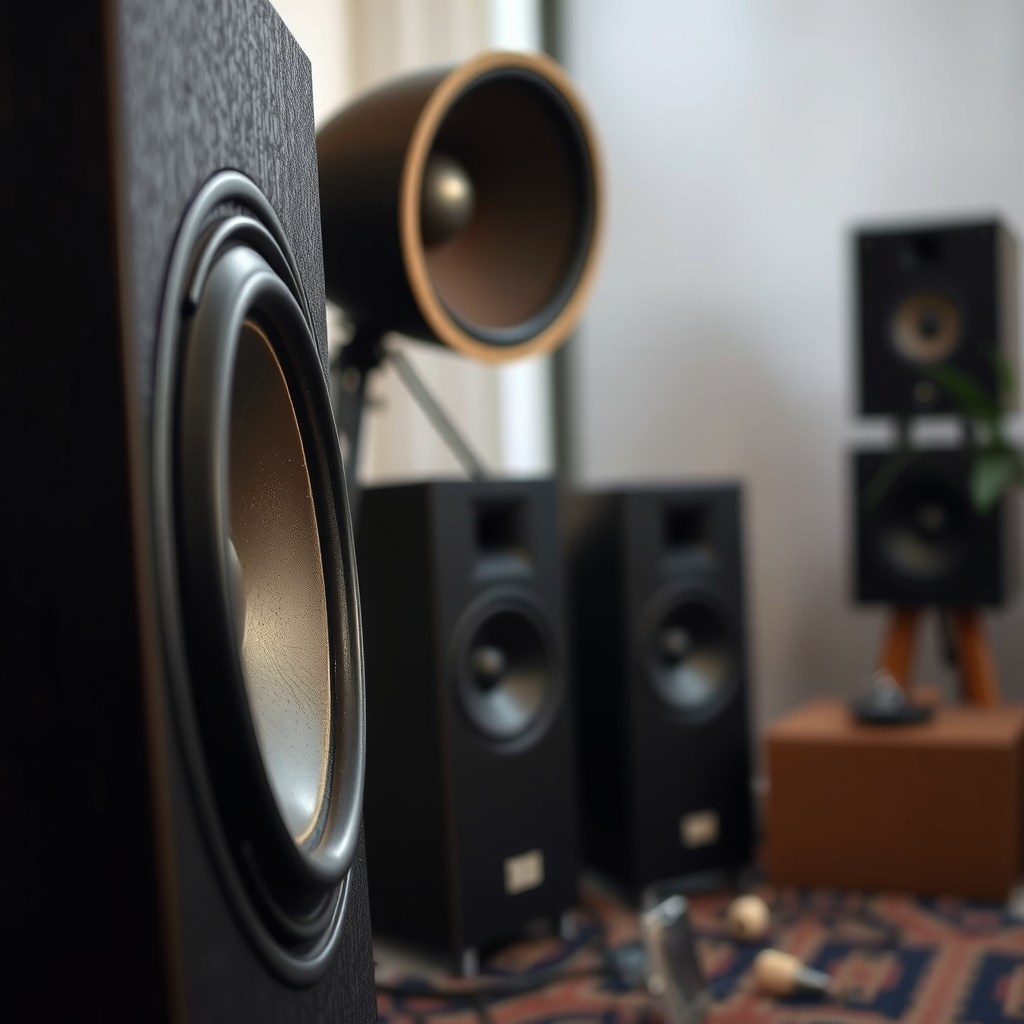
Speakers can become blown for several reasons, including excessive power input, age-related wear and tear, or exposure to adverse environmental conditions. For instance, pushing speakers beyond their rated capacity can lead to distortion and eventual failure of internal components. Additionally, factors such as humidity, heat, and dust can degrade speaker performance over time.
However, it’s important to note that not all audio issues signify blown speakers. Sometimes, problems are related to external components, such as amplifiers or wiring. Recognizing the difference can save you unnecessary repair costs.
Common Symptoms of Blown Speakers
The symptoms of blown speakers can often be quite distinct. Here are two of the most common indicators:
– Distortion: One of the first signs to look for is distortion in the audio output. If you hear crackling, buzzing, or muffled sound quality, it may indicate that the speaker cone or voice coil is damaged. Distortion can also manifest as an uneven frequency response, making it difficult to enjoy music or dialogue clearly.
– No Sound: The most alarming symptom is complete silence. If your speakers are powered on and connected properly but produce no sound at all, this could indicate a blown speaker. In such cases, it’s essential to check that the issue isn’t related to your audio source or connections.
The Visual Inspection Method
Before delving into testing methods, a thorough visual inspection can often reveal significant clues about the health of your speakers.
– Check for Physical Damage: Look closely at the speaker cones for any visible tears, holes, or burnt areas. Damage to the cone can drastically affect sound quality, as it impairs the speaker’s ability to reproduce sound accurately. Additionally, inspect the surround material that connects the cone to the frame, as degradation here is often a precursor to failure.
– Inspect the Wiring: Ensure that all wiring connections are secure and free from corrosion. Loose wires can create poor connectivity, resulting in distorted sound or silence. If you notice any frayed or damaged wires, consider replacing them to restore optimal performance.
Common Causes of Speaker Damage (2023)
| # | Cause | Description | Impact |
|---|---|---|---|
| 1 | Overpowering | Exceeding the speaker’s wattage capacity can cause damage. | High |
| 2 | Age | Components degrade over time due to wear. | Moderate |
| 3 | Moisture | Exposure to humidity can ruin internal components. | High |
| 4 | Dust Accumulation | Dust can interfere with electrical connections. | Moderate |
| 5 | Incorrect Installation | Improperly mounted speakers can vibrate and fail. | High |
| 6 | Power Surges | Sudden spikes can cause immediate failure. | High |
| 7 | Temperature Extremes | High heat or cold can warp materials. | Moderate |
Performing a Sound Test
Once you have completed the visual inspection, performing a sound test can help confirm your suspicions.
– Use a Known Good Audio Source: Connect your speakers to a reliable audio source, such as a smartphone or high-quality music player. Make sure the audio source is functioning correctly by testing it with other speakers first.
– Play a Variety of Audio Types: Use a range of audio content, including music with heavy bass, classical pieces, and spoken word. This will allow you to assess the speaker’s performance across different frequency ranges. Pay attention to any distortions or inconsistencies in sound, as these can indicate underlying problems.
Testing with Multimeter
For a more technical approach, using a multimeter can provide valuable insights into the health of your speakers.
– Learn How to Use a Multimeter: Set the multimeter to the resistance (ohms) setting. Disconnect the speaker from the amplifier to avoid any interference.
– Check Speaker Impedance: Measure the impedance by placing the multimeter probes on the speaker terminals. A reading significantly lower than the speaker’s rated impedance (commonly 4, 6, or 8 ohms) could indicate damage to the voice coil or other internal components. Ideally, the reading should be close to the nominal impedance rating of the speaker.
Seeking Professional Help
If you identify issues during your inspections and tests but are uncertain how to proceed, consulting an audio expert can save you time and money.
– Know When to Consult an Expert: If you lack the technical expertise or tools, an audio technician can provide a more thorough diagnosis and recommend appropriate actions.
– Consider Repair Options Versus Replacement: Depending on the severity of the damage, repairing your speakers might be a feasible option. However, for extensive damage or older models, replacement could be more cost-effective in the long run.
Preventing Future Speaker Damage
To avoid the need for repairs or replacements in the future, consider implementing these preventive measures:
– Avoid Overdriving Your Speakers: Always operate your speakers within their rated capacity. Avoid turning up the volume to maximum levels for extended periods, as this can lead to overheating and damage.
– Use Proper Amplification: Match your speakers with an appropriate amplifier to ensure they receive adequate power without overloading. An underpowered amp can result in distortion, while an overpowering amp can lead to speaker blowouts.
– Regular Maintenance: Keep your speakers clean and free from dust. Regularly check connections and wiring for signs of wear or corrosion. Performing routine maintenance can extend the life of your speakers significantly.
By staying vigilant for signs of blown speakers and adhering to preventive measures, you can ensure your audio system remains in perfect working order. If you suspect damage, act quickly to diagnose and resolve the issue through testing, repair, or replacement. Remember, regular maintenance is key to preventing future problems and maintaining optimal sound quality.
Frequently Asked Questions
How can I tell if my speakers are blown?
To determine if your speakers are blown, listen for distortion or a lack of sound clarity when playing audio at various volumes. If you hear crackling, buzzing, or no sound at all, it may indicate a blown speaker. Additionally, visually inspect the speaker cone for any tears or damage, which can also signal that the speaker is compromised.
What are the common signs of blown speakers?
Common signs of blown speakers include muffled sound, distorted audio, and an inability to produce bass. You might also notice a popping noise or an absence of sound when the speaker is active. These symptoms often indicate that the speaker’s components are damaged and may require repair or replacement.
Why do speakers blow, and how can I prevent it?
Speakers can blow due to excessive power from an amplifier, overdriving the speakers, or prolonged exposure to high volumes. To prevent this, ensure your audio equipment is properly matched in terms of power handling, and avoid driving the speakers beyond their rated capacity. Regular maintenance and careful listening habits can also help extend the life of your speakers.
What should I do if I suspect my speakers are blown?
If you suspect your speakers are blown, first perform a simple test by connecting them to a different audio source to rule out other issues. If the problem persists, check for visible damage and consider replacing the speaker or consulting a professional for repair. Keeping your audio equipment well-maintained can help minimize such issues in the future.
Which tools can help diagnose blown speakers?
To diagnose blown speakers effectively, you can use a multimeter to check for continuity in the speaker’s voice coil and ensure it is not open or shorted. Additionally, an audio signal generator can help identify distortion or irregularities in sound output. These tools, combined with careful listening tests, can provide a comprehensive assessment of your speakers’ condition.
References
- Loudspeaker
https://en.wikipedia.org/wiki/Loudspeaker - Google Scholar Google Scholar
https://scholar.google.com/scholar?q=how+to+tell+if+speakers+are+blown - https://www.audioholics.com/loudspeaker-articles/how-to-tell-if-speakers-are-blown
https://www.audioholics.com/loudspeaker-articles/how-to-tell-if-speakers-are-blown - https://www.lifewire.com/how-to-diagnose-a-blown-speaker-3134870
https://www.lifewire.com/how-to-diagnose-a-blown-speaker-3134870 - https://pubmed.ncbi.nlm.nih.gov/30022021/
https://pubmed.ncbi.nlm.nih.gov/30022021/ - Google Scholar Google Scholar
https://scholar.google.com/scholar?q=blown+speakers+diagnosis - https://www.ihatebass.com/how-to-tell-if-your-speakers-are-blown/
https://www.ihatebass.com/how-to-tell-if-your-speakers-are-blown/ - https://www.bbc.com/news/newsbeat-50961921
https://www.bbc.com/news/newsbeat-50961921 - https://en.wikipedia.org/wiki/Special:Search?search=how+to+tell+if+speakers+are+blown
https://en.wikipedia.org/wiki/Special:Search?search=how+to+tell+if+speakers+are+blown - https://www.ncbi.nlm.nih.gov/search/research-articles/?term=how+to+tell+if+speakers+are+blown
https://www.ncbi.nlm.nih.gov/search/research-articles/?term=how+to+tell+if+speakers+are+blown
