
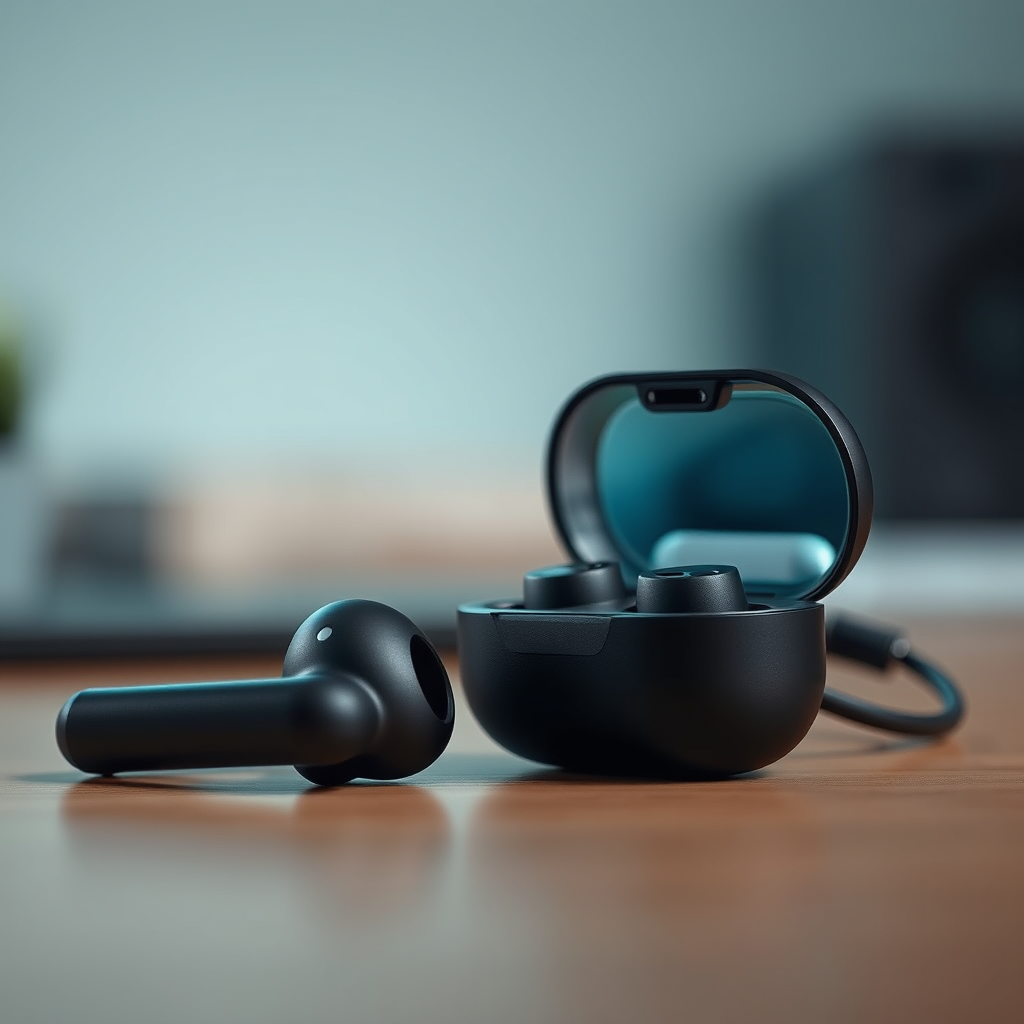

To turn on your earbuds without their case, simply press and hold the power button on the earbuds themselves for a few seconds. This action activates the Bluetooth function, allowing you to connect them to your device. In this guide, you’ll learn about different types of earbuds, specific methods for turning them on without the case, and troubleshooting tips if you encounter any issues.
Understanding Your Earbuds
Earbuds have become an essential part of our daily lives, providing convenience and quality audio in a compact form. However, it’s crucial to understand that not all earbuds function the same way. Different types of earbuds—such as wired, true wireless, and Bluetooth—have varying features and functions. Knowing your specific model can greatly enhance your user experience.
When it comes to powering on your earbuds, some models come equipped with a dedicated power button, while others rely on touch controls or automatic activation when removed from the case. For example, true wireless earbuds often automatically turn on when taken out of their charging case. Therefore, it’s important to familiarize yourself with your specific model’s features and functionalities to utilize them effectively.
How to Power On Various Earbud Models
Activating your earbuds without their case can be straightforward, but the exact method may vary depending on the model:
– For earbuds with a power button: Most earbuds will have a physical button either on the stem or the body. To turn them on, simply press and hold this button for approximately 3-5 seconds. You should hear a sound or see an indicator light confirming that the earbuds are powered on.
– For touch-sensitive models: If your earbuds rely on touch controls, tap the designated area on the earbuds multiple times. This could be a single tap, double tap, or a long press, depending on the manufacturer. Again, listen for an audio cue or watch for a light indication to confirm activation.
– Automatic activation: Some advanced models will turn on automatically when you remove them from their case. This feature is convenient but does not apply to all earbuds.
Connecting to Your Device
Once your earbuds are powered on, the next step is to connect them to your device. Here’s a quick guide on how to do this effectively:
1. Enable Bluetooth on your device: Before attempting to connect your earbuds, ensure that Bluetooth is turned on in your smartphone, tablet, or computer settings. This is a crucial step, as your device will not be able to discover the earbuds without Bluetooth activated.
2. Search for available devices: After enabling Bluetooth, open the Bluetooth settings on your device. It will automatically start searching for available devices.
3. Select your earbuds: Look for your earbuds in the list of available devices. They may appear under their brand name or model number. Click or tap on them to initiate the connection.
4. Confirm the connection: You may hear an audio cue from your earbuds confirming that they are connected successfully. If prompted, you may need to confirm a pairing code on your device.
Top 7 Earbud Models and Features (2024)
| # | Model | Power Button | Touch Controls | Battery Life | Charging Case |
|---|---|---|---|---|---|
| 1 | Apple AirPods Pro 2 | No | Yes | 6 hours | Yes |
| 2 | Samsung Galaxy Buds 2 | No | Yes | 5 hours | Yes |
| 3 | Sony WF-1000XM4 | Yes | Yes | 8 hours | Yes |
| 4 | Jabra Elite 75t | Yes | Yes | 7.5 hours | Yes |
| 5 | Bose QuietComfort Earbuds | Yes | Yes | 6 hours | Yes |
| 6 | Anker Soundcore Liberty 3 Pro | Yes | Yes | 8 hours | Yes |
| 7 | OnePlus Buds Pro | No | Yes | 7 hours | Yes |
Troubleshooting Common Issues
If you encounter difficulties when trying to turn on your earbuds, there are several troubleshooting tips you can follow:
– Check for battery charge: If your earbuds won’t turn on, the first step is to ensure they have enough battery life. Connect them to a charger and wait a few minutes before trying to turn them on again. A low battery could prevent them from powering up.
– Reset your earbuds: If your earbuds are charged but still unresponsive, consider resetting them. The reset procedure varies by manufacturer, so refer to the user manual for specific instructions. Typically, this involves pressing and holding specific buttons on the earbuds for a set amount of time.
– Check Bluetooth settings: Sometimes, the issue may not be with the earbuds but with the device you are trying to connect to. Ensure that Bluetooth is active, and try removing any previously paired devices that could interfere with the connection.
– Update firmware: Keeping your earbuds’ firmware updated can solve connectivity issues. Check the manufacturer’s app for any available updates.
Maintenance Tips for Your Earbuds
Maintaining your earbuds is essential for longevity and optimal performance. Here are some tips to keep your earbuds in top condition:
– Regular cleaning: Dirt and wax can accumulate on your earbuds, affecting sound quality. Use a soft, dry cloth to wipe down the exterior and a small brush or toothpick to gently clean any debris from the speaker grills.
– Proper storage: When not in use, store your earbuds in a cool, dry place. Avoid exposing them to extreme temperatures or moisture, which can damage electronic components.
– Avoid tangled wires: If you have wired earbuds, ensure that you store them without tangling the cords, as this can lead to wear and tear.
– Battery care: For Bluetooth earbuds, try to avoid running the battery down to 0% frequently. Charging them before they reach critically low levels can prolong battery life.
When to Use the Charging Case
Using the charging case for your earbuds is essential in various scenarios:
– For extended listening: The charging case provides additional battery life, allowing you to enjoy music or take calls for longer periods without the need to recharge directly.
– To maintain connectivity: Keeping your earbuds in the case ensures they remain charged and ready for use. It also often puts them into a low-power state, preserving battery until you’re ready to use them again.
– For safe transport: The case protects your earbuds from damage when not in use. It prevents them from getting lost or tangled with other items in your bag.
– To initiate pairing: In many models, placing the earbuds back in the case often resets them and prepares them for pairing mode when you take them out again, making the connection process smoother.
Knowing how to turn on your earbuds without their case can enhance your listening experience, especially in situations where the case isn’t available. If you encounter any difficulties, refer back to the troubleshooting section or check your user manual for specific advice on your model. Remember that proper maintenance and understanding of your earbuds’ features can significantly improve your overall experience.
Frequently Asked Questions
How can I turn on my earbuds without the charging case?
To turn on your earbuds without the case, try holding down the power button on each earbud for a few seconds until you see a light indicator or hear a sound. This method works for most brands, such as Apple AirPods and Samsung Galaxy Buds, allowing you to connect them directly to your device.
Why won’t my earbuds turn on without the charging case?
Earbuds often rely on their charging case for power and initial startup. If they are completely drained, they may not turn on without being placed in the case to recharge. If your earbuds don’t have sufficient battery, consider charging them in the case before attempting to activate them.
What should I do if my earbuds are not responding when I try to turn them on without the case?
If your earbuds aren’t responding, make sure they are fully charged first. If they still won’t turn on, try resetting them by following the manufacturer’s instructions, which often involves pressing the power button for a specific sequence of seconds or holding both earbuds simultaneously.
Which earbuds can I turn on without a charging case?
Some earbuds, like the Jabra Elite series or certain models from Sony, can be turned on independently without their charging case if they have sufficient battery life. Always check the user manual for your specific model to see if this feature is supported.
How do I troubleshoot my earbuds if they won’t connect after turning them on without the case?
If your earbuds won’t connect after being turned on, first ensure they are in pairing mode, which usually involves pressing and holding the power button. Next, check your device’s Bluetooth settings to see if they appear in the list of available devices; if not, try restarting your Bluetooth or your device.
References
- https://www.lifewire.com/how-to-use-bluetooth-earbuds-without-case-5071263
https://www.lifewire.com/how-to-use-bluetooth-earbuds-without-case-5071263 - https://www.pcmag.com/how-to/how-to-use-bluetooth-earbuds-without-the-charging-case
https://www.pcmag.com/how-to/how-to-use-bluetooth-earbuds-without-the-charging-case - https://www.lifewire.com/what-to-do-if-you-lost-your-earbud-case-5071267
https://www.lifewire.com/what-to-do-if-you-lost-your-earbud-case-5071267 - Google Scholar Google Scholar
https://scholar.google.com/scholar?q=how+to+turn+on+earbuds+without+case - https://scholar.google.com/scholar?q=bluetooth+earbuds+without+charging+case Google Scholar
https://scholar.google.com/scholar?q=bluetooth+earbuds+without+charging+case - Google Scholar Google Scholar
https://scholar.google.com/scholar?q=earbuds+usage+guide - https://www.verywellmind.com/how-to-use-bluetooth-earbuds-5201074
https://www.verywellmind.com/how-to-use-bluetooth-earbuds-5201074 - how to turn on earbuds without case – Search results
https://en.wikipedia.org/wiki/Special:Search?search=how+to+turn+on+earbuds+without+case - https://www.ncbi.nlm.nih.gov/search/research-articles/?term=how+to+turn+on+earbuds+without+case
https://www.ncbi.nlm.nih.gov/search/research-articles/?term=how+to+turn+on+earbuds+without+case
