
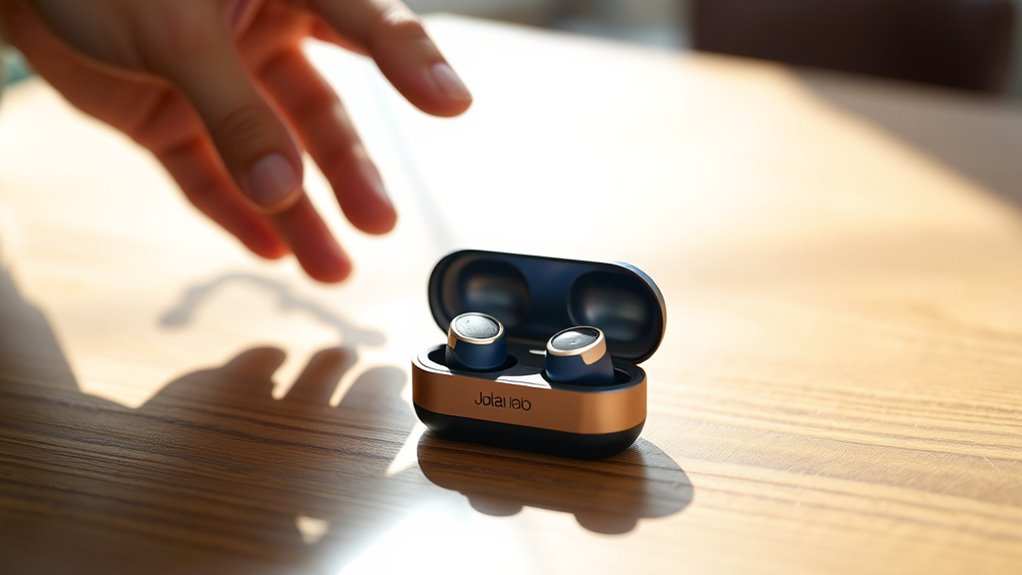

To use your JLab earbuds, start by unboxing them and ensuring they’re charged. Connect them to your device by activating Bluetooth and selecting the earbuds from the list of available connections. Adjust sound settings using the JLab app to find your preferred profile. Utilize touch controls to play, pause, or skip tracks effortlessly. For maintenance, clean them regularly and store them in their case. There’s more to discover about maximizing your experience!
Unboxing Your JLab Earbuds
When you first unbox your JLab earbuds, you’ll find everything neatly packed to guarantee their safety during transit. The packaging materials are eco-friendly and designed to minimize waste, reflecting JLab’s commitment to sustainability. As you lift the lid, you’ll discover the earbuds, a charging case, and several ear tip sizes, allowing you to customize the fit for maximum comfort. You’ll also find a quick start guide that highlights key earbud features, such as touch controls and impressive battery life. Each component is carefully placed, making it easy to access everything you need right away. This thoughtful unboxing experience sets the stage for enjoying your earbuds, ensuring you’re ready to explore your sound freedom without delay.
Connecting Your Earbuds to Devices
To connect your JLab earbuds to your devices, start by confirming they’re charged and powered on. Next, activate Bluetooth on your device and search for available connections. Look for your JLab earbuds in the list, and select them to initiate pairing. Once connected, you’ll hear a confirmation sound. If you’re having trouble pairing devices, first verify your earbuds aren’t connected to another device. If they are, disconnect from that device and try again. Additionally, restarting both the earbuds and your device can resolve common issues. Remember, keeping your earbuds within a reasonable range of your device will also help maintain a strong connection. Enjoy your freedom to listen without wires!
Adjusting Sound Settings
Although adjusting sound settings on your JLab earbuds might seem straightforward, it can greatly enhance your listening experience. By customizing sound profiles and equalizer settings, you can create a sound that suits your personal taste. Here’s how you can do it:
- Select a Sound Profile: Choose from presets like Bass Boost, Balanced, or Treble Boost to find what resonates with you.
- Adjust Equalizer Settings: Tweak the frequencies to emphasize or reduce specific sounds, tailoring the audio to your liking.
- Test Different Genres: Play various music styles to see how your adjustments impact different tracks.
With these steps, you can truly enjoy your music the way you want, making every listen an unforgettable experience.
Utilizing Touch Controls
Customizing sound settings can elevate your listening experience, but mastering the touch controls on your JLab earbuds is just as important. These earbuds come equipped with touch sensitivity features that allow you to effortlessly manage your music and calls. You can play or pause tracks with a simple tap, skip songs by double-tapping, and activate voice assistants with a longer press. To enhance your experience, take advantage of control customization options available in the JLab app. This lets you tailor functions to suit your preferences, giving you the freedom to create a listening environment that feels just right. Experiment with different settings until you find what works best for you, ensuring you maximize the potential of your JLab earbuds.
Maintaining Your Earbuds
While enjoying your JLab earbuds, it’s vital to keep them clean and well-maintained for best performance. Regular maintenance not only enhances sound quality but also extends their lifespan. Here are some essential tips:
- Cleaning Techniques: Use a soft, dry cloth to wipe the earbuds and remove dirt or sweat. For stubborn grime, a damp cloth with mild soap works wonders. Avoid submerging them in water.
- Battery Care: Don’t let your earbuds fully discharge regularly. Instead, charge them when they hit around 20% to prolong battery life.
- Storage: Keep your earbuds in their case when not in use. This protects them from physical damage and dust.
Frequently Asked Questions
How Do I Reset My JLAB Earbuds?
To reset your Jlab earbuds, press and hold the power button for about 10 seconds until the LED blinks red and blue. This initiates the reset process, restoring factory settings for a fresh start.
Can I Use JLAB Earbuds While Exercising?
Absolutely, you can use Jlab earbuds while exercising! They symbolize freedom in movement, offering both comfort and impressive sound quality. Enjoy your workouts without distractions, letting the rhythm of your favorite tracks motivate your every step.
What Is the Battery Life of JLAB Earbuds?
JLab earbuds typically offer impressive battery performance, lasting up to 10 hours on a single charge. To maximize usage, remember to charge them fully and use the included case for additional power on the go.
Are JLAB Earbuds Water-Resistant or Waterproof?
JLab earbuds typically have water-resistant ratings, but they’re not fully waterproof. To guarantee longevity, it’s essential you take care of them and avoid exposing them to excessive moisture or submerging them in water.
Can I Pair JLAB Earbuds With Multiple Devices?
Think of your Jlab earbuds as a bridge connecting multiple islands. You can pair them with multiple devices, but only one can connect at a time. Follow the pairing process for ideal device compatibility and convenience.
