
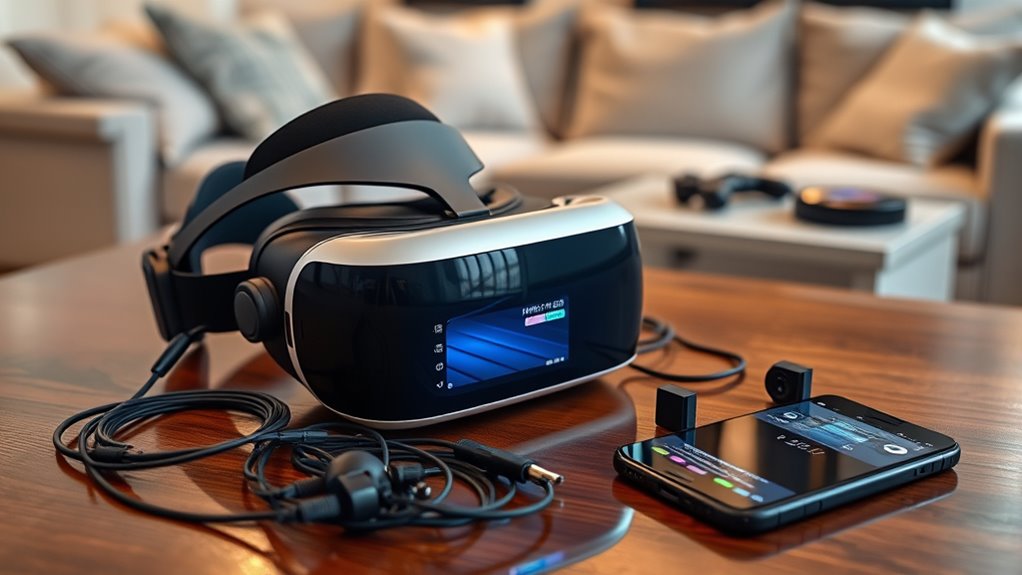

Setting up your VR headset is easy! First, unbox it carefully and check for essential components like the headset, controllers, and cables. Next, connect to your device by turning on Bluetooth or Wi-Fi and following the on-screen pairing instructions. Finally, adjust settings like brightness and controller sensitivity for the best experience. Now you’re ready to explore the virtual world! Stay tuned for more tips on enhancing your VR adventures and getting the most out of your headset.
Unboxing Your VR Headset
Unboxing your VR headset is an exciting step that sets the stage for your immersive experience. As you peel away the packaging, take a moment to appreciate the unboxing experience. Inside, you’ll find essential headset components, including the headset itself, controllers, and necessary cables. Each piece is designed to enhance your virtual adventures, allowing you to break free from reality. Make sure to check for any additional accessories, like a cleaning cloth or user manual, that could enhance your setup. Carefully handle each item, ensuring everything’s in perfect condition. Once you’ve familiarized yourself with the components, you’re one step closer to diving into incredible virtual worlds. Enjoy this moment; the freedom of VR is just around the corner!
Connecting to Your Device
Now that you’ve unpacked your VR headset and familiarized yourself with its components, it’s time to connect it to your device. Start by turning on your headset and activating the Bluetooth or Wi-Fi settings on both devices. Follow the on-screen instructions to initiate the pairing process. Make sure you’re within range to guarantee a smooth connection. If you encounter any issues during pairing, don’t panic! Double-check that both devices are charged and compatible. Restarting either device can often resolve minor glitches. Once connected, you’ll be ready to plunge into the virtual world. Remember, a strong connection enhances your experience, so take a moment to verify everything is set up just right before you explore!
Adjusting Settings for Optimal Experience
As you prepare to plunge into your virtual experience, adjusting your VR headset settings is essential for maximizing comfort and immersion. Start by calibrating sensors to guarantee accurate movement tracking. Next, focus on adjusting brightness to avoid eye strain and enhance visuals. Don’t forget to tweak the audio settings for the best sound experience.
Here are a few key adjustments to take into account:
- Calibrate the sensors for precise tracking.
- Adjust brightness to suit your environment.
- Set the audio levels to your preference.
- Tweak the field of view for a more immersive experience.
- Configure controller sensitivity for responsiveness.
These simple adjustments can elevate your VR journey, making it more enjoyable and freeing.
Frequently Asked Questions
Can I Use My VR Headset With Glasses On?
Yes, you can use your VR headset with glasses on! Many headsets offer glasses compatibility and lens adjustments, ensuring you enjoy immersive experiences like exploring distant galaxies without sacrificing comfort or clarity.
How Do I Clean My VR Headset Lenses?
To clean your VR headset lenses, use a microfiber cloth and gentle lens cleaning solution. Avoid harsh chemicals. Regular lens protection helps maintain clarity, ensuring you enjoy immersive experiences without smudges or scratches disrupting your view.
What Should I Do if My Headset Overheats?
If your headset’s a blazing sun, it’s time to cool it down. Overheating causes can include extended use or blocked vents. Try taking breaks and ensuring proper ventilation for effective cooling solutions. Enjoy your freedom!
Are There Parental Controls for VR Usage?
Yes, there’re parental controls for VR usage. You can set parental restrictions to guarantee child safety. These features help manage content access, usage time, and overall experience, allowing you to provide a safer virtual environment.
How Can I Improve My VR Space Safety?
To improve your VR space safety, implement safety measures like establishing clear room boundaries. Did you know 25% of VR users experience accidents? Stay aware and create a safe environment for an immersive, worry-free experience.
