How to Connect Laptop to 2 Monitors
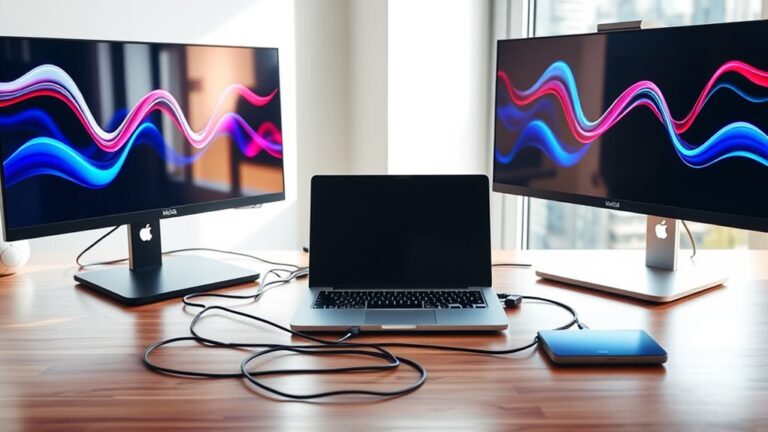
Achieve a seamless dual-monitor setup for your laptop by following these steps—discover the essential tips that will transform your workspace!

Achieve a seamless dual-monitor setup for your laptop by following these steps—discover the essential tips that will transform your workspace!
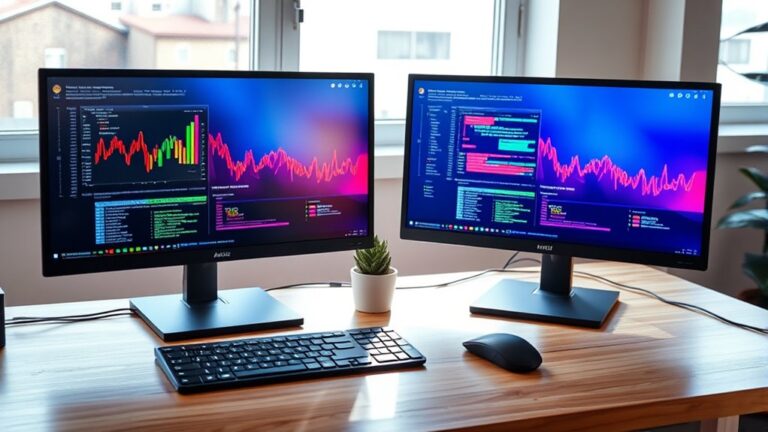
Find out how to enhance your productivity with two monitors, but discover the essential tips that can make all the difference in your setup.
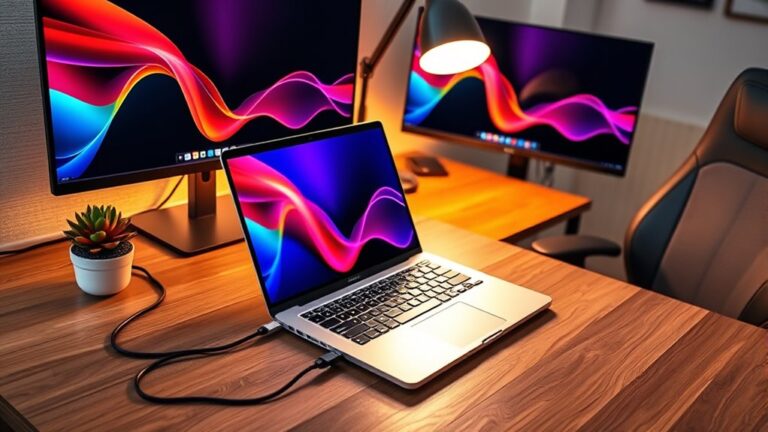
How can you enhance your productivity by connecting two monitors to your laptop? Discover the essential steps to achieve a seamless setup.
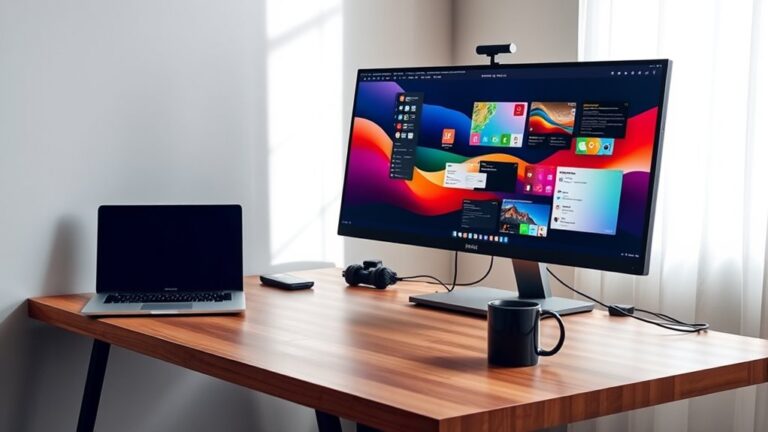
Begin enhancing your productivity by seamlessly connecting two monitors to your laptop, but discover the essential steps and settings to make it work flawlessly.

Achieve seamless multitasking by learning how to effortlessly move windows between monitors; discover simple techniques that transform your workflow.
Get ready to boost your productivity with dual monitors, but first, discover the essential steps to set them up correctly.
Master the art of connecting dual monitors for enhanced productivity—discover essential tips and troubleshooting steps to optimize your setup.
Unlock the potential of dual monitors with expert tips on setup and optimization; discover the secrets to a seamless multi-display experience.
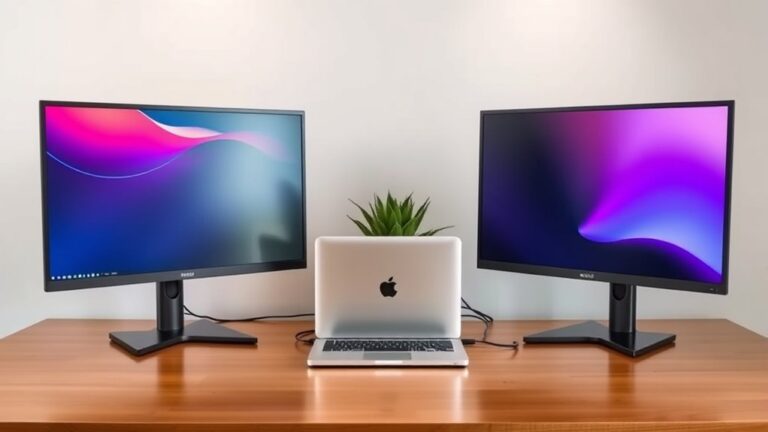
Before diving into the step-by-step process of setting up dual monitors, discover the key factors that can enhance your workspace efficiency.
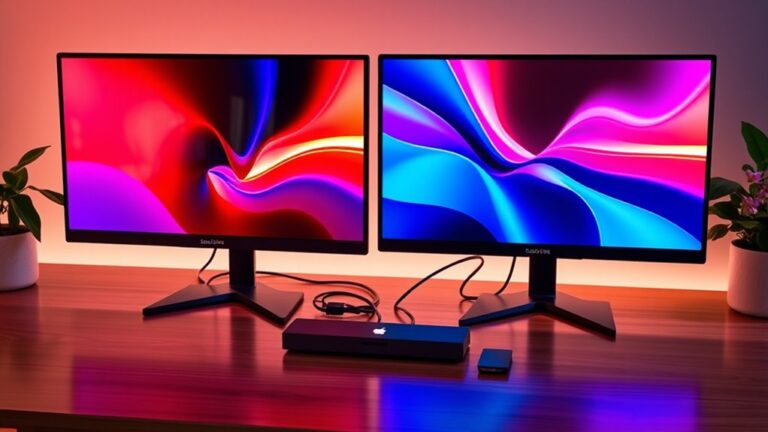
Find out how to effortlessly connect two monitors to boost your productivity, and discover tips that will enhance your dual display setup even further.