How to Hook up a Laptop to Two Monitors
Wondering how to maximize your workspace by connecting your laptop to two monitors? Discover the essential steps to enhance your productivity effortlessly.

Wondering how to maximize your workspace by connecting your laptop to two monitors? Discover the essential steps to enhance your productivity effortlessly.
Learn how to seamlessly connect two display monitors to elevate your workspace; discover the essential steps and tips to enhance your productivity!
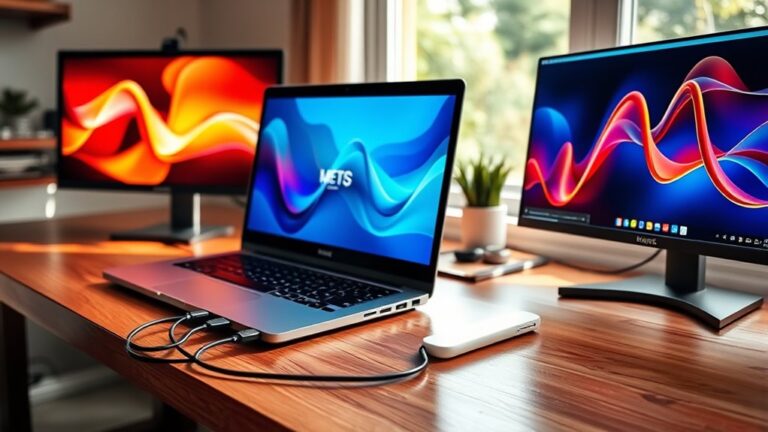
Discover the essential steps to connect two monitors to your laptop and unlock an enhanced productivity experience that you won't want to miss.
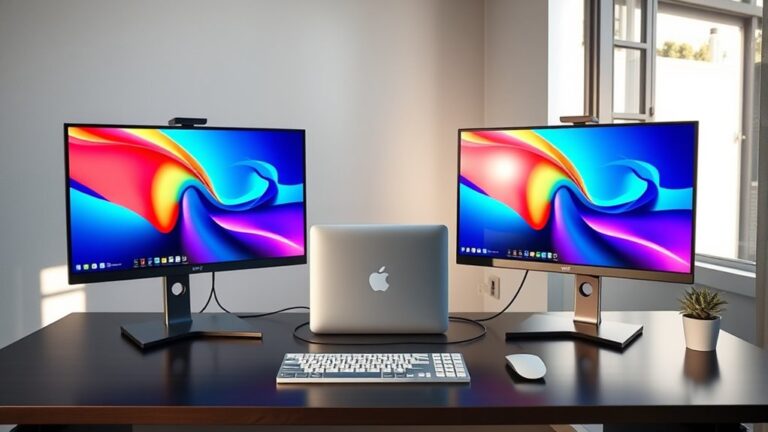
Setting up dual monitors can enhance your productivity, but knowing the right connections and settings is crucial for a seamless experience. Discover how!
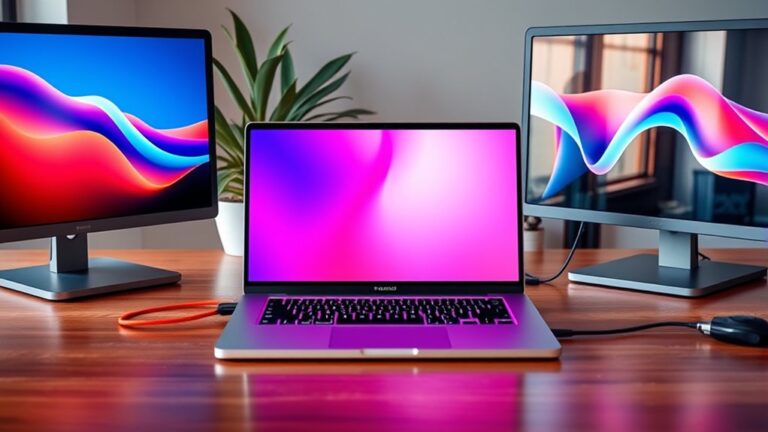
I will guide you through the essential steps to connect two monitors to your laptop, but you'll need to know some important compatibility details first.
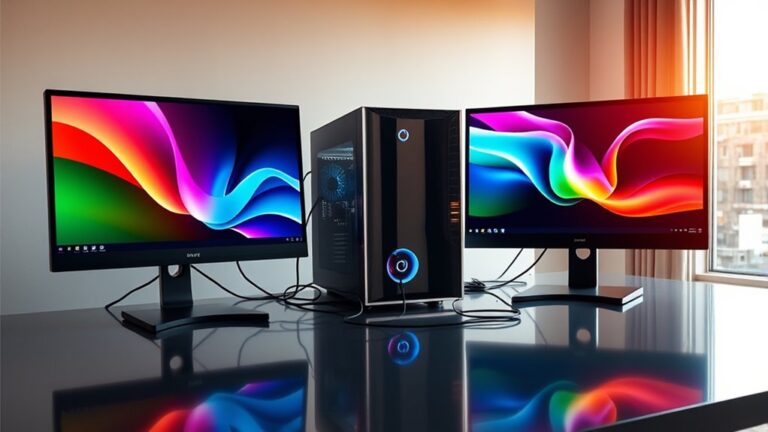
Master the art of connecting two monitors to one PC and unlock a new level of productivity—discover the essential steps and tips inside!
Keep your dual-monitor setup efficient by learning how to easily switch Monitor 1 and 2—discover the simple steps that can transform your workspace.
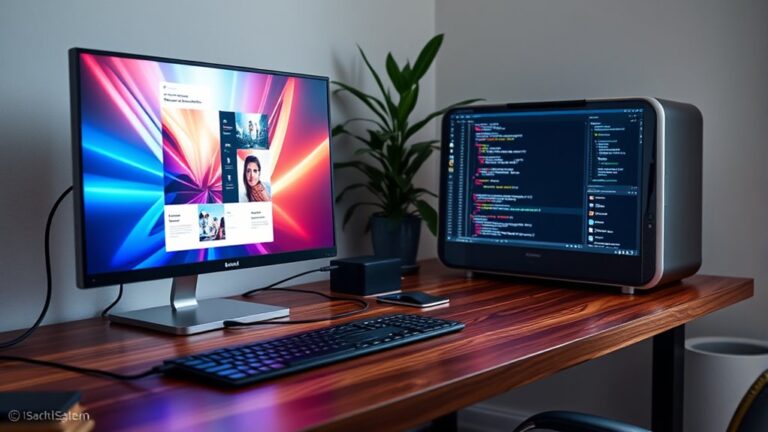
Learn the essential steps to connect two monitors to your PC for an enhanced workspace, and discover tips that will optimize your setup.
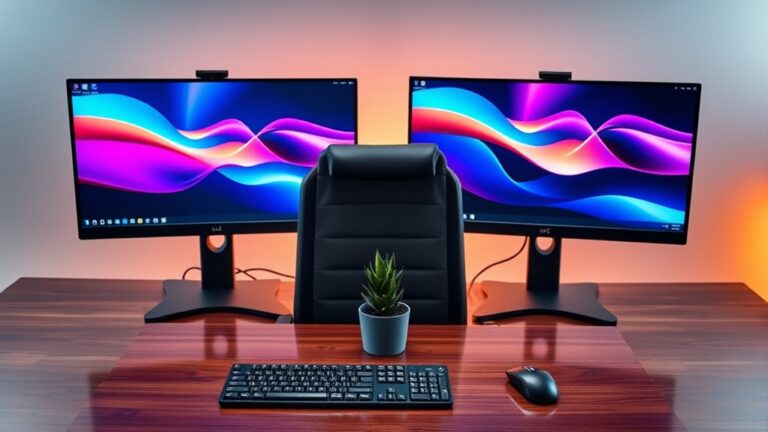
How to use 2 monitors can transform your workspace, but are you ready to unlock their full potential? Discover essential tips and tricks inside!
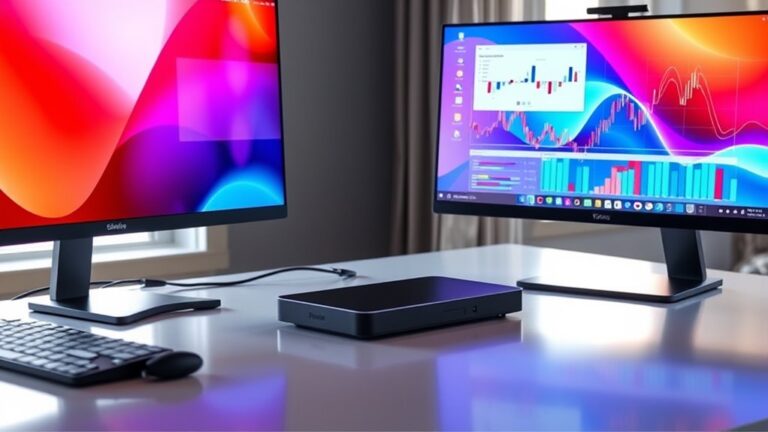
In this guide, discover the essential steps to connect two monitors for an enhanced workspace, and unlock the potential of your dual display setup.