

Buzzing speakers can be caused by several factors, even when no audio is playing. This issue often stems from electrical interference, faulty connections, or equipment malfunction. Understanding the common reasons behind speaker buzzing can help you troubleshoot and resolve the problem effectively, restoring your audio experience to its intended clarity.
Understanding Speaker Buzzing
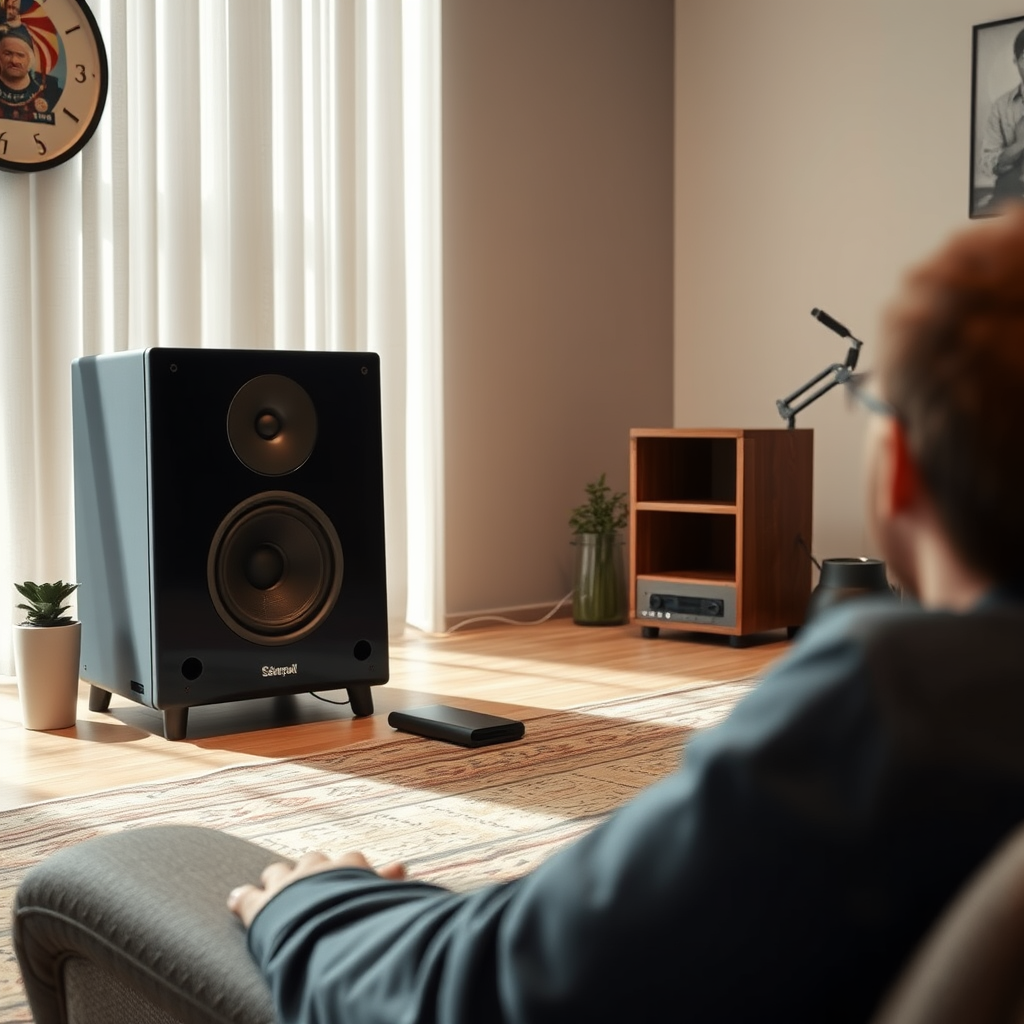
Buzzing is typically caused by electrical interference from nearby devices, which can disrupt the signal sent to your speakers. This interference often occurs when speakers are in close proximity to devices that emit electromagnetic fields, such as routers, microwaves, and fluorescent lights. Additionally, unshielded cables can pick up ambient noise, leading to unwanted buzzing sounds.
Understanding the root causes of speaker buzzing is essential for effective troubleshooting. Various factors, including the environment and the quality of the audio equipment, can exacerbate these issues. By identifying these elements, you can take the necessary steps to eliminate the buzzing and enhance your overall audio experience.
Common Causes of Speaker Buzzing
– Electrical Interference: Devices like routers, microwaves, and fluorescent lights can interfere with speaker signals. When these devices are operating, they emit electromagnetic waves that can disrupt audio signals, resulting in a buzzing sound. This interference may be more pronounced in poorly shielded cables or older speaker models.
– Ground Loop Issues: Ground loops occur when multiple devices are connected to the same power source, creating a difference in electrical potential. This can lead to unwanted noise, including buzzing sounds in your speakers. Ground loops are particularly common in home theater systems where multiple devices, such as TVs, audio receivers, and gaming consoles, share the same outlet.
Checking Connections and Cables
To address buzzing issues, begin by inspecting all audio and power connections. Ensure that cables are securely plugged into their respective ports and that there are no signs of damage, such as frayed wires or bent connectors. Unplugging and replugging the cables can sometimes resolve poor connections that lead to buzzing.
If you discover any old or frayed cables, replacing them is crucial. Low-quality or damaged cables can introduce noise into the audio signal, exacerbating buzzing sounds. Investing in high-quality, shielded cables can significantly reduce the likelihood of interference and improve sound quality.
Common Causes of Speaker Buzzing (2023)
| # | Cause | Description | Impact Level |
|---|---|---|---|
| 1 | Electrical Interference | Interference from devices like microwaves and routers | High |
| 2 | Ground Loop | Multiple devices on the same electrical circuit | Moderate |
| 3 | Poor Connections | Loose or damaged cables and connectors | High |
| 4 | Unshielded Cables | Cables not designed to block interference | Moderate |
| 5 | Aging Equipment | Old speakers with internal issues | High |
| 6 | Device Compatibility | Incompatibility between audio sources and speakers | Low |
| 7 | Power Issues | Fluctuations in power supply | Moderate |
Identifying Equipment Malfunction
If you have ensured that connections and cables are secure but the buzzing persists, it may be time to evaluate the condition of your audio equipment. Start by testing your speakers with different devices, such as a smartphone or laptop, to determine whether the buzzing is isolated to one source or affects multiple devices. If the buzzing occurs with only one device, the issue may lie with that specific device rather than the speakers.
Additionally, consider the age and condition of your speakers. Older models may have inherent issues, such as worn-out components or outdated technology, that can lead to buzzing. If your speakers are significantly aged, it may be worth investing in new equipment for improved performance.
Using Noise Filters and Isolation Techniques
To minimize interference and reduce buzzing, consider employing ground loop isolators or noise filters. These devices can help eliminate unwanted noise by breaking the ground loop and providing a cleaner signal to your speakers. Noise filters can be particularly useful in setups where multiple devices are connected to the same power source.
Furthermore, organizing your audio equipment can aid in reducing interference. Keep audio devices away from potential sources of electromagnetic interference, such as computers, televisions, or other electronic devices. Creating physical space between your speakers and these devices can significantly reduce the chances of picking up unwanted noise.
Seeking Professional Help
If the buzzing persists despite your troubleshooting efforts, it may be time to consult a professional audio technician. An expert can conduct a thorough examination of your audio setup, diagnose potential issues, and recommend appropriate solutions. They may identify problems that are not immediately apparent, such as internal speaker malfunctions or complex electrical issues.
Additionally, if your speakers are relatively new and still under warranty, consider reaching out to the manufacturer for support. Many companies have customer service departments that can provide guidance and assistance, potentially facilitating repairs or replacements if necessary.
Summarizing the causes and solutions for buzzing speakers can help you restore your audio experience. Begin by inspecting connections and eliminating potential sources of interference. If the issue continues, don’t hesitate to seek professional assistance for a lasting solution. By addressing these factors, you can enjoy a clearer, more enjoyable listening experience without the distraction of unwanted buzzing.
Frequently Asked Questions
Why do my speakers buzz when nothing is playing?
Speakers can buzz due to electromagnetic interference from nearby electronic devices, poor connections, or ground loops within the audio system. Even when no audio is playing, these factors can create unwanted noise, commonly referred to as “speaker hum.” Identifying and eliminating the source of interference or improving connections can often resolve the buzzing issue.
How can I fix the buzzing sound in my speakers?
To fix the buzzing sound in your speakers, start by checking all cable connections for any loose or damaged plugs. Ensure that your audio equipment is properly grounded; using a power conditioner can help. Additionally, try relocating any electronic devices that may be causing interference, such as routers or fluorescent lights, away from your speakers.
What causes ground loop issues that lead to speaker buzzing?
Ground loop issues arise when there are multiple grounding points in your audio system, leading to differences in electrical potential. This can create a loop that picks up interference, resulting in a buzzing sound. To resolve this, consider using ground loop isolators or ensuring that all components of your audio system share a common ground.
Which types of electronic devices are most likely to cause speaker buzzing?
Common culprits of speaker buzzing include computers, wireless routers, fluorescent lights, and other audio devices that generate electromagnetic interference. These devices can disrupt the audio signal, especially if they are in close proximity to your speakers. It’s beneficial to keep your speakers away from these devices to minimize interference.
What can I do if my speakers buzz only at certain volumes?
If your speakers buzz only at certain volumes, it may indicate that you are pushing the speakers beyond their handling capacity, causing distortion. Check the speaker specifications and avoid setting the volume too high. Additionally, ensure that the audio source is clean and free from distortion, as this can exacerbate buzzing at elevated levels.
References
- https://en.wikipedia.org/wiki/Speaker_(audio
https://en.wikipedia.org/wiki/Speaker_(audio - https://www.sciencedirect.com/topics/engineering/audio-speaker
https://www.sciencedirect.com/topics/engineering/audio-speaker - https://www.bbc.com/future/article/20200901-why-do-my-speakers-buzz
https://www.bbc.com/future/article/20200901-why-do-my-speakers-buzz - https://www.nytimes.com/2021/01/15/technology/personaltech/buzzing-speakers.html
https://www.nytimes.com/2021/01/15/technology/personaltech/buzzing-speakers.html - https://www.mayoclinic.org/healthy-lifestyle/consumer-health/in-depth/noise-induced-hearing-loss/art-20046486
https://www.mayoclinic.org/healthy-lifestyle/consumer-health/in-depth/noise-induced-hearing-loss/art-20046486 - Google Scholar Google Scholar
https://scholar.google.com/scholar?q=speaker+buzzing+when+nothing+is+playing - Google Scholar Google Scholar
https://scholar.google.com/scholar?q=why+speakers+buzz+audio+interference - Google Scholar Google Scholar
https://scholar.google.com/scholar?q=electrical+noise+in+speakers - https://www.reuters.com/article/us-tech-speakers-idUSKBN2A10V8
https://www.reuters.com/article/us-tech-speakers-idUSKBN2A10V8 - https://pubmed.ncbi.nlm.nih.gov/30571539/
https://pubmed.ncbi.nlm.nih.gov/30571539/
