
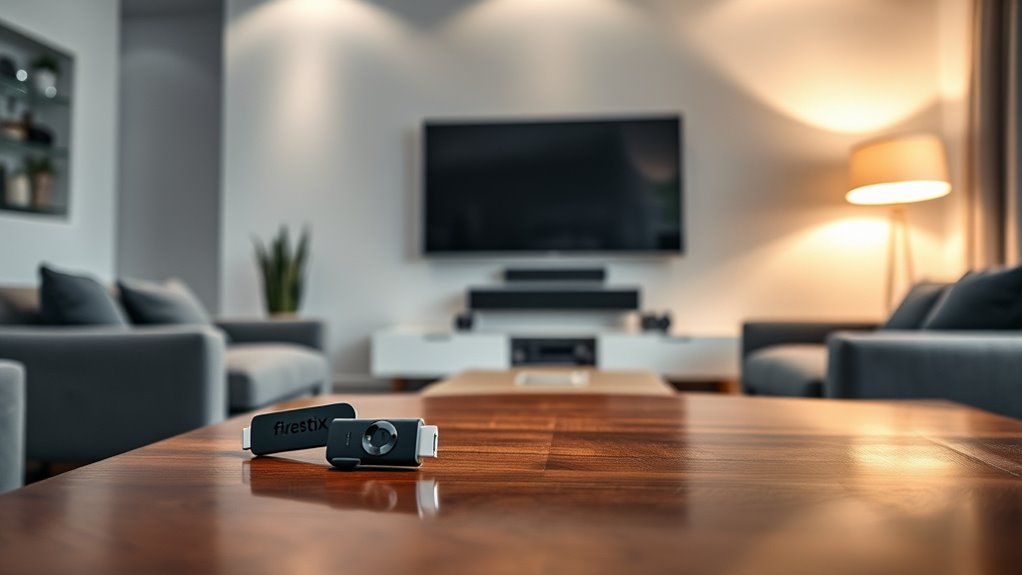

Yes, you can use a Firestick on your smart TV, and it’s a great way to enhance your streaming experience. Simply plug the Firestick into an available HDMI port, power it up, and follow the setup instructions. With a Firestick, you gain access to a wider variety of content and voice control through Alexa. Just make sure your smart TV is compatible, and you’ll be well on your way to enjoying endless entertainment options. There’s more to discover about maximizing your Firestick experience!
What Is a Firestick and How Does It Work?
A Firestick is a powerful streaming device that plugs directly into your TV’s HDMI port, transforming it into a smart entertainment hub. With its impressive Firestick features, you can access a plethora of streaming services like Netflix, Hulu, and Amazon Prime Video, all from one device. Plus, its voice control capability, thanks to Alexa, makes navigation a breeze. When it comes to Firestick compatibility, it works seamlessly with most modern TVs, ensuring you won’t have to worry about outdated technology. This compact device empowers you to customize your viewing experience, offering freedom to watch what you want, when you want. So, whether you’re into binge-watching shows or discovering new movies, the Firestick has you covered.
Setting Up Your Firestick on a Smart TV
To get started with your Firestick on a smart TV, you’ll first need to find an available HDMI port on your television. Once you’ve located it, plug the Firestick into that port. Next, connect the included USB power cable to the Firestick and plug the other end into a power outlet using the adapter provided. Turn on your TV and select the HDMI input corresponding to where your Firestick is connected. You should see the Firestick welcome screen. Follow the on-screen instructions for the Firestick setup, including connecting to your Wi-Fi network. With Smart TV compatibility, you’ll enjoy seamless access to your favorite streaming services, expanding your entertainment options right from your couch.
Benefits of Using a Firestick With a Smart TV
While many smart TVs come with built-in streaming capabilities, using a Firestick can greatly enhance your viewing experience. One of the biggest benefits is the access to a wider variety of content. With a Firestick, you’re not limited to the apps pre-installed on your TV; you can download numerous streaming services, ensuring you’ve got options. Plus, Firestick supports higher streaming quality, often providing smoother playback and sharper images than your TV’s native apps. You’ll also enjoy the flexibility of voice control through Alexa, making navigation easier. With regular software updates, you’ll always have the latest smart features at your fingertips. Overall, a Firestick empowers you to take full control of your entertainment.
Compatible Smart TV Models for Firestick
When choosing a Firestick, it’s essential to know which smart TV models are compatible. Most major brands, like Samsung, LG, and Sony, support Firestick, but you’ll need to guarantee your TV has an available HDMI port. Additionally, comparing streaming features can help you maximize your viewing experience.
Supported Smart TV Brands
If you’re looking to enhance your Smart TV experience, knowing which brands support the Amazon Firestick is essential. Many popular smart TV brands offer excellent firestick compatibility, making it easy to stream your favorite content. Here are some of the top brands you should consider:
- Samsung
- LG
- Sony
- Vizio
These smart TV brands provide seamless integration with the Firestick, allowing you to access a world of entertainment without hassle. Just make sure your TV has an available HDMI port, and you’re good to go! Enjoy the freedom of streaming your favorite shows and movies with ease, no matter which of these brands you choose.
HDMI Port Requirements
To enjoy the full benefits of your Firestick, it is crucial to verify your Smart TV has the right HDMI port. Most modern Smart TVs come equipped with HDMI ports that meet the necessary HDMI specifications to guarantee Firestick compatibility. Ideally, you’ll want a TV with at least one HDMI 2.0 or higher port, as this will support 4K streaming and provide a smoother viewing experience. Before purchasing, check your TV’s user manual or specifications online to confirm the HDMI version. If your TV has multiple HDMI ports, any of them should work, but it’s always good to use the one labeled for maximum performance. Verifying proper HDMI compatibility lets you access the true potential of your Firestick.
Streaming Features Comparison
While choosing a Smart TV compatible with your Firestick, it’s essential to take into account the streaming features that can enhance your viewing experience. You want a TV that seamlessly integrates with your Firestick and offers a user interface that’s easy to navigate. Here are some key features to take into account:
- Wide Range of Streaming Services: Make sure your TV supports popular platforms like Netflix, Hulu, and Disney+.
- Voice Control: Look for models that allow voice commands, enhancing ease of use.
- Resolution Options: Opt for 4K compatibility for stunning visuals.
- Regular Updates: Choose a TV that receives frequent software updates to maintain an ideal user experience.
With these features, you can enjoy your Firestick to the fullest!
Potential Limitations and Troubleshooting Tips
Although using a Firestick with your smart TV can enhance your streaming experience, there are potential limitations and issues that might arise. First, verify your smart TV is compatible with the Firestick; some older models may not support it, affecting firestick performance. If you encounter buffering or connectivity issues, try restarting both your Firestick and Wi-Fi router. Additionally, check for software updates on your smart TV, as outdated firmware can hinder compatibility. If your Firestick isn’t recognized, double-check the HDMI connection and consider switching ports. Finally, remember that some apps may not function as intended due to smart TV limitations. By keeping these troubleshooting tips in mind, you’ll maximize your streaming freedom and enjoy seamless entertainment.
Expanding Your Streaming Options With Firestick
With a Firestick, you can greatly enhance your streaming capabilities and access a world of exclusive content. You’ll find access to popular apps and channels that might not be available on your Smart TV alone. This opens up new avenues for entertainment, making your viewing experience even more enjoyable.
Enhanced Streaming Capabilities
If you’re looking to enhance your streaming experience, using a Firestick on your smart TV opens up a world of options. With the Firestick, you’ll enjoy an enhanced user experience and improved video quality that elevates your viewing pleasure. Here are four key benefits:
- Access to Multiple Streaming Services: Get all your favorite apps in one place.
- Voice Control Features: Use Alexa to find shows and control playback effortlessly.
- Customizable Interface: Personalize your home screen to prioritize what you love.
- Regular Updates: Enjoy new features and improved performance over time.
Access to Exclusive Content
One of the standout features of using a Firestick is the access to exclusive content that can greatly expand your streaming options. With a Firestick, you can tap into a world of exclusive channels that you won’t find on your regular smart TV. This means more content variety at your fingertips, from binge-worthy series to unique documentaries and live sports. You can easily download apps like Hulu, HBO Max, and Disney+ to enjoy shows that cater to your tastes. Plus, with the ability to access channels like Prime Video and more, you’re not limited to just one streaming service. By using a Firestick, you’re embracing a more flexible, personalized viewing experience that truly enhances your entertainment freedom.
Frequently Asked Questions
Can I Use a Firestick on a Non-Smart TV?
Yes, you can use a Firestick on a non-smart TV if it has an HDMI port. Just make sure to check the Firestick compatibility and connect it to enjoy streaming features on your non-smart TV.
Does a Firestick Require a Subscription?
No, a Firestick doesn’t require a subscription. It offers great features and compatibility with countless apps. Ironically, you’ll still need subscriptions for many streaming services to truly enjoy its potential. Freedom comes with a price!
Can I Control My TV Volume With a Firestick?
Yes, you can control your TV volume with a Firestick using the TV remote. Just enable HDMI CEC in your TV settings, and you’ll enjoy seamless volume adjustments without juggling multiple remotes.
Is There a Monthly Fee for Using Firestick?
No, there’s no monthly fee for using a Firestick, but you’ll need subscriptions for streaming options like Netflix or Hulu. Imagine binge-watching your favorite shows without extra costs—just enjoy those Firestick features!
Can Multiple Firesticks Be Used on One TV?
You can’t use multiple Firesticks on one TV simultaneously, but you can switch between them easily. Just make sure your TV’s compatible models support the devices, and enjoy the freedom of choosing what to watch!
